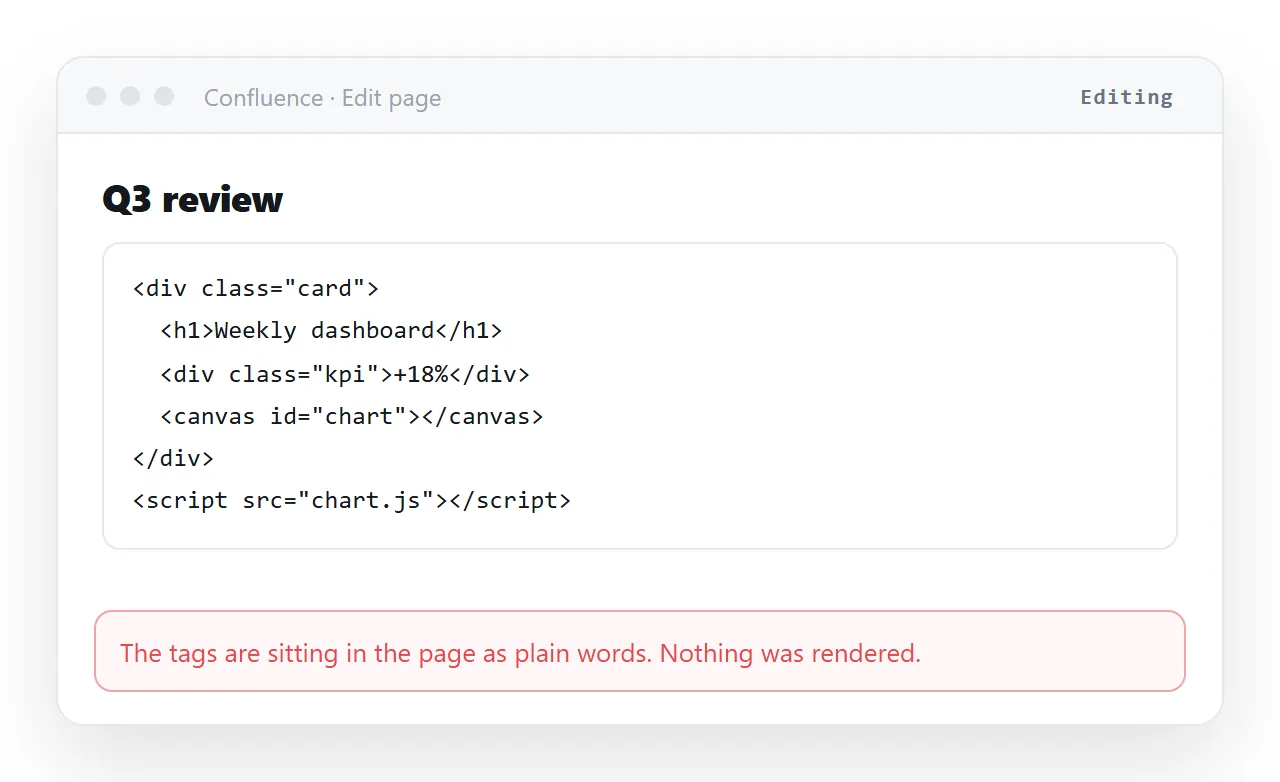
To embed HTML in Confluence you need a macro that renders unescaped markup, or an iframe pointing at a page that is already served somewhere. Pasting the markup into the editor gives you visible tags, not a page.
That is by design. The editor treats what you paste as content, so it escapes the angle brackets and shows them.
The three routes, compared
| Route | Renders scripts | Breaks when | Best for |
|---|---|---|---|
| HTML rendering macro | Depends on the macro and admin policy | The app is removed or the instance changes | Small static snippets |
| Iframe macro to a hosted page | Yes, inside the frame | The source refuses framing or is not HTTPS | Dashboards you must see in place |
| Link to a rendered page | Yes, fully | Almost never | Everything else |
The third row is the one most teams end up on after two failed attempts at the first two.
Route one: a macro that renders markup
On Server and Data Center there was a classic HTML macro. On Cloud the equivalent comes from Marketplace apps, and availability depends entirely on what your administrator installed.
Either way the macro is a security surface. Raw markup on a page means scripts running with your users' session in the browser, which is why admins restrict it.
If you have one available, keep what you put in it small and static. A styled table, a badge, a block of formatted text.
Anything with charts or external scripts will outgrow the macro and start producing support tickets when the instance is upgraded.
Route two: an iframe to a hosted page
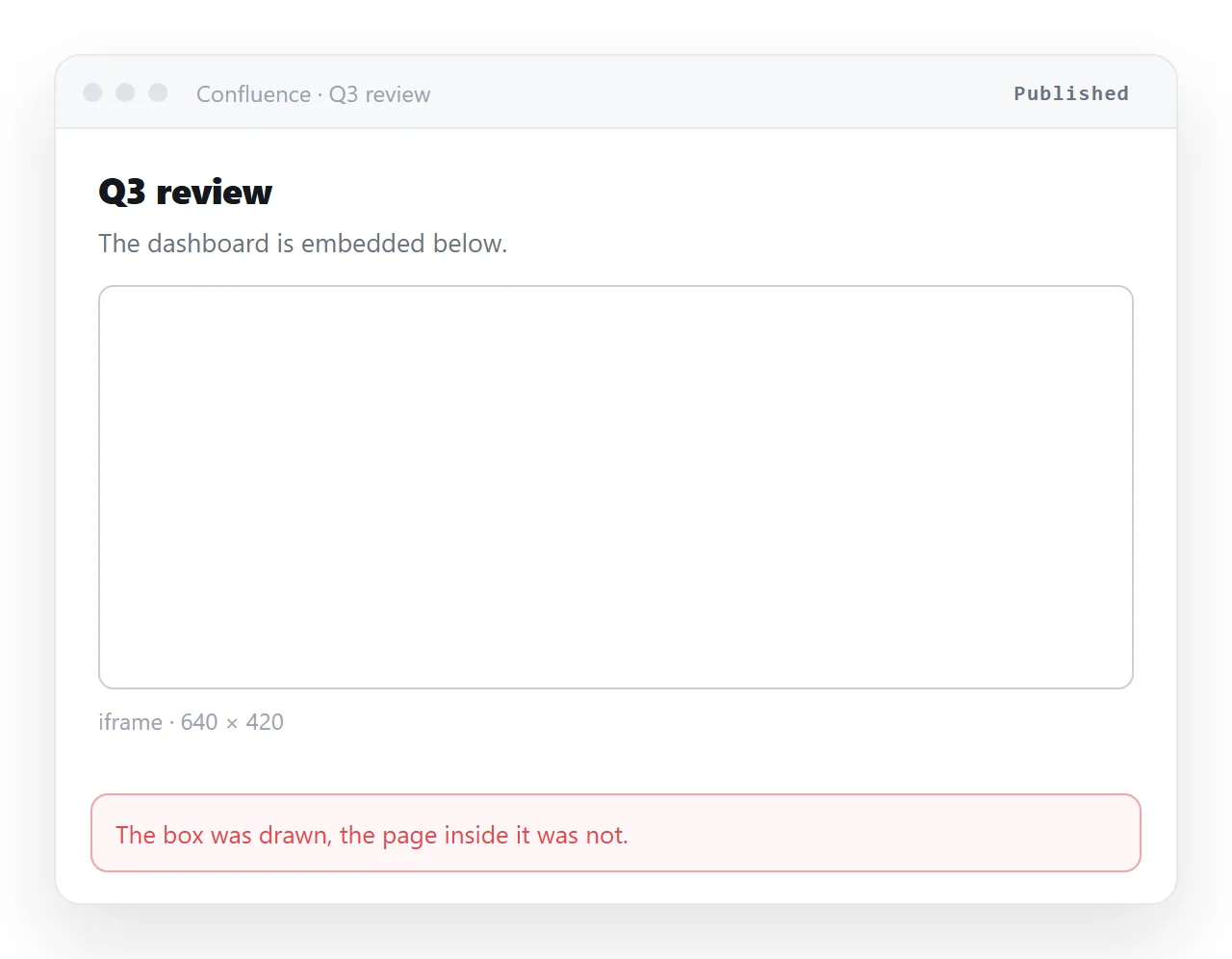
This is the standard working answer for dashboards. You host the page somewhere, then point an iframe macro at its address.
Three things have to be true for the frame to fill in.
- The page is served over HTTPS. A plain HTTP source inside an HTTPS page is mixed content and is blocked silently.
- The source allows framing. Many hosts send a header refusing it. If they do, no macro setting will override that.
- The page is self contained enough to survive. Relative paths to files next to the original are gone once it is served elsewhere.
When the frame is blank, open the source address in a normal tab first. If it works there and not in the frame, the cause is framing policy, not your HTML. How iframes behave covers the details.
Route three: link to a page that renders
The reason this wins is that a link has no failure modes tied to the wiki's plugin state.
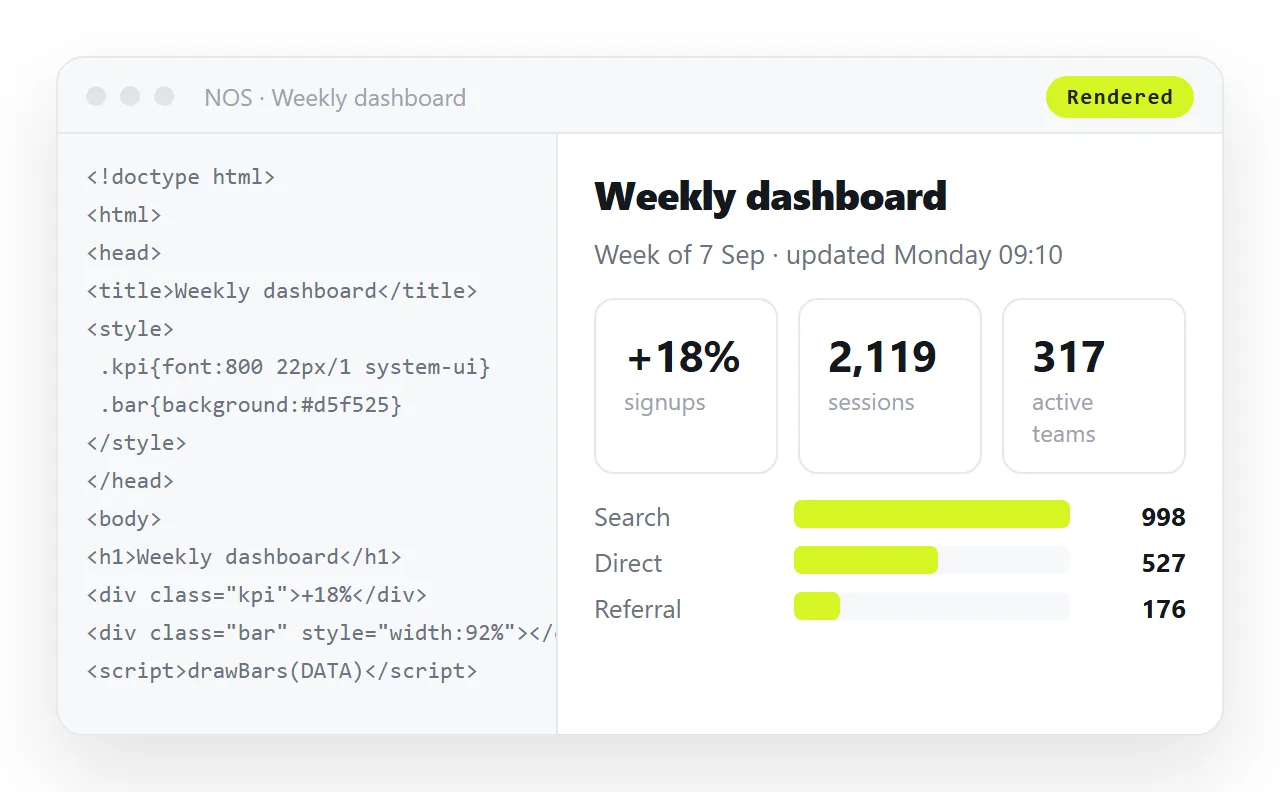
Paste the HTML into a NOS document and it renders exactly as written, dark theme, charts and scripts included. No macro, no framing header negotiation.
Take the address from Share, then Share link, then Create link. The link is unlisted by default, so it opens for whoever holds it and is listed nowhere.
Then put that link on the Confluence page as a normal link, with one line of text saying what it is. The wiki page keeps the prose and the page keeps the rendering.
Why the link ages better
Embeds break on someone else's schedule. A Marketplace app is deprecated, an instance is migrated, a security policy tightens, and the page you built a year ago is a blank box.
A link breaks only if the address goes away. In a document the address stays fixed while the content changes, so editing the page does not invalidate anything.
That also means corrections are cheap. Click the wrong figure in the document, change it, and the link on the Confluence page is already pointing at the fix.
Sizing, the other thing that goes wrong
Even when a frame fills in, it is frequently the wrong height. The macro sets a fixed height and the content inside is taller.
The result is a small scrollable box inside the page, which readers treat as broken even though everything technically works.
There is no clean fix from the wiki side. A framed page cannot reliably tell the parent how tall it is across origins, so you end up guessing a number and revisiting it.
This is the practical reason dashboards end up as links. A full width page has no height to guess.
Printing and exporting the page
Confluence page exports to PDF or Word do not carry embedded frames. The reader gets an empty space where the chart was.
If the page is ever exported for a meeting pack, the embed is invisible in exactly the setting where it mattered most.
A link survives the export as a link. Someone reading the PDF can still open the current page, which is more useful than a frozen picture of last month's chart.
Getting the source right before you embed anything
Most "the embed is broken" reports are really "the file was never self contained". Check before blaming the wiki.
- Open the file in a window that has never seen your project. The HTML file opener does this. What survives there survives in the frame.
- Are images embedded or on full addresses? Folder paths will not travel.
- Are stylesheets inline or on HTTPS addresses? An external stylesheet on a relative path disappears.
- Is there a
<title>? It shows in the tab and in any preview card.
Fixing these takes minutes and removes the ambiguity when something still does not render.
If this keeps happening
Repeated embed failures usually mean the wiki is being asked to do a job it was not built for. That is a content sorting problem, not a plugin problem.
Choosing a Confluence alternative by job covers the split, and an alternative for documentation handles the specs and runbooks case.
If you only need the link half, paste your page into the HTML to link tool and put the result on the Confluence page you already have.