The right Notion alternative for personal use is whichever tool captures a thought fastest and still lets you find it in a year, because alone you use almost none of a team workspace.
Permissions, guest roles, admin settings and shared databases exist to coordinate people. With one person they are cost without benefit.
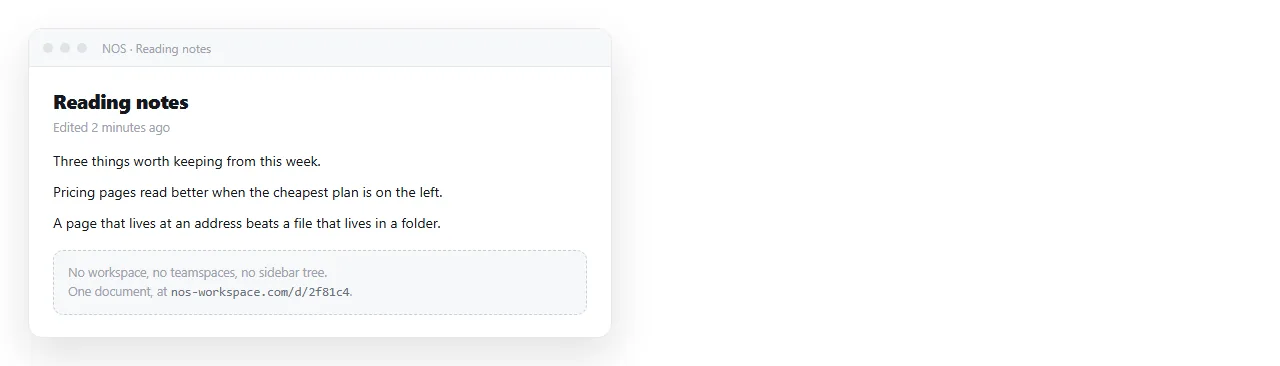
The four things one person needs
- Capture in under five seconds. If getting to a blank line takes three clicks, you stop writing things down.
- Retrieval a year later. Search that works on your own wording, not on tags you promised yourself you would maintain.
- A format that outlives the tool. Files you can read without the product still existing.
- Occasional sharing. A link for the times somebody needs to see one page.
Notice that only the fourth involves another human, and it is intermittent. Paying a monthly seat fee for it is the mismatch people eventually notice.
There is a fifth thing people think they need and do not: a system. The urge to design one usually arrives instead of writing, and it survives about three weeks.
What survives instead is a habit with no moving parts. One place, dated entries, and search that works on the words you would actually type a year later.
Notion alternatives for personal use: four categories that fit
| Category | Capture speed | Survives the product dying | Sharing one page |
|---|---|---|---|
| Markdown files in a folder | Fast | Yes, they are files | Needs a separate step |
| Local first note app | Fast | Usually, files on disk | Varies |
| Hosted personal wiki | Medium | Depends on export | Built in |
| HTML native document | Medium | You keep the markup | A link, no account needed |
A common setup is the first row for daily notes and the fourth for anything anyone else reads. They are not competing, because they are doing different jobs.
Elaborate filing also fails differently when you are alone. Nobody audits your tags. The elaborate structure you set up in January is abandoned by March, and this is normal.
Systems that survive solo use are the ones that need no maintenance. A dated file, a flat folder, and search.
If a tool requires a database schema before you can write a sentence, it is optimised for a team that agreed on the schema together.
The sharing problem, on its own
Most solo tools treat sharing as an afterthought, which is fine until you need to send someone a portfolio, an invoice summary or a plan.
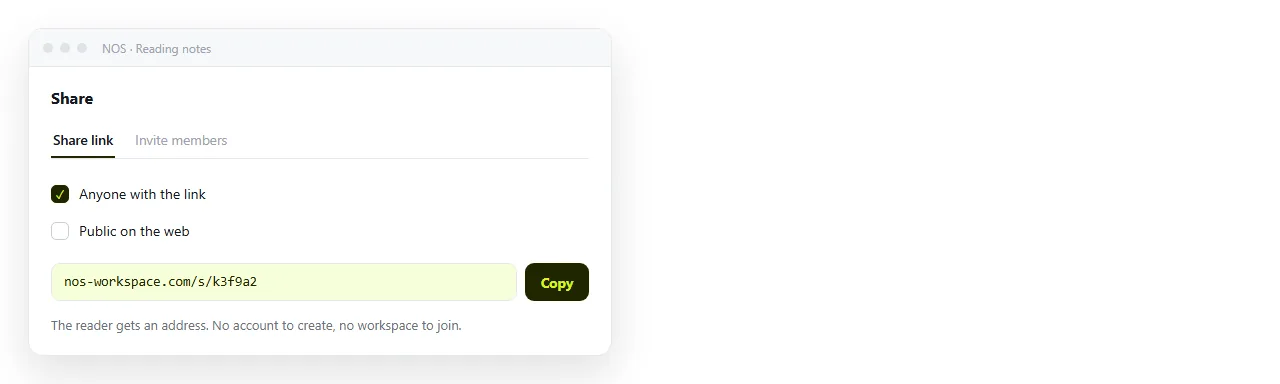
A file attachment is the reflex, and it is the weakest option. It gets filtered, opens in the wrong program, and often does nothing at all on a phone.
Sending a link avoids all three. Paste the HTML into a document, then Share, then Share link, then Create link. Leave it unlisted, or tick Public on the web if it should be findable.
Turning a portfolio into a link and turning a resume into a link are the two personal cases where this matters most, because both are judged on how they look when opened.
Where HTML is worth the effort alone
Not for daily notes. For the handful of pages that represent you.
A resume, a portfolio, a project page, a reading list you point people at. These are read by others and benefit from looking the way you intended.
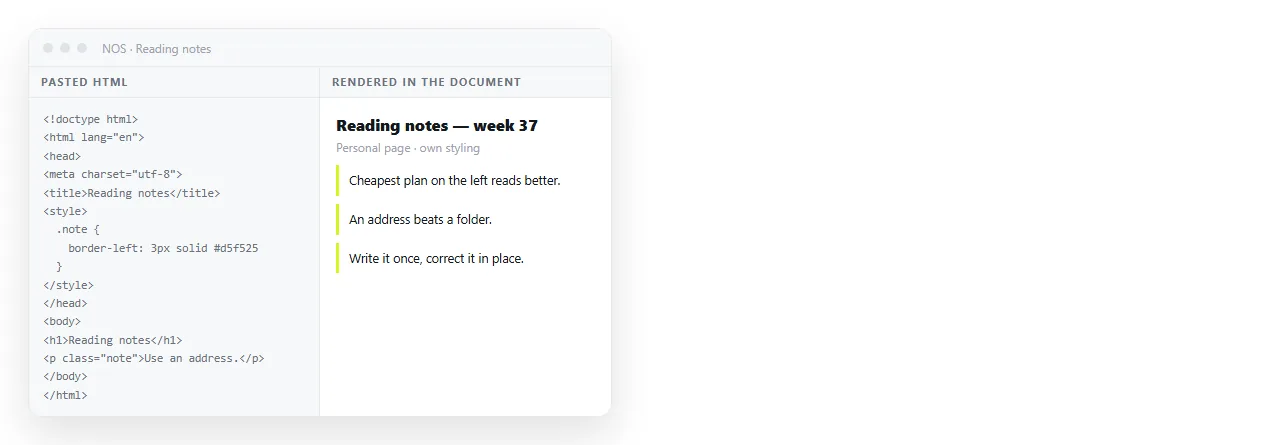
Paste the markup into a document and it renders as written, including dark theme, charts and scripts. The text stays clickable, so you correct a date without opening an editor.
The free plan covers three documents, which is roughly the number of permanent personal pages most people have.
What you give up, stated plainly
A lighter setup is not free of cost, and pretending otherwise leads to a second migration six months later.
Live collaboration. If a friend or a client ever edits alongside you, files in a folder are the wrong shape.
Databases with views. If you genuinely run a reading tracker with filters, a plain folder will not replace it, and a spreadsheet probably will.
Mobile capture. Check the phone experience before committing. A note tool that is awkward on a phone loses most of what you would have captured.
Backup. Files on one disk are one accident from gone. Sync to somewhere, and check once that a restore works.
Weigh those four against what you actually did last month rather than against what you imagine doing.
Migrating out of a team workspace when it is only you
- Export everything first, and open the export to see what actually survived.
- Keep the twenty pages you have opened this year. The rest is archive, and an archive can sit in a folder.
- Flatten the hierarchy. Nested trees built for a team are noise for one person.
- Rebuild only the pages other people read. Those are worth doing properly.
- Leave the old account readable for a month before closing it.
Most people find the twenty page number is generous, which is itself the argument for a lighter tool.
The short version
If nobody else reads your notes, use the fastest thing that keeps files you can read later. Markdown in a folder is a serious answer, not a fallback.
For the few pages other people do read, use something that renders them the way you wrote them and gives them a permanent address. The general comparison covers the team side, which is a different problem entirely.