In static HTML vs dynamic pages, the split is where the page gets assembled. A static page is a stored file sent to everyone unchanged. A dynamic page is built by the server for each request.
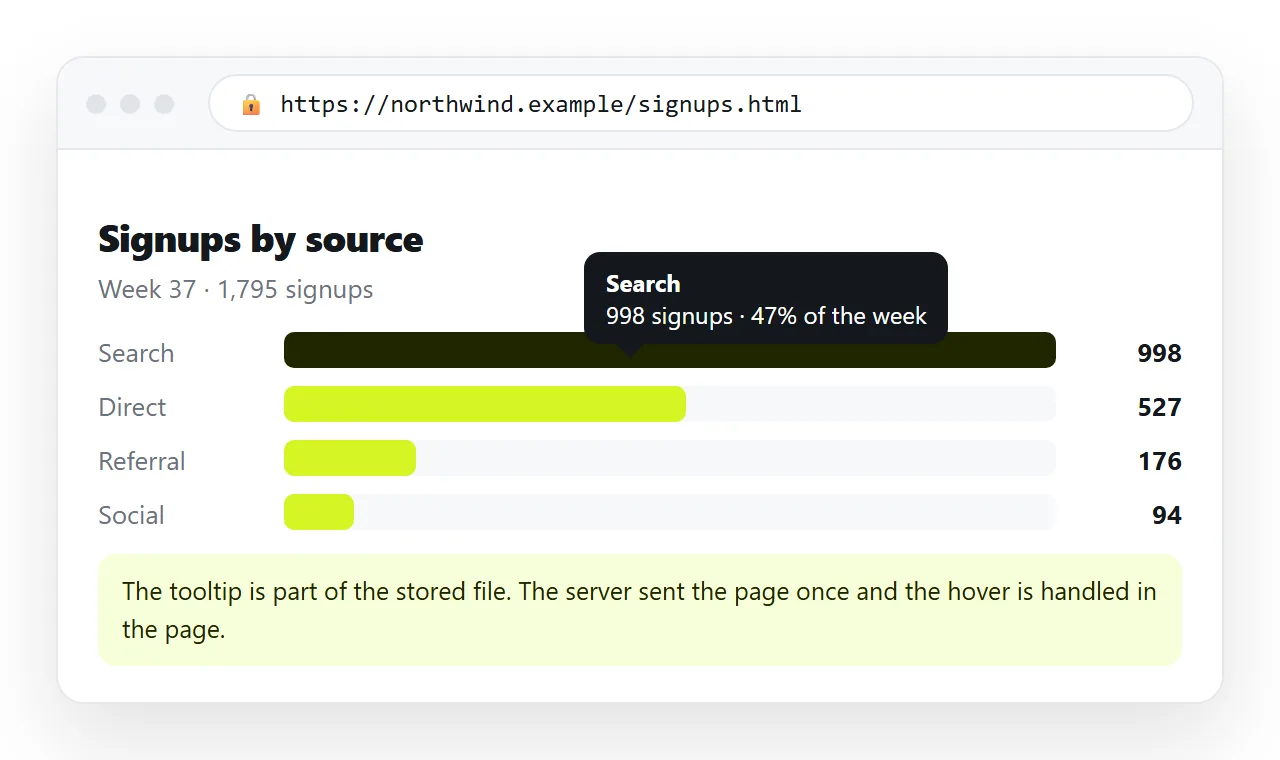
The confusion comes from interactivity. A page can have charts, tabs and sorting and still be entirely static, because all of that runs in the visitor's browser after the file arrives.
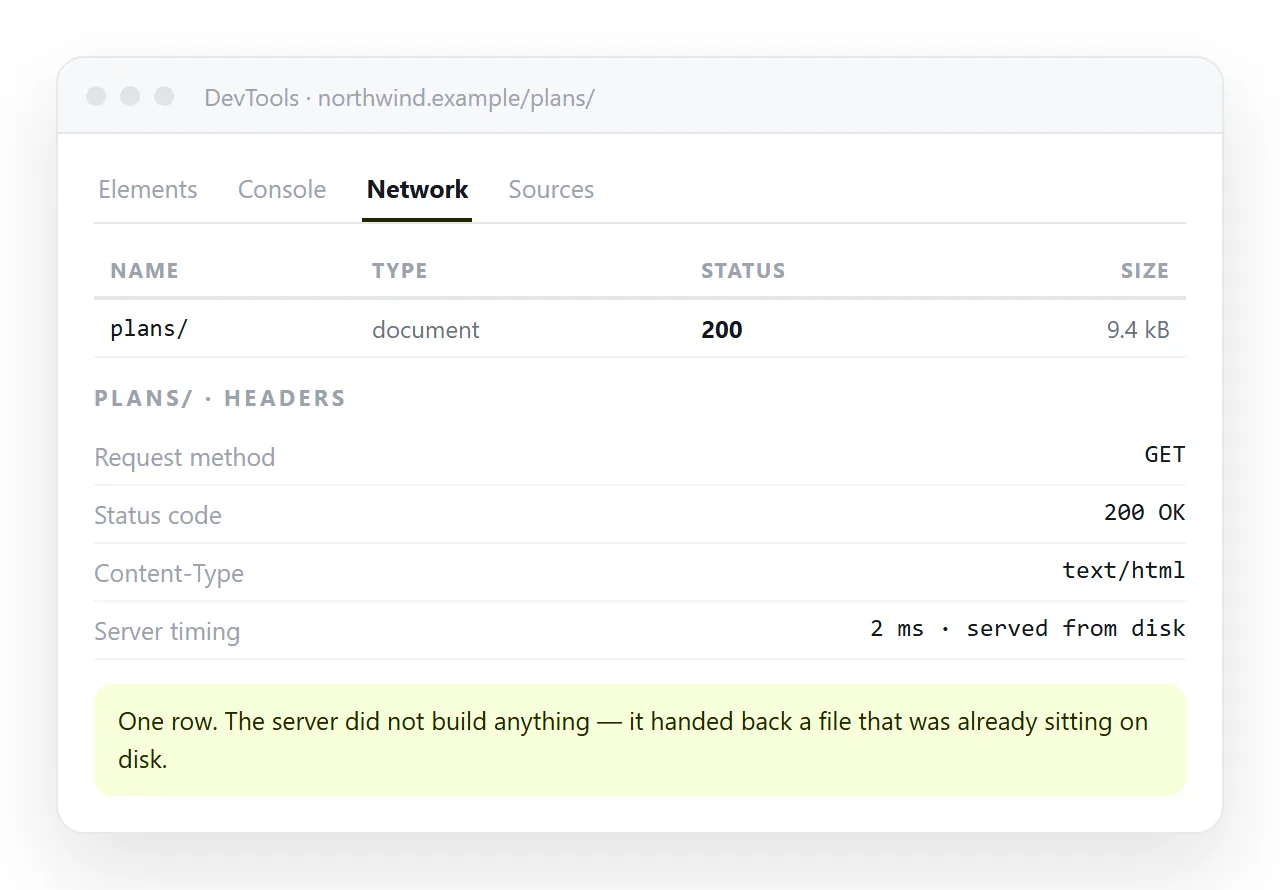
The comparison that matters
| Question | Static | Dynamic |
|---|---|---|
| Where the page is assembled | Ahead of time, once | Per request, on the server |
| Does the response differ per visitor | No | Yes, that is the point |
| What hosting it needs | Anything that serves files | A running application and usually a database |
| Speed to first byte | Fast, it is a file | Depends on the work per request |
| Failure surface | The file is missing or wrong | Runtime, database, deploy, scaling |
| Cost at high traffic | Close to nothing | Grows with requests |
| Good for | Reports, landing pages, docs, dashboards | Accounts, personalised views, live search |
Most pages a working team produces sit firmly in the left column and get hosted as though they were in the right one.
What counts as interactive but still static
This is the part worth internalising, because it removes a lot of unnecessary infrastructure.
All of these work in a plain static file:
- A table you can sort and filter, because the sorting happens in the browser.
- A chart with tooltips, drawn by a script from data inside the file.
- Tabs, accordions, a dark mode toggle, a print button.
- A calculator that takes inputs and shows a result.
- Data fetched from an API when the page loads, so the numbers are current.
None of that requires the server to build anything. The file is the same for everyone, and the browser does the work.
What genuinely needs dynamic
Three signals, and you need only one.
- The response depends on who is asking. A logged in dashboard showing that person's data.
- The data changes between requests and must be correct at request time. Inventory counts, seat availability.
- You are writing data, not just reading it. Orders, submissions, anything that persists.
If none of the three is true, adding a server makes the page slower to ship, more expensive to run and more ways to break.
The middle ground most teams want
Static file, live data. The page is a stored file, and when it loads it calls an API for the current numbers.
This gives you fresh figures without a server that renders pages. It also degrades honestly, because the page still opens if the data call fails.
The trade is that the content is not in the file, so search engines and offline readers see the shell. For internal reporting that rarely matters.
Where this lands in practice
| If your page | Build it |
|---|---|
| Is a report someone reads and closes | Static |
| Is a landing page with a form posting elsewhere | Static |
| Is a dashboard fed by an API call on load | Static, with the fetch in the browser |
| Shows different content per logged in user | Dynamic |
| Lets people submit and store records | Dynamic |
| Is documentation | Static |
The pattern is that reading is static and accounts are dynamic. Interactivity is not the dividing line, and treating it as one is the common mistake.
Hosting a static page without a project
Once you know the page is static, the remaining question is where the file lives. Two shapes, and they differ more than they look.
A static file host serves the file at an address. Every correction is a re export and a re upload, so the unit of work stays the file.
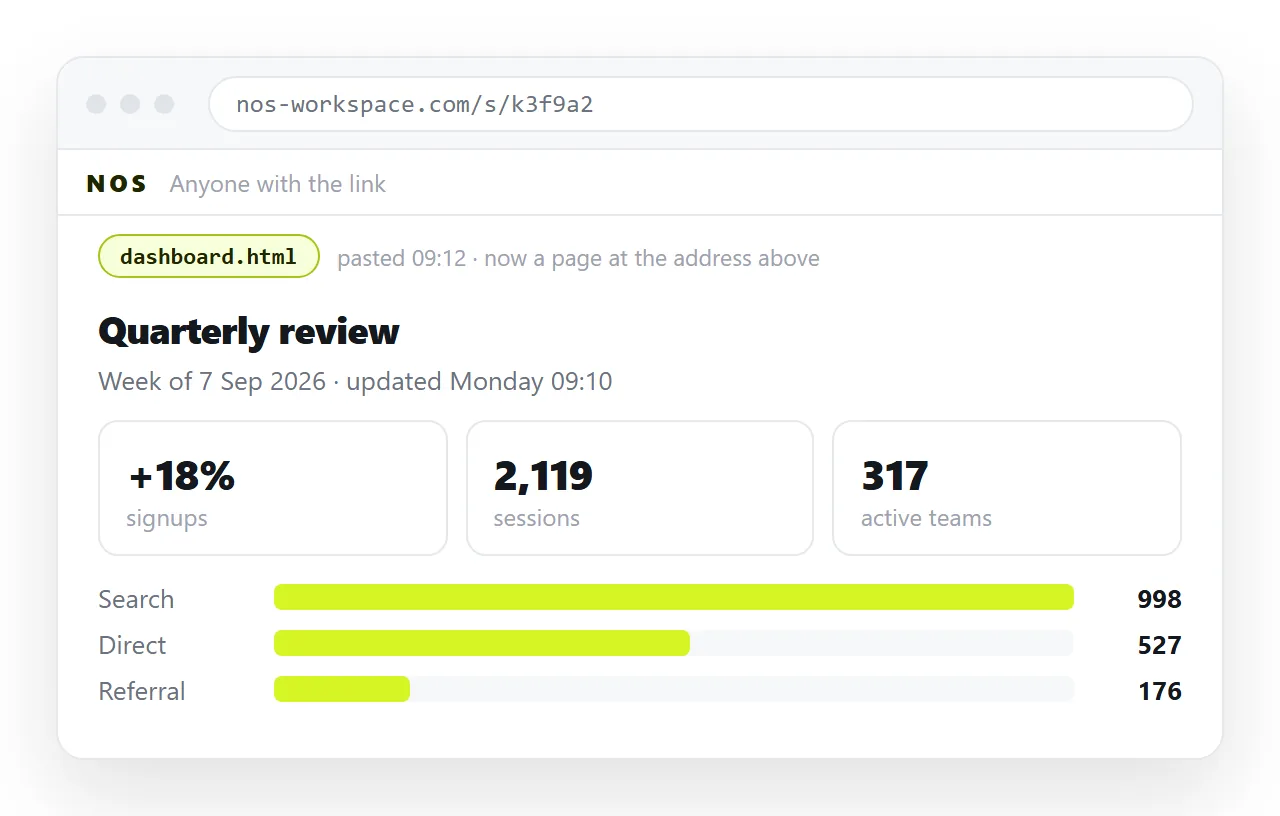
A document that renders HTML keeps the address fixed and the text clickable. Paste the HTML into a NOS document and it renders exactly as written, dark theme, charts and scripts included.
The address comes from Share, then Share link, then Create link, and is unlisted by default. Tick Public on the web when the page should turn up in search.
Editing is the real difference
A static file that is painful to correct becomes a stale page, and a stale page is worse than no page.
If fixing a figure means opening the source, re exporting and re uploading, corrections stop happening. If it means clicking the number and typing, they happen.
Static host versus document lays out that trade in full. For the plain definition of the term, see static page.
If the page you are weighing this for is a marketing page, the HTML landing page guide covers what static gets you there. And if the alternative under discussion is a PDF rather than a server, HTML vs PDF is the comparison to read.
To check whether your file really is self contained, open it in the HTML file opener before deciding anything about hosting.