Sending something without email means choosing a different channel, and the thing that travels through all of them is an address rather than a file.
That is the whole trick. Once the content is at an address, the delivery question becomes trivial.
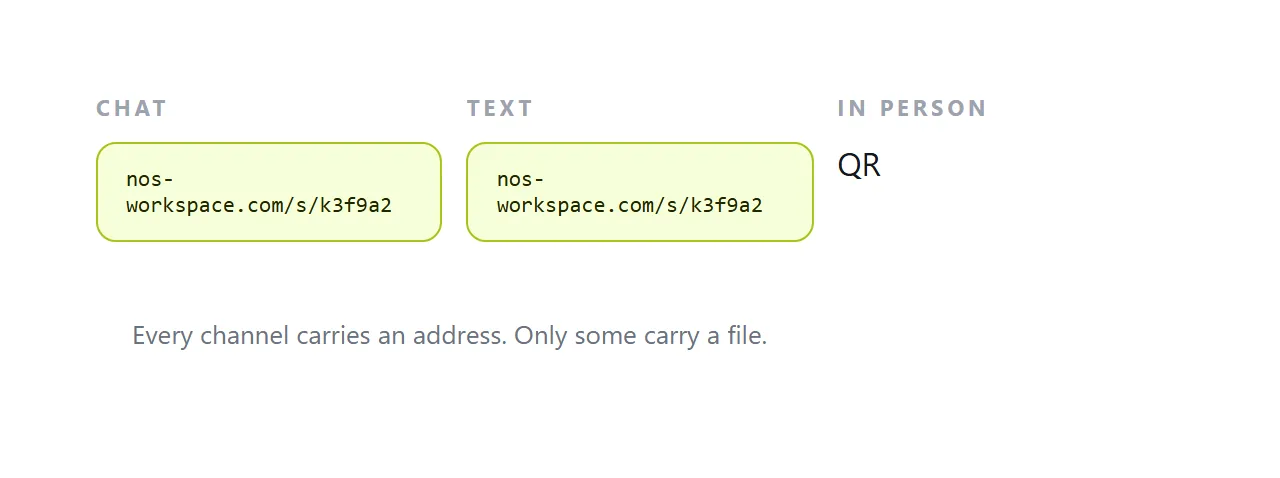
This guide covers what each channel can carry, why files travel badly through chat, and how to hand something over with no contact details at all.
Why email is often the wrong channel
It is not that email is broken. It is that it carries several costs the alternatives do not.
Size limits at both ends, with the recipient's being invisible to you. Attachment filters that quarantine or strip files silently. Spam folders. And a reading delay measured in hours or days, where a chat message is usually seen within minutes.
There is also the simple case where you do not have an email address. You have a phone number, or a chat thread, or the person is standing in front of you.
What each channel can carry
| Channel | A link | A file |
|---|---|---|
| Chat apps | Perfectly | Recompressed, size-capped, buried in the app |
| Text message | Perfectly | Usually not at all |
| Team chat | Perfectly | Fine, but only for members |
| In person | QR code | Needs a cable, a drive, or an app |
| Printed or displayed | QR code | Not possible |
| Social message | Perfectly | Usually not |
Every row handles a link. Only some handle a file, and those that do handle it badly.
Files travel badly through chat
Three things happen to a file sent through a messaging app.
It gets recompressed, which is destructive for anything containing text. A screenshot forwarded a few times becomes soft enough that figures are guesswork.
It gets size-capped, often at 16 or 100 MB depending on the platform, and the limit is rarely stated until you hit it.
And it gets stored inside that app, in a folder the recipient will not find in six months. "Can you send that again" is nearly always about a file sent through chat.
A link has none of those problems. It is a line of text, so it passes unchanged, it has no size, and it can be searched for in the conversation later.
Handing something over in person
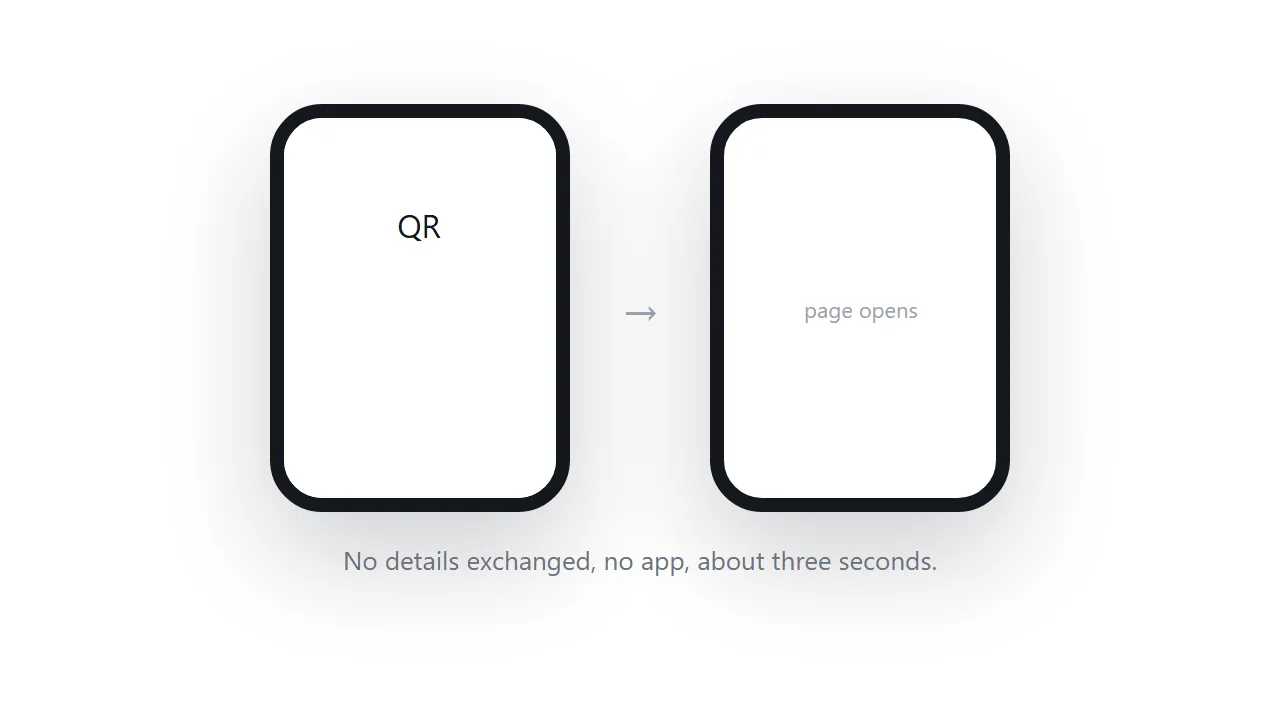
A QR code on your phone screen is the fastest transfer between two people who have not exchanged any details.
They point their camera at it, the page opens, and nothing was sent. It works between any two phones regardless of platform, needs no app on either side, and takes about three seconds.
Keep the code somewhere you can reach in two taps rather than hunting for it while somebody waits. Notes on generating one are in QR code link, and the contact-details case specifically in visiting card link.
Reaching people you cannot contact at all
A printed or displayed code covers the case where there is no channel: a menu on a table, a poster on a wall, a sign in a window, a sticker on a product.
The code encodes an address, so anyone who can see it reaches the content without you sending anything. And because it encodes an address rather than the content, you can change what they see without reprinting the code.
Keep the address private enough
An address in a chat travels further than you intended. Chats get forwarded, screenshotted, and pasted into group threads.
Use an address nobody can guess, keep it out of search engines, and assume anyone the message reaches can open it. For anything that needs more than that, you need access control rather than a channel choice. Covered in sharing without login.
Put it at an address
Work out which channel you actually have, put the content at an address, and send the address through it.
Every channel carries a link. That is why it is the thing worth sending.