A QR code encodes an address and nothing else. What the person sees after scanning is whatever that address serves, which means a code pointing at a page you control is a permanent code.
That distinction decides whether printed codes are an asset or a consumable.
This guide covers why the target matters more than the code, sizing for distance, the things that break codes in practice, and why a label is not optional.
The code is permanent, the page is not
A QR code cannot be edited after printing. The pattern is the address.
That sounds like a limitation and it is the opposite, provided you choose the target well.
| Code points at | Changing what people see |
|---|---|
| A page you control | Edit the page |
| A PDF file | New file, new address, reprint |
| A specific document version | Reprint |
| A third-party service link | Depends on them existing |
| A phone number or plain text | Reprint |
Point it at a page and a laminated table code, an engraved sign or a printed thousand-card run keeps working through every menu change, price rise and seasonal update.
Restaurants that print codes pointing at a PDF end up reprinting. The ones pointing at a page do not. That is the whole practical difference.
Size for the distance
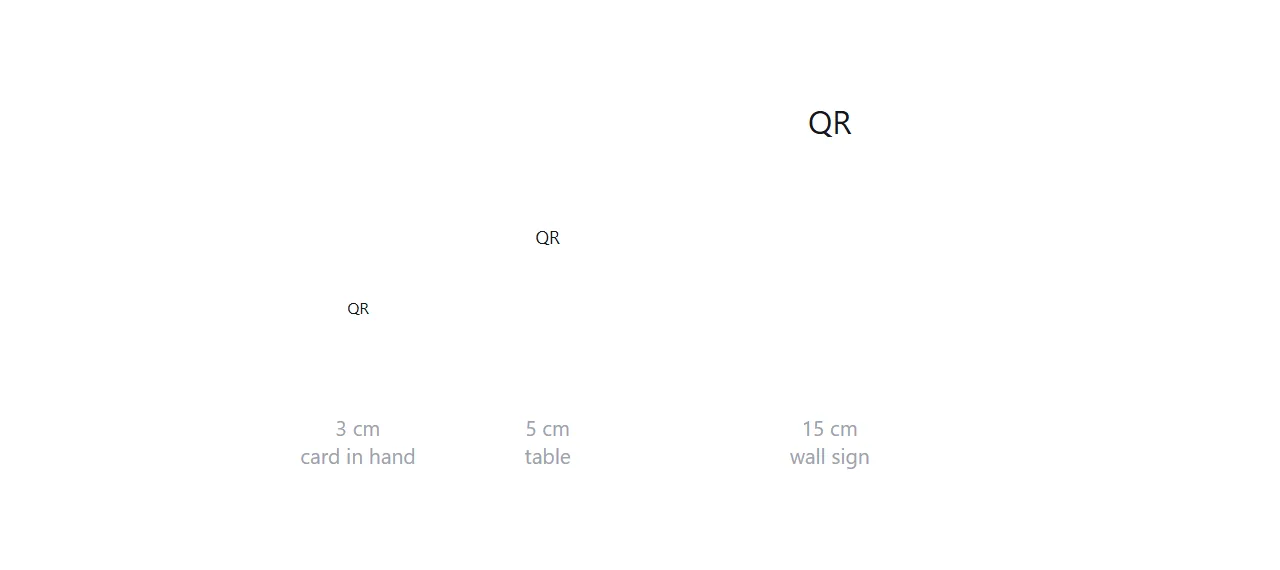
The working rule is that a code needs to be about one tenth of the distance it will be scanned from.
| Read from | Minimum code size |
|---|---|
| 30 cm, a card in the hand | 3 cm |
| 50 cm, a table or menu | 5 cm |
| 1.5 m, a window or a wall sign | 15 cm |
| 3 m, a poster across a room | 30 cm |
Undersizing is the most common failure and it is invisible when you test it, because you test by holding your phone close to the screen you designed it on.
What actually breaks codes
Four things, in roughly this order of frequency.
The quiet zone. A code needs a clear margin of about four modules on all sides. Artwork, a border, or text pushed up against the edge stops readers locating the pattern.
Contrast and polarity. Dark pattern on light background. Inverted codes work on some readers and not others, and a code in a light colour on a dark background fails often enough to avoid entirely.
Printing over an image. A code on top of a photograph has variable contrast across itself, which is exactly what a scanner cannot handle.
Curved or glossy surfaces. A code on a bottle or under gloss laminate distorts or reflects. Matt finish, flat surface.
.qr {
  display: block;
  width: min(60vw, 260px);
  height: auto;
  background: #fff;
  padding: 12px;          /* the quiet zone */
  border-radius: 8px;
}
For an on-screen code, force the white background even if the page supports dark mode. A dark-mode inverted code is a code that fails at the door.
Use SVG where you can, because it stays sharp at any print size and weighs almost nothing. Background in SVG in HTML.
Label it, always
An unlabelled QR code is a square that people walk past.
Three or four words is enough, and they should say what happens rather than instructing. "Today's menu" works. "Scan me" does not, because it tells the reader what to do without telling them why.
Redirection services, and what they cost
Services that generate codes pointing at their own address, then redirect, let you change the destination after printing and give you scan statistics.
Both are real benefits. The cost is that your printed codes now depend on that company continuing to operate and continuing to honour the redirect. Codes printed on physical objects outlive a lot of companies.
If you point the code at your own address instead, you get the same ability to change what people see, because you control the page. You lose the scan statistics, which you can partly recover from your own analytics.
Generating the code
For a static code pointing at your own address, generation is straightforward and needs no service. Practical notes are in HTML file to QR code and convert HTML to QR code.
Keep the encoded address short. Long addresses produce denser patterns that need to be printed larger to scan reliably.
Put it at an address
Point the code at a page you control, size it for the distance it will be read from, keep the margin clear, and label it in a few words.
Then change the page whenever you need to. The printed code stays where it is.