A ticket link is an event ticket published at an address, so the holder opens it on their phone at the door without an app or an attachment.
It suits events where the door is checking who you are rather than enforcing a count. Knowing which kind of event you are running is the first decision.
This guide covers what belongs in the first screen, sizing the code so it actually scans, the signal problem every venue has, and where a page stops being sufficient.
Design for the door, not for the email
A ticket is read twice: once when it arrives, and once at the door under pressure. The second reading is the one that matters.
At the door the holder has seconds, one hand, and a queue behind them. Everything they need has to be on the first screen without scrolling.
<div class="ticket">
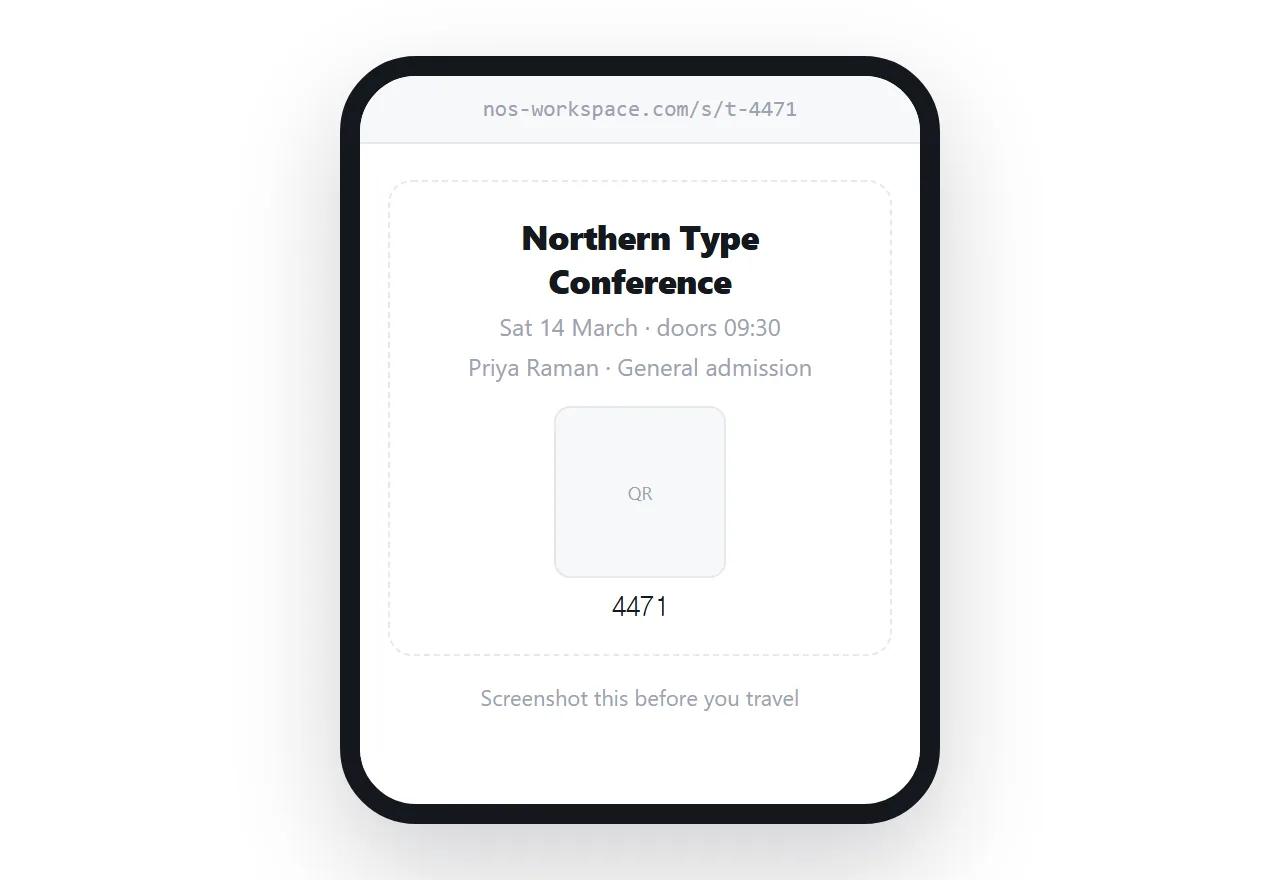
<p class="event">Northern Type Conference</p>
<p class="when">Sat 14 March · doors 09:30</p>
<p class="who">Priya Raman · General admission</p>
<img class="code" src="/t/qr-4471.svg" alt="Entry code 4471" width="420" height="420">
<p class="ref">4471</p>
</div>
The reference number printed under the code is not redundant. When scanning fails, and it will, someone at the door types that number instead.
The code has to be scannable
Most door problems are the same problem: the code is too small, or the screen is too dim, or both.
.ticket .code { width: min(72vw, 420px); height: auto; display: block; margin: 1.2rem auto; }
.ticket { background: #fff; color: #000; }
Force a light background for the ticket even if the rest of your site supports dark mode. A dark-mode QR code with an inverted palette will not scan on many readers, and the holder will not know why.
Use SVG for the code where you can. It stays sharp at any size and weighs almost nothing. Background in SVG in HTML and on generating codes in HTML file to QR code.
Plan for no signal
A venue with five hundred people in it has a congested network. The moment the ticket is needed is the moment the page will not load.
There is no clever fix at the page level. The practical answer is procedural.
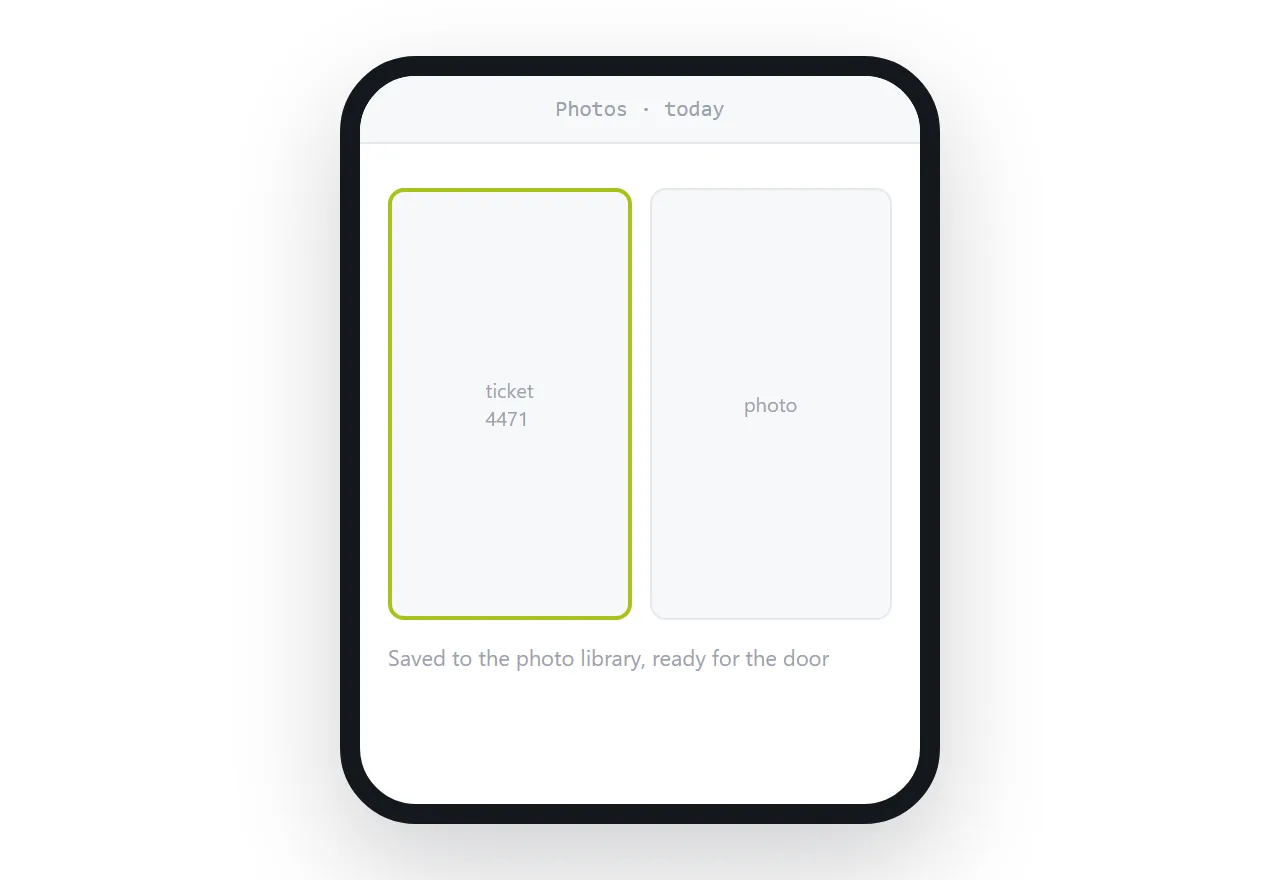
Tell holders, in the message that carries the link, to screenshot the ticket before they travel. Put the same instruction on the ticket itself. Then make sure whatever you scan with reads a screenshot as happily as a live page, because a scanner that rejects screenshots turns a good plan into a queue.
What a page cannot do
Be clear-eyed about this, because getting it wrong at the door is public.
A link can be forwarded. Two people can arrive with the same code. A page has no memory, so nothing marks a code as used, and nothing stops a screenshot circulating in a group chat.
| Event type | Ticket link | Ticketing system |
|---|---|---|
| Free community event | Fine | Overkill |
| Invitation-only gathering | Fine | Overkill |
| Internal company event | Fine | Overkill |
| Workshop with a name list | Fine | Optional |
| Paid entry | Not sufficient | Required |
| Capacity limited | Not sufficient | Required |
| Allocated seating | Not sufficient | Required |
The line is whether the door is enforcing a count. If it is, you need something that records which codes have been used, and that is a system rather than a page.
Changes after sending
The advantage a page has over an attachment shows up when something moves.
A venue change, a time change, a door opening earlier: edit the page and everyone holding the link has the correct details. A PDF ticket sent three weeks ago still says the old address, and some of your attendees will go there.
Put a short dated note on the ticket when something changes, so a holder who screenshotted the old version notices the difference.
Put it at an address
Write the ticket as a page, make the code large on a white background, tell holders to screenshot it, and create a share link.
For anything paid or capacity-limited, use a ticketing system. For everything else, this is enough and it works on the phone they already have.