To turn a file into a QR code online, publish it at an address and encode that address, because a QR code carries a short line of text rather than a file.
Generators that appear to accept an upload are doing exactly this behind the scenes. They store your file, mint an address for it, and encode that. The address is the product.
Start by checking what the file actually contains
Most codes that fail in the wild fail because the page was never self-contained, not because the code was bad.
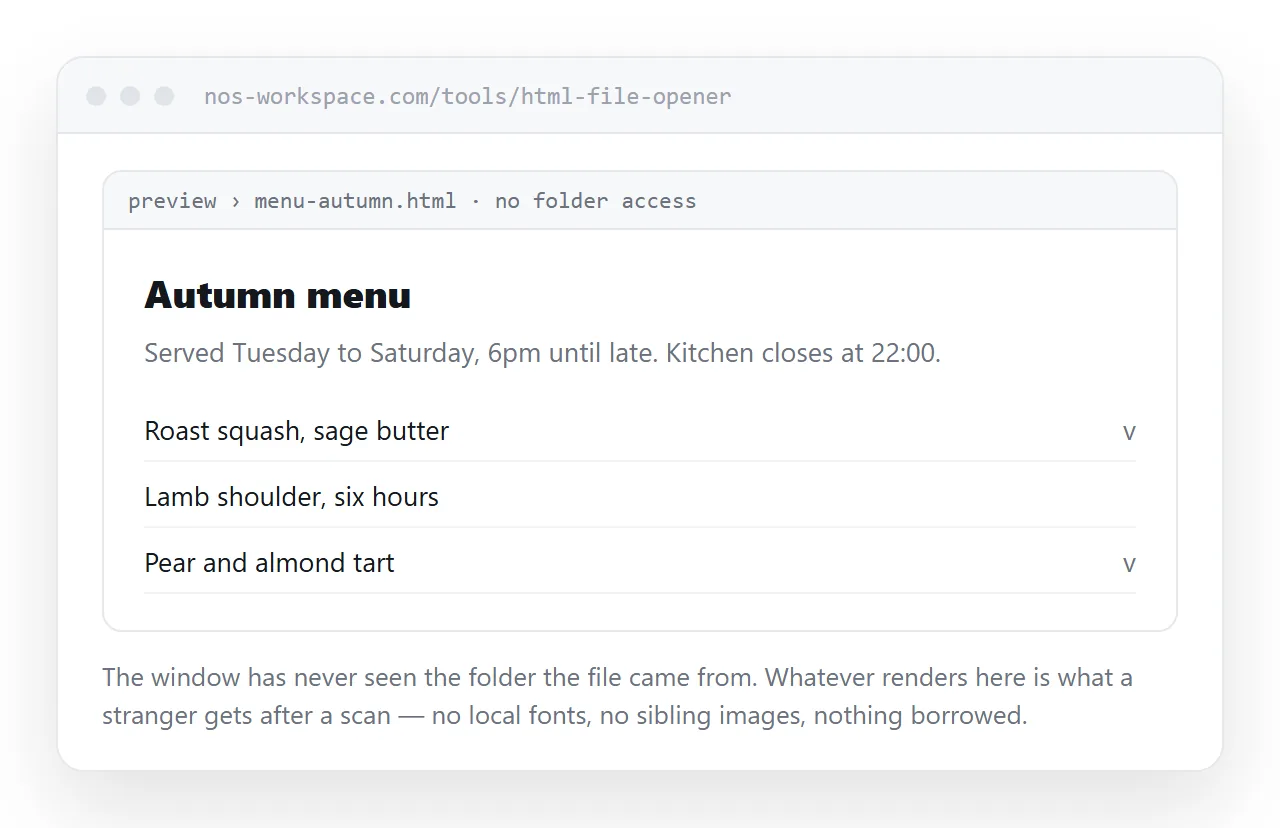
Open the file in the HTML file opener. That window has no access to your project folder, which is the same situation a reader's phone is in.
If the styling disappears, the page is loading a stylesheet from a neighbouring file. If images turn into broken icons, they are on folder paths rather than full addresses.
Fix those before anything else. Self-contained HTML covers folding the styles, scripts and images into the single file.
From HTML file to QR code: publish, then encode
- Paste the HTML into a NOS document. It renders exactly as written, including dark theme, charts and scripts, as a page of its own.
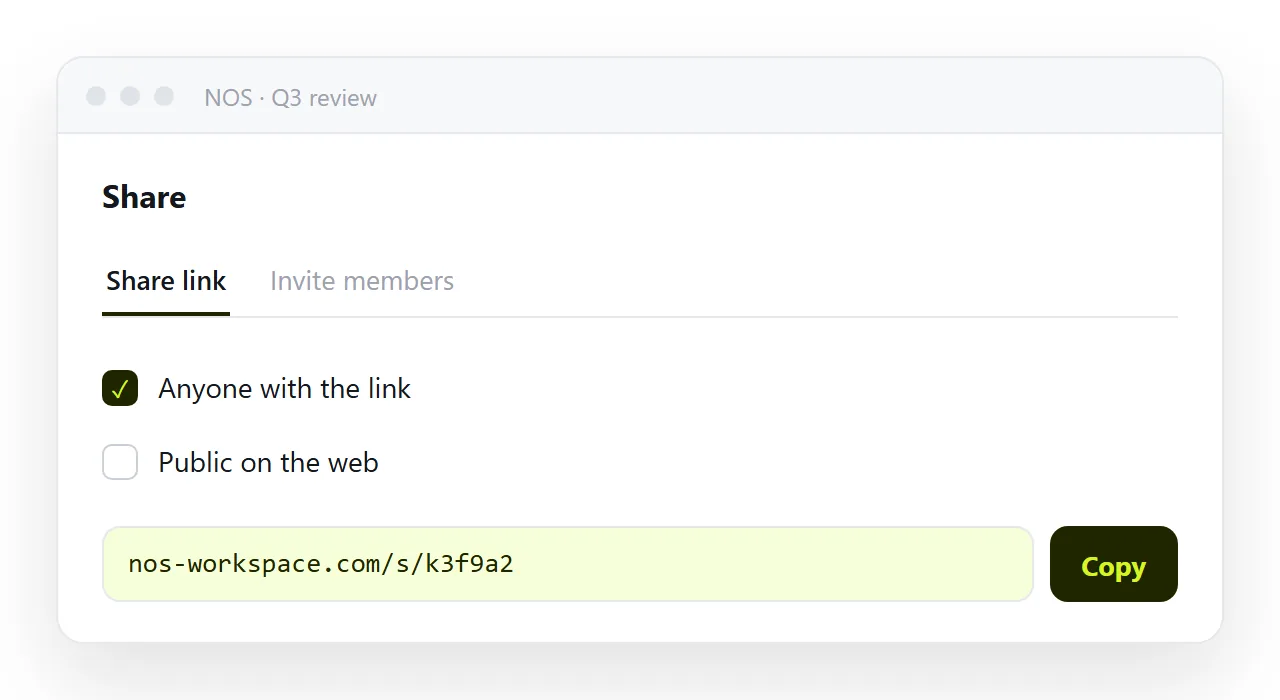
- Create the link. Share, then Share link, then Create link. Unlisted is the default and is right for a handout given to one room. Tick Public on the web for anything printed in a public place.
- Copy the address and encode it. Any QR generator takes it. The output is a code whose destination you control.
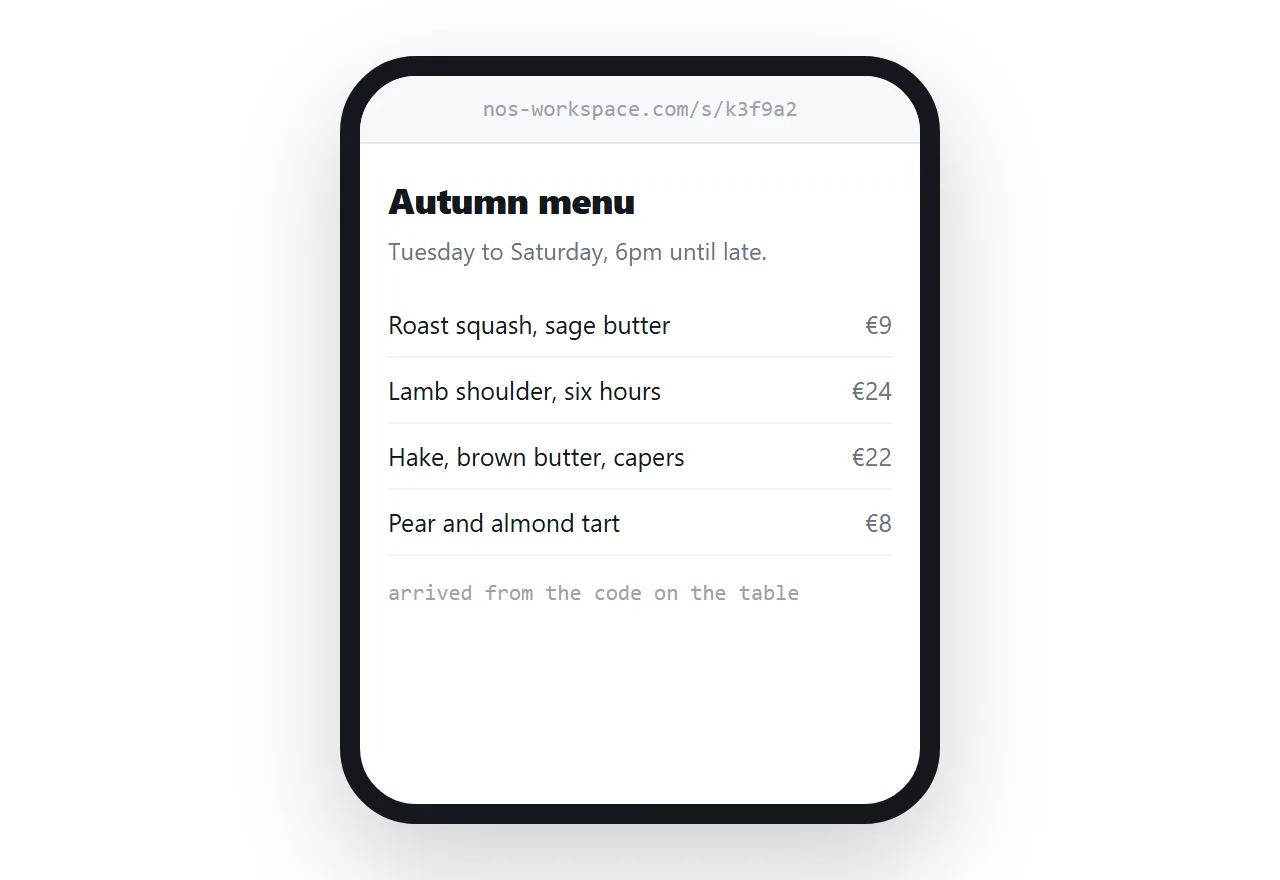
- Scan it before it is printed at scale. Use a phone that has never opened the page, on mobile data rather than the office network.
What can be encoded, and what survives contact with a phone
| Encoded value | Reads reliably | Works on someone else's device |
|---|---|---|
| https address of a hosted page | Yes | Yes |
| Shortened address redirecting to it | Yes | Yes, while the shortener lives |
| Data URI holding the whole page | Rarely, the grid gets too dense | Scanner dependent |
file:/// path to your local file |
The code scans | No |
| The raw markup as plain text | The code scans | The reader sees source code |
The distinction that matters is not whether the code scans. It is what the scanner does after decoding, and only a web address produces a tappable link on every phone.
Why a data URI is not the shortcut it looks like
A data URI turns the page into one long string, and a string can be encoded. For a page of about a hundred characters this genuinely works.
Real pages are not a hundred characters. Once the string passes a few hundred bytes the module grid gets finer, and a camera at arm's length loses it.
Base64 encoding also inflates the payload by roughly a third, so a 3 KB page becomes about 4 KB of text before the code is even built. The ceiling for a QR code is under 3 KB at the weakest error correction.
Printed codes have requirements that links do not
A link in a message can be replaced in seconds. A code on a conference badge cannot be replaced at all, so three things need deciding up front.
Permanence of the address. Choose a route where editing the content does not move the address. In a document you click the text and correct it, and the address holds. Static hosting compared with a document sets out the difference.
Phone rendering. Check the viewport meta tag is present. Without it the page loads at desktop width and the reader sees one corner of a table.
Physical size and contrast. Print dark on light, keep a quiet margin around the code, and avoid placing it over a busy photograph.
There is a further catch with a data URI. Some mobile browsers refuse to navigate to one typed or passed in from outside, as a protection against pages that impersonate a site.
So even a small page encoded this way can scan cleanly and then open nothing. A plain address has none of that behaviour.
Access: who is allowed to see the destination
Scanning is not authentication. Anyone who can point a camera at the code can open the page.
- Poster, badge, shop window. Treat as fully public. Do not encode anything with customer names or internal figures.
- Handout inside one meeting. An unlisted link is reasonable. It is not indexed, though it can be forwarded once someone opens it.
- Anything genuinely confidential. Do not use a printed code. Invite named people to the document instead, so opening it requires being on the list.
The test that catches most failures
Run this on a phone that has never opened the page, using mobile data.
- Does the camera offer a tappable link rather than a page of text?
- Does the page render with its styling, not as plain black text on white?
- Do the images appear, or are they broken icons?
- Is the text readable without pinching, which tells you the viewport line is there?
- Is the version you are looking at the current one?
If every answer is yes, print it. If any answer is no, the problem is in the page or the address, and a different QR generator will not change it.