HTML not loading images means the browser asked for a file and did not get it, or never asked at all. The network panel names the cause immediately, so start there rather than editing the markup.
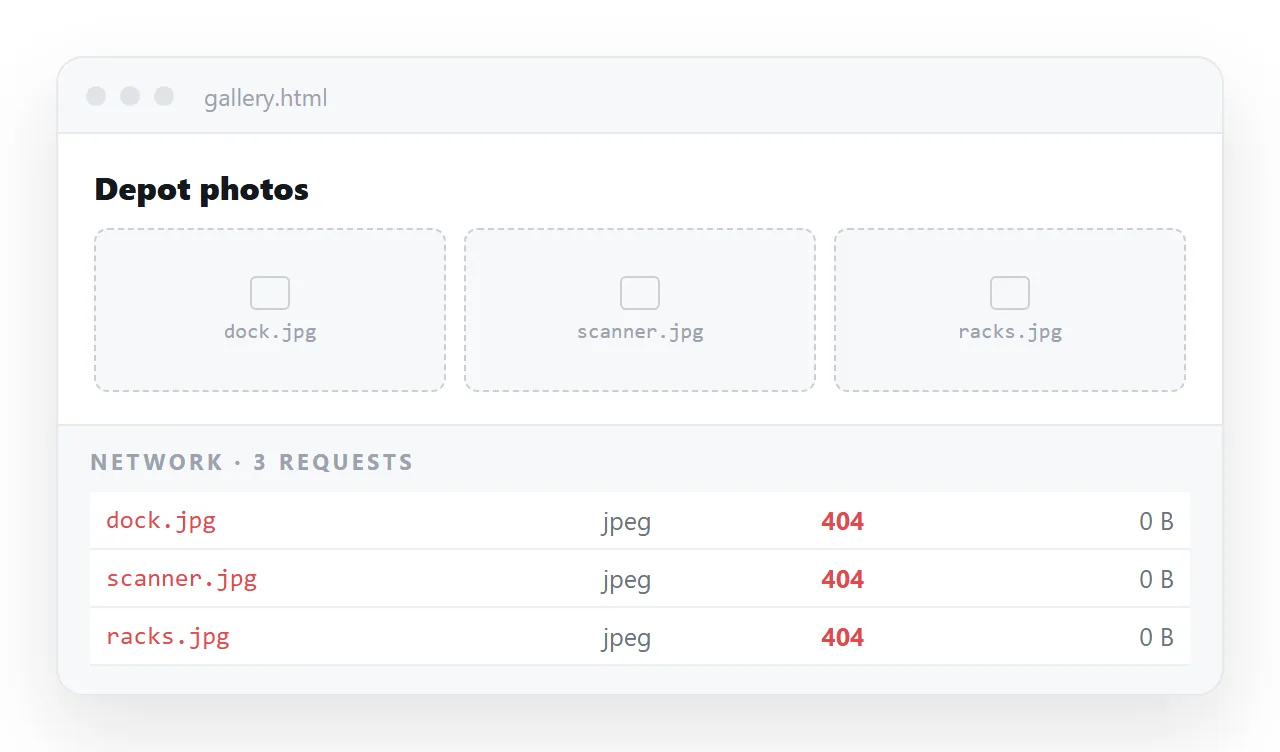
Filter the panel to images, reload, and read the status of the failing request. Five outcomes, five different fixes.
HTML not loading images: read the status first
| Network result | Cause | Fix |
|---|---|---|
404 |
Path does not resolve from the page | Correct the relative path |
403 |
Host refuses hotlinking | Rehost the image or embed it |
| Blocked, mixed content | http image on an https page |
Use an https address |
| No request at all | Malformed <img> tag |
Fix src, check for typos |
| Loads for you, not for others | The file lives only in your folder | Embed as a data URI |
The bottom row is the one that costs the most time, because nothing appears wrong on the machine where you built the page.
Cause one: the path
A relative src is resolved from the location of the HTML file. Moving the page one folder deeper breaks every path in it.
<!-- page at /reports/q3.html, image at /assets/chart.png -->
<img src="../assets/chart.png" alt="Q3 revenue by channel">
Two recurring traps. A leading slash means the server root, not a sibling folder. And case matters on most servers while it does not on a laptop, so Chart.PNG works locally and 404s once deployed.
Relative versus absolute paths sets out the rules.
Cause two: the host is refusing you
A 403 on an image you can open directly in a tab means the host is checking where the request came from and rejecting yours. Hotlink protection is common on stock libraries and on social platforms.
There is no markup fix. Download the image and either host it yourself or embed it in the page.
The same applies to images that only exist behind a login. A signed address in a chat export usually expires within hours.
Cause three: mixed content
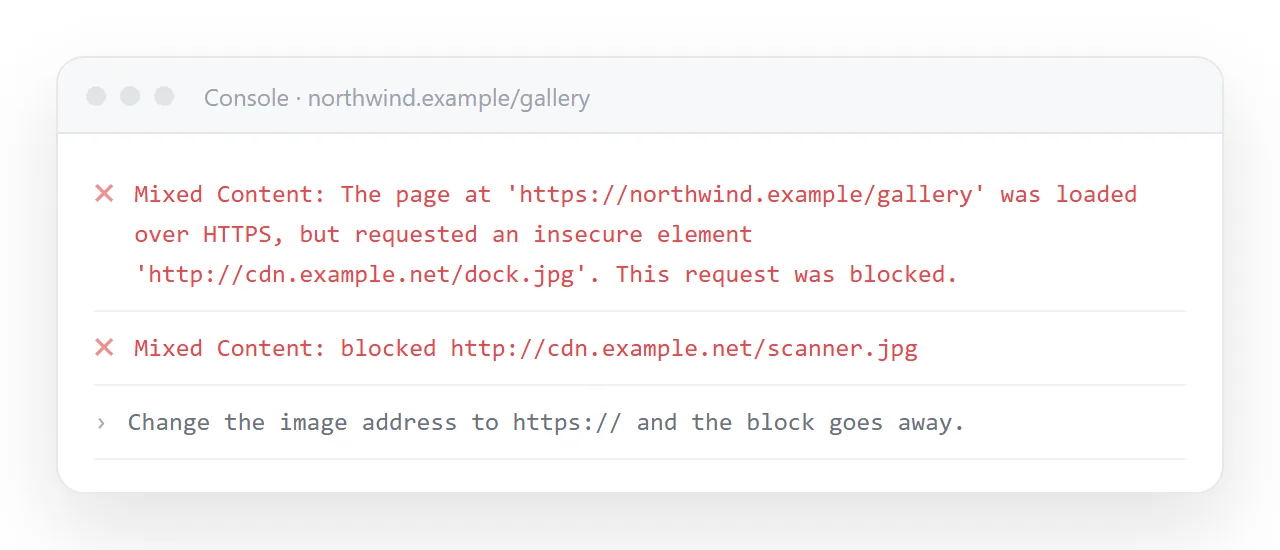
A secure page will not load an insecure image. The browser blocks it and logs the reason in the console.
Change the address to https, or rehost. Mixed content covers the rule, and https covers why it exists.
A stricter version of the same symptom comes from a content security policy that limits which hosts images may come from. That also shows in the console, naming the directive that blocked it.
Cause four: the tag never fired a request
If the panel shows nothing for the image, the browser never understood the tag.
<!-- these load nothing -->
<img source="chart.png">
<img src="">
<img src=" chart.png">
Check the attribute name, check for an empty value left by a template, and check for a stray space or a smart quote pasted in from a document.
Also add real alt text. It tells you what is missing when the image fails, and it is what screen readers announce.
Cause five: the file never travelled
This is the version that appears only for the recipient. Your page references chart.png, which sits happily next to the HTML on your disk and nowhere else.
Send the HTML alone and every image is a broken icon. Two durable fixes.
- Embed the bytes. Convert to a base64 data URI so the image is part of the file. Larger file, zero dependencies.
- Put the whole page at an address that serves the images alongside it.
For the packaging pattern, see self-contained HTML files and the longer discussion in images not showing in HTML.
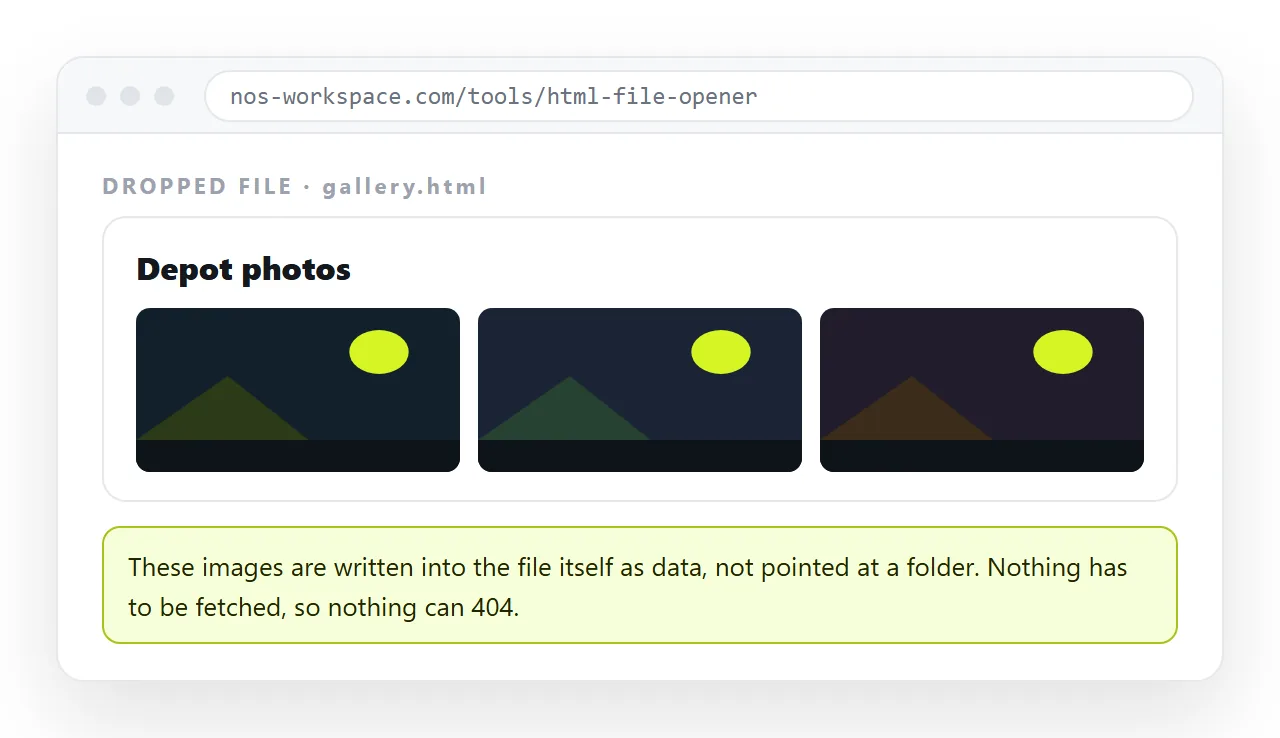
Your machine is the worst place to check, because it has both the cache and the folder.
Drop the file into the HTML file opener, which has never seen your project. Anything that appears there will appear for the reader.
Better still, paste the HTML into a document that renders it, create a share link, and open that in a private window. That is the exact view your recipient gets.
A page opened by double clicking runs under the file protocol, where the browser restricts what may be read. Images referenced across folders, or injected by a script that reads a local file, may be blocked even though the path is correct.
If the images appear when the page is served and not when it is double clicked, this is the reason, and embedding removes the problem entirely.
Script built and background images
If the markup has no image tags because a script builds them, the diagnosis shifts.
Check that the script ran at all, since an error earlier in the file stops everything after it. Then log the address the script is constructing, because a template that produced an undefined segment in the path is common and reads as a plain 404.
Under the file protocol, a script that reads a local list of image names is blocked outright, so nothing is ever requested.
A background image fails in the same ways but reports it less clearly, since there is no broken icon to see.
The path inside the url value is resolved relative to the stylesheet, not to the page. Move the CSS into the HTML and every background path has to change with it.
Check the network panel rather than the page. A background image that fails leaves an empty area that looks like a styling choice.
Confirm every image is either embedded or on a full secure address, then open the shared link in a private window on a phone. That is the only view that tells you what the reader gets.