An HTML file not opening in browser windows is almost never a broken file. It is the operating system handing .html to something else, or a device with nothing registered to handle it at all.
Work through the causes in order of frequency. The first two account for most desktop cases, and the third is the whole story on phones.
HTML file not opening in browser: which failure is it
| What happens | Cause | Fix |
|---|---|---|
| Opens in a code editor | Another program owns .html |
Open with, then set default |
| Opens a download prompt again | Served with the wrong content type | MIME type on the server |
| Nothing happens at all, on a phone | No handler for .html |
Open a link instead |
| Browser warns before opening | Downloaded from the internet, marked as such | Browser warning on HTML files |
| Opens, page is blank | It did open; markup or script issue | Look at the page, not the file |
| Opens as plain text, tags visible | Extension is .txt, or the type is wrong |
Rename, or check how it is served |
Note the bottom two rows. If you can see the page or the source, the file opened, and the problem has moved to a different article.
Cause one: another program owns the file type
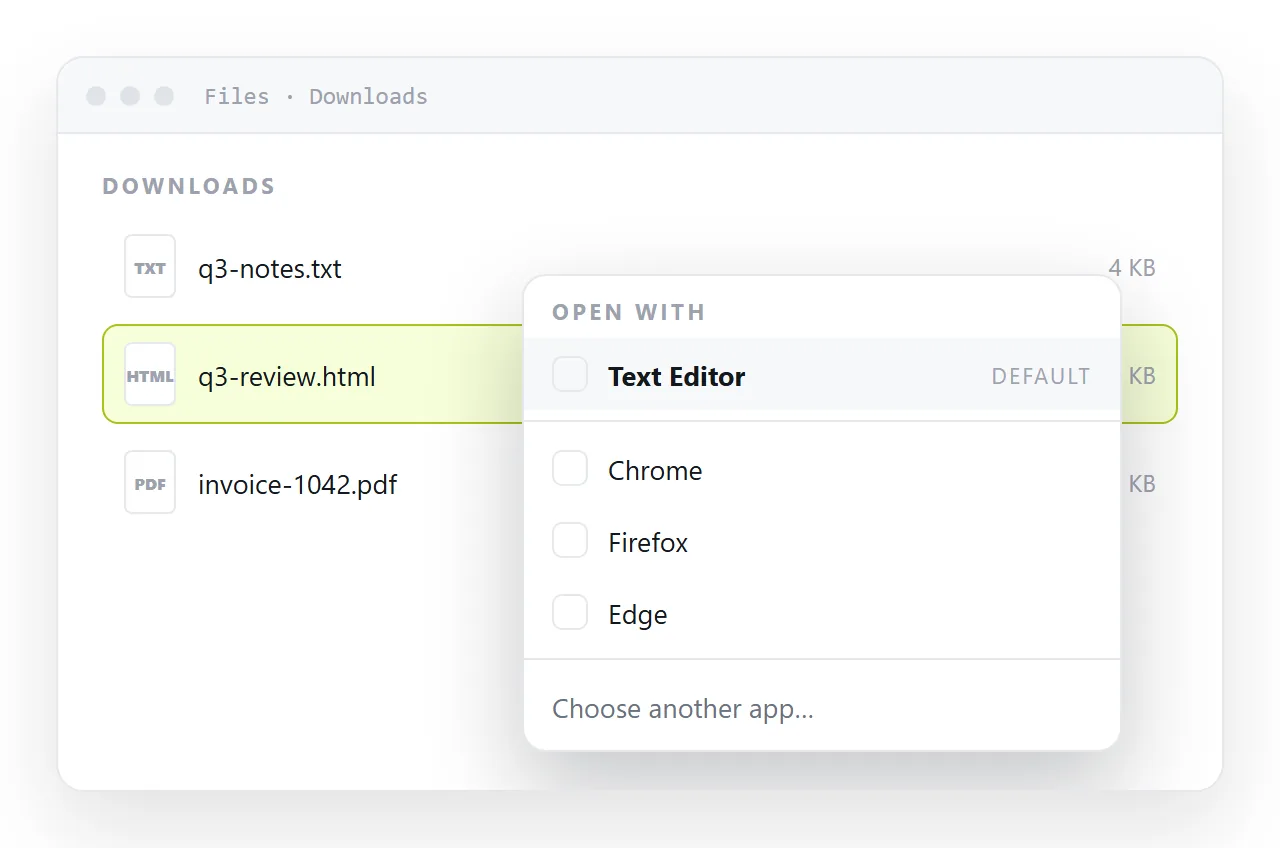
Installing an editor often reassigns .html without asking. Double clicking then produces source code rather than a page.
Right click the file, choose Open with, and pick a browser. On Windows tick Always use this app, on macOS use Get Info and Change All.
Faster one off method: open a browser window first, then drag the file onto it. That ignores the default program entirely.
Cause two: the extension is not what you think
Windows hides known extensions by default, so report.html.txt displays as report.html and refuses to render.
Turn extensions on in File Explorer under View, then look at the real name. Two variants to check for.
- A trailing
.txt, usually from Notepad's default save behaviour. - No extension at all, common on files pulled out of an archive or a chat export.
Rename to a plain .html ending and try again. If you want to inspect the content first, open it in a text editor deliberately rather than by accident.
Cause three: you are on a phone
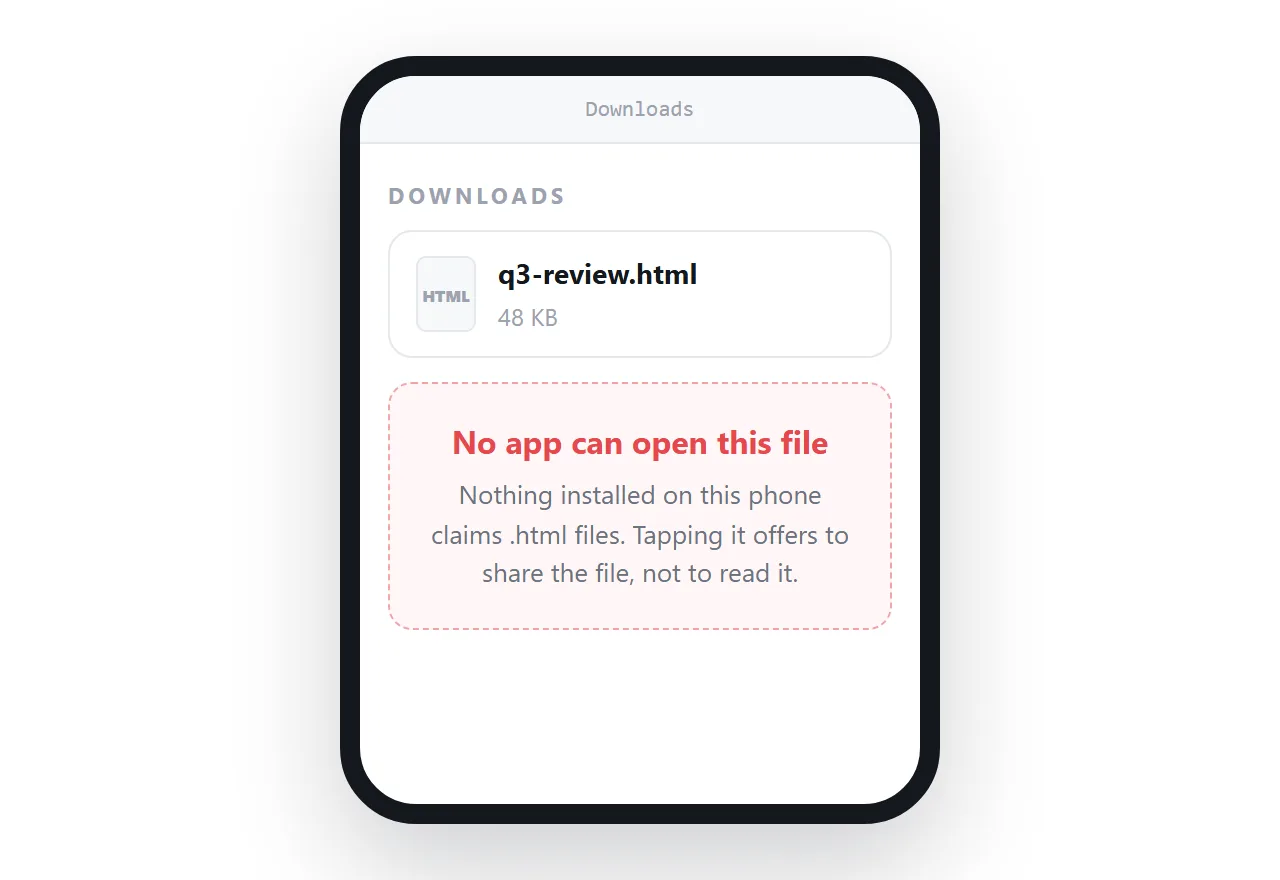
This one has no fix on the device. iOS and Android have no default application for a local .html file, so it lands in storage and stops there.
Some file managers will hand it to a browser, most will not, and the behaviour changes between versions. Do not build a workflow on it.
The reliable route is to stop sending files to phones. Put the page at an address and send the link, which is why links beat attachments.
Cause four: the download never completed
A mail gateway or a browser can strip or quarantine an HTML attachment, because an HTML file with a form and a script is the standard shape of a fake sign-in page.
Check the file size. A few bytes, or zero, means it never arrived intact.
If it came from a chat window, the likelier cause is truncation in the copy rather than a filter. Confirm the file ends with </html>.
Opening it without touching the file system
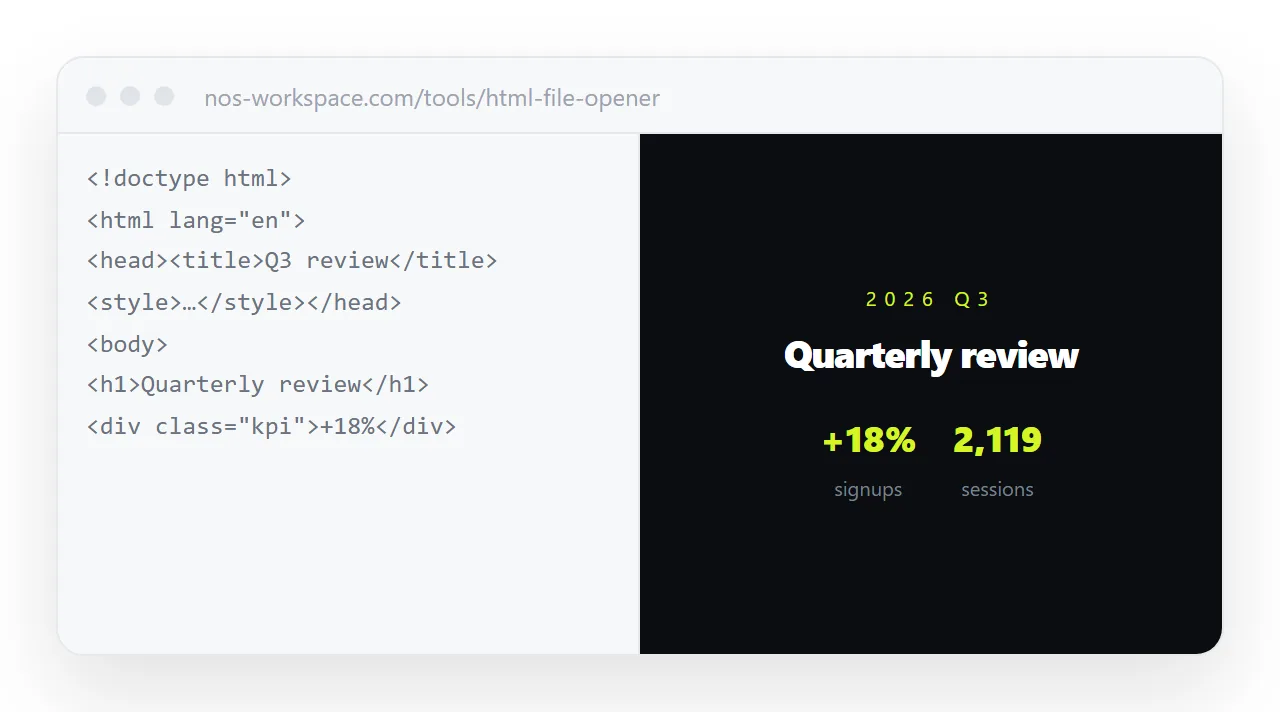
Two routes that bypass the default program question completely.
Drop it into a viewer. The HTML file opener renders the file in the browser you are already using. Nothing is installed and no default changes.
Paste the markup. Open the file as text, copy everything, and paste it into a document that renders HTML. It displays as a page of its own and gains an address you can send.
The second route also solves the problem for everyone else you were about to send the file to.
Once the page appears, a different set of failures begins. Styles missing, images blank, fonts wrong.
Those come from the page reaching for files beside it, which a page opened from disk is restricted from doing. The file protocol explains the restriction, and self-contained HTML is how to avoid needing it.
If the page renders but looks wrong, continue with CSS not loading or images not loading.
Other sources of the same problem
A file extracted from a zip is a common source of this problem, for two reasons that look identical from outside.
The archive may have flattened the folder structure, so the page opens but reaches for assets no longer beside it. Or the extraction produced a file with no extension at all, which nothing knows how to open.
Extract the whole archive rather than dragging one file out of the preview, then check the real filename with extensions turned on.
Generated HTML saved from a chat pane is often truncated, and a truncated file can still open while rendering only part of the page.
Confirm the file starts with a doctype and ends with a closing html tag. If either is missing, copy the output again from the chat.
Every cause above is something the recipient hits, not you. If you are the one distributing the page, the file is the wrong unit of delivery.
Paste the markup into a document once, create a share link, and send that. It opens in a tap on a phone, needs no default program, passes mail filters, and stays correctable after you have sent it.