An upload that fails usually fails for one of six reasons, and the message on screen rarely names the right one. Working through them in order is faster than guessing.
The pattern of the failure tells you more than the error does.
This guide covers what each failure pattern means, the six causes in the order worth checking, and how to avoid the problem where an upload was never really needed.
What the failure pattern tells you
| What happens | Most likely cause |
|---|---|
| Nothing at all when you pick the file | File type rejected, or an extension blocking it |
| Fails instantly | Size checked before transfer |
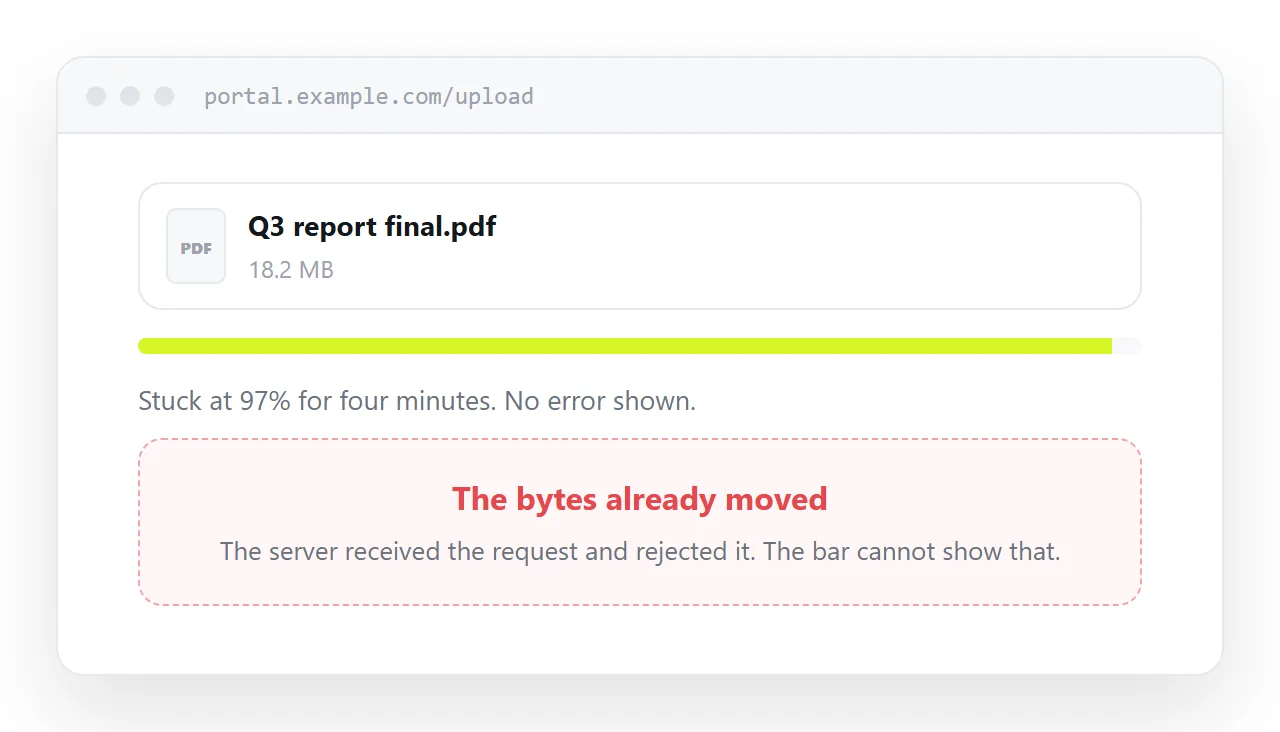
| Stalls near the end | Server-side limit or timeout after transfer |
| Fails partway, different point each time | Connection dropping |
| Works on one device, not another | Browser or platform limit |
| Uploads but the file is broken | Name or encoding problem |
The third row is the confusing one. The progress bar reaching 99% means the bytes moved, so it feels like a network failure. What actually happened is that the server received the whole request and then rejected it, and the browser has no way to show that mid-transfer.
The six checks, in order
Size. Check the stated limit and remember that some systems apply their own on top. If the file is close to the line, assume it is over.
File type. Many upload forms accept a fixed list and reject everything else without a message. An .html file is blocked more often than most, because sites treat uploaded markup as a risk. If a different file of the same size uploads fine, this is your answer.
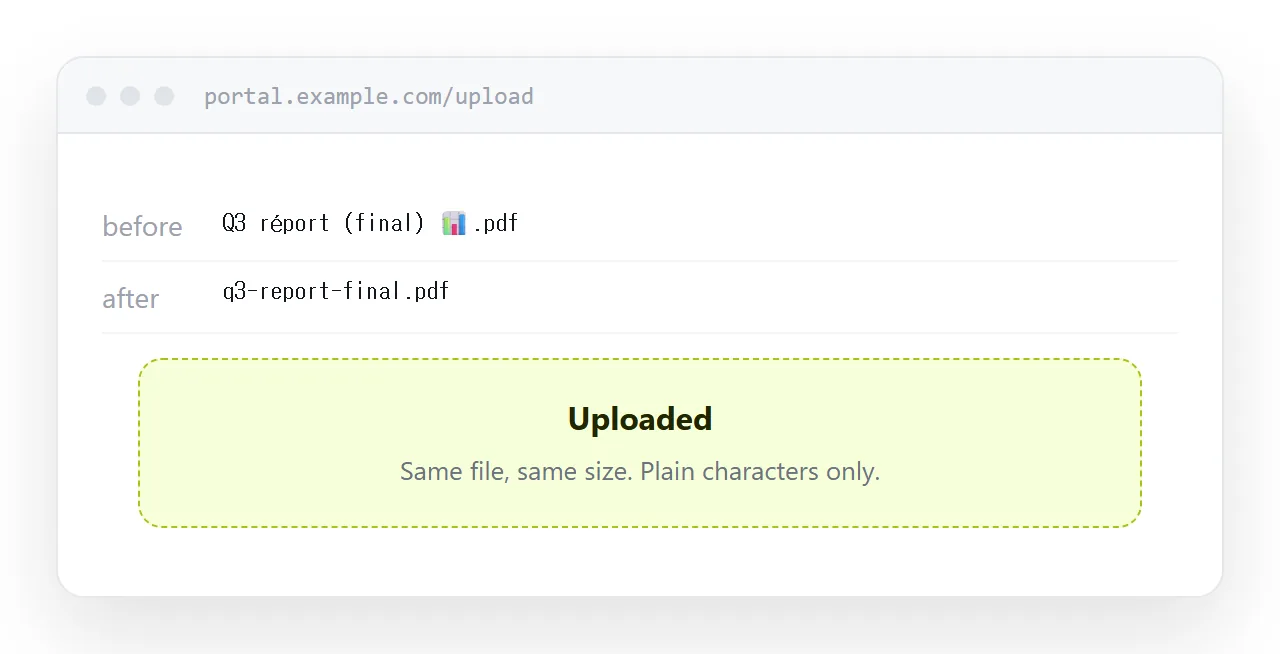
File name. Accented characters, emoji, colons, slashes, hashes and names over about 100 characters all break uploads on some systems. Rename to plain letters, numbers and hyphens with one dot before the extension, then retry. It is the cheapest test on this list.
Browser extensions. Ad blockers, script blockers and privacy extensions block upload scripts regularly. A private window with extensions disabled separates a browser problem from a server one in ten seconds.
Connection. A mobile connection that drops and resumes will break any upload without resume support. Large uploads want a stable connection.
The server itself. If everything above checks out and other people report the same, it is not you. Try again later rather than spending an hour on it.
Why HTML files are blocked so often
If the thing that will not upload is an HTML file, this is usually why.
A site that serves an uploaded HTML file is serving markup that can contain scripts, so a great many upload forms simply refuse the extension. That is a deliberate security decision and no amount of retrying changes it.
The workarounds people reach for are renaming the extension, which usually means the file arrives unusable, or zipping it, which many systems also block. Neither is a fix.
Where the upload was not needed
Step back and ask what the upload was for.
If the point is to let someone read something, an upload is a detour. Publish the content as a page and send the address: nothing is uploaded, nothing times out, and the recipient does not download anything at the other end either.
That removes every item on the checklist above at once, because there is no file moving anywhere.
Uploads remain necessary when a system has to ingest the artefact: a procurement portal, an applicant tracking system, a printer needing the original. For those, work the list.
Put it at an address
Check size, type, name, extensions and connection in that order. Most failures are one of the first three.
And where the upload existed only so somebody could read the thing, publish it as a page instead. There is no upload to fail.