To embed an HTML link in PowerPoint, select the text or shape, press Ctrl+K, and paste the address. It becomes clickable during the slide show and opens the page in the default browser.
Note the word address. PowerPoint stores what you paste. A link to a file on your own disk works while the deck is on your disk and stops working the moment it is sent, because the path means nothing on another machine.
So the first job is giving the page a real address, and the second is deciding whether the page appears inside the slide or opens beside it.
Three ways to embed an HTML link in PowerPoint
| Arrangement | Works offline | Shows the live page | Fails how |
|---|---|---|---|
| Hyperlinked text or image | The slide does | On click, in a browser | A blocked address, or no network |
| Web Viewer add-in | No | In the slide | Framing refused, add-in missing on the other machine |
| Image only, address in notes | Yes | Not at all | Numbers go stale |
The first row is the default for a reason. It degrades into a normal slide instead of into an error box.
Step one: get an address that survives the email
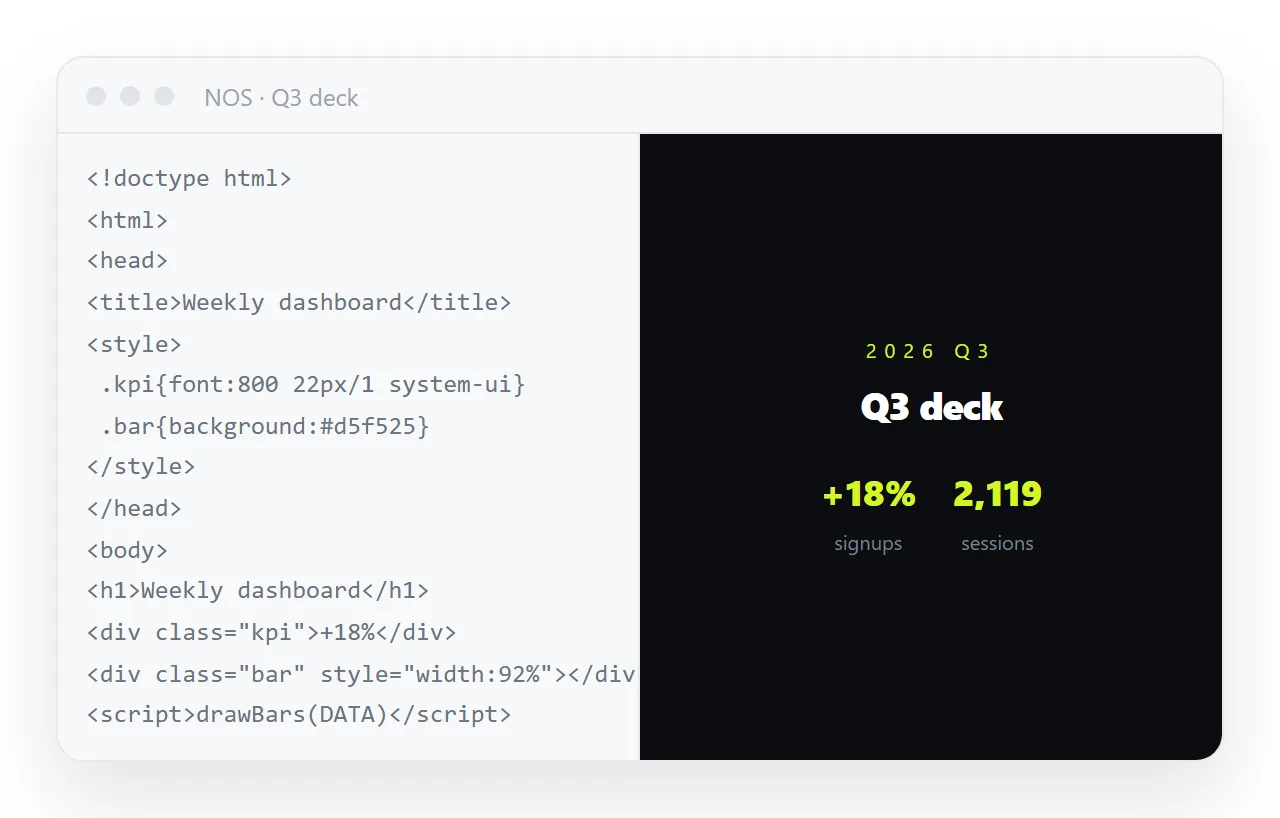
Paste the HTML into a NOS document. It renders as written, dark theme, charts and scripts included, as a page of its own.
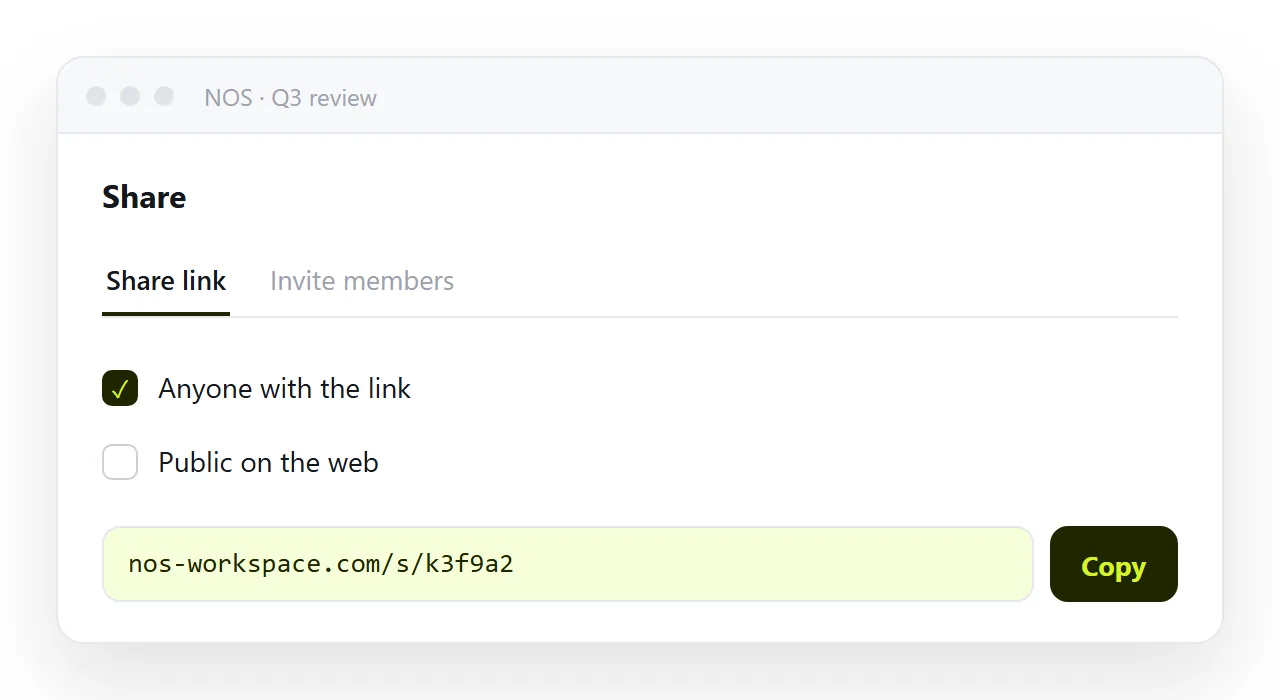
Then Share, then Share link, then Create link. Leave the link unlisted if the deck is internal, which keeps the page out of search results while still opening for anyone who has the address.
Turning HTML into a link is this step on its own.
A static host works too. What matters is that the address is on the web and does not change, because a deck outlives the week you made it in.
If the page is a single file with nothing beside it, check it first in the HTML file opener. A page that needs files from your own folder will reach an audience as a broken layout.
Step two: link the slide
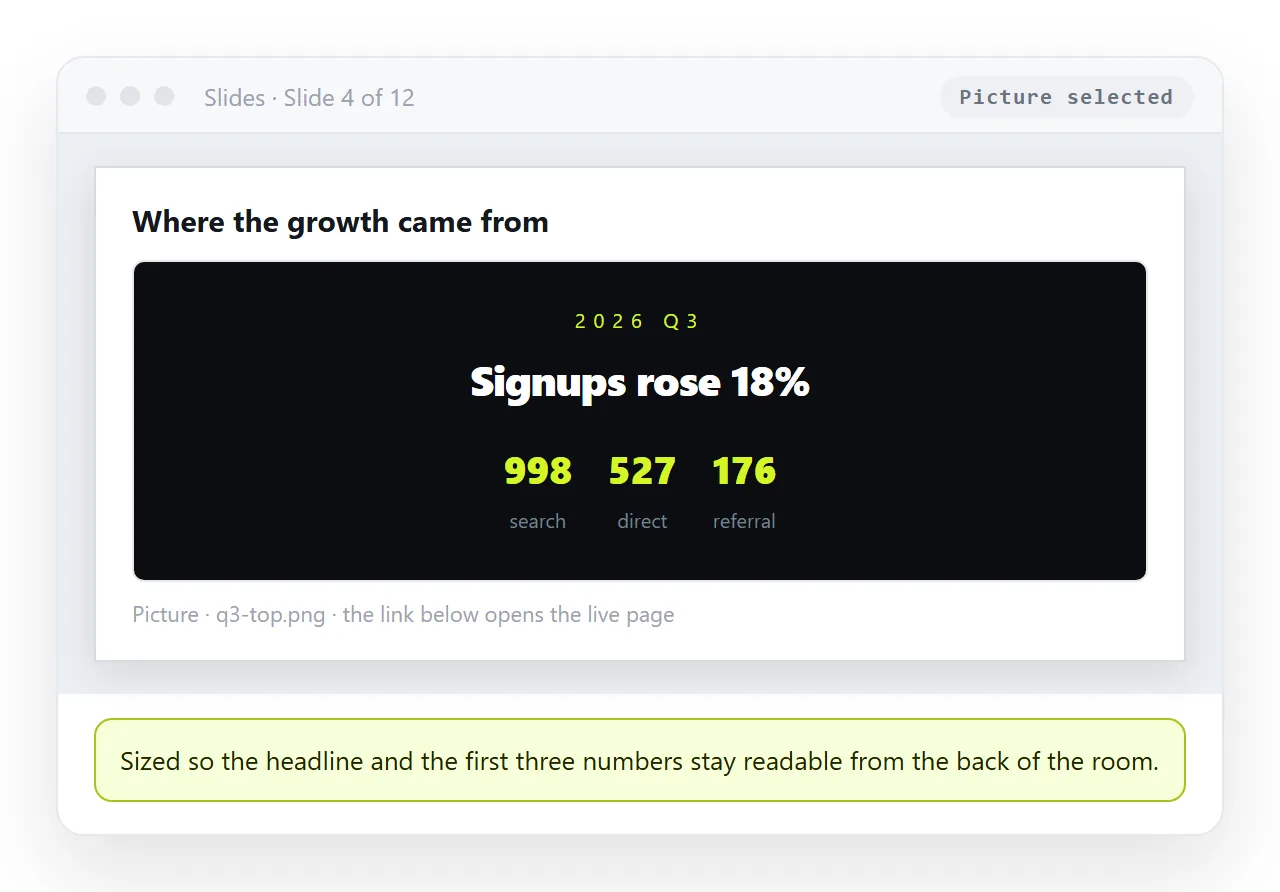
- Put a still image of the page on the slide. Capture the top of the page at a readable size. This layer has to carry the meaning when there is no network.
- Select the image and press Ctrl+K. Paste the full
httpsaddress. Avoid link shorteners, which attract more security warnings inside Office. - Set a screen tip that names the destination. Something like "Opens the live Q3 report" tells the reader what the click does before they make it.
- Run Slide Show and click it. Links do not fire on a single click while editing, only with Ctrl held, so a link that "does not work" in the editor is usually fine.
- Paste the address into the speaker notes. If the click fails on the presenting machine, you can still read it out.
The Web Viewer add-in, and its failure modes
Microsoft publishes a Web Viewer add-in that loads a web page inside a slide. It is the only native path to a live page on the slide itself.
Three things to know before you rely on it in a meeting.
- It requires an
httpsaddress. Plainhttpwill not load. - Pages can refuse to be framed. A site sending framing restrictions in its headers shows an empty box instead of the page.
- The add-in has to be present on the machine doing the presenting, which is not always yours.
Use it when you control the room and the machine, and when the interaction matters, such as a chart the audience will ask you to filter. Otherwise the hyperlink route gets you the same page with far fewer moving parts.
What happens when the deck is emailed
This is where local file links and screenshots both fall over.
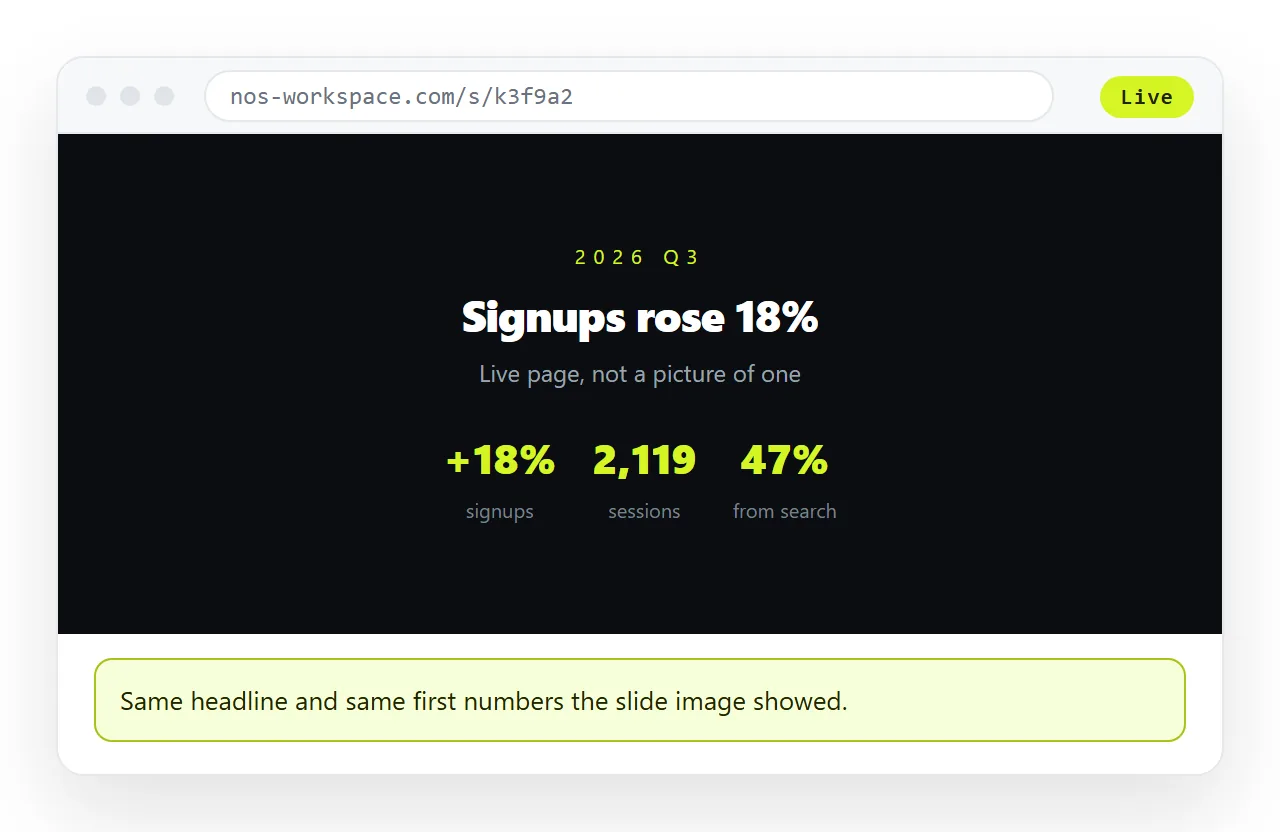
A slide image taken in March shows March numbers in July. A hyperlink to an address shows July numbers, because the address serves whatever the page currently says.
In NOS the page stays editable after the deck has gone out. Click the text, change the figure, and the link already in the deck points at the corrected page. No new file, no new address, no follow up email.
There is a second gain in the same arrangement. A deck circulated by email is copied into inboxes and archives, and you lose track of how many copies exist.
A link is one object. You can correct it once and know that everyone opening it from any copy of the deck lands on the same page.
Common problems and what causes them
- The link does nothing in the editor. Expected. Ctrl and click, or run the show.
- A warning appears before the browser opens. Office warns about addresses in documents, especially decks that arrived by email. A full address to a recognisable domain clears fastest.
- The link opens a download. The address is serving the file as an attachment rather than as a page. HTML that downloads instead of opening has the header behind this.
- It works for you and not for the reader. The address is unlisted and you are signed in, or it is internal. Open it in a private window to check.
When to invert the whole thing
If the deck exists mainly to carry one page, consider sending the page and skipping the deck. Turning a slide deck into a link covers the case where the content is better as a scrolling page that opens on a phone in one click.
For decks that stay decks, the pairing that holds up is a readable image on the slide, a hyperlink on that image, and the address in the notes.