To publish a HTML page on the internet, put the file where a server will answer a request for its address by returning it as a page. That is the entire requirement.
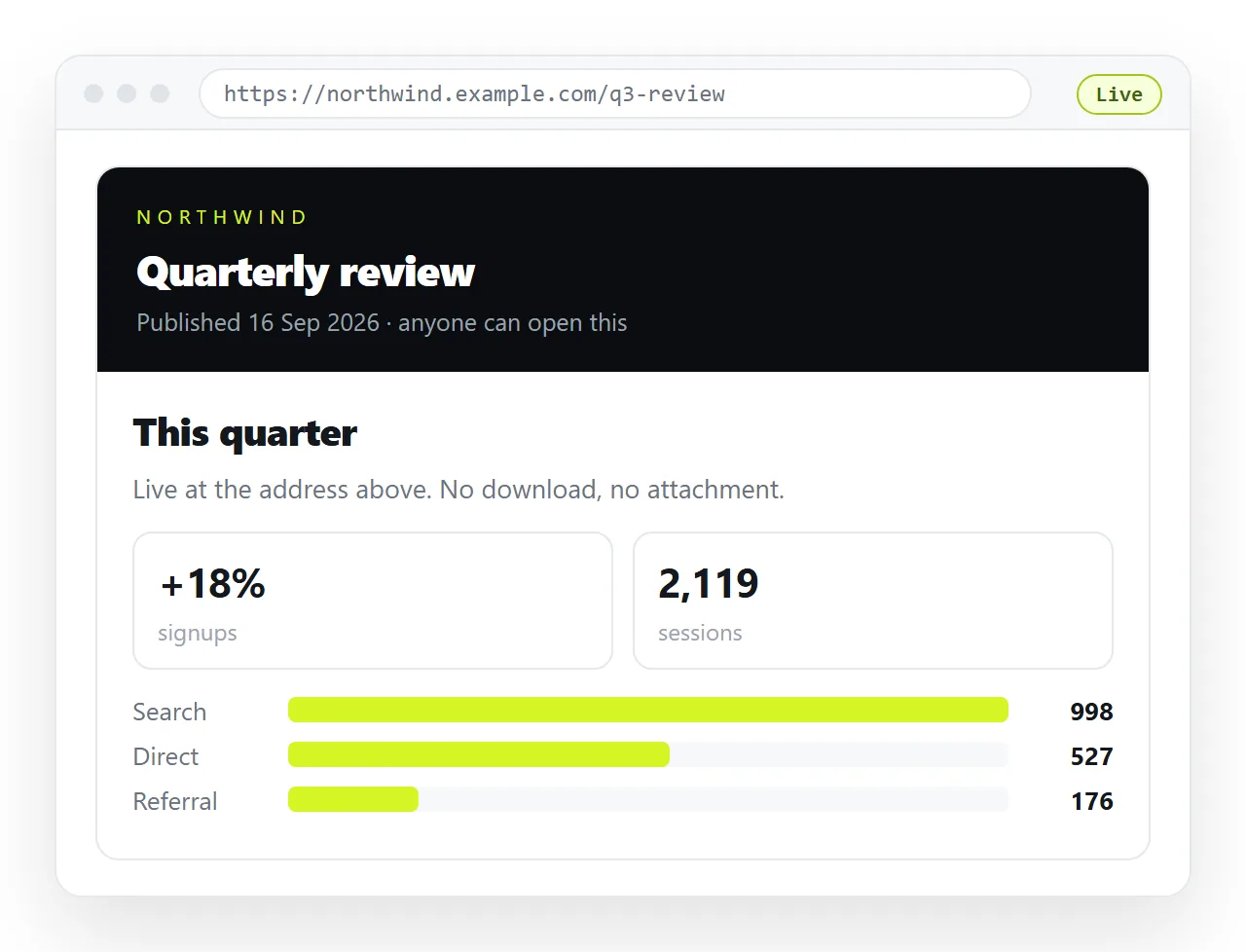
Everything people associate with publishing, domains, hosting accounts, search visibility, sits on top of that one mechanism. None of it is needed for the page to be readable by someone you send the link to.
How to publish a html page on the internet: the routes
| Route | What you supply | Address you get | Findable in search |
|---|---|---|---|
| Document that renders HTML | The HTML, pasted | A document address | Only if you tick it |
| Static host, drag and drop | A folder with index.html | A generated subdomain | Yes |
| Pages from a repository | A branch | A project subdomain | Yes |
| Cloud storage share link | The file | A storage link | No, and often not rendered |
The last row is not publishing. Storage services hold files rather than serving pages, which is why a drive link tends to show markup or hand the file over as a download.
The check that comes before any of them
A page that borrowed a stylesheet or an image from the folder it lived in arrives incomplete, and hosting does not repair that.
- Open the file in the HTML file opener, which has never seen your project folder.
- Look at the fonts, the images, the charts and the layout.
- Anything missing there is a neighbour file that will not travel.
- Fold those pieces into the file. Self-contained HTML covers how.
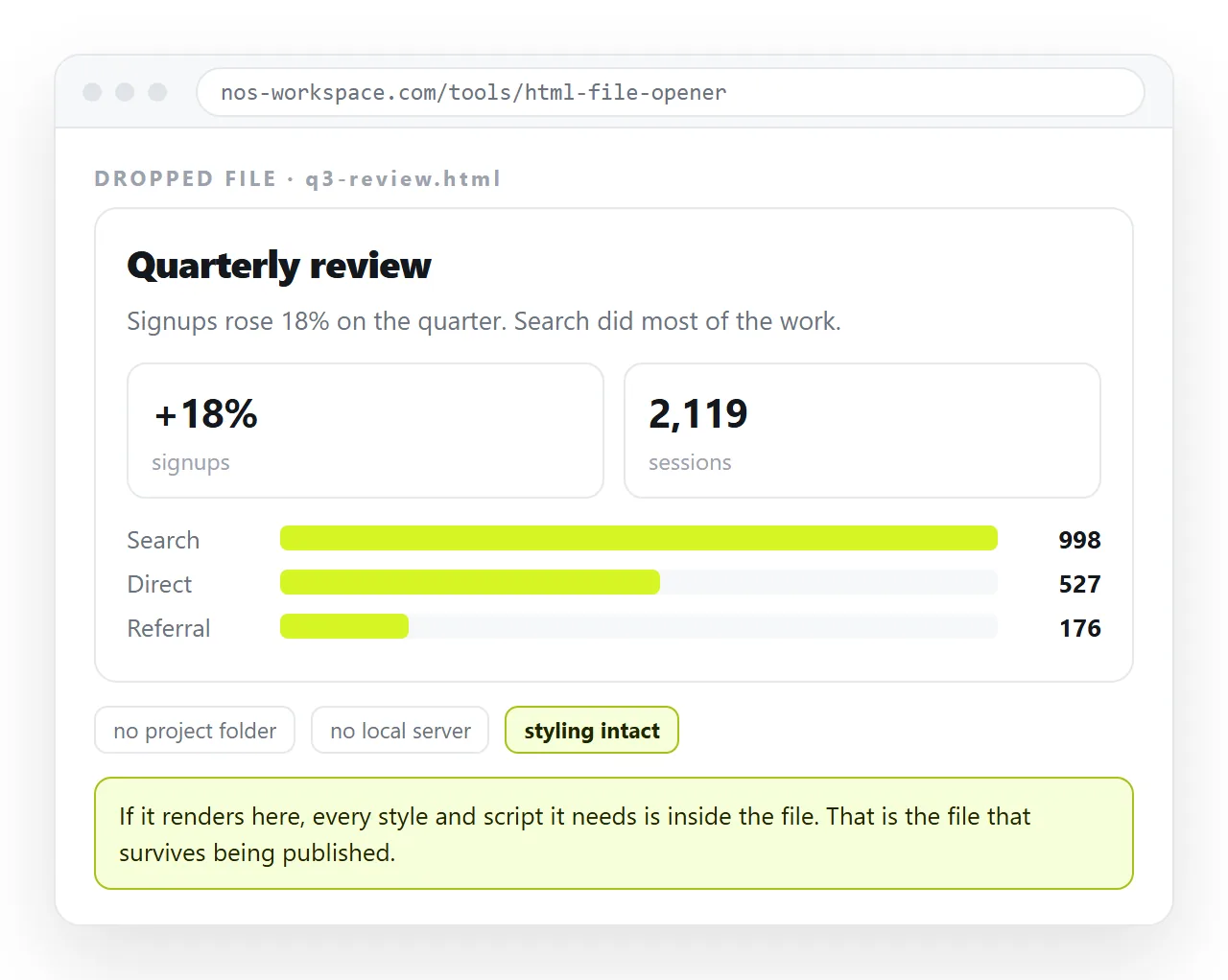
Doing this first turns a confusing report of a broken page into a fixed file before anyone sees it.
The shortest route
Paste the HTML into a NOS document. It renders exactly as written, dark theme, charts and scripts included, as a page of its own. Then Share, Share link, Create link.
There is no folder to prepare, no account with a hosting provider and no build step. Turning HTML into a link is this route on its own page.
The link is unlisted by default, which means it opens for anyone who holds it and appears in no listing or search index. Ticking Public on the web is what puts the page in front of search engines.
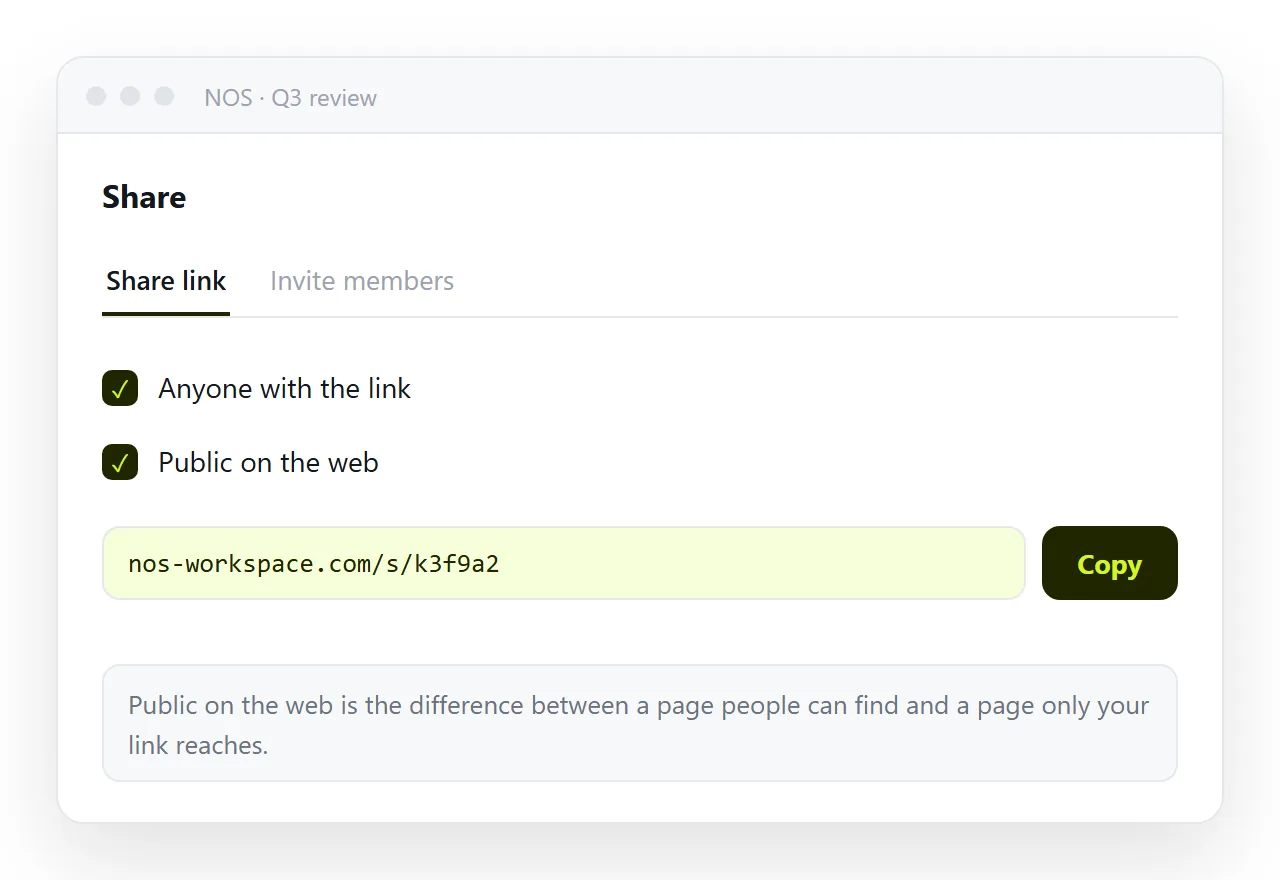
Editing the page does not move its address, so the link you send today still resolves to the corrected version next month.
The static host route
If the page is finished and public facing, a static host fits. Put the file in a folder, name it index.html in lowercase, and upload the folder that directly contains it.
The host returns a generated address over a secure connection. You can attach a custom domain later, which is also when the address changes, so decide before circulating anything.
The recurring failure is filename case, because servers match names exactly and your desktop does not. Free hosting options covers the specific providers.
The structural cost is that every correction is a full re-upload, since a static host stores files rather than editable text.
For a page that is genuinely finished, that cost never arrives. For a report with figures in it, it arrives within a week, usually from someone who cannot make the change themselves.
Public, or only to people you send it to
These are different things and the default differs by route. Decide deliberately rather than discovering it afterwards.
- Public. Anyone can reach it, search engines can index it. Right for a landing page, a portfolio or documentation.
- Unlisted. Only people with the link can open it, and nothing lists it. Right for a report, a proposal or a draft.
- Named people. Access tied to specific accounts. Right when the content would cause a problem if forwarded.
An unlisted link is not a password. Treat it as a door with no sign on it rather than a locked one, and assume it can be passed on.
The mistake worth avoiding is publishing to a public host and assuming obscurity protects the page. A long address is not access control, and anything linked from anywhere can be found.
Getting found, if that is the point
Publishing does not produce traffic. If the page is meant to be discovered, three things have to be true.
The page has to be publicly readable, not unlisted. Something has to link to it, because search engines follow links. And the page needs a real <title> and a description, since those are what appear in the result.
If the page will live at a permanent address, a canonical URL keeps duplicate copies from competing with each other.
None of this is fast. Indexing happens on the search engine's schedule, not yours, so publish before you need the page found rather than the day you need it.
Before you send the address
- Open it in a private window, so your cache and your local copy of the file are out of the picture.
- Read it on a phone. Without a viewport line the page renders at desktop width and is unreadable.
- Confirm the browser tab shows a title rather than the address.
- Click every internal link, since paths that worked inside a folder can break once that folder is a site root.
Publishing is a short operation. The decision worth spending time on is who should be able to reach the address, because that one is harder to reverse once the link is out.