To publish an HTML file to web, put it at an address where the server returns it labelled as text/html. The browser then renders the page instead of downloading it.
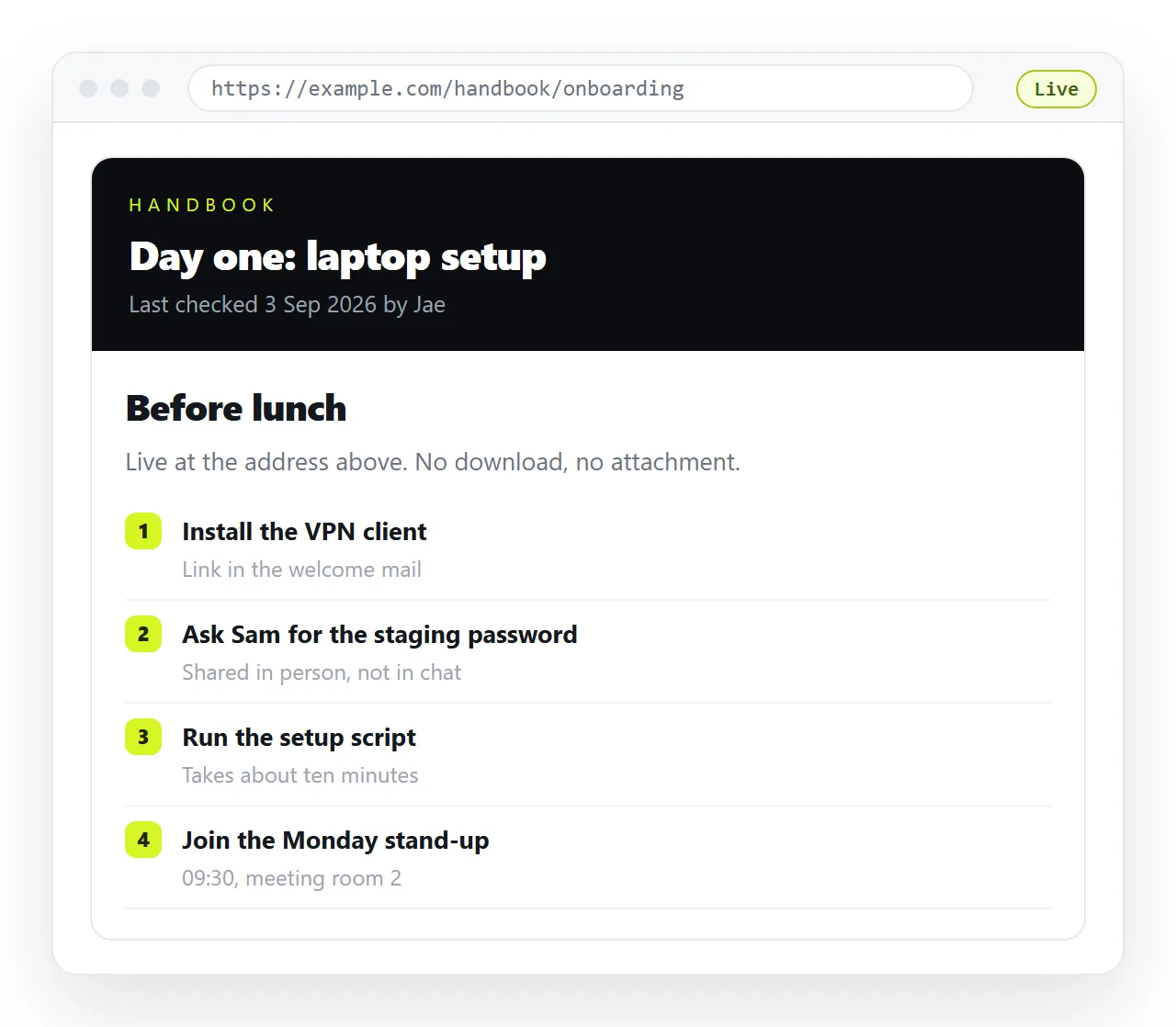
That labelling is the difference between publishing and uploading. A file sitting in cloud storage has been uploaded, which is why the shared link usually shows markup or starts a download.
How to publish html file to web: four routes
| Route | Setup | Correcting it later | Best for |
|---|---|---|---|
| Paste into a document | Paste the HTML | Click the text and type | A page that will change |
| Static host, drag and drop | Drag a folder | Re-upload the folder | A finished public page |
| Pages from a repository | Commit and enable | Commit, push, wait | A page that lives in code |
| Cloud storage link | Upload the file | Replace the file | Not this, in practice |
The second column is what people compare. The third is what they live with, and it is the one that decides whether the route was right.
Make sure the file is actually one file
Publishing does not repair a page. It delivers exactly what you handed over, and a page that pulled a stylesheet from the folder beside it arrives without one.
- Open the file in the HTML file opener, which has no knowledge of your project folder.
- Check fonts, images, charts and layout against what you expect.
- Whatever is missing is a neighbour file that will not travel with the page.
- Fold those pieces in before publishing. Self-contained HTML covers the mechanics.
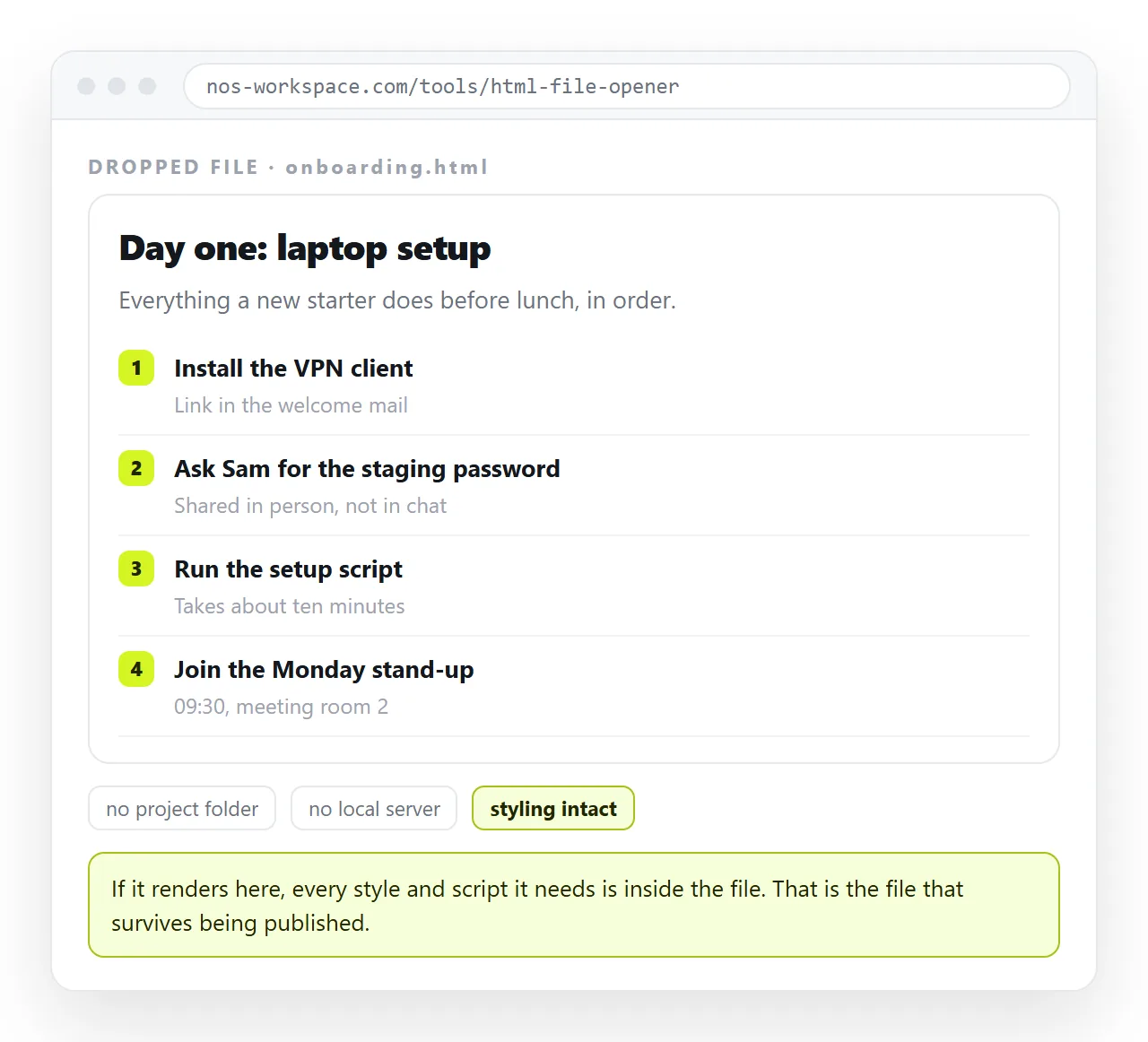
If only images are missing, the cause is usually a folder path rather than a broken file, and images not showing explains the difference.
Publishing by paste
Paste the HTML into a NOS document. It renders exactly as written, dark theme, charts and scripts included, as a page of its own. Then Share, Share link, Create link.
The link is unlisted by default. It opens for whoever holds it and appears in no listing or search index. Public on the web is a tick you make when you want the page indexed.
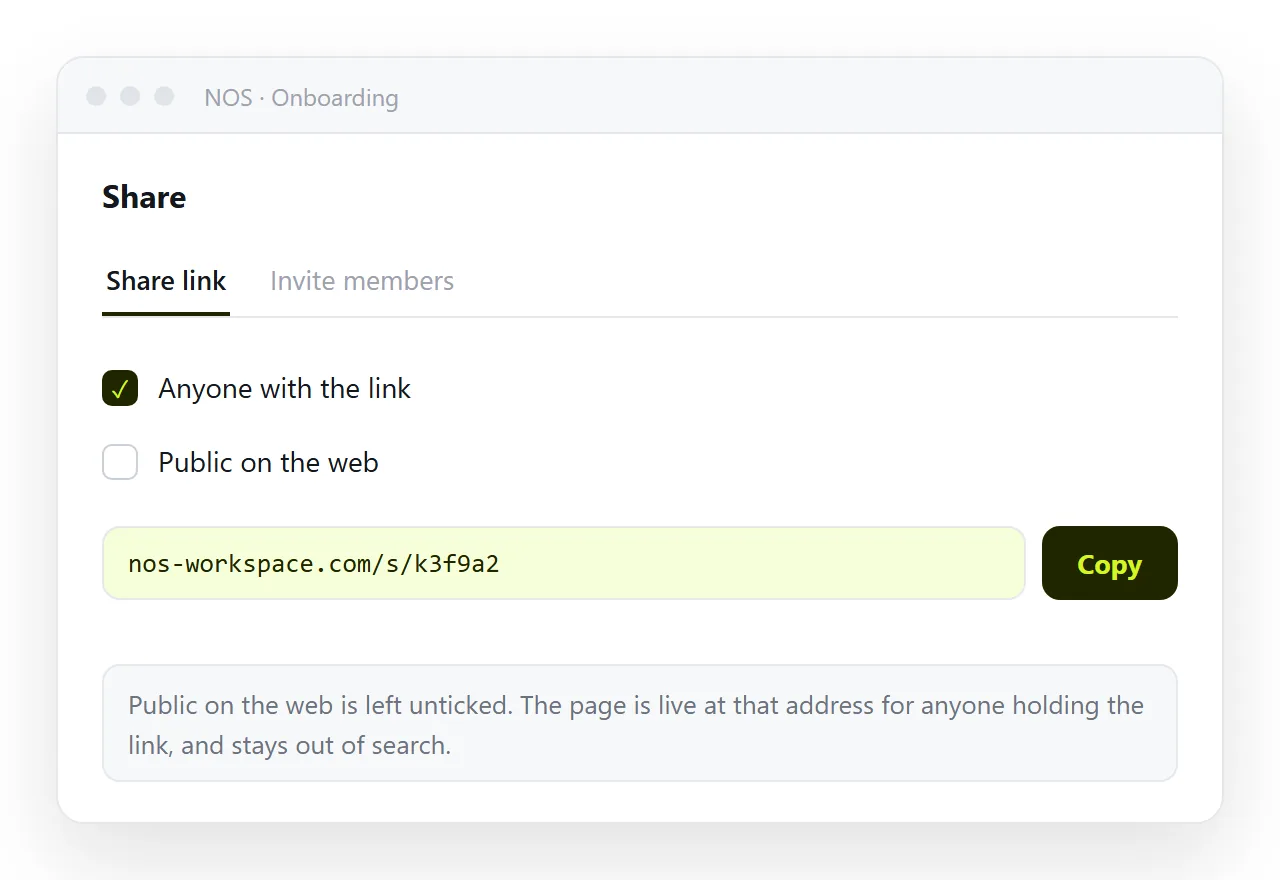
The address does not move when the content does. Editing the page updates what the existing link resolves to, so nobody ends up holding a stale version.
The free plan covers three documents, which is enough to publish a report and see how the correction cycle behaves.
The words inside the rendered page stay clickable, so a wrong figure is fixed by typing over it. Nobody has to open the markup to correct a sentence.
Publishing to a static host
Put the file in a folder, name it index.html in lowercase, and upload the folder that directly contains it rather than its parent.
The host returns a generated address served over a secure connection. Filenames are matched exactly, so a capital letter in an asset name that worked on your desktop becomes a 404 once published.
This route suits a page that is finished. The unit of work stays the file, so every correction means editing locally and uploading the folder again.
That also makes you the only person who can fix anything. Whoever spots the mistake has to report it to you and wait, which is fine for a marketing page and poor for a shared report.
Which route for your file
- Document when the page is a report, proposal or summary going to named people.
- Document when the figures in it might move, or the HTML came out of an AI chat and the wording needs work.
- Static host when the page is finished, public, and may need a custom domain.
- Static host when the file is produced by a build and the source lives in a repository.
Static host versus document sets the two models side by side, including where a host is clearly the better answer.
After publishing, before sending
Loading the address yourself in the tab you were working in proves nothing. Your browser already has the file.
- Open it in a private window, so no cached copy is involved.
- Read it on a phone. Without a viewport line the page renders at desktop width and is unusable.
- Confirm the browser tab shows a real title, since that is also what any preview card displays.
- Click the internal links. Paths that worked inside a folder can break once the folder becomes a site root.
- Decide whether the content is private, and set the sharing option accordingly rather than accepting a default.
Publishing the second version
This is the part worth planning before you publish the first one. Pages get corrected, and how that correction reaches the reader is the whole difference between the routes.
On a static host you produce a new file and replace the old one. On a document you type over the wrong figure. In both cases the address holds, which is what keeps a single link authoritative.
What you want to avoid is the pattern where a correction becomes a second link. Two live addresses for the same report leave the reader guessing which is current.
They will guess wrong, and you will not find out until a meeting where somebody quotes a number you corrected a fortnight earlier.