To send HTML email in Outlook you have two working routes: insert the file as message text in classic Outlook for Windows, or send the page as a link and keep the message plain.
Attaching the .html file is not a third route, because an attachment stays an attachment. Which of the two you want depends on what the page is made of.
This page covers how to send HTML email in Outlook by both routes, and how to tell which one your content needs.
Two routes, and what each one costs
| Route | Works in | Keeps the design | Cost |
|---|---|---|---|
| Insert as text | Classic Outlook for Windows | Only table based, inline styled mail | Layout is rewritten by the mail renderer |
| Link to the page | Every Outlook version and client | Yes, the browser renders it | One click for the reader |
Attach the .html file |
Every version, in theory | Not applicable | Gateways strip it, phones cannot open it |
The third row is the one most people try first. It is the only one with three separate ways to fail, which is covered in sending HTML by email.
How to send HTML email in Outlook as message text
This route exists in classic Outlook for Windows. The new Outlook and Outlook on the web do not offer it.
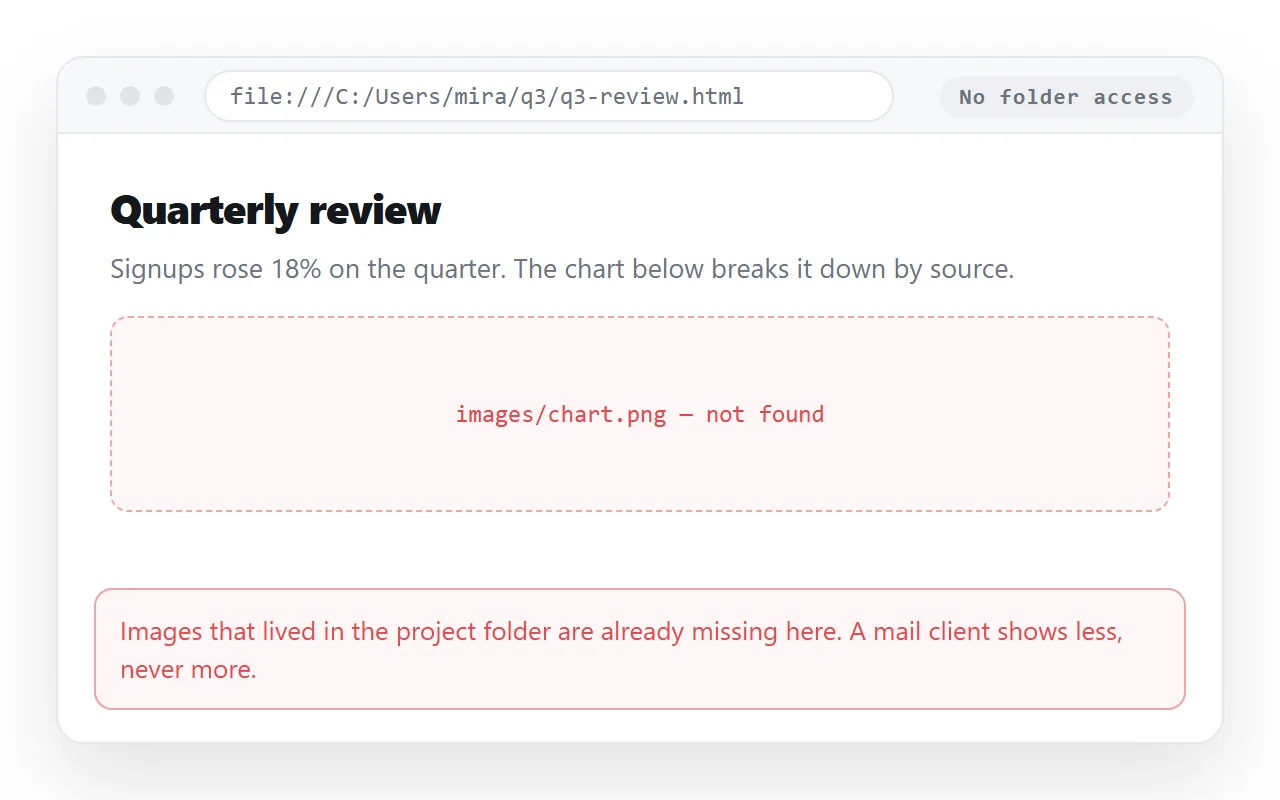
- Check the file first. Open it in the HTML file opener, a window that has never seen your project folder. Anything that disappears there will disappear in mail.
- Inline every style. Mail renderers ignore most of what a stylesheet in the head does. Inline CSS is the form that survives.
- Insert the file as text rather than attaching it. The content lands in the message body instead of becoming a file card.
- Send one copy to yourself. Read it on a desktop and on a phone before the real send.
Why the layout changes on the way
Classic Outlook for Windows composes and renders mail through the Word engine rather than a browser engine. That single fact explains almost every complaint about Outlook mail.
Grid and flex layouts do not apply. Background images on arbitrary elements are unreliable. Margins collapse in ways a browser would not. Web fonts usually fall back to a system face.
Mail that holds up in Outlook is built the way marketing templates are built: nested tables, fixed pixel widths, inline styles, images with explicit width and height. If your page was written for a browser, it was not written for that.
A page produced by an assistant is almost never mail safe, because it is written with modern layout. Fixing AI generated HTML is about making it render, not about making it survive a mail client.
The link route, in four steps
- Paste the HTML into a NOS document. It renders as written, dark theme, charts and scripts included, as a page of its own.
- Create the share link. Share, then Share link, then Create link. The link is unlisted by default, so it works for whoever has it without being listed anywhere.
- Write a short plain message with one line of context and the link. Nothing to strip, nothing to block.
- Revise the page, not the mail. The address does not move when the content changes.
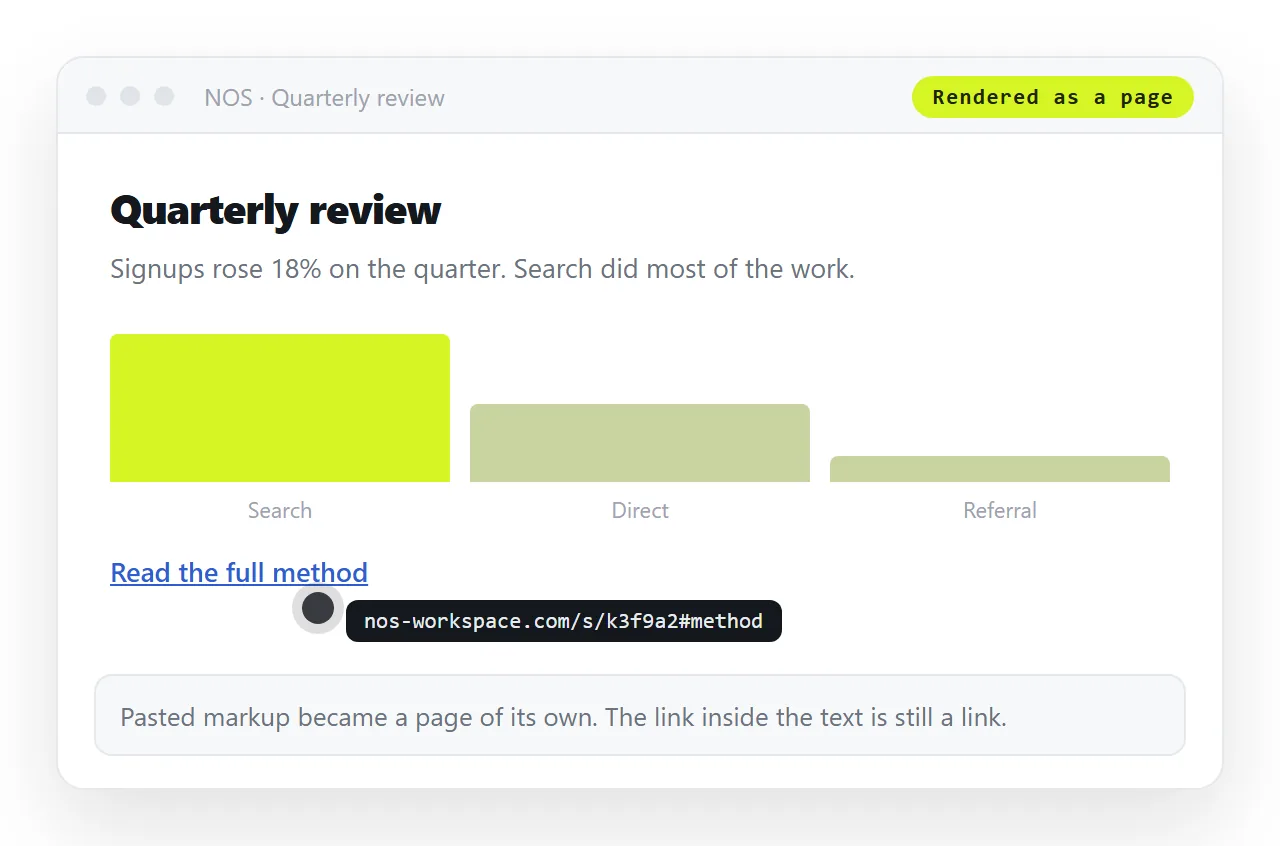
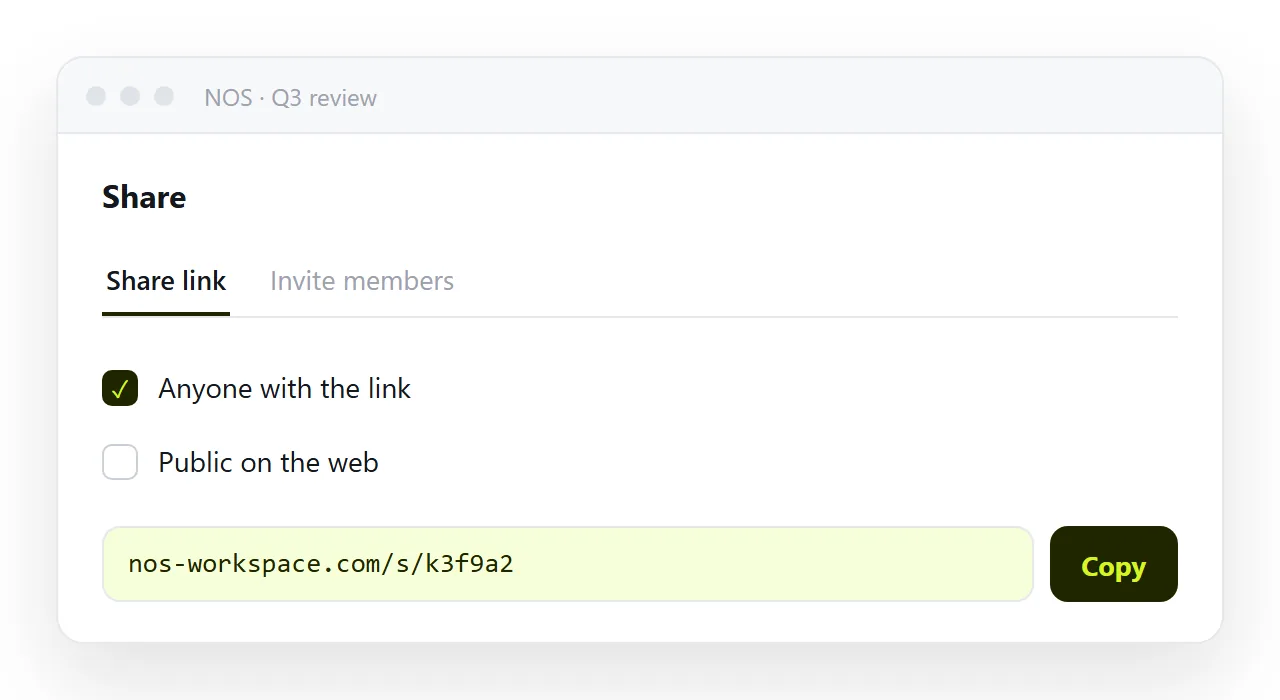
Turning HTML into a link is that sequence on one page. The reason it beats the file is set out in why links beat attachments.
What Outlook does to attachments
Three things happen to a .html attachment, and any one of them ends the message.
- The gateway removes it. An HTML file carrying a form and a script is the standard shape of a fake sign in page, so many filters drop the type outright.
- The preview shows source. Where it does arrive, the inline preview often displays the markup rather than the page.
- The phone cannot open it. On iOS the file lands in storage and stops, which is the subject of opening an HTML file on a phone.
Add version drift to that. Every copy you send is frozen, so one correction means a second mail and two live versions with no way for the reader to tell which is current.
Before you press send
- Is there a
<title>? It is what the tab and every preview card show. - Are images embedded or on full addresses? Folder paths do not travel. Images not showing covers the fix.
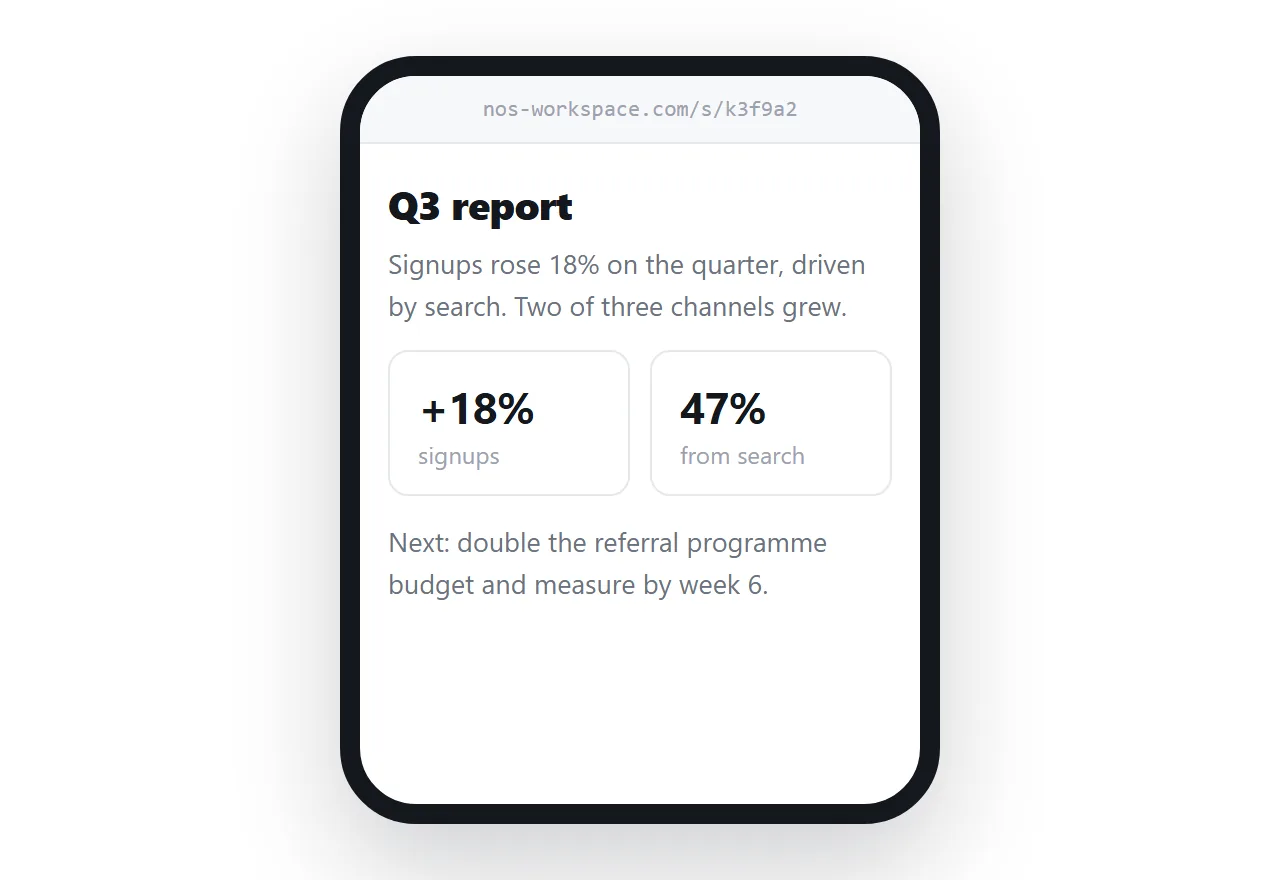
- Is the viewport line there? Without the viewport meta tag the page is unreadable on a phone.
- Did you read the test copy on a phone? Most business mail is opened there first.
- Is anything in it confidential? An unlisted link is not a password. Invite named people to the document instead.
What happens after the recipient replies
Mail in the body does not stay the way you sent it once a thread starts.
A reply quotes your message inside a new one. The quoting client rewrites the markup to fit its own rules, and the second or third reply compounds it.
Tables narrow, background colours drop out, and images that were embedded may be re-encoded or lost. By the fourth message in a chain, a carefully built layout is usually unrecognisable.
A link is immune to this. The message contains one line, so every reply carries that line intact, and the page it points at has not changed.
That matters most for anything people will discuss. A status report, a set of options, a pricing sheet: all of them generate replies, and all of them are the wrong shape for a body that will be quoted four times.
Which route for which message
| The message is | Send it as |
|---|---|
| A short notice, plain text with light formatting | Message body |
| A table based newsletter with inline styles | Message body, tested first |
| A report with charts, tabs or sorting | A link |
| A page that will be corrected after sending | A link |
| A page going to a mixed list of clients and phones | A link |
There is no row where the raw file wins. If you are reaching for the attachment, the underlying problem is usually that the page has no address yet, and that is a single paste to fix.