To send raw HTML email so the reader sees a page rather than markup, the message has to go out with a text/html content type. That single header decides everything else.
Set it and the client renders your markup. Leave it as text/plain and the client prints the angle brackets. There is no setting on the reading side that fixes a message sent with the wrong one.
Where the header comes from
| How you send | Who sets the content type | Control you have |
|---|---|---|
| Script or mail API | You do | Full, including a plain text alternative |
| Mail tool or campaign service | The tool | It sends HTML by default |
| Desktop or web mail client | The compose mode | Rich text sends HTML, plain text sends text |
.html file as an attachment |
Not applicable | The body stays empty |
The practical consequence is that a normal compose window is not a place to paste markup. It has no source view, so what you paste is what the reader gets.
How to send raw HTML email in three ways
- Send programmatically as
text/html. A script or a mail API takes the markup as the body and sets the header. This is the only route with real control, including a plain text alternative for clients that ask for one. - Paste the rendered page. Open the file, select the rendered page, copy, then paste into the compose window. The client turns the selection into mail markup of its own. Sending a newsletter in Gmail walks through it.
- Insert the file as message text. Classic Outlook for Windows can place a file's contents into the body instead of attaching it. See sending HTML email in Outlook.
What survives once it renders
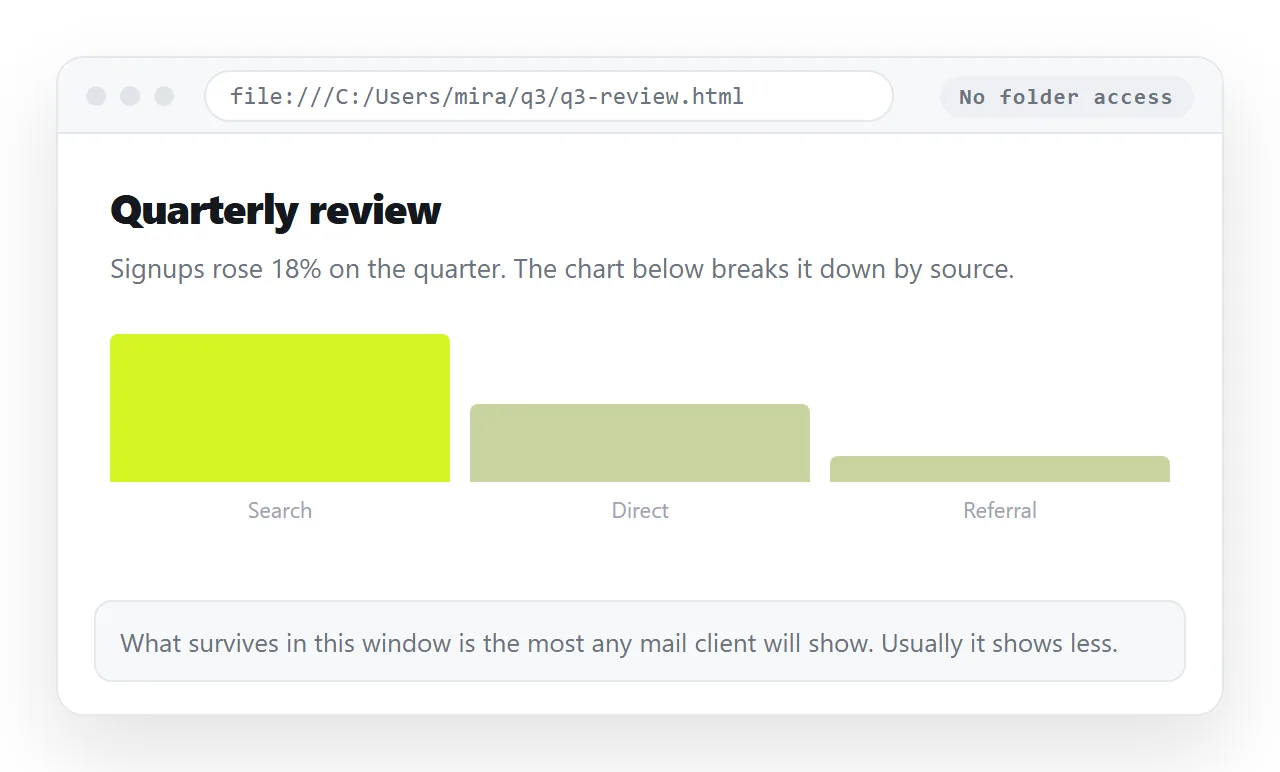
Mail renderers are not browsers, and the gap is wider than most people expect.
Scripts do not run. Anything that draws itself, sorts or expands is dead on arrival. If the content depends on it, the body is the wrong place for it.
External files do not load. No stylesheet link, no web font, and images on folder paths resolve to nothing. Images not showing is the same failure seen from another angle.
Only inline styles are dependable. Rules in a style block may be dropped. Inline CSS is the form to convert to before sending.
Layout is table based. Modern layout properties are unevenly supported, which is why templates that hold up across clients still nest tables.
Why the attachment is a different problem
Sending the file rather than the body is a separate decision, and a worse one.
- It may not arrive. HTML files carrying a form and a script look exactly like a credential phishing page, so gateways drop the type.
- It opens in whatever owns
.html. On a desktop that can be a code editor. - A phone saves it and stops. See opening an HTML file on a phone.
If you want the raw file to reach someone for a technical reason, say so in the message and put it in an archive, which passes filters more often than a bare .html file does.
The link route, and when to prefer it
- Paste the HTML into a NOS document. It renders as written, including charts and scripts.
- Create the share link. Share, then Share link, then Create link. Unlisted unless you tick Public on the web.
- Send a plain message with that one line.
- Correct the page rather than resending. The address does not change when the content does.
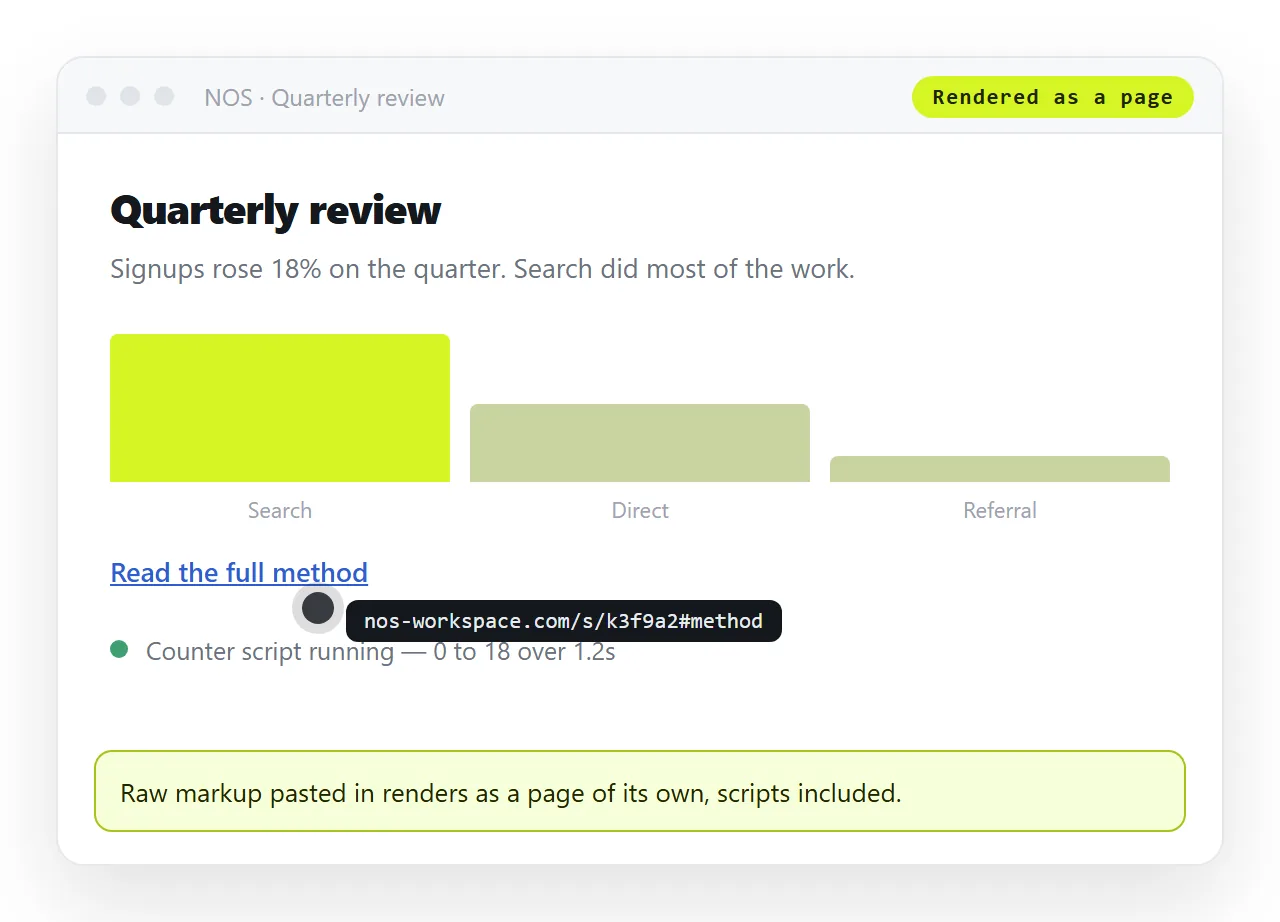
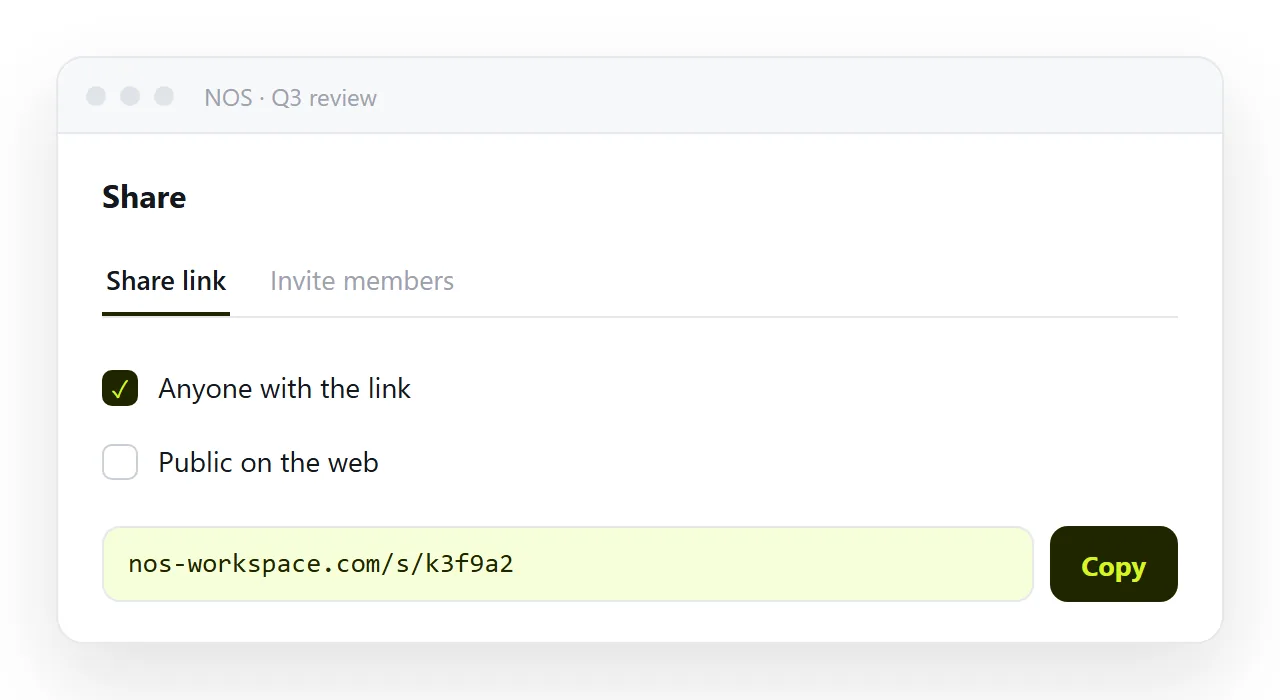
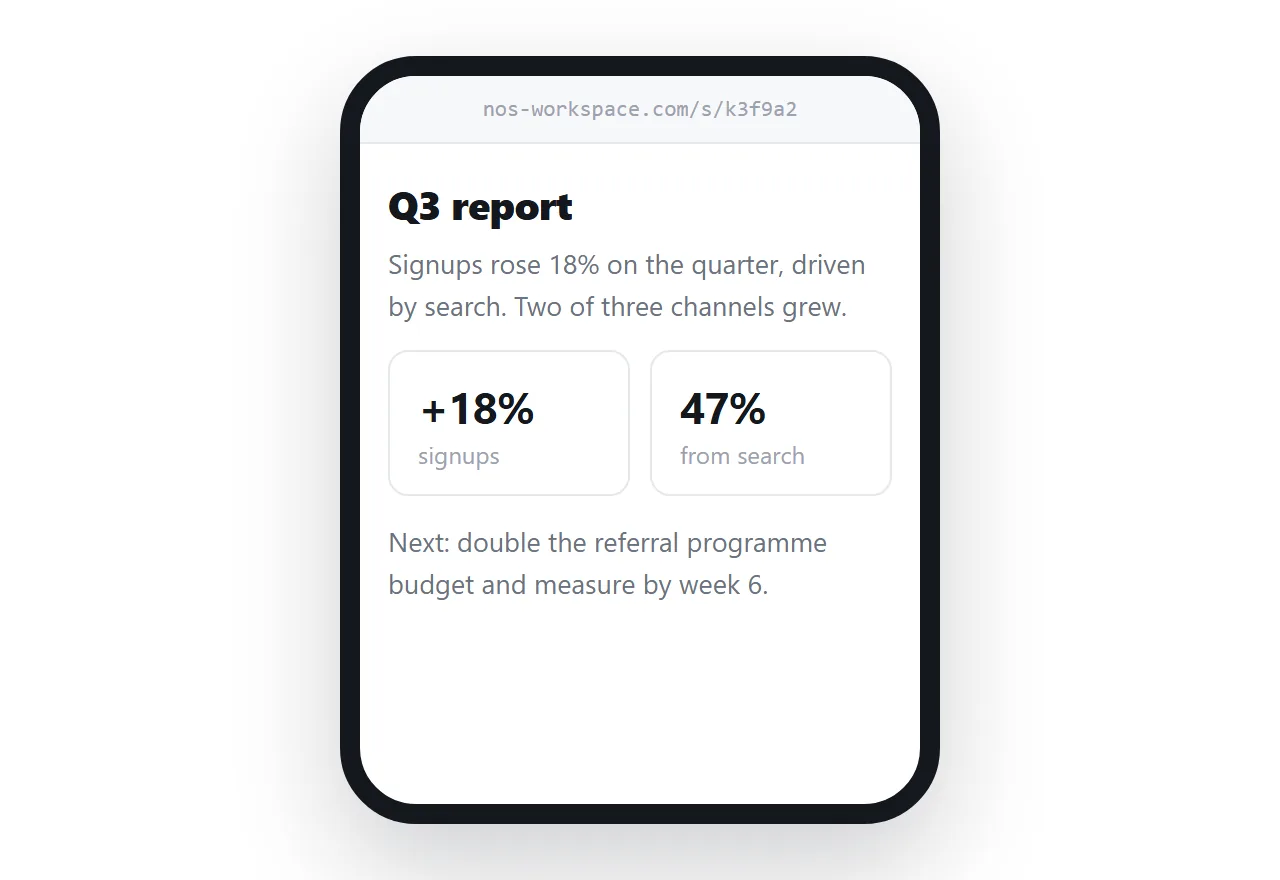
Turning HTML into a link is that sequence in one place. The trade is straightforward: mail gives you content inside the inbox and loses anything interactive, a link gives you the real page and costs one click.
Showing the markup on purpose
Sometimes the markup itself is the message, for a handover or a review.
- Plain text mode. Switch the compose window to plain text so nothing is interpreted, and expect long lines to wrap.
- An archive attachment. Zip the file so gateways treat it as a normal attachment.
- A page that shows the source. Put it in a code block on a page and send the link. Reviewers can read it on a phone, which they cannot do with an attachment.
Test it in two clients before the real send
Mail renderers differ from each other more than browsers do, so one test copy tells you very little.
Send to two accounts on different providers and read both, one on a desktop and one on a phone. That is the smallest test that catches the common failures.
- Does the page appear, or the source? If it is source, the content type was wrong.
- Are the images there? Some clients hold remote images until the reader allows them, so check what the message looks like before that click.
- Is the layout intact? Collapsed tables and ignored spacing show up immediately.
- Is anything clipped? Long messages get truncated with a link to see the rest.
- Does the plain text alternative read sensibly? Some clients ask for it, and an empty one looks like spam.
Which route for which goal
| Goal | Route |
|---|---|
| Reader sees a rendered page inside mail | Send as text/html |
| Reader sees the page with full layout and interaction | A link |
| Reader needs the file to work on | Archive, or a link to the source |
| Recurring send to a real list | A mail tool, pointed at a published page |
Decide first whether the message is the container or the notification. Nearly every raw HTML mail problem starts with treating the inbox as a publishing surface, and email versus a link is that argument in full.