To publish HTML report Jenkins builds produce, install the HTML Publisher plugin and add its post-build step, pointing it at the directory holding the report and the name of the entry page.
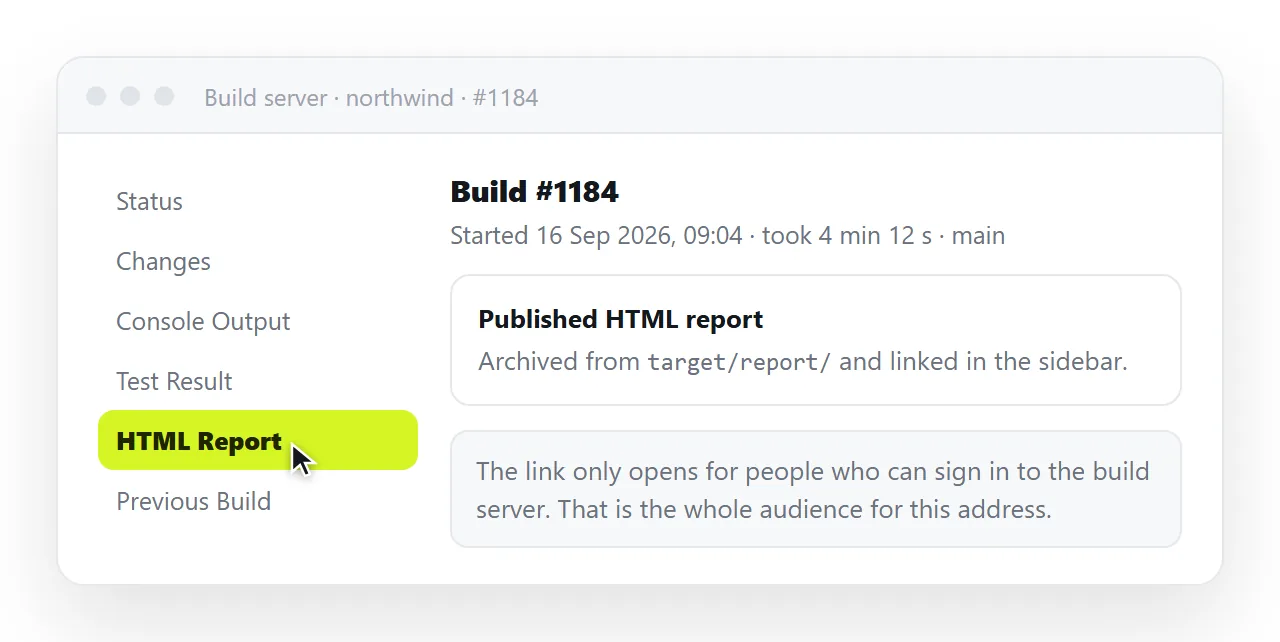
That part is straightforward. The two problems that follow are that the report usually loses its styling, and that the link only works for people who can log into Jenkins.
What the publish HTML report Jenkins step needs
| Field | What to give it | Common mistake |
|---|---|---|
| Report directory | Path inside the workspace | Pointing outside the workspace |
| Index page | The entry filename | Assuming index.html when it is named otherwise |
| Report title | The label on the link | Leaving the default, so several jobs look identical |
| Keep past reports | On, if history matters | Leaving it off and losing old builds |
The directory has to exist when the post-build step runs. If the build fails before writing the report, the step finds nothing and the link is absent rather than broken.
That is worth knowing when someone says the report vanished. An absent link usually means the build stopped earlier than you think, not that publishing failed.
Why the report renders unstyled
This is the complaint that brings most people to this page. The report opens, the content is all there, and it looks like plain text.
Jenkins serves archived files under a restrictive content security policy. That policy blocks inline styles and scripts, which is exactly what a self-contained report is made of.
The behaviour is deliberate. Jenkins is serving files produced by a build, and a build can produce anything, so the policy treats those files as untrusted. Content security policy explains the mechanism.
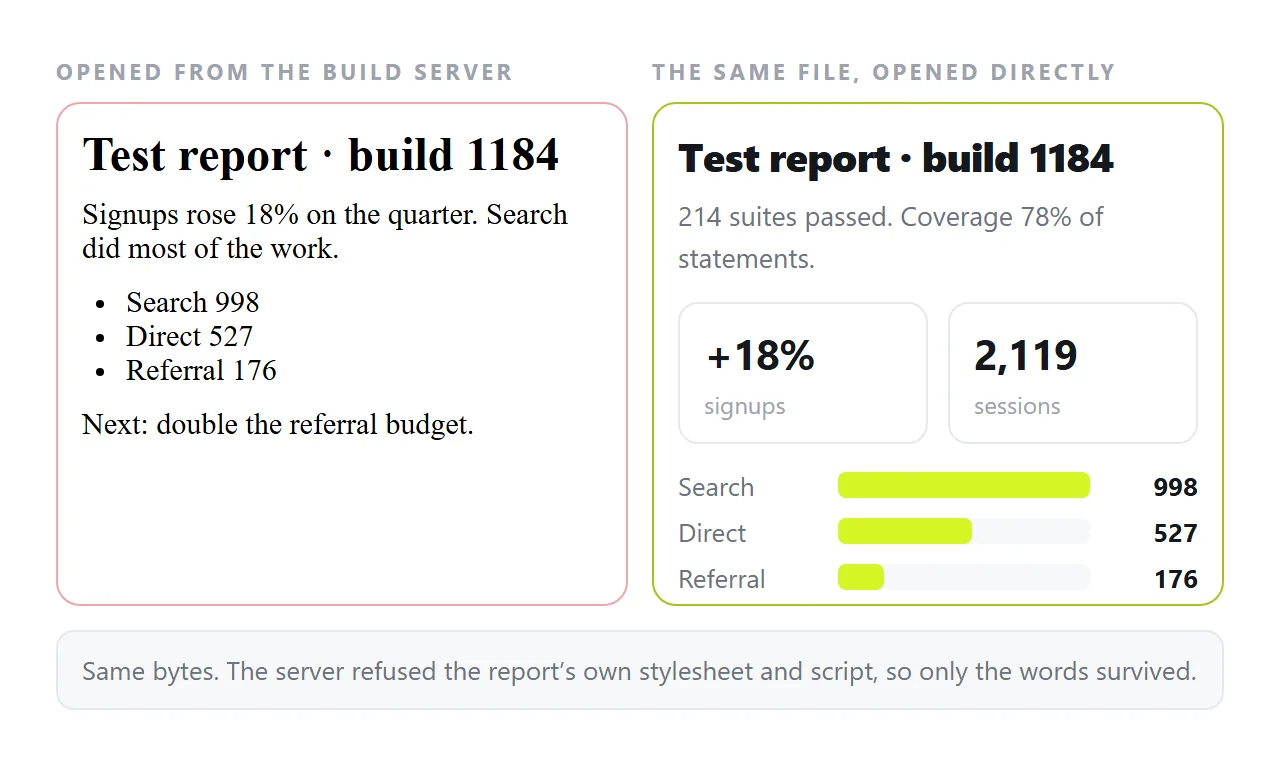
The policy is set through a Jenkins system property, and it can be relaxed. Before doing that, note what you are agreeing to: any file any job can write becomes something the browser will execute for anyone who opens it.
Three ways round it
- Relax the policy. Fastest, and it lowers a protection for the whole instance. Reasonable only on an internal server with trusted jobs.
- Make the report use fewer blocked features. A report with no inline script and no inline style suffers less, though this is rarely under your control when a test framework generates it.
- Publish the report somewhere else as well. Keep the Jenkins link for engineers and put a readable copy at a normal web address for everyone else.
The third option is the one that also solves the audience problem, which the first two do not touch.
The audience problem
A published report lives behind Jenkins authentication. That is correct for build output and wrong for a report anyone else is waiting on.
A test summary that a product manager needs, a coverage report for a client, an accessibility audit going to a vendor: none of those readers should be given a Jenkins account so they can read one page.
Add to that the retention issue. Reports are attached to builds, and builds get rotated out, so a link someone bookmarked in March can be dead in May.
Keeping past reports helps, but it only extends the window. The link is still tied to an instance most of your readers cannot reach.
Sending the report to people outside Jenkins
If the report is self-contained, the route is short. Open the report file, copy the HTML, and paste it into a NOS document.
It renders exactly as written, dark theme, charts and scripts included, as a page of its own, with no policy stripping the styling. Then Share, Share link, Create link.
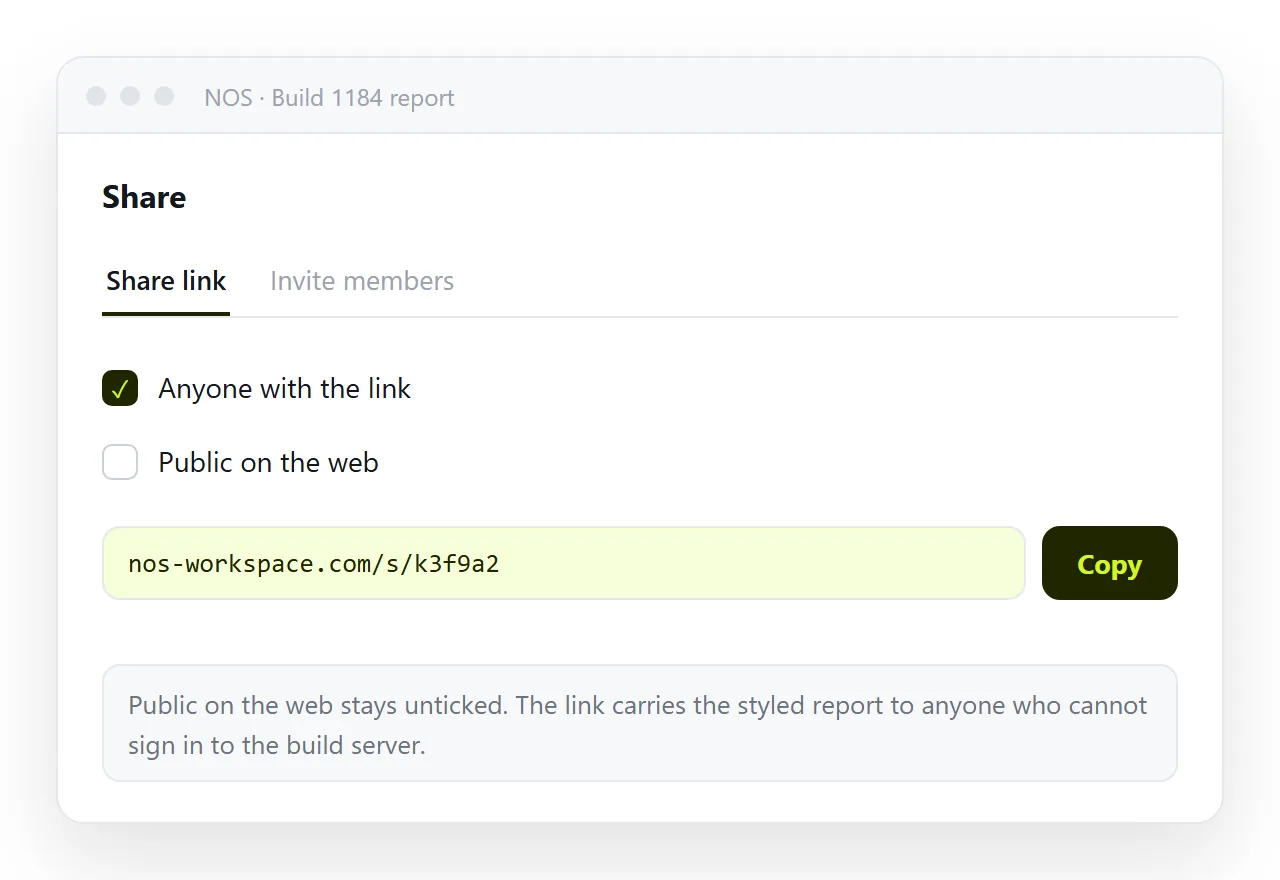
The link is unlisted by default, so it opens for whoever holds it and is listed nowhere. That is usually the right setting for build output, which should not be turning up in search results.
First check the report is genuinely self-contained by opening it in the HTML file opener. Many generated reports pull their stylesheet from a sibling folder, and self-contained HTML covers folding those pieces in.
Which report goes where
- Keep it in Jenkins when the readers are engineers who already have access and the report is one build's output.
- Keep it in Jenkins when the value is the history across builds rather than any single run.
- Put it at a web address when a named person outside the team is waiting on it.
- Put it at a web address when the report needs annotation, or when a figure in it has to be corrected before it goes further.
Publishing an HTML file to the web covers the general routes, and HTML for client reports covers the case where the reader is a customer.
A note on automating it
It is tempting to script the copy out of Jenkins and into a shared location on every build. Consider whether anyone reads every build.
Most reports that matter outside the team are read at a milestone, not per commit.
Publishing one version when it is needed, at an address that stays fixed while it is discussed, serves people better than a stream of links nobody opens.
The failure mode to avoid is the one where a stakeholder holds a Jenkins link that has expired, and everyone assumes they have seen the report.