An HTML client report sent as a page instead of an attachment removes the part of monthly reporting that actually costs the time: a morning writing it, then a week of managing which copy anyone is reading.
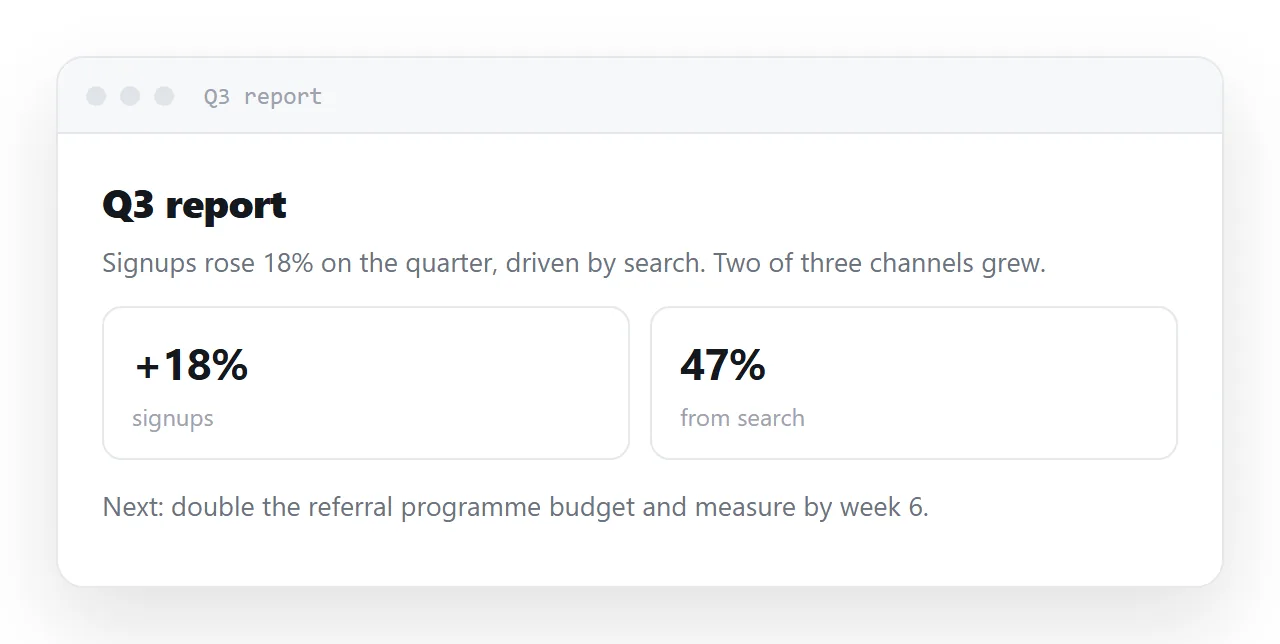
Each send of a file makes a copy, copies age on their own, and the client's finance team finds the oldest one.
This guide covers one page per period with an index, what goes on the page, the structure that survives skimming, delivery, and the four steps to move a client report from attachment to address.
Monthly reporting has a predictable shape: a morning writing it, then a week of managing which copy anyone is reading.
The HTML client report: one page per period
For client work this is the pattern that fits, rather than one page updated in place.
/clients/northwind/2026-09
/clients/northwind/2026-10
Each period has its own address, so a link sent in September still shows September. That matters commercially — "what did you tell us last month" has to be answerable by opening last month's link, not by trusting anyone's sent-items folder.
Within a period, the page is corrected in place. The client's link stays the same and shows the corrected figures.
What goes on the page
A summary that can stand alone
Three or four lines at the top, each a complete claim with its number. Assume most readers read only this — so it has to be the report in miniature, not a teaser for it.
Every figure with its base
Conversion 4.2% cannot be checked. 4.2% (54 of 1,284 sessions) can. This is the difference between a report that gets discussed and one that gets nodded at, and it is what a client's own analyst will look for first.
The period, stated at the top
<p class="when">1–30 September 2026 · compared with August</p>
A report without its period is unusable six months later, and six months later is exactly when somebody will open it.
Named next steps with dates
<li><strong>Us</strong> — revised landing page copy by 8 Oct</li>
<li><strong>You</strong> — confirm the Q4 budget line by 3 Oct</li>
"Continue to monitor performance" is a way of ending a report without committing to anything. A name and a date is what makes the next month's report possible to write.
What did not work
The section most agencies omit and clients notice the absence of. One honest paragraph about something that underperformed buys more credibility than three pages of favourable charts — and it is the thing that makes the favourable charts believable.
Structure for skimming
<nav>
  <ol>
    <li><a href="#summary">Summary</a></li>
    <li><a href="#performance">Performance</a></li>
    <li><a href="#next">Next month</a></li>
  </ol>
</nav>

<h2 id="performance">Performance</h2>
Anchored headings let you send one person a link straight to the section that concerns them — the finance contact to the spend section, the marketing lead to the channel breakdown. A file cannot do that at all, and it is the most useful single advantage of reporting as a page.
Delivery
Send the link in the email, with the headline finding in the message body. Not "please find attached" — the two or three sentences that matter, then the link for the detail.
Add Open Graph tags so the link previews properly when the client forwards it internally, which they will.
What the client sees when they forward it
A forwarded attachment is a copy of whatever version the forwarder had. A forwarded link is the current page. That difference is the whole reason the finance team stops quoting old numbers: there is no old copy in circulation for them to find.
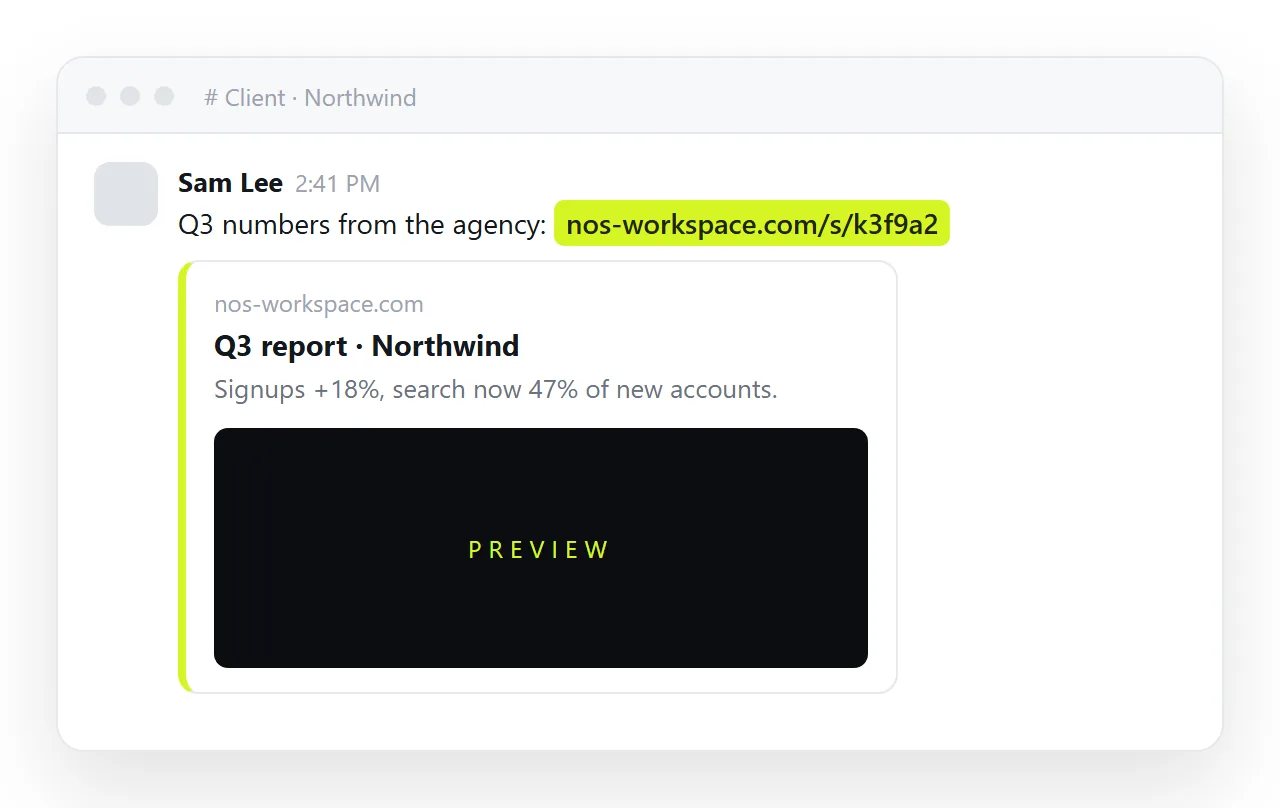
Put the period and the "updated" date at the top of every page so a reader who lands on July from a forward knows exactly what they are looking at.
Keep a PDF available
Some clients file everything, and some procurement processes require a document. Export one from the same page with a print stylesheet — see HTML to PDF for the rules that stop tables being sliced.
The page remains the thing people read; the PDF is the archive copy.
What this fixes
In NOS each period's report is a document with its own address. The text — including every figure — is clickable text, so a correction the morning after delivery is typing over it, and the client's link already shows the corrected version. No "please disregard the earlier attachment", which is the email nobody wants to send to a client.
Who can open it
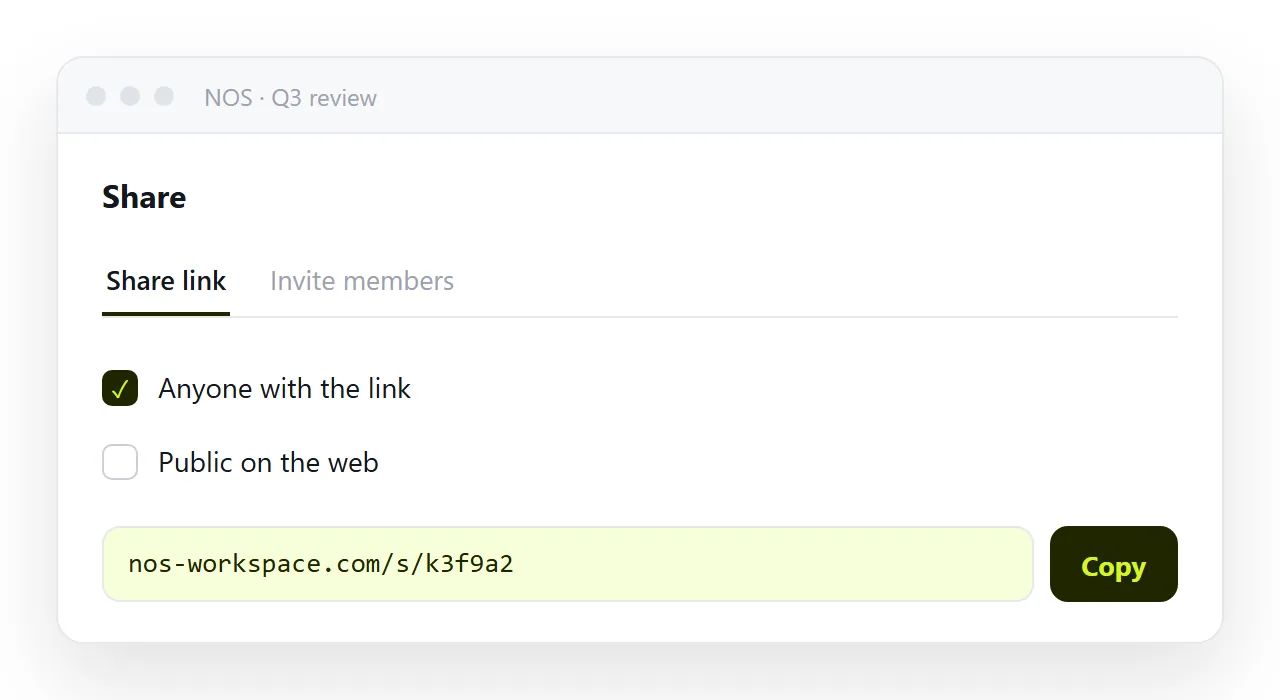
Client reports carry numbers that are the client's, so the link should reach the client and nobody else. The default share link is unlisted: it works for whoever has it and appears nowhere, which suits a link sent to two named contacts.
For a client with a larger team, or one who forwards freely, invite named people from the Invite members tab instead and skip the link altogether. Never tick Public on the web for a client page.
Comments and questions
The question "which figure is this" used to arrive by email against a file. Against a page, the client can quote the sentence by its anchor, and the answer is a correction on the page rather than a reply with a new attachment.
Put a one-line contact at the foot of each report, the person and the channel, so the question goes to the right place and the correction is made by someone who can make it.
The PDF, when a client insists
Some clients file reports and want a fixed document. Export a PDF from the same page at month end, name it with the client and the period, and attach it to the message that carries the link.
The PDF is the archive; the page is what stays correct. If the two disagree later, the page is right, and the date at the top of the PDF says why.
Moving the client report from attachment to address: 4 steps
- Make one page per period and one index. September at its own address, the index linking every month. A correction goes on the month it belongs to.
- Put the summary first, with every figure and its base. Three bullets the client can forward, each with a number and its denominator, and the period stated at the top.
- Put the report in a NOS document and share the address. Share, then Share link, then Create link. Unlisted by default; invite named people for anything confidential. Turning HTML into a link is this step.
- Send the same link each month, and correct in place. The client's team bookmarks one address. A wrong figure is fixed on the page, and there is no "please disregard the earlier version" email.