To share an HTML report so everyone reads the same one, put it at one address and send that link. Writing a report takes a morning.
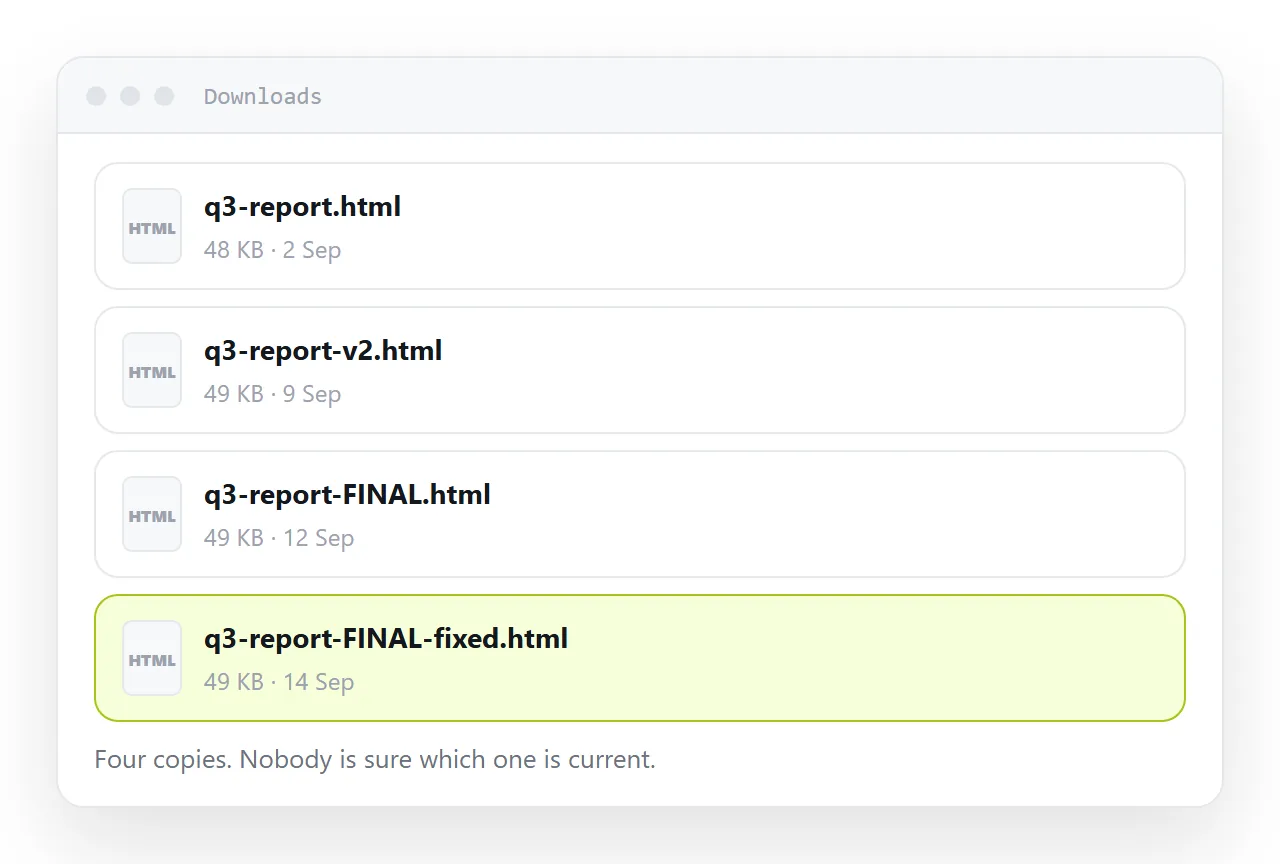
Getting everyone to read the same report takes a week, and that week is spent entirely on version control performed by hand, because each send of a file creates an independent copy and copies age separately.
This guide covers the sequence everybody recognises, the four steps to share the report as a link, how to structure it so it gets read on a phone, and how to keep the history without keeping the copies.
Writing a report takes a morning. Getting everyone to read the same report takes a week, and that week is spent entirely on version control performed by hand.
The sequence everybody recognises
- You send
report.htmlto six people. - Two reply with corrections.
- You fix it and send
report-v2.html. - Someone forwards v1 to a colleague who was not on the original list.
- In the meeting, two people are quoting different numbers.
- You spend ten minutes establishing which document is real.
Nothing in that sequence is a mistake by anyone. It is a direct consequence of the report being a file: each send creates an independent copy, and copies age separately.
How to share an HTML report: one address removes the whole sequence
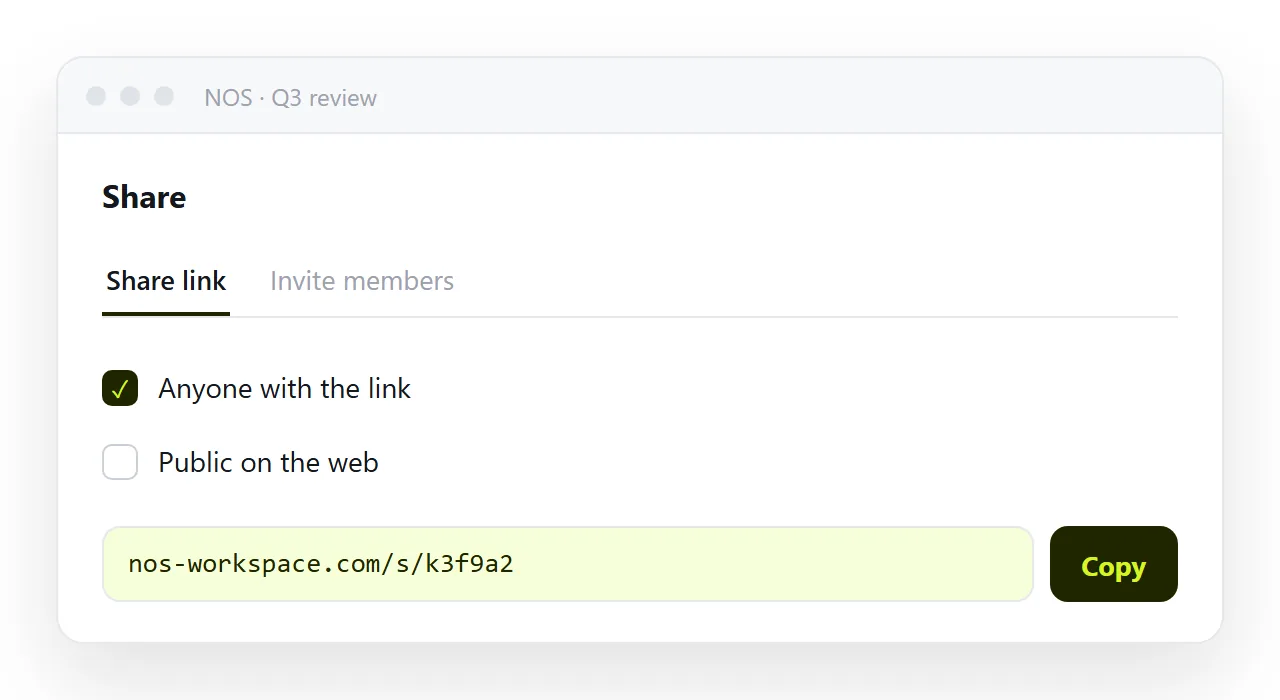
Send a link. There is exactly one report. Corrections land on it, and the people who received the link a week ago see the corrected version the next time they open it. Step four stops being a problem, because a forwarded link is the same report rather than a copy of an old one.
Publishing the page is the mechanism. What follows is how to structure the report so the link gets used.
Structure that survives being read on a phone
A table of contents, with anchors
<nav>
  <ol>
    <li><a href="#findings">What we found</a></li>
    <li><a href="#method">How we measured it</a></li>
    <li><a href="#detail">Detail by segment</a></li>
  </ol>
</nav>

<h2 id="findings">What we found</h2>
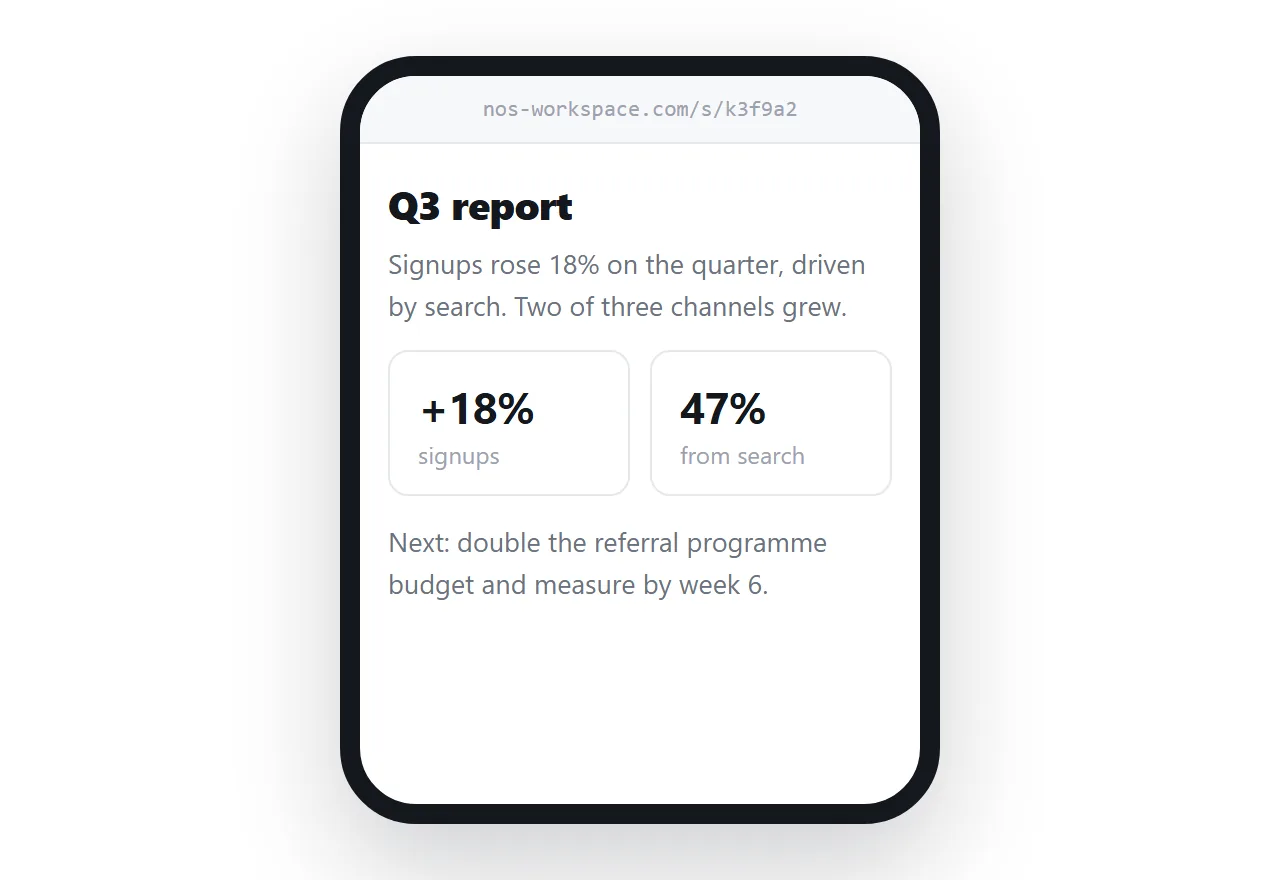
Readers do not read a report top to bottom; they look for their section. Anchors also mean you can send someone a link straight to the paragraph that concerns them, which is the single most useful thing a report-as-a-page can do and something a file cannot do at all.
Add scroll-margin-top to your headings if the page has a sticky header, or the anchor will land with the heading hidden underneath it.
Findings before method
The order that feels rigorous — background, method, data, conclusion — is the order that loses readers. Put the conclusion first and the method below it. Anybody who wants to check your working will scroll; everybody else got what they came for.
One idea per heading
Scannable beats comprehensive. A reader who can find the two paragraphs relevant to them has read your report. A reader faced with eleven undifferentiated screens has not.
State your base numbers
Every percentage needs its denominator next to it. Conversion rose to 4.2% is unverifiable; 4.2% (of 1,284 signups, up from 3.6% of 1,142) can be checked and argued with. This is the difference between a report that gets acted on and one that gets queried.
Keeping the history without keeping the copies
The objection to a single address is "but I need the version from last quarter". That is a real requirement, and dated copies in a folder are a poor way to meet it — they depend on somebody maintaining the folder, and the file names lie eventually.
A document that tracks its own versions answers it properly: one address, and the history behind it. In NOS the published page keeps its revisions, so "what did this say in July" is a question the document can answer while the link everybody uses still points at the current text.
What editing looks like afterwards
This is the part that decides whether the link stays current. If correcting a report means opening markup, the person who owns the words cannot do it, and the corrections queue up behind whoever can.
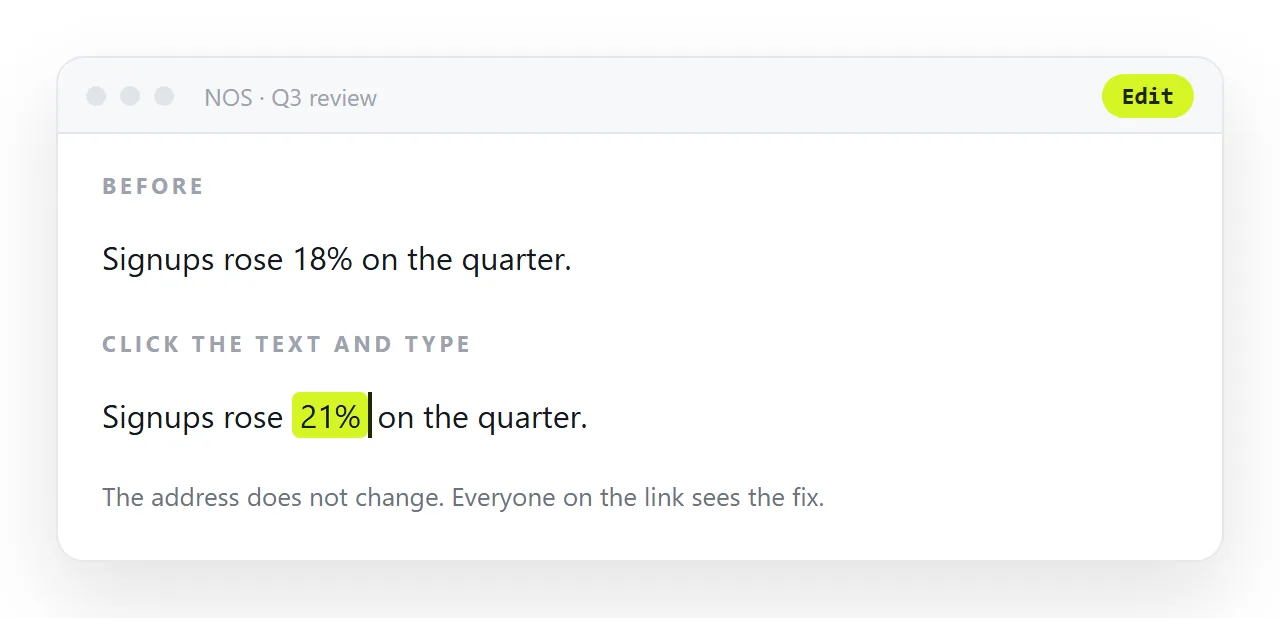
In NOS the pasted HTML renders exactly as written, and the text inside it is clickable text. The person who spotted the wrong date changes the date. No markup, no new file, no new address — and the six people who have the link are already reading the corrected version.
What one address changes
| Situation | As a file | At one address |
|---|---|---|
| Two people send corrections | v2, then v3 | One edit each |
| Someone forwards it | An old copy | The current report |
| A figure was wrong | Recall attempt, second email | Fixed; link unchanged |
| Someone wants one section | "See page 7" | A link to the heading |
| Next quarter's reference | Search sent mail | The address, still live |
| "What did this say in July" | Hope somebody kept it | The document's history |
The fourth row is the one people do not expect and use most once they have it — anchored headings mean you can send the finance contact straight to the spend section.
Structure and delivery together
The structure that makes a report readable is covered above. For the delivery side — what to put in the email versus on the page — see in the email or a link, and client reports for the case where each period needs its own address.
Numbers that can be checked
A report that gets acted on is a report whose figures can be argued with. Three habits make that possible on a page. State the base next to every percentage. Put the period on every chart.
And keep the source, a query, a spreadsheet, a data export, one link away in the appendix rather than in a folder on your laptop.
None of this is extra work on a page; it is the work a file forces you to redo in email replies.
Sharing the report as a link: 4 steps
- Put the findings first and give every heading an anchor. Readers look for their section, and an
idon each heading means you can send the finance contact straight to the spend section. - Paste the report into a NOS document. It renders exactly as written, tables and charts included, and the text stays clickable. Turning HTML into a link is this step.
- Copy the share link and send it once. Share, then Share link, then Create link. Append
#findingsor any heading's id to point at a section. - Take corrections on the page. Whoever spots the wrong date changes the date by clicking it. No v2, no recall attempt, no second email, and the six people holding the link are reading the corrected version.