A weekly status report template earns its place by being fast, because the test of a weekly update is not quality, it is survival. Almost all of them stop by week eight for the same reason: writing one took too long.
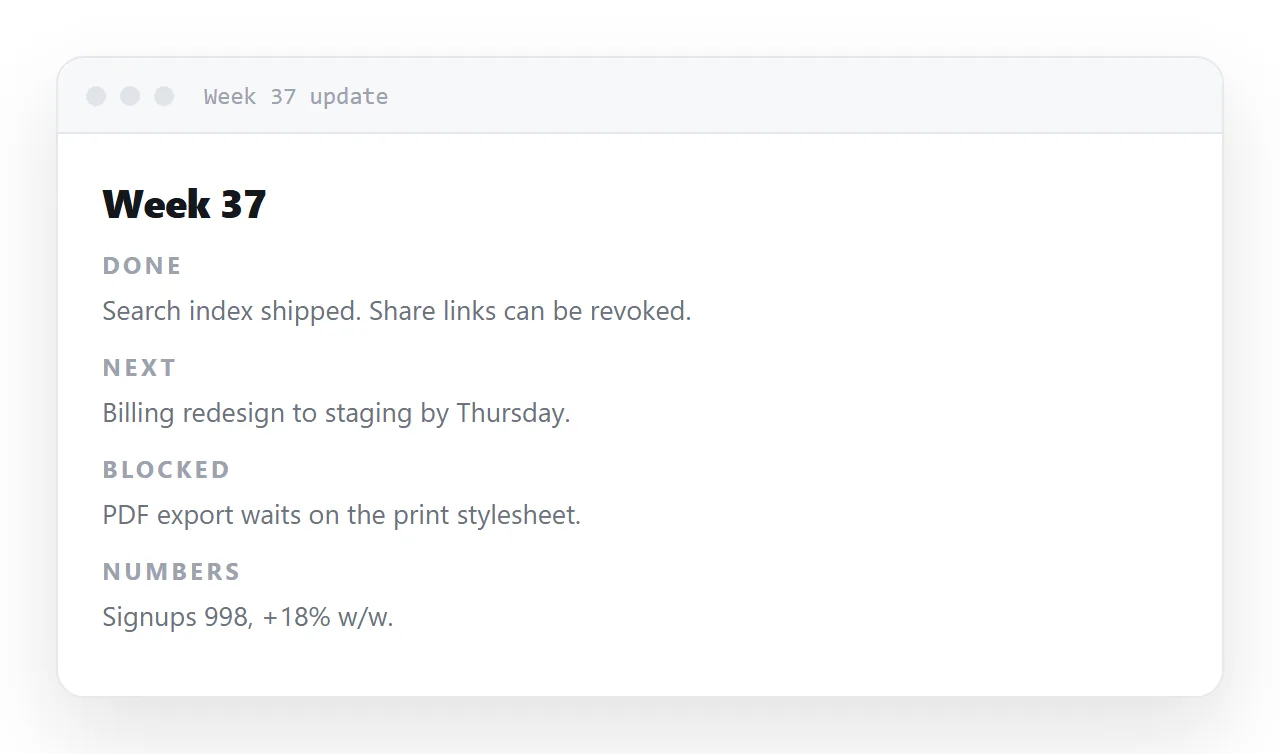
Four sections, ten minutes, one address to find. This guide covers the four-section shape, one page per week with an index, why a page beats a channel post, the template itself, and the four steps to set it up.
The test of a weekly update is not quality, it is survival. Almost all of them stop by week eight, and the cause is always the same: writing one takes too long.
So the format has to be designed for a ten-minute budget.
The weekly status report template: the four-section shape
<h2>Where we are</h2>      <!-- 2 lines, with a number -->
<h2>Shipped</h2>           <!-- what changed for someone -->
<h2>Stuck</h2>             <!-- what needs a decision, and from whom -->
<h2>Next</h2>              <!-- named, dated -->
Fixed sections mean no structural decisions each week — you fill boxes. That is most of the ten minutes saved.
Where we are
Two lines with one number, comparing to last week. Not a paragraph of context.
Shipped
Outcomes, not activity:
<!-- activity: tells the reader nothing -->
<li>Worked on the export feature</li>

<!-- outcome: tells them what changed -->
<li>CSV export is live — three customers who asked for it have been told</li>
This is the single biggest difference between an update people read and one they skim. An activity list reads as a defence of the week; an outcome list reads as progress.
Stuck
The section that earns the update its readership, and the one most often left out because it feels like admitting failure. It is the opposite — it is the only section that can produce help.
<li><strong>Needs a decision:</strong> whether October pricing includes the annual tier.
    Blocking the pricing page. <strong>Mina</strong>, by Thursday?</li>
What is blocked, who can unblock it, by when. Vague blockers stay blocked.
Next
Named and dated. "Continue working on the migration" is not a plan.
One page per week, with an index
/updates/2026-w37
/updates/2026-w38
/updates          ← the list
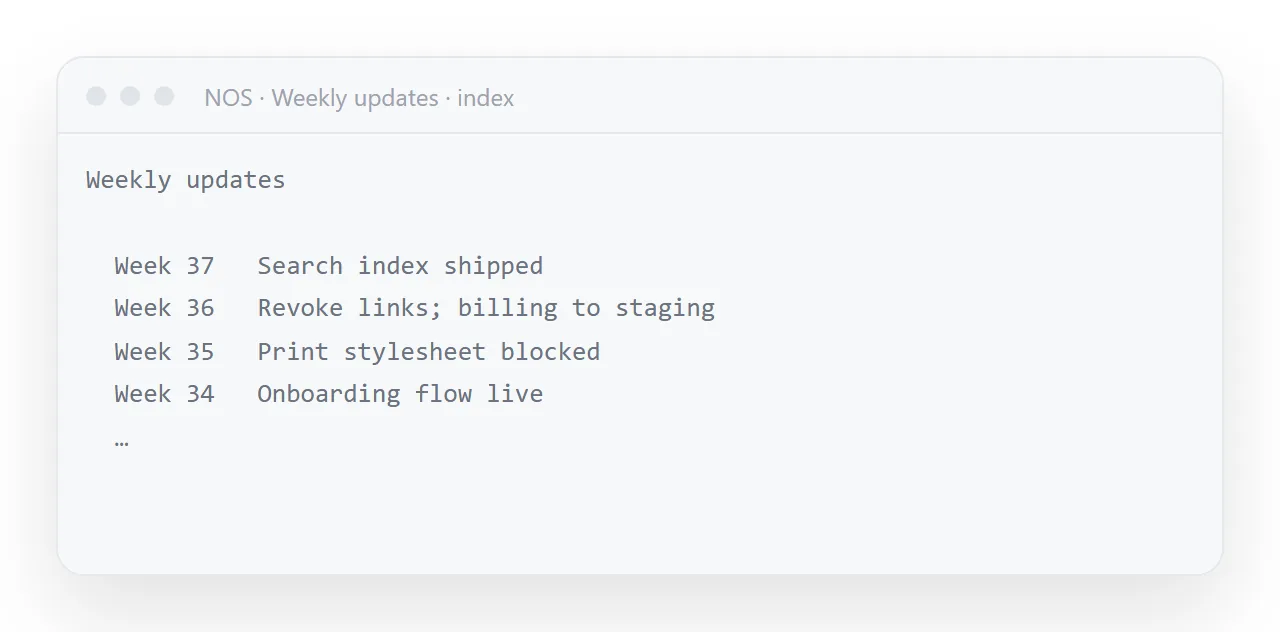
Each week has its own address, so it can be linked from a planning document or a performance review six months later. The index is the address you give a new joiner.
For a numbers dashboard the opposite is right — one page updated in place, so a channel tab or a bookmark never needs changing.
Why a page rather than a channel post
A channel message is unfindable after a fortnight. It cannot be linked from a document, cannot be read by someone who joined last month, and cannot be corrected after the fact.
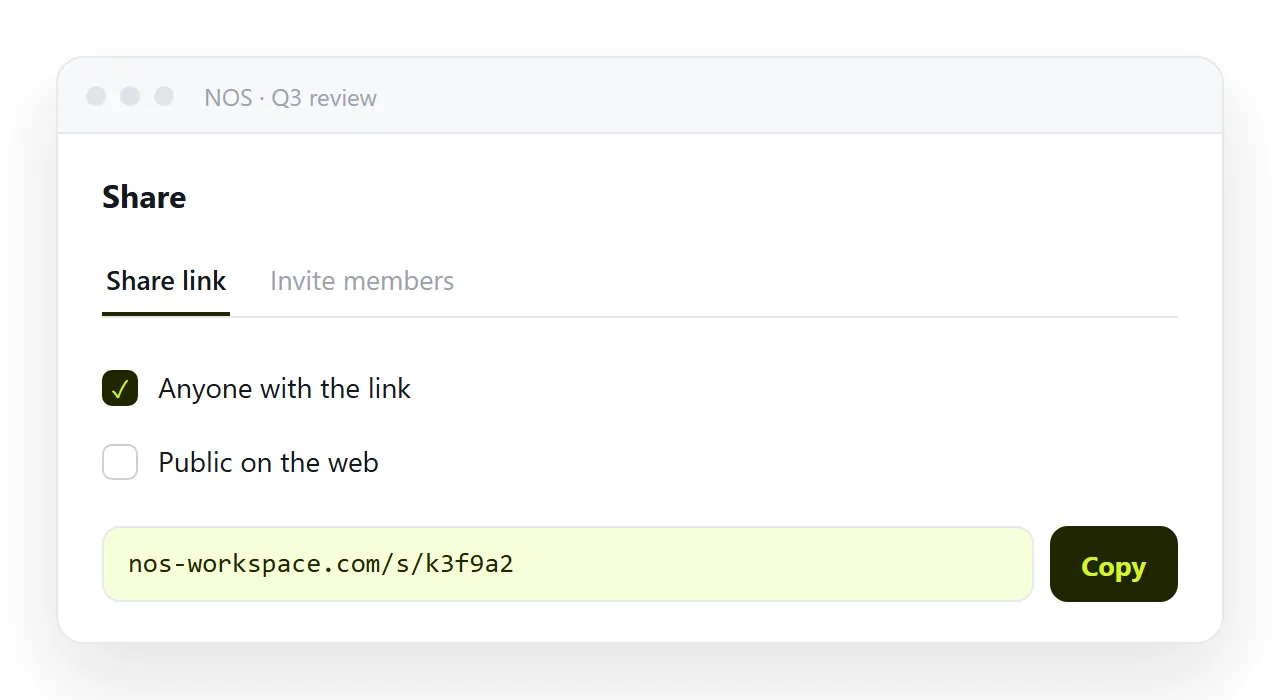
Post the summary and the link. Three lines in the channel, the detail on the page. The channel gets the attention; the page gets the permanence.
Use a template
Do not start from a blank page each week. Duplicate last week's, replace the contents, publish. That is what keeps it inside ten minutes — see reusing a template.
Keep the writing prompt in an HTML comment at the top if the page was generated, so regenerating in the same format is one step rather than five.
Reading it, not just writing it
The update is read by two kinds of people: the team, who skim stuck and next for their names, and everyone else, who read where we are and stop.
Write the first section for the second group, with the base numbers, and the last two for the first group, with names. A manager back from a week away reads three pages in five minutes from the index, which no channel scroll allows.
The habit, honestly
Write it at the same time every week. Keep it under ninety seconds of reading. Never skip the Stuck section.
Those three, and an update survives past week eight — which is when it starts being valuable, because by then the archive is a record of what actually happened rather than what anyone remembers.
In NOS each week's page is a document with its own address, sitting next to the others and searchable by the words in it. Duplicating last week's is one action, and correcting a figure after publishing does not change the link anyone has.
Why they stop, and what prevents it
| Cause of death | Prevention |
|---|---|
| Takes too long to write | Fixed sections, a template, a ten-minute budget |
| Nobody reads it | Outcomes instead of activity; under 90 seconds |
| Nothing changes as a result | A Stuck section with a name and a date |
| Cannot be found later | One page per week, own address, searchable |
| Feels like self-justification | Include what did not work |
Every weekly update that survived a year did these five. Every one that stopped by week eight failed the first.
How it relates to the other recurring documents
The weekly update is internal and narrative. A dashboard is the numbers, updated in place at one address. A changelog is what shipped, for customers.
Three documents rather than one, because they have different readers and different rhythms — and each is a link you can reference from the others rather than a section somebody has to scroll past.
What to do when a week has nothing to say
Post anyway, shorter. "Where we are" with the numbers and "next" with two lines is a complete update, and the reader who sees it knows the team is still there and the habit is intact.
The week that gets skipped is the week the habit starts to die, and the second skipped week ends it. A four-line page on a quiet week costs three minutes and protects the other fifty-one.
Setting up the weekly update: 4 steps
- Copy last week's page. Same four headings, same order. Never start from blank; the blank page is what kills the habit.
- Fill the four sections with numbers and names. Where we are with the base numbers, shipped, stuck with an owner and a day, next with owners.
- Post the same link in the same place. The index address, pinned in the channel. Share, then Share link, then Create link. the first week; after that the address does not change. Turning HTML into a link is this step.
- Stop at ten minutes. Anything that needs more than a line is its own page, linked from the update. The update is the index of the week, not the week.