HTML game code runs in any browser without a build step, provided everything it needs lives inside the one file. Put that file at an address and the game is playable in a click.
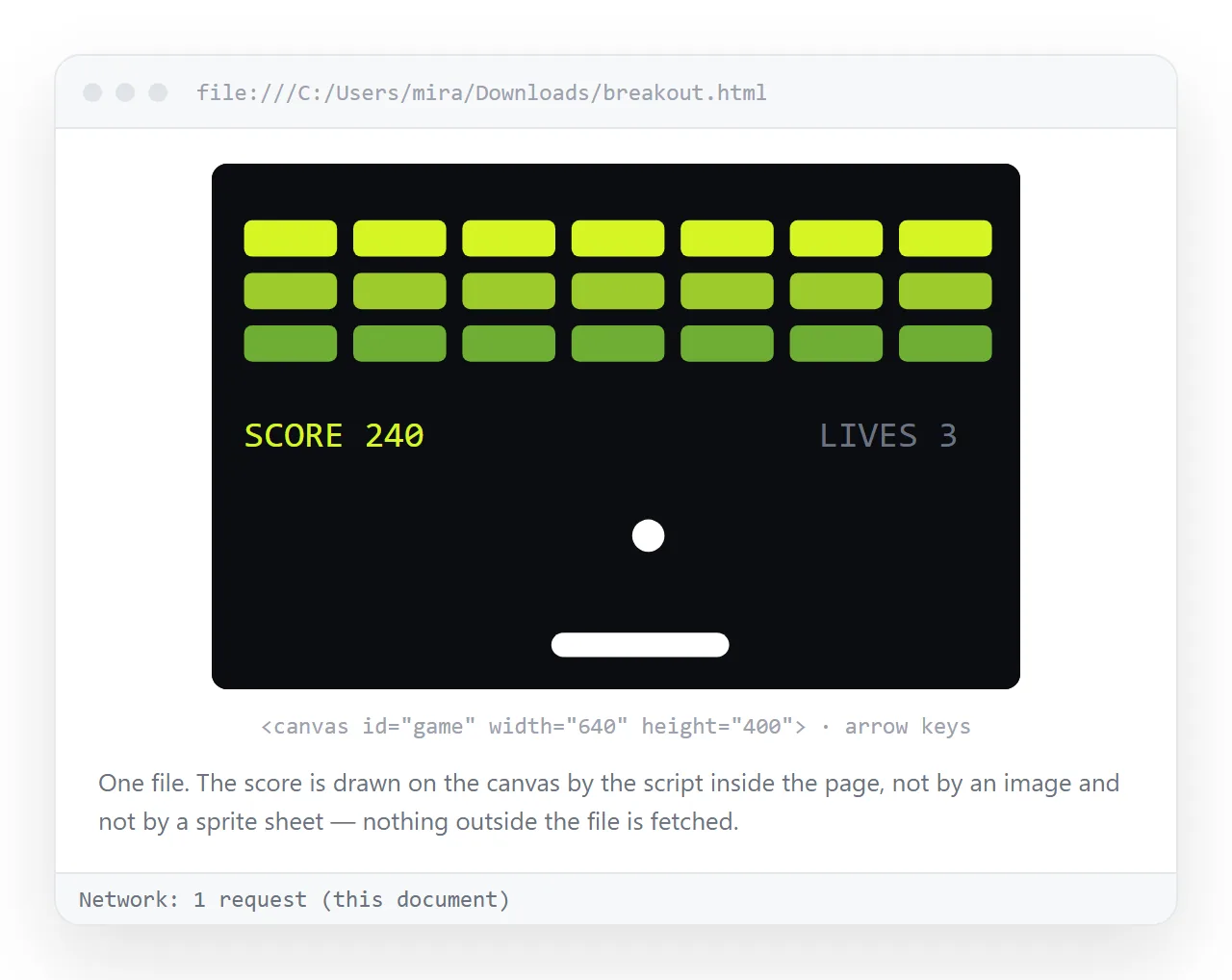
Most trouble with game HTML is not the game logic. It is that the page reaches for a sprite sheet or a script file that only exists in your folder.
What HTML game code needs to stand alone
The shape is always the same. One document, three regions.
<!doctype html>
<html>
<head>
  <meta charset="utf-8">
  <meta name="viewport" content="width=device-width,initial-scale=1">
  <title>Falling blocks</title>
  <style> canvas { background:#111; display:block; margin:0 auto } </style>
</head>
<body>
  <canvas id="board" width="320" height="480"></canvas>
  <script>
    const ctx = document.getElementById('board').getContext('2d');
    // game loop here
  </script>
</body>
</html>
No src pointing at a neighbouring file, no link rel="stylesheet", no module import. That is the whole requirement for the page to travel.
What breaks when the file moves
| In the code | Runs from a double click | Runs when shared | Fix |
|---|---|---|---|
Inline <script> |
Yes | Yes | Nothing |
<script src="game.js"> |
Yes, if the file is beside it | No | Paste the script inline |
<script type="module"> |
Blocked under file protocol | Yes, when served | Serve the page, or drop the module syntax |
new Image().src = 'sprite.png' |
Yes, if the file is beside it | No | Embed as a data URI |
fetch('levels.json') |
Blocked under file protocol | Yes, when served | Inline the data as a JS object |
localStorage |
Yes | Yes, per address | Nothing |
The blocked rows are not bugs in your code. Browsers restrict what a page opened from disk is allowed to read, which is what the file protocol does.
Embedding the assets
Two routes, and which you pick depends on the size of the art.
Draw it. For anything geometric, canvas drawing commands are smaller than an image and never fail to load. Most puzzle and arcade prototypes need no images at all.
Embed it. For real artwork, convert the image to a base64 data URI and put it in the file. The file gets larger, and it becomes one thing that works everywhere.
Sound is the awkward case. Short effects embed fine as data URIs. Music does not, so either hotlink it to a full address or generate tones with the audio API.
For the general pattern, see self-contained HTML files.
Getting the game in front of players
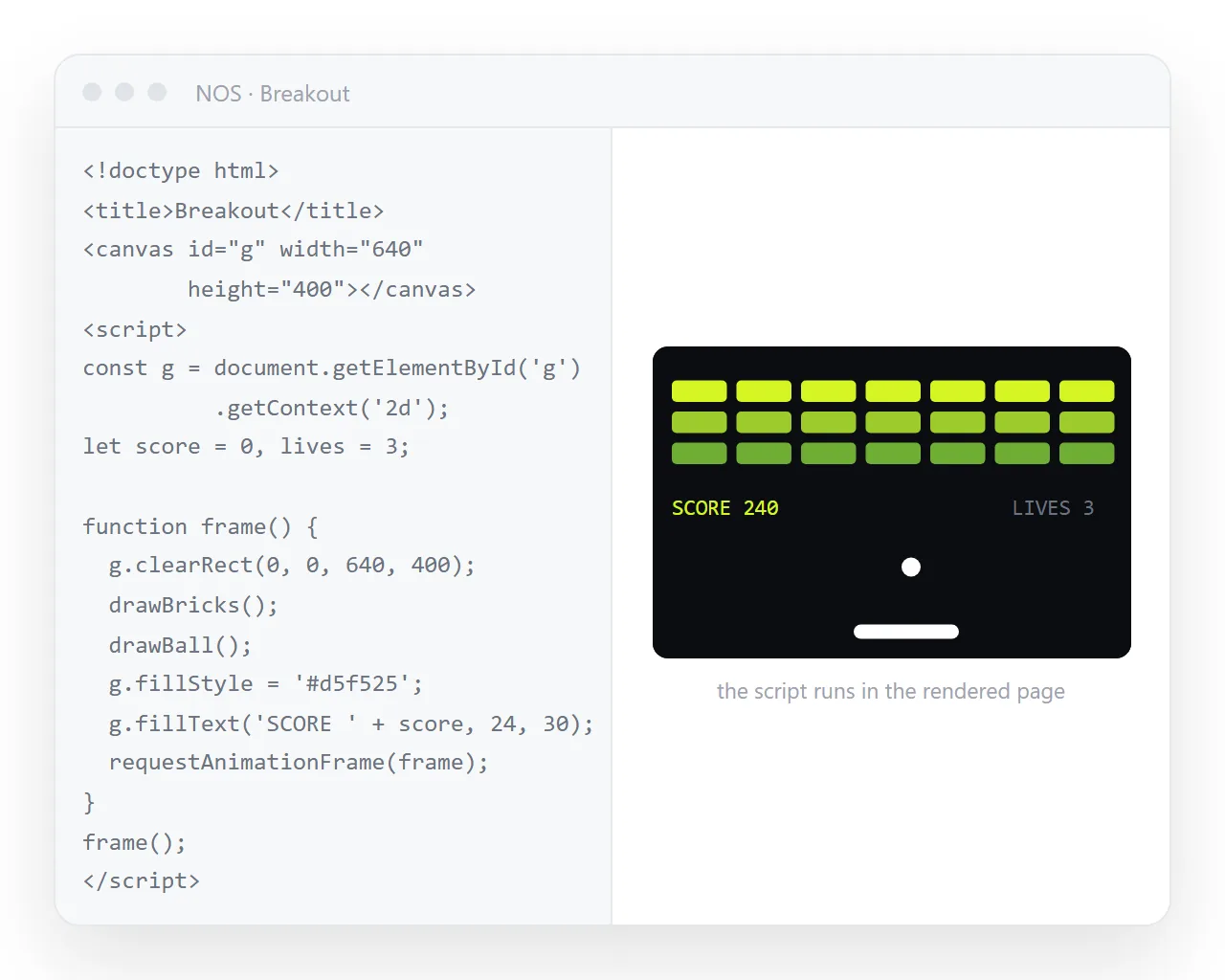
- Test it somewhere neutral. Open the file in the HTML file opener. It has never seen your folder, so anything missing shows up immediately.
- Paste the complete HTML into a document. It renders as a page of its own with scripts running.
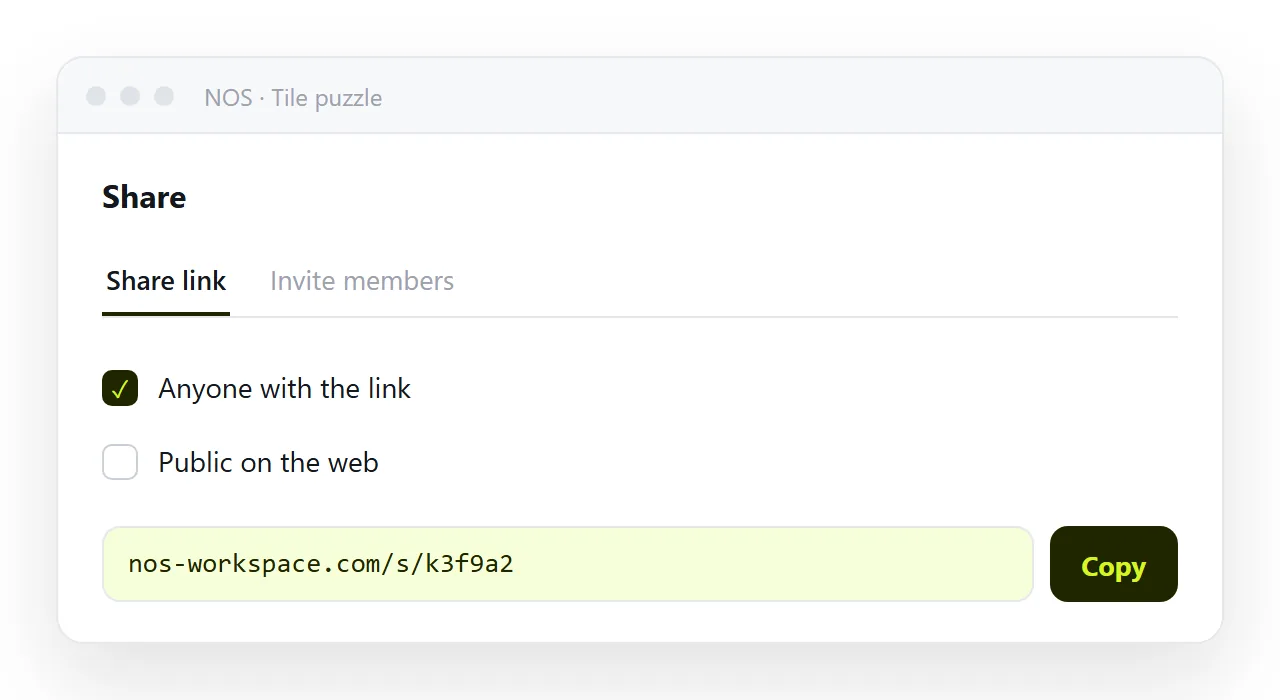
- Create the share link. Share, then Share link, then Create link. Unlisted by default.
- Send the line. It opens in a tap on a phone and needs no install.
Sending the .html file instead is the common mistake. Mail gateways strip HTML attachments, and on a phone the file lands in storage with nothing offering to run it, which is why links beat attachments.
Input and saved progress on phones
Keyboard controls are the default in generated game code and they exclude most of your audience. Two additions cover it.
Add touch handlers alongside the key handlers, mapping taps on screen regions to the same actions. Then add the viewport meta tag, without which the canvas renders at desktop scale and the game is unplayably small.
Keep the canvas sized in CSS pixels and scale the drawing context, rather than fixing pixel dimensions that only suit your monitor.
A single file game can keep state, within limits. Local storage holds a high score or a save slot, tied to one browser at one address.
That means the score does not follow the player to another device, and it is not visible to anyone else. A shared leaderboard needs a server, which is outside what a single file can do.
Session storage is the shorter lived alternative, cleared when the tab closes, which suits a run in progress.
When the code came from an AI chat
Generated game HTML is usually already one file, which is the format you want. Three checks.
Copy the complete output, from the doctype to the closing tag. Long game loops get truncated in chat panes and a half copied script fails silently.
Open it once on its own before sharing. If the canvas stays blank, the usual cause is an asset path the chat invented, or a module import that the file protocol blocks.
Then paste and share. Editing the title or the instructions afterwards is possible without touching the code. For the wider pattern, see single HTML file games.
Debugging and performance
Open the console before touching the code. A game that draws nothing has usually thrown an error in the first frame.
Reference errors name the missing thing directly, usually a function defined after it is called, or an element queried before the document exists. Move the script to the end of the body.
Blocked requests mean the page tried to load something. Under the file protocol that is fatal, and the console names the address it wanted.
A blank canvas with no errors usually means the drawing context is fine and the loop never started. Check that the next animation frame is requested at the end of each frame.
Phones run these pages, and a loop written on a desktop can drop frames badly.
Keep drawing calls per frame low and avoid creating objects inside the loop, because garbage collection shows up as periodic stutter.
Clear only the region that changed rather than the whole canvas where you can. And stop the loop when the tab is hidden, which spares the battery of anyone who left your game open.