An HTML prototype is a page that behaves like the finished interface, built to be reviewed and then discarded. Write it as one file, then put it at an address so reviewers can click it.
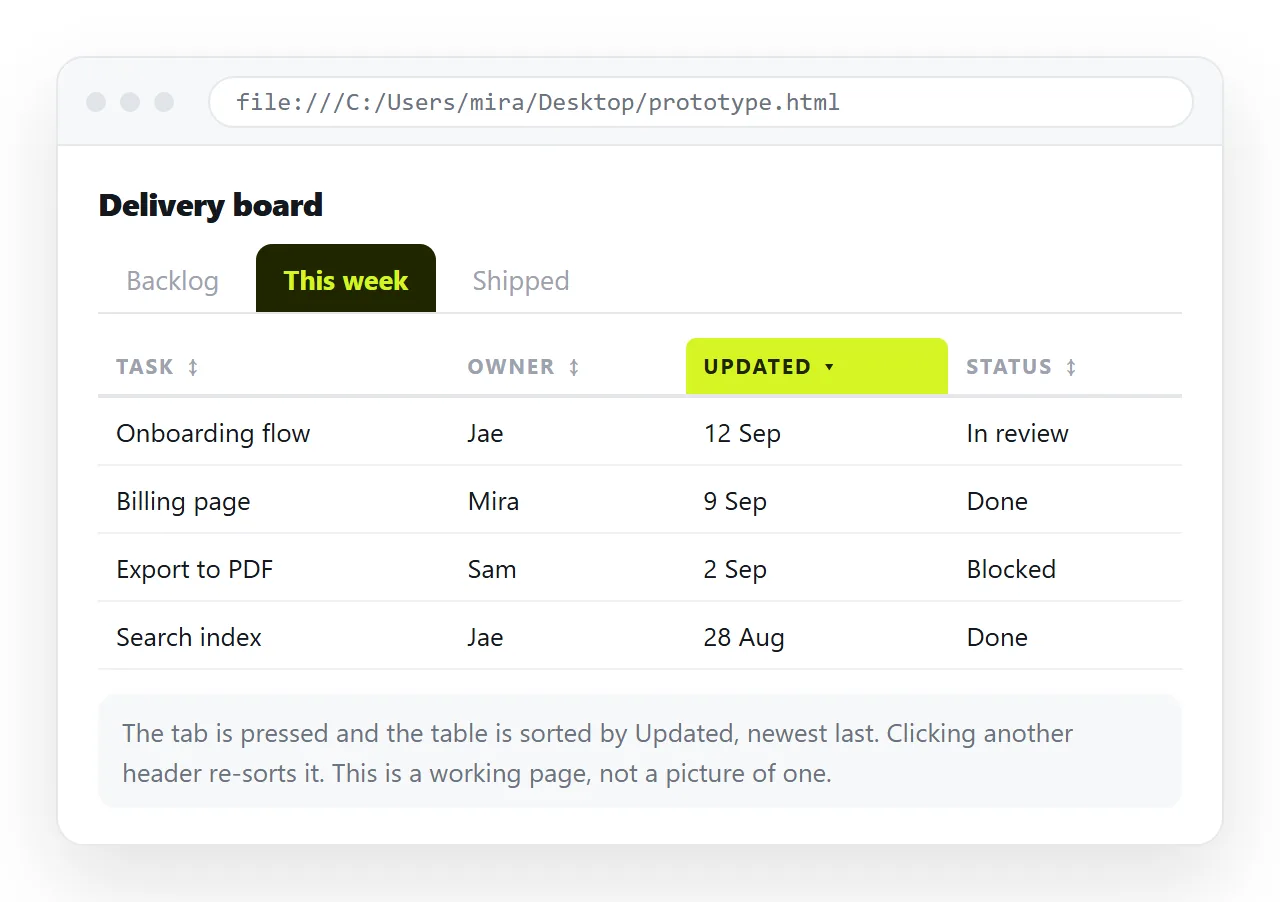
The markup is usually the quick part. The part that goes wrong is delivery, because a prototype that arrives as an attachment gets opened by nobody.
What separates a prototype from a real page
A prototype is written under different rules. It is allowed to be dishonest about the parts nobody is reviewing.
- Data is fake but plausible. Real-looking names and figures, so attention lands on the layout instead of on "Lorem ipsum".
- There is no backend. Buttons change what is on screen and nothing is saved, or state lives in local storage for the length of the session.
- Errors are ignored. No validation, no empty states, unless those are the thing being reviewed.
- Everything lives in one file. Styles inline or in a single style block, script at the bottom.
That last point is what makes the prototype portable. A page that reaches for files next to it is not a prototype you can send anywhere.
Prototype formats compared
| Format | Reviewer can click it | Revision cost | Best for |
|---|---|---|---|
| HTML prototype at a link | Yes, on any device | Edit the page, link unchanged | Interaction, real data density |
| Design tool prototype | Yes, within the tool | Fast, inside the tool | Layout, spacing, visual direction |
| Static image mockup | No | Re-export | Sign-off on a fixed screen |
| Slide walkthrough | No | Re-export | Explaining a flow to a room |
The .html file by email |
Rarely | Resend to everyone | Nothing, in practice |
The bottom row is the default people reach for, and it is the one with three ways to fail before the page is ever seen.
Writing an HTML prototype so it travels
Three habits keep a prototype openable anywhere.
Keep the styles inside. An external stylesheet is one more thing to lose in transit. For a throwaway page, inline and embedded CSS is the safer choice.
Embed or hotlink the images. A folder path stops working the moment the file moves. Use a full address or a base64 data image.
Add the viewport line. Without the viewport meta tag the page renders at desktop width on a phone, and half your reviewers are reading on one.
<meta charset="utf-8">
<meta name="viewport" content="width=device-width,initial-scale=1">
<title>Billing screen, v3</title>
Give it a real <title>. It becomes the browser tab and the preview card in chat, and an untitled prototype reads as junk.
Getting it in front of reviewers
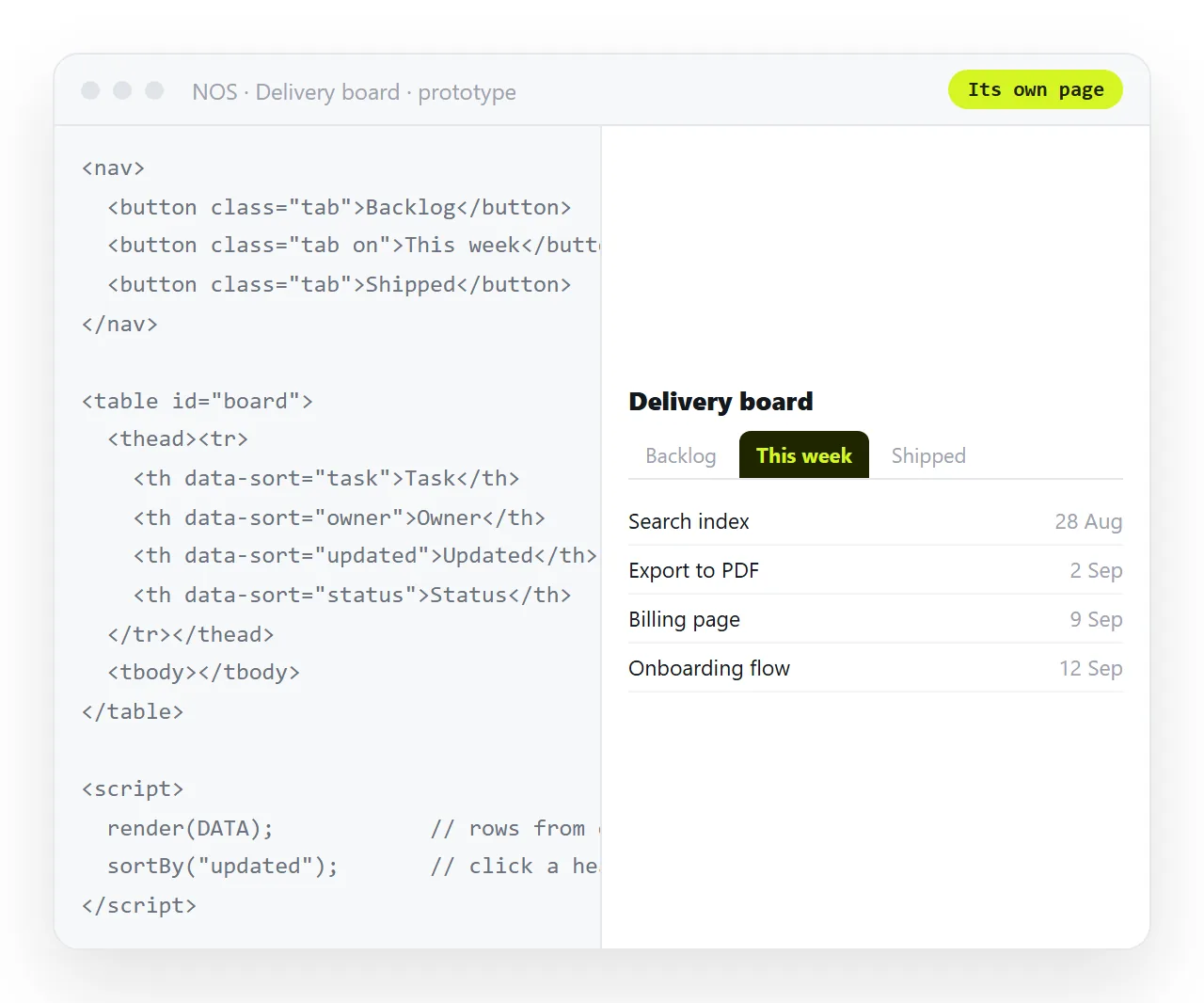
- Check it outside your folder. Open the file in the HTML file opener, which has never seen your project. Anything that breaks there breaks for the reviewer.
- Paste the HTML into a document. It renders as written, including charts and scripts, as a page of its own. Turning HTML into a link is this step.
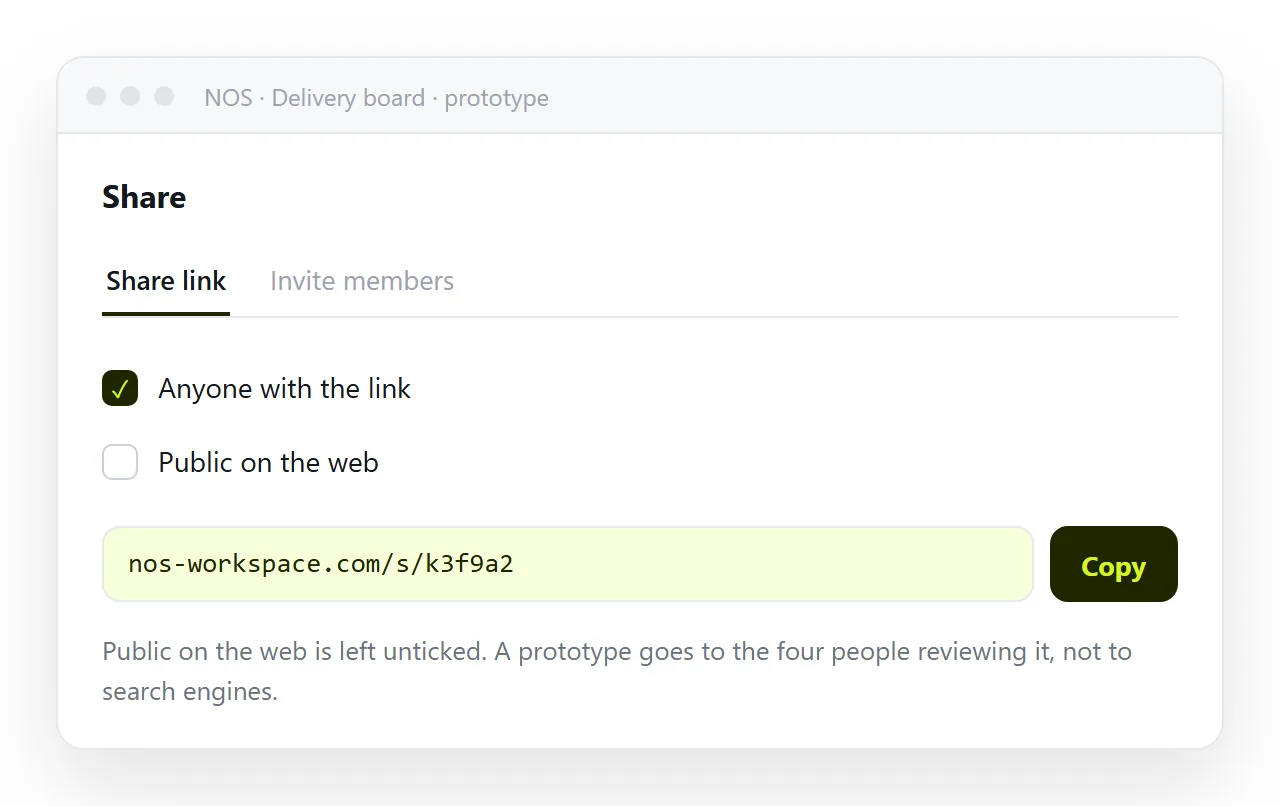
- Create the share link. Share, then Share link, then Create link. Leave it unlisted so only people with the line can open it.
- Send the link. One line of text passes mail filters, opens on a phone, and unfurls into a card in chat.
Why the address matters more on a prototype than anywhere else
A prototype changes several times a day. That is the whole point of building one.
If the unit of delivery is a file, every change is a new email, and within a week three versions are circulating with no way to tell which is current. Review comments start arriving against a build you abandoned on Tuesday.
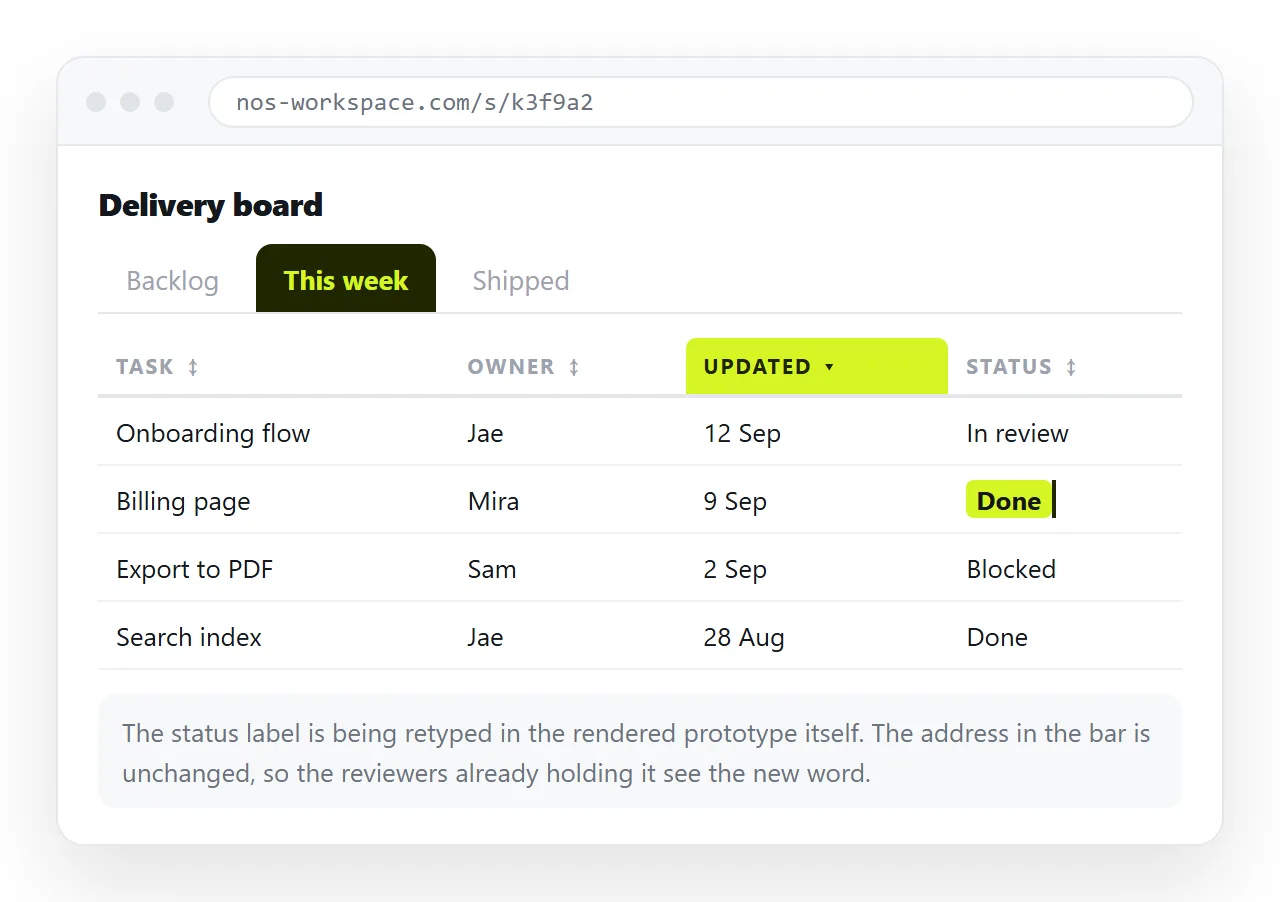
If the unit of delivery is an address, the reviewer refreshes and sees the current state. You fix a label by clicking the text, not by regenerating and re-uploading.
That difference is also why links beat attachments for anything still in motion.
Prototypes that came out of an AI chat
A large share of prototype HTML is now generated in a chat window. The output is usually one self-contained file, which is exactly the format you want.
Two checks before sending. Copy the complete file, from <!doctype html> to the closing tag, because chat panes truncate long output. Then open it once on its own to confirm the script block survived the copy.
After that the route is identical: paste, create link, send. Editing AI generated HTML without touching code covers changing the copy afterwards, which is most of what review feedback asks for.
Prototypes accumulate. A few conventions keep them findable.
- Put the version and date in the
<title>, so tabs and preview cards identify themselves. - Keep one document per screen rather than one per iteration. The address stays stable across revisions.
- When a direction is abandoned, copy it into a separate document before overwriting, so the discarded option is still openable.
- Write the open question at the top of the page. Reviewers answer the question they can see.
When a prototype is the wrong tool
Not everything needs to be clickable. If the decision is about wording, a document is faster. If it is about brand or illustration, a static image is more honest, because a half-styled prototype invites comments on styling you have not done yet.
Reach for an HTML prototype when the question is behavioural: does this table stay readable at two hundred rows, does this flow make sense without a guide, does this chart answer the question at a glance. Those only resolve when someone clicks.
For a comparison of where the page should finally live, see static host versus document.