An HTML one pager template is mostly a set of limits: a ninety-second reading budget, four sections, one claim as the headline, three pieces of evidence with their figures, two sentences of meaning, and named actions with dates.
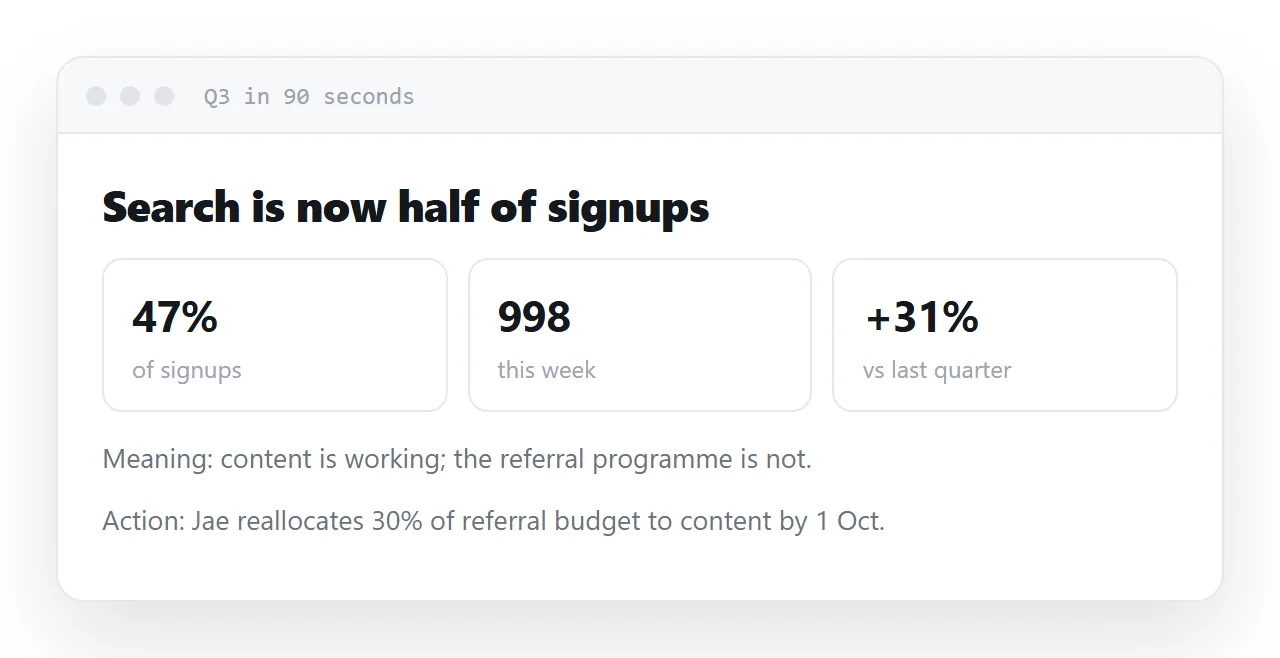
A one-pager has a hard constraint in its name and generated output ignores it, producing eleven sections and nine hundred fluent words.
This guide gives the prompt that enforces the limits, the reason for each one, the before-and-after, and the four steps from the generated file to a summary people actually read.
A one-pager has a hard constraint in its name and generated output ignores it. These are the instructions that hold it.
The prompt behind the HTML one pager template
Build one complete, self-contained HTML file: a one-page summary.

LENGTH
- the whole page must be readable in 90 seconds
- 4 sections maximum, 70 words maximum per section
- if something does not fit, leave it out rather than shortening everything

STRUCTURE
1. The claim — one sentence, stated as a conclusion, not a topic
2. The evidence — 3 bullets, each with a number and its base
3. What it means — 2 sentences
4. What happens next — named actions with dates

LANGUAGE
- no "significantly", "leverage", "robust", "industry-leading",
  "data suggests", "seamless", "holistic"
- every claim of magnitude must carry a figure
- write "not measured" where a figure is unavailable

LAYOUT
- single column, max-width 720px, centred
- system font stack, 16px body, 1.7 line height
- anchored h2 headings with scroll-margin-top
- no external libraries, fonts or images
Why each part is there
"Readable in 90 seconds"
A time budget works better than a word count because it is the real constraint. The reader has ninety seconds. A page that needs four minutes gets the first ninety seconds and then abandonment, which is worse than a shorter page.
"Leave it out rather than shortening everything"
Without this, a word limit produces uniformly compressed text — every section trimmed until nothing has room to make its case. The instruction to drop a whole section instead is what produces a page with one clear argument.
"The claim, stated as a conclusion"
"Q3 report turnaround" is a topic. "Report turnaround fell from four hours to forty minutes" is a claim. The first tells the reader what the page is about; the second tells them the thing they needed to know, and lets them stop reading.
"Each bullet with a number and its base"
<li>Turnaround fell from 4h 12m to 38m across 30 reports a week, same two people.</li>
A magnitude with its denominator can be checked. Substantially faster cannot, so it gets nodded at and forgotten.
The banned-phrase list
This is more effective than "be concise", because those phrases are not verbose — they are empty, and they survive instructions to shorten. Naming them removes them.
| Phrase | What it is doing | Replace with |
|---|---|---|
| significantly | avoiding a number | the number |
| leverage | avoiding a verb | the actual action |
| data suggests | avoiding a source | which data, how much |
| robust, seamless, holistic | filling space | nothing |
| industry-leading | unverifiable claim | delete |
"Write 'not measured'"
Given a gap, the default is to fill it. Given permission to leave it visibly empty, you get a hole you can see rather than an invented figure that reads like a measurement. It reduces the problem; it does not remove it — check every number you did not supply.
"Named actions with dates"
<li><strong>Mina</strong> — draft the template by 20 Sep</li>
"Next steps: continue monitoring" is a way of ending a document without committing to anything. A name and a date is the difference between a summary that causes something and one that gets filed.
"Anchored h2 headings"
<h2 id="evidence">The evidence</h2>
Lets you send someone a link straight to the section that concerns them. scroll-margin-top keeps the heading from landing behind a sticky header.
After it renders
Read it once out loud. Anything you stumble over is a sentence that was written to sound analytical rather than to say something — cut it.
Then publish the page and send the link. In NOS the pasted summary renders exactly as written and its text is clickable text, so the figure that turns out to be wrong is typed over and everybody on the link sees the correction. A one-pager circulated as a file becomes four one-pagers within a week.
Fitting it to your own summary
Replace the four section names only if your readers use different ones; the order, claim then evidence then meaning then actions, is the part that works.
Keep the 70-word cap even when it hurts; the section that will not fit is usually the one that should be a separate page with a link.
Add one line naming the audience, "for the leadership team, who have not seen the data", because the assistant writes for whoever it imagines otherwise.
Before and after
| Generated by default | With the constraints above |
|---|---|
| Eleven sections | Four |
| "Performance improved significantly" | "Turnaround fell from 4h 12m to 38m" |
| A background section | None |
| "Next steps: continue monitoring" | "Mina — draft the template by 20 Sep" |
| 900 words | Under 300 |
| Percentages with no base | "4.2% (54 of 1,284)" |
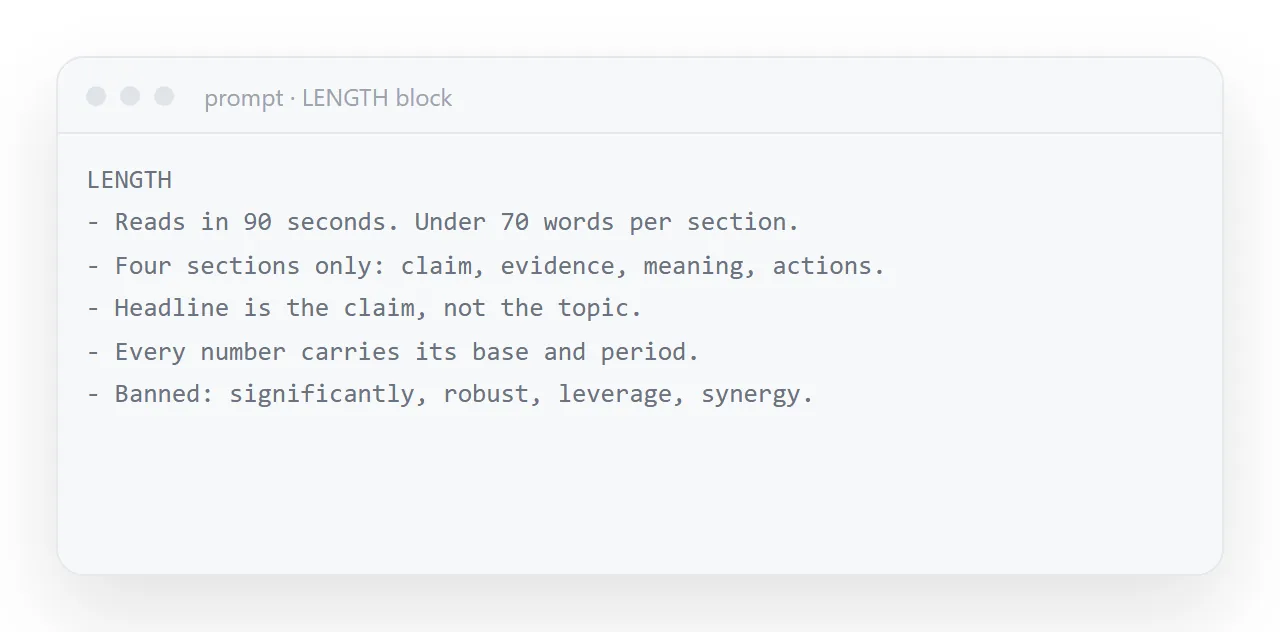
Every row on the right came from one line in the prompt. None of it is a writing skill the model lacks; it is a set of defaults that has to be overridden explicitly.
The one thing to check by hand
Every figure you did not supply. Fluent prose makes an invented number read like a measured one, which is exactly why they survive review — see AI-generated reports.
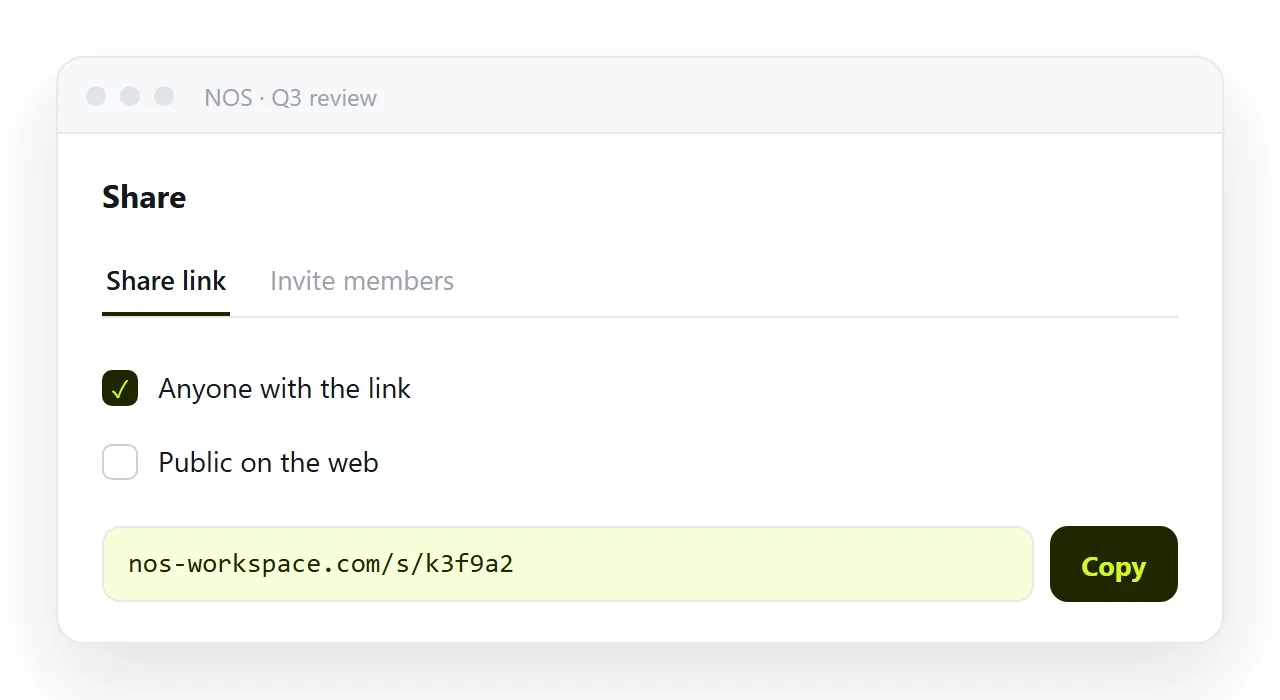
Then publish the page so the figure you correct afterwards is the figure everybody sees.
When the one-pager is the cover for a longer report
The best use of a one-pager is on top of the full report, at the same address.
Put the summary first with the four sections, then the detail below anchored headings, and the reader who has ninety seconds stops after the summary while the reader who has twenty minutes scrolls.
One page, two audiences, and the numbers in the summary are the same numbers as in the detail because they were never copied anywhere.
From the prompt to a one-pager people read: 4 steps
- Paste the prompt and your figures. Keep the LENGTH and LANGUAGE blocks as written. Supply every number you want on the page; say "write not measured" for the ones you do not have.
- Read it once out loud. Anything you stumble over is a sentence written to sound analytical rather than to say something. Cut it.
- Check every figure against the source. Fluent prose makes an invented number read like a measured one. AI-generated reports covers the audit.
- Publish the one-pager and send a single address. Share, then Share link, then Create link. The figure that turns out wrong is typed over, and everyone on the link sees the correction. Turning HTML into a link is this step.