Claude HTML to video has one reliable route: play the page in a browser and record the screen at the size you want the output to be.
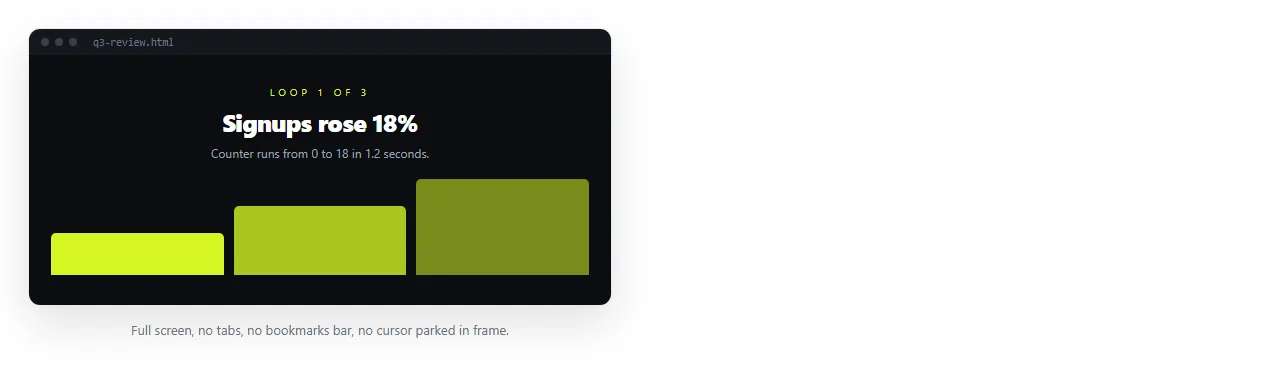
There is no export button in the page itself. An HTML animation is CSS and script running in a browser, so capturing it means capturing the browser while it runs.
That is straightforward, and the quality of the result comes down to four decisions made before you press record.
Claude HTML to video: four decisions before recording
| Decision | Get it wrong and |
|---|---|
| Output size | The video is scaled afterwards and the text goes soft |
| What is in frame | Bookmarks bars and notifications appear in the final file |
| Start point | The opening frames are missing and the motion begins mid loop |
| Frame rate | Recording above the animation rate wastes size without adding smoothness |
Fixing any of these afterwards is harder than deciding them first, and the size decision cannot really be fixed at all.
The recording pass
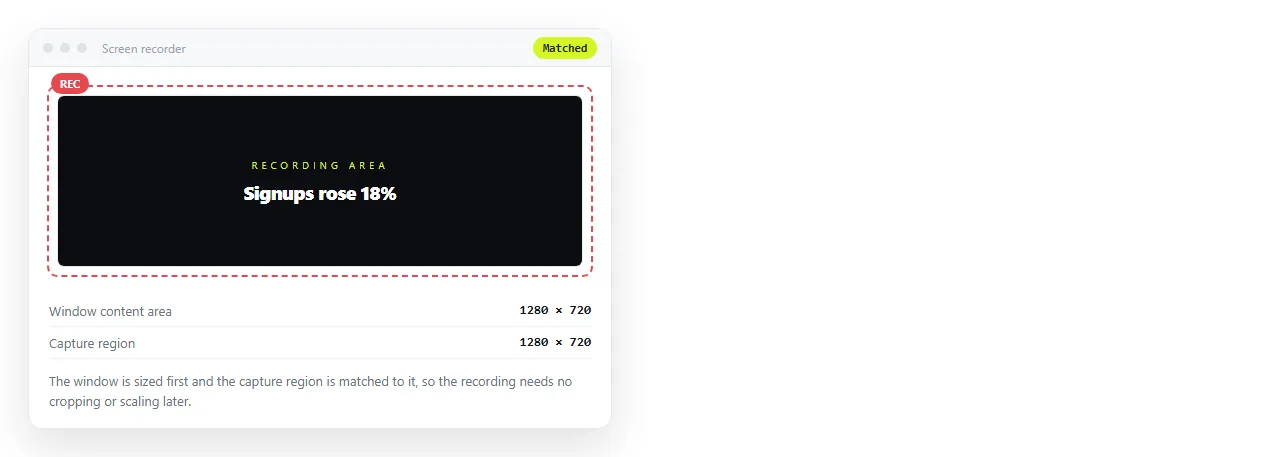
- Size the window to the output. If the destination is a 16 by 9 slide, size the window to that shape. Scaling a recording up loses sharpness that cannot be recovered.
- Clear the frame. Full screen the page, or use a clean window with toolbars hidden. Turn off notifications, since one will appear the moment you start.
- Start recording, then reload the page. This captures the animation from its first frame instead of joining it in the middle.
- Let it run past the end. Extra footage is trimmed. Missing footage means a second take.
- Trim and export. For a loop, cut at the point the first frame repeats. For anything that drifts, cut at a natural pause.
Why recordings stutter, and what fixes it
Stutter is almost always contention. The recorder and the animation want the same machine at the same time.
- Close other tabs. Background tabs with their own animation are a common cause.
- Reduce the recording area. A smaller region is cheaper to capture.
- Match the frame rate to the animation. Capturing at a high rate does not make a thirty frame animation smoother.
- Shorten the take. A clean four second loop is more useful than a stuttering thirty second one.
There is one more cause worth ruling out. A page that fetches data while recording will pause when the request is slow, and the pause lands in the middle of the take. Embed the numbers in the file before recording.
If it still stutters, simplify the animation rather than the recording. Long blur, shadow and filter transitions are expensive to draw, and a version that moves position and opacity only will record cleanly.
What video loses
A recording is a flat sequence of pixels. Everything that made the page a page is gone.
- Interaction. Hovers, clicks, tab switching and sorting become nothing.
- Selectable text. Numbers in the video cannot be copied, which matters for reports.
- Sharpness at other sizes. A recording sized for a slide looks soft on a large display.
- Currency. When a figure changes you re-record, and the old file is already circulating.
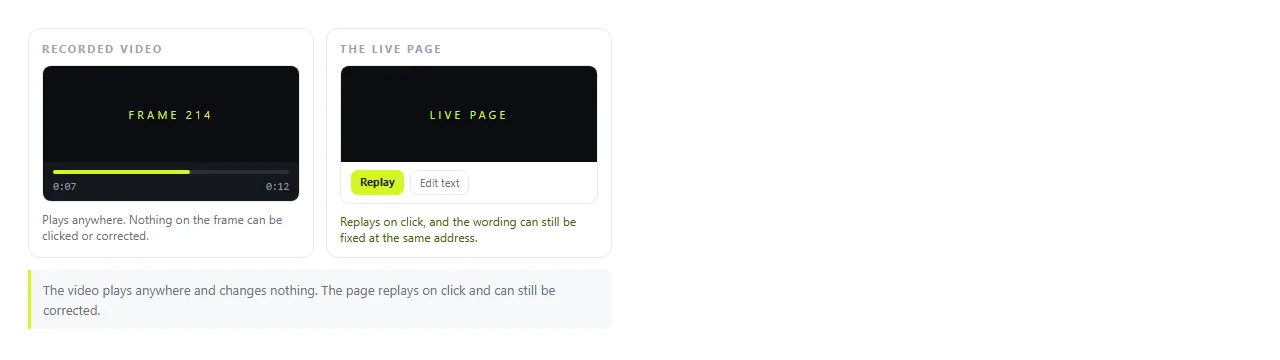
Screenshot versus live page covers the same trade for still images, and the reasoning carries over directly.
When a link is the better deliverable
Video is required in specific places: social platforms, a slide that must play with no network, an email client where nothing interactive survives.
Outside those, sending the page itself is fewer steps and a better result.
Pasting the HTML into a NOS document renders it exactly as written, with the animation, the dark theme and the scripts intact.
Share, then Share link, then Create link gives it an address. The link is unlisted by default, and it does not change when you edit the page.

The recipient sees the animation running rather than a video of it, on a phone as well as a laptop. When a number in the page changes, you click the text and correct it, and the link you already sent points at the corrected version.
Turning HTML into a link is that step alone. For pages that came out of a chat, saving a Claude artifact covers getting the complete file out first.
Stills are often enough
Before recording, ask whether the motion is carrying meaning or decoration.
A chart that animates into place communicates nothing the final state does not. A process that builds up step by step does.
For the first case, take a picture. HTML to image exports the page as a still, and Claude HTML to image covers sizing, fonts and transparent backgrounds.
A still is smaller, sharper, works in every email client, and never arrives paused on a black frame.
The same question applies to length. A twenty second video of a page is rarely watched to the end, and a single frame with a link under it usually gets more attention than either.
Preparing the animation for capture
If the animation is being made for a recording, say so when you ask for it.
- Ask for a fixed size stage matching the output dimensions.
- Ask for the animation to return to its starting state so the video loops.
- Ask for motion built from position and opacity rather than heavy filters.
- Ask for a short delay before the first movement, so the recording has a clean start.
Claude HTML animation covers the prompt shape for that, including how to keep the motion from becoming decoration that distracts from the content.