Claude HTML to image is a three step job: render the page, set its width to the size you want the picture to be, then capture it.
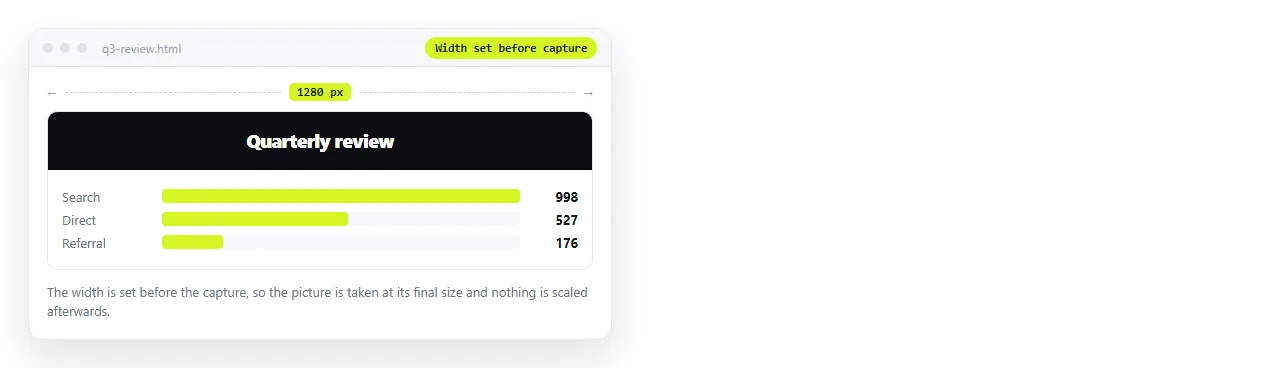
The width step is the one people skip, and it is the one that cannot be undone. Capturing at a narrow width and enlarging afterwards produces soft text that no amount of processing restores.
HTML to image does this in one paste. The rest of this page is what goes wrong and how to notice before you send the picture.
Where Claude HTML to image goes wrong
| Symptom | Cause | Fix |
|---|---|---|
| Blank chart area | Script drew the chart after the capture | Let the page settle, then capture |
| Wrong typeface | Network font was not available | Embed the font or use a system font |
| Soft or blurred text | Captured small and scaled up | Set the width before capturing |
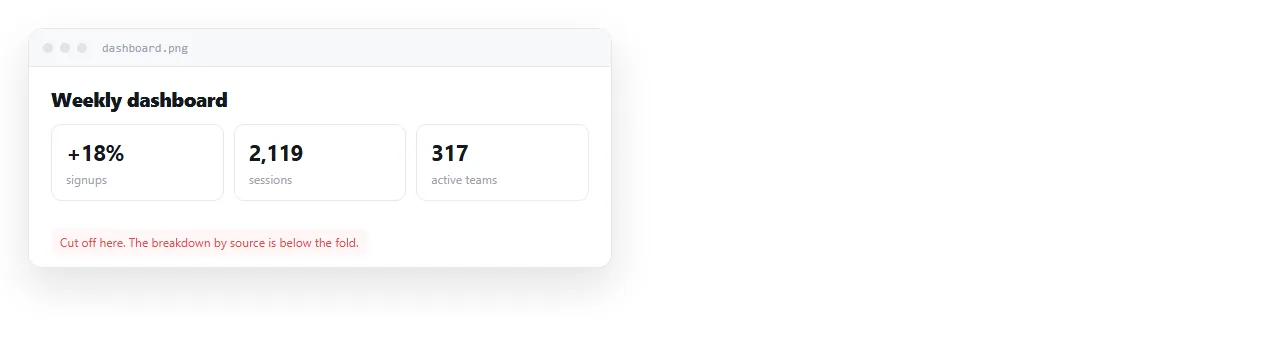
| Content cut off | Fixed height, or a scrolling container | Remove the height limit before capture |
All four are visible in five seconds if you look at the result. Most of them ship because nobody looked.
Set the size first
Decide the destination before the capture, because the destination sets the width.
- Slide or presentation: the slide width, at a fixed 16 by 9 area.
- Document or report: the column width it will sit in.
- Social post: the platform's preferred size, and check the crop.
- Print: capture at a larger width than the printed size, since print needs more detail than a screen.
The width also decides how the layout behaves. A page captured at a narrow width uses its phone layout, with the columns stacked, which is rarely what you wanted in a slide. Set the width first and the layout follows.
Once the width is set, the height usually follows the content. Trouble starts when the page fixes its own height and the content runs past it.
Charts need the page to finish
A chart drawn by a script exists only after the script runs. Capture too early and you get axis lines with nothing on them, or an empty box.
Two situations are different from each other.
Local data. The chart draws within a moment of load. Waiting is enough.
Fetched data. The chart depends on a network request. In a capture that has no network, or where the request fails, the chart never appears. Ask for the numbers to be embedded in the file instead.
If the chart is the whole point of the picture, confirm it is drawn on screen before you export rather than checking the image afterwards.
Fonts are the quiet failure
A page that requests a font from the network shows a fallback when the font is unavailable. The layout usually still works, so nothing looks broken, and the image does not match your brand.
- Embed the font in the file, or
- Use a system font stack, or
- Compare the capture against the screen before using it.
The third option is the least reliable, because a similar looking fallback passes a quick glance and fails a designer's.
The same applies to icon fonts. An icon set loaded from the network exports as empty boxes or as stray letters, and the result looks broken rather than merely different.
What an image loses
Exporting ends the page. That is the trade, and it is worth naming.
- Everything below the fold if the capture is cropped rather than full height.
- Interaction. Tabs, sorting and hovers become one frozen state.
- Selectable text. Numbers in a picture cannot be copied into a spreadsheet.
- Currency. When a figure changes, the picture is wrong and already in someone's inbox.
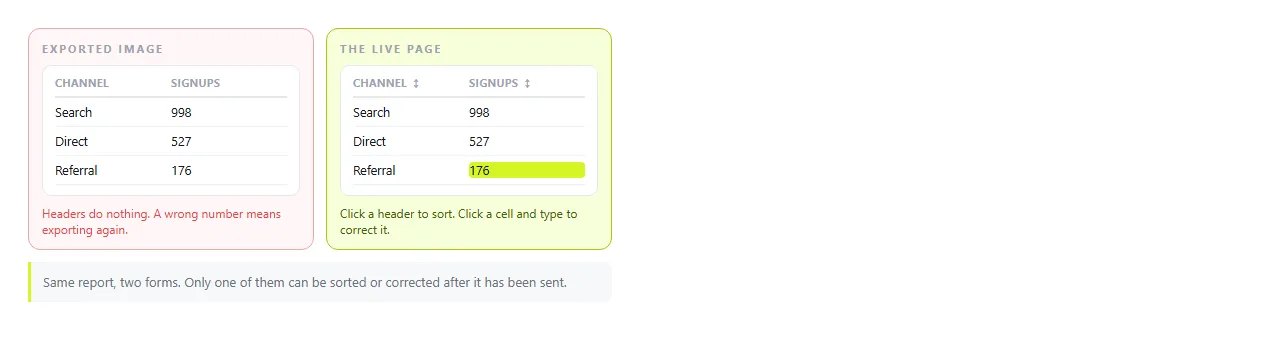
Screenshot versus live page covers that comparison directly, and PDF versus HTML page covers the same question for documents that must also print.
When to send the page instead
An image is right when the destination cannot show a page: a social post, a printed handout, a chat where links are stripped, a slide that must work with no network.
Otherwise the page is the better deliverable.
Pasting the HTML into a NOS document renders it exactly as written, dark theme, charts and scripts included. Share, then Share link, then Create link gives it an address, unlisted by default, and the address does not change when the content does.

The recipient sees the page rather than a picture of it, on a phone as well as a laptop. A wrong number is fixed by clicking the text and typing over it, and the link already sent points at the corrected version.
Turning HTML into a link is that step alone. If the HTML is still sitting in a chat, saving a Claude artifact covers getting the complete file out first.
A short pre-export checklist
- Is the width set to the final size?
- Have the charts finished drawing?
- Are the fonts the intended ones rather than fallbacks?
- Is anything cut off at the bottom or the right edge?
- Will any number in this picture change next week?
A yes to the last question is a signal to send a link rather than a picture. For animated pages, the equivalent question is whether a still is enough, which Claude HTML to video covers.