To get gemini html code to PPT you have three routes: keep it as an HTML slide page behind a link, export it to PDF and import the pages into slide software, or rebuild the deck by hand.
No conversion turns HTML into editable PowerPoint slides without loss, so pick the route by what happens after you hand the deck over.
The question that decides it is short. Does anyone other than you need to edit these slides? If no, stop at the link. If yes, you are paying for that with either flattening or retyping.
Gemini HTML code to PPT: the three routes
| Route | Editable afterwards | Charts stay live | Effort | Fits when |
|---|---|---|---|---|
| Keep it as an HTML page behind a link | Yes, by editing the page | Yes | Lowest | You present it and send it |
| Export to PDF, import into slide software | Titles only, if you retype them | No | Medium | A .pptx file is required |
| Rebuild in slide software | Fully | Rebuilt by hand | Highest | The deck is a template others will reuse |
Nothing here is free. The first route gives up the file format. The second gives up editable text. The third gives up your afternoon.
Route one: leave it as a page and send a link
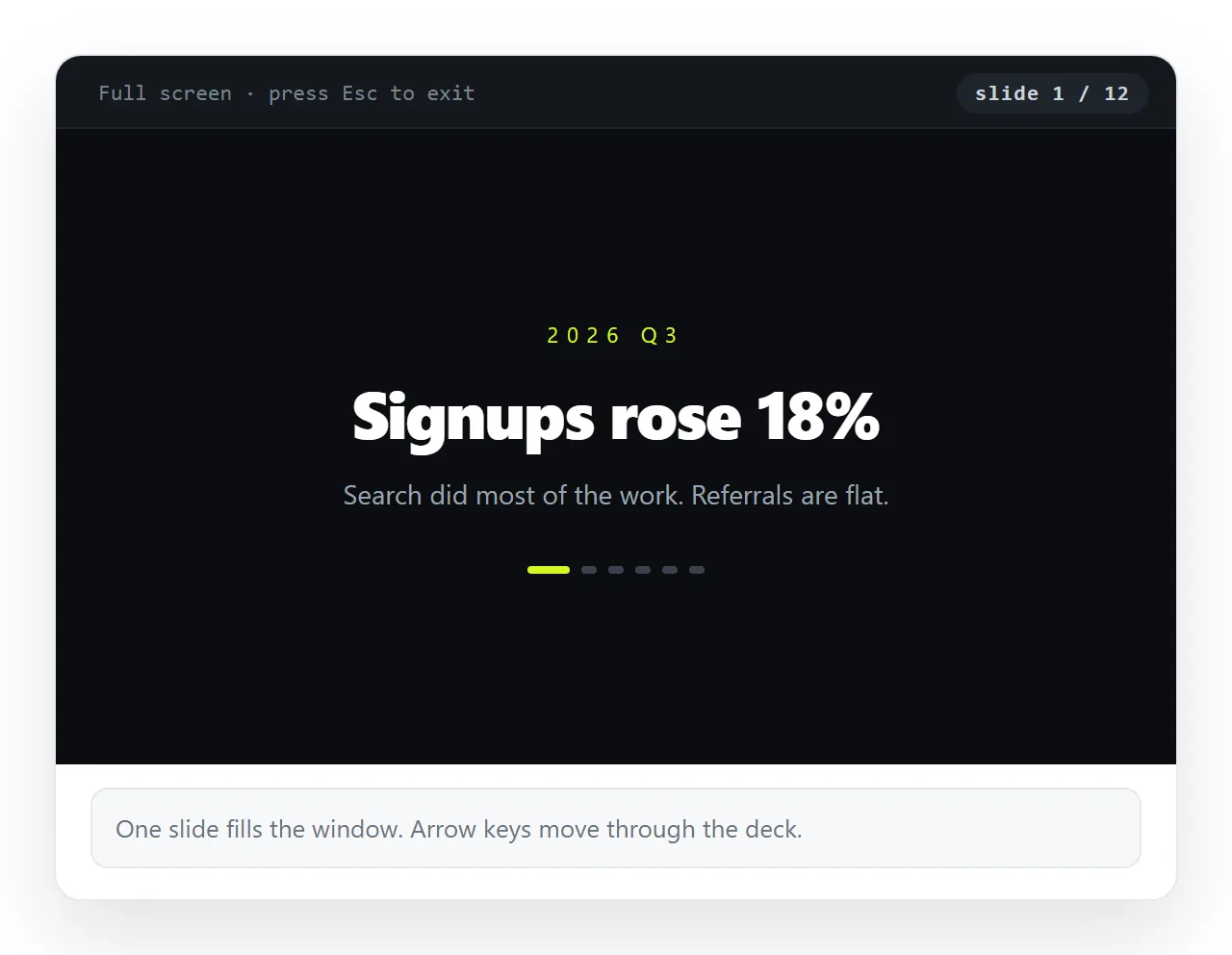
The HTML deck already works as a deck. Open it in a browser, go full screen, and present. The arrow keys or scroll behaviour the generated deck was built with still apply, and charts keep their tooltips.
Before you rely on it, open the file in a window that has never seen your project. The HTML file opener does that. Fonts and images that survive there survive in the meeting room too.
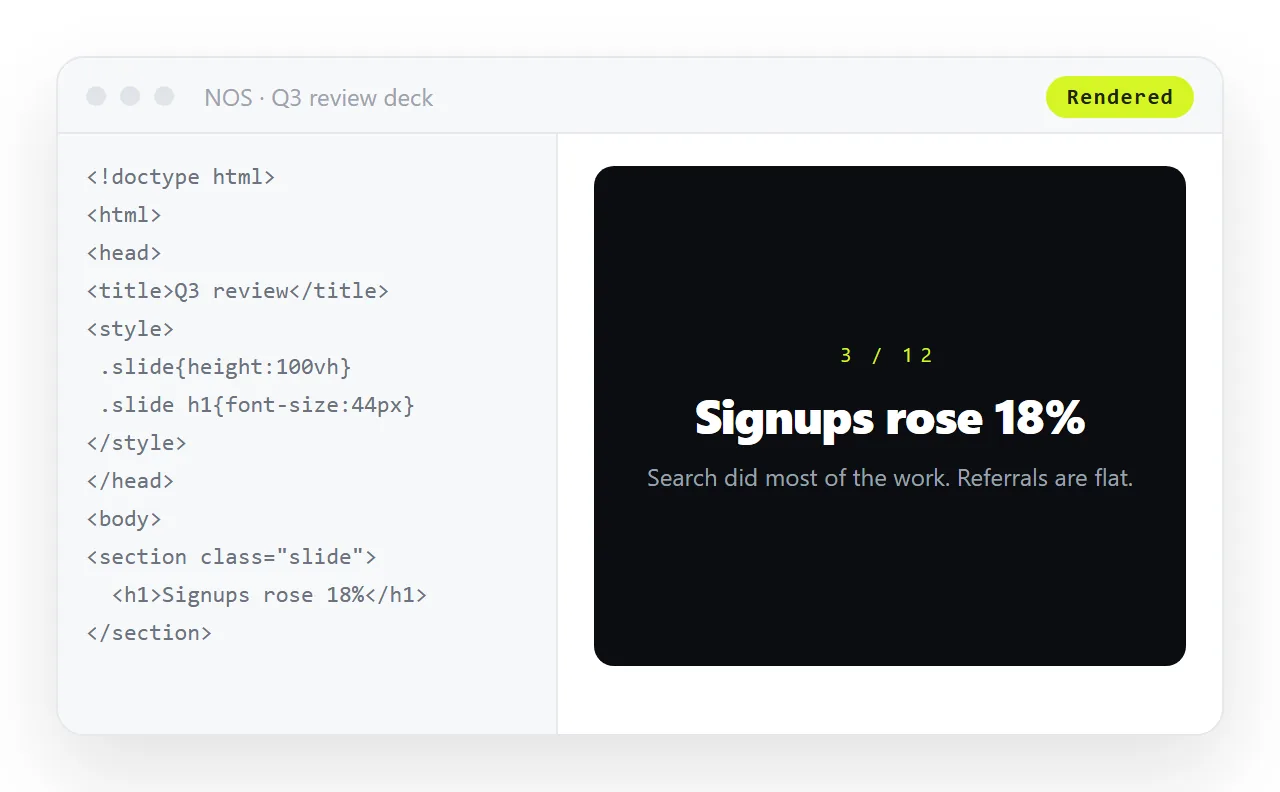
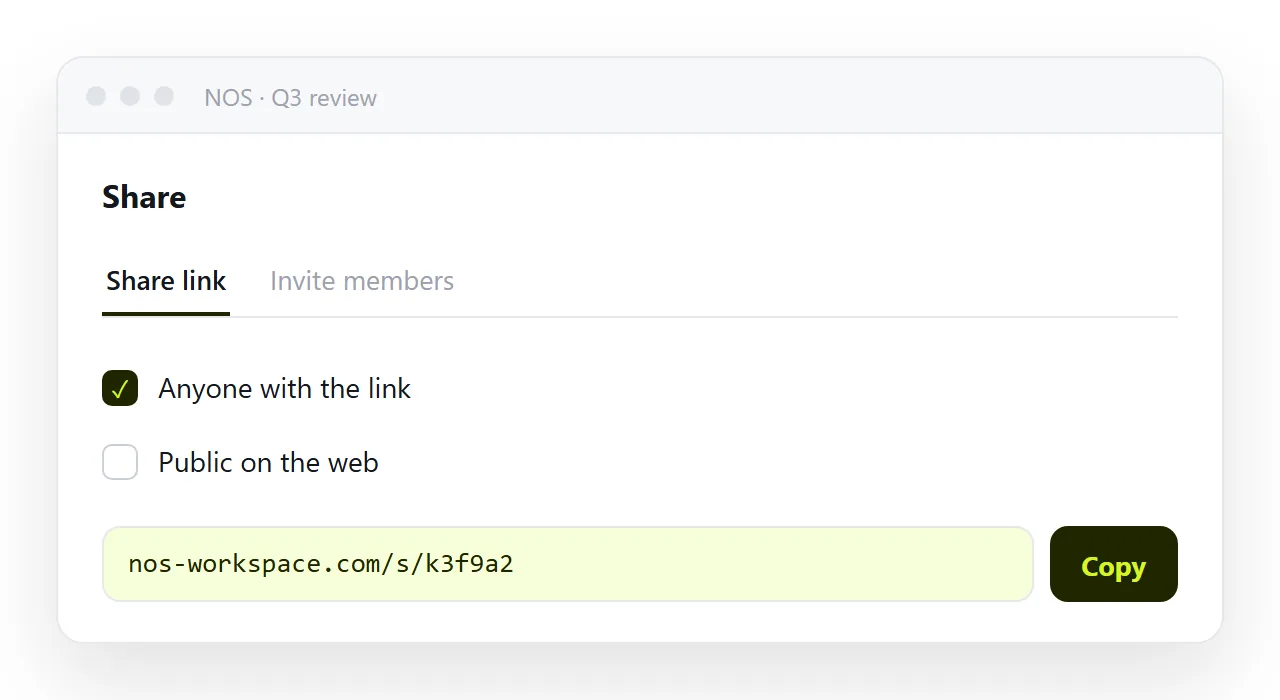
To hand it over, paste the HTML into a NOS document. It renders as written, dark theme, charts and scripts included, and the document has its own address through Share, then Share link, then Create link.
Links are unlisted by default, which means they open for whoever holds the link and are not listed anywhere. Tick Public on the web only if the deck should turn up in search results.
Two things this route gives you that a file does not. The text inside stays clickable and correctable without touching code, and the address does not move when the content does, so the link you sent last week shows this week's numbers.
- Present from the browser, no export step.
- Correct a figure five minutes before the meeting, without resending anything.
- Send one line of text that opens on a phone.
Putting a slide deck behind a link covers the handover in more detail, and HTML for pitch decks covers the case where the deck is the deliverable.
Route two: PDF, then import
When the other side requires a file in slide format, this is the shortest honest path.
First set the page size. A deck printed at document proportions arrives with white bands, so set the print size to match the slide shape before exporting.
Then follow the normal export, which turning the HTML into a PDF sets out step by step. That includes the background graphics setting, which otherwise prints coloured panels white.
Then in your slide software, insert the PDF pages as images, one per slide. Some versions import a PDF directly, others want the pages exported as images first.
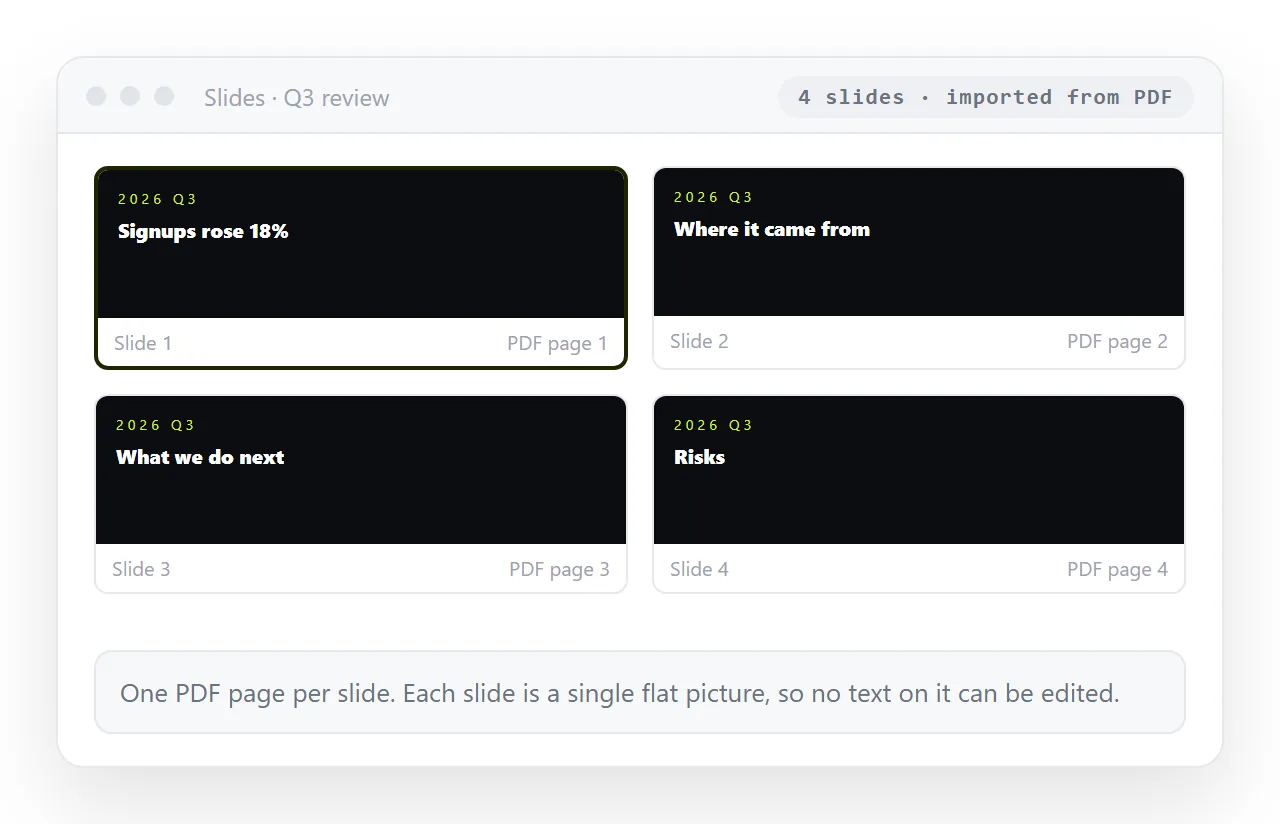
What you now have is a real file that opens anywhere and presents cleanly. What you do not have is text. Every word is part of a picture, so nothing can be reworded, restyled, searched or read aloud by a screen reader.
If someone will need to edit the headlines, spend ten minutes retyping the title of each slide into a proper text box over the image. That covers most of what people change in practice, and it keeps the deck usable for the next person.
Route three: rebuild it by hand
Worth it in one situation: the deck is going to be reused, restyled and handed around, and it needs to live inside your company template.
Use the HTML version as the source. Keep the structure and the wording, and rebuild the layout with your own master slides. Copy the text out of the rendered page rather than out of the code, so you take the words and not the markup.
Charts get rebuilt as native chart objects with the same numbers. That is the slowest part, and it is also the part that makes the deck maintainable later, because the next person can change a value without asking you for the source.
Budget this properly. For a ten slide deck it is an afternoon, not a coffee break, and the result is a file your organisation can own.
What each route costs in one line
- Link. You keep everything the page can do, and give up the file format.
- PDF import. You get the file format, and give up text, charts and correction.
- Rebuild. You get everything, and pay for it in time.
There is a fourth thing people try, which is screenshotting the slides into a deck. It is the PDF route with worse resolution and no page structure, and a screenshot versus a live page explains why it loses more than it looks like it does.
Choosing without regretting it later
Ask who touches the deck after you. If the answer is nobody, send the link and stop. If the answer is one person changing three numbers, send the link and show them where to click the text.
If the answer is a team who will fold your slides into a larger deck in their own template, rebuild it, because they would have to anyway and flattened images would come back to you as a request.
The mistake to avoid is exporting to a flat file early out of habit, then discovering at the review that a number is wrong. At that point the page can be corrected in place, while the exported file has to be made again and resent.
Turning HTML into a link keeps that option open, and you can still export a file later from the same page.