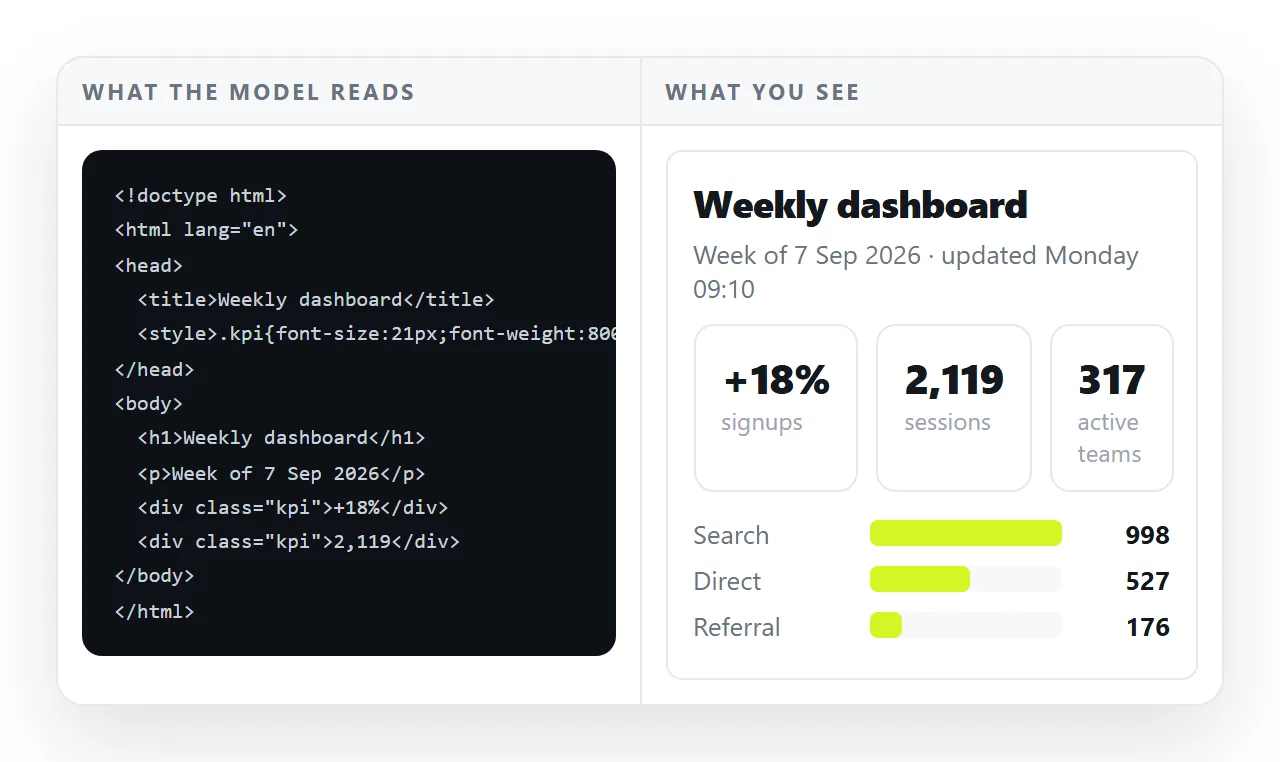
Can ChatGPT read HTML files? Yes, as text. It sees the markup, the copy, the inline styles and the scripts, and it does not open the page the way a browser does, so it cannot tell you what the page looks like.
That distinction decides which questions get useful answers. Ask about structure and it has everything it needs. Ask whether the header overlaps the first paragraph and it is guessing from code.
Reading markup is not viewing a page
An HTML file is a set of instructions. A browser follows them, fetches the fonts and images they name, applies the styles, measures the window and produces a picture.
Reading the instructions gives you the intent. Only running them gives you the result. Two files with almost identical markup can produce very different pages once a stylesheet loads or fails.
So the honest version is yes for the text and no for the picture.
What it can tell you from the markup alone
This is a longer list than people expect, and it covers most of what goes wrong in practice.
- Structure. Missing closing tags, a heading order that skips levels, tables built out of nested layout boxes.
- Copy. Wording, tone, length, repeated phrases, headings that do not match the section under them.
- Fragile references. Images and stylesheets pointed at a neighbouring file, which is the usual reason a page breaks after you send it.
- Accessibility markers. Missing alt text, buttons with no readable label, form fields with no associated label.
- Head tags. A missing title, a missing viewport line, absent description or preview tags.
- Obvious script faults. A function called before it is defined, an element the script looks for that is not in the markup.
Ask for those and you get specific line-level answers.
What it cannot tell you
Everything that only exists once the page is drawn.
| Question | Answerable from markup | What it needs instead |
|---|---|---|
| Is there an unclosed tag? | Yes | Nothing |
| Does the text overlap the image? | No | A screenshot of the rendered page |
| Is this readable on a phone? | Partly, from the viewport and media queries | A screenshot at phone width |
| Did the chart draw? | No | A screenshot, or the console output |
| Is the contrast strong enough? | Partly, from the colour values | A screenshot |
| Why is the page blank? | Sometimes | The browser console error text |
The middle column is the useful one. Anything marked "partly" means it can reason about the rule you wrote without seeing whether the rule won.
Can ChatGPT read HTML files you paste, upload, or link to?
Three routes, and they differ in what actually arrives.
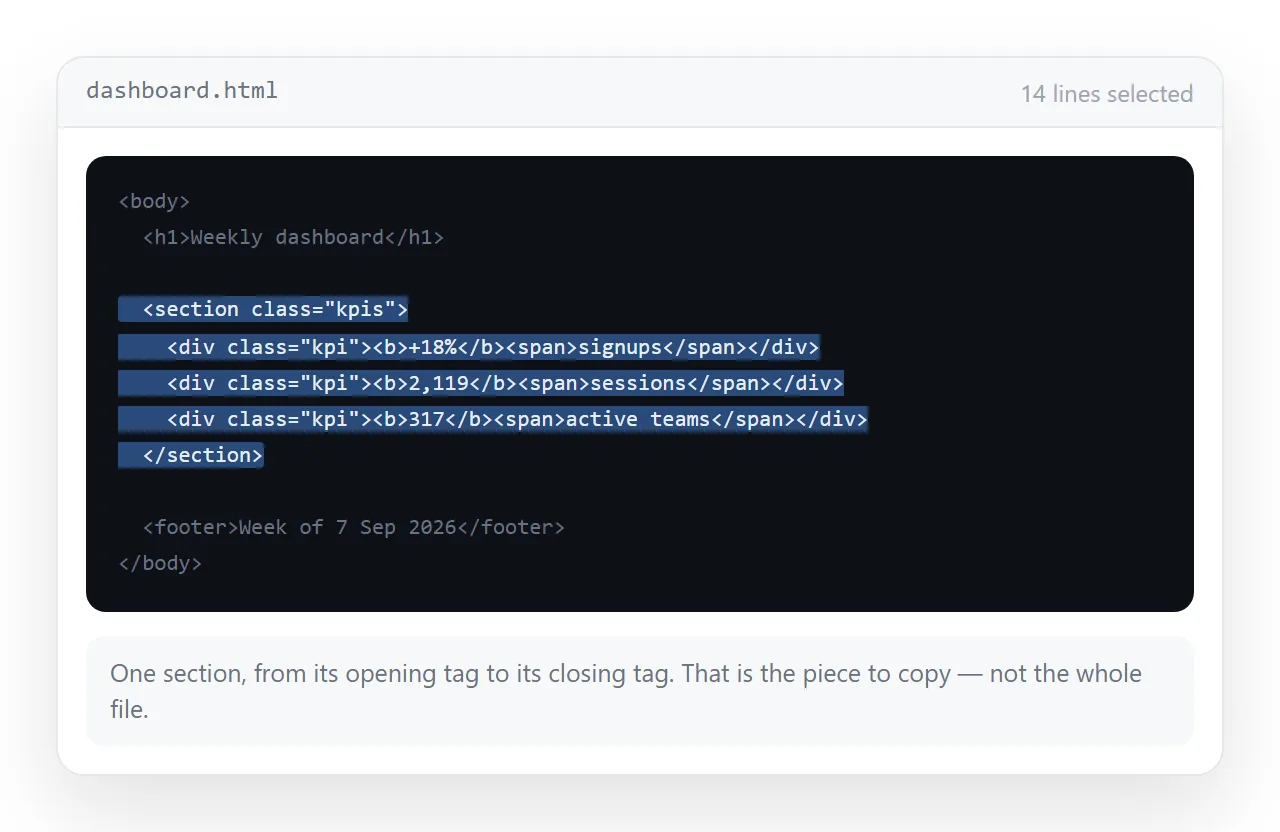
- Pasted markup. The most reliable, because you control exactly what is included. Paste the section you are asking about, with enough of the surrounding structure to make sense of it.
- An uploaded file. Useful when the question covers the whole document. Whether file upload is available depends on how your account and client are set up, so treat it as a route to check rather than assume.
- A link. Only works if the page is served from an address that can be reached from outside your machine. A path like
file:///C:/Users/you/page.htmlis meaningless to anyone else.
That third route is where most people stall. The page exists, but only on their drive.
How to get a useful answer about a page
Give it both halves: the instructions and the result.
- Paste the relevant markup, not a description of it. "The header section" tells it nothing that the twenty lines would not tell it better.
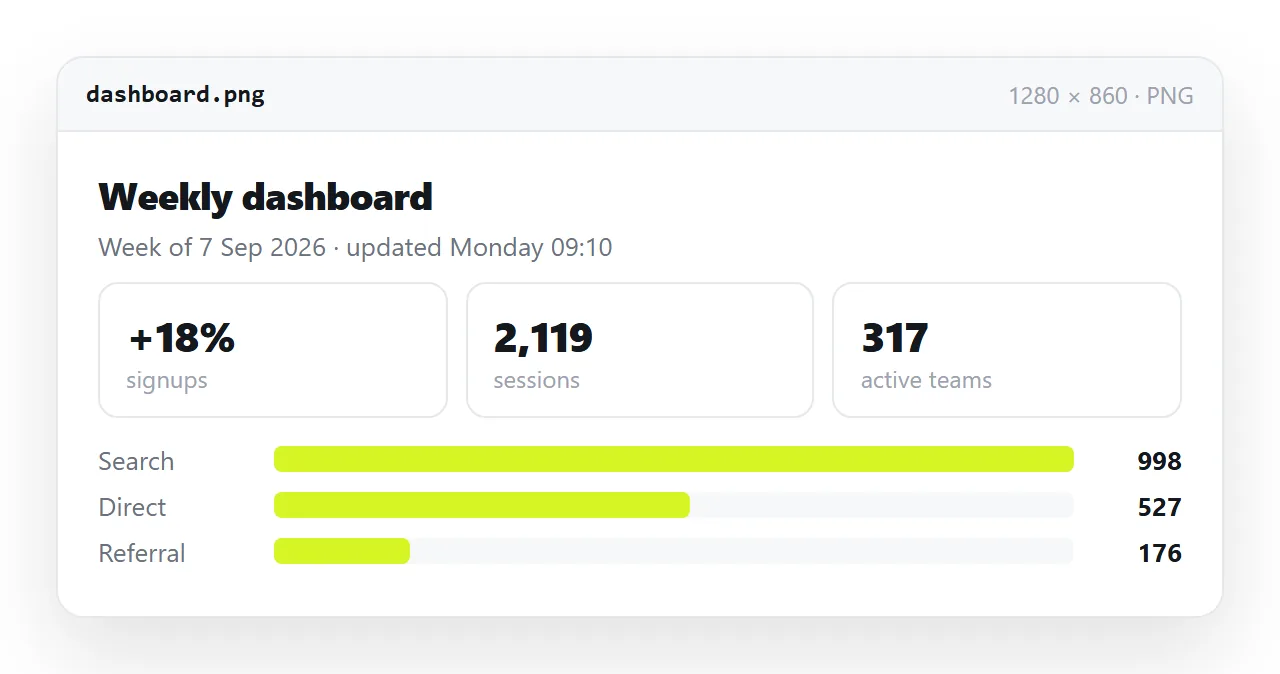
- Add a screenshot of the rendered page. One screen per picture. A full-page capture squeezed into one image loses the detail you are asking about.
- Include the console error verbatim when something does not appear. The exact text names the file and line.
- Say what you expected. "The two cards should sit side by side above 900 pixels" is a testable statement. "It looks wrong" is not.
For the screenshot, render the page at full width first. The HTML viewer draws pasted markup as a normal page, and HTML to image turns the same markup into a picture you can attach.
Give it a page at an address instead of a file
The strongest version of the link route is a page that is genuinely served, because then a link carries the live page rather than a copy of it.
Paste the HTML into a NOS document. It renders as written, dark theme, charts and scripts included, and the document has its own address.
Create the address from Share, then Share link, then Create link. The link is unlisted by default, so it opens for whoever holds it and is not listed anywhere. Tick Public on the web when the page should be reachable by search engines as well.
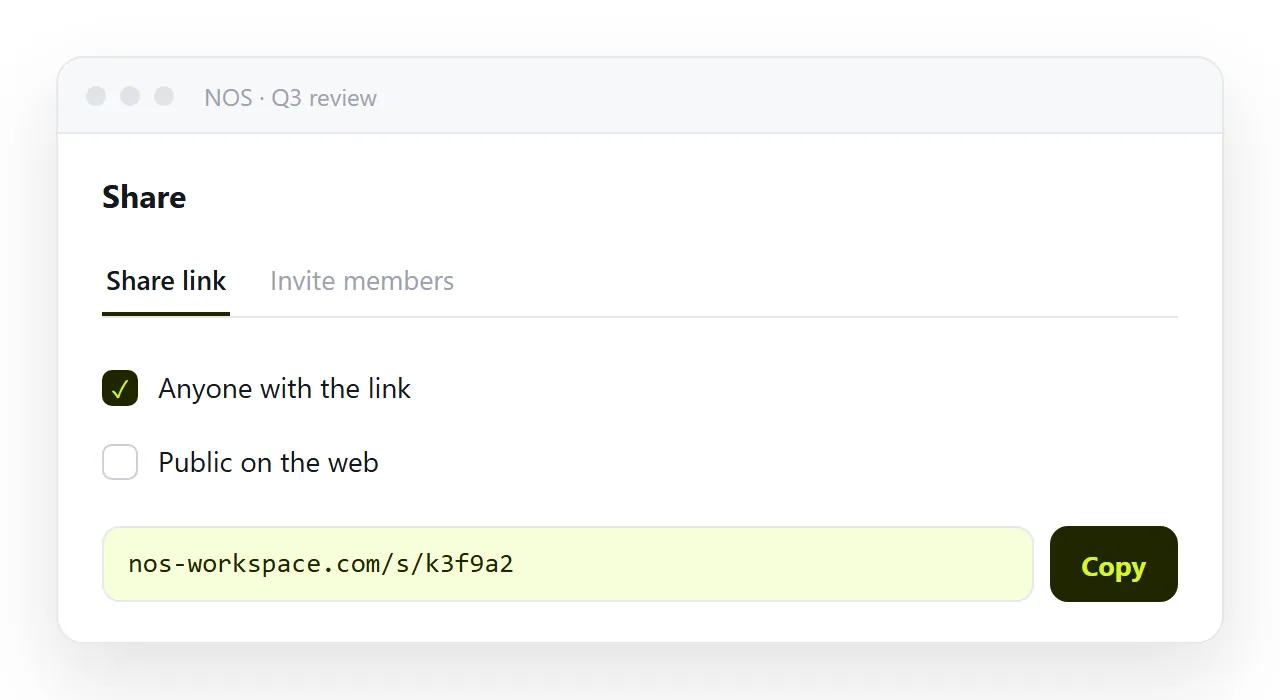
Editing the page does not change the address. That matters during a review cycle, because the link you pasted at the start of the conversation still points at the current version after every correction. The free plan covers three documents.
A working sequence for reviewing a page
Keep the loop tight and each answer stays specific.
- Render the markup at full width and look at it yourself.
- Capture the one screen you have a question about.
- Paste the matching section of markup alongside the capture.
- Apply the change, render again, and compare against the previous capture.
That last step matters more than it sounds. A screenshot is not the live page, so confirm the fix in a render rather than in the description of the fix.
When the answer comes back as revised markup, treat it like any other output and check both ends of the file before you save it.
Saving HTML from a chat covers the traps, and fixing AI generated HTML covers the patterns that break once the page leaves the conversation.