An AI html app builder can produce a working single file tool in one pass, and the limit is sharp: everything happens in one browser, so nothing is shared between the people using it.
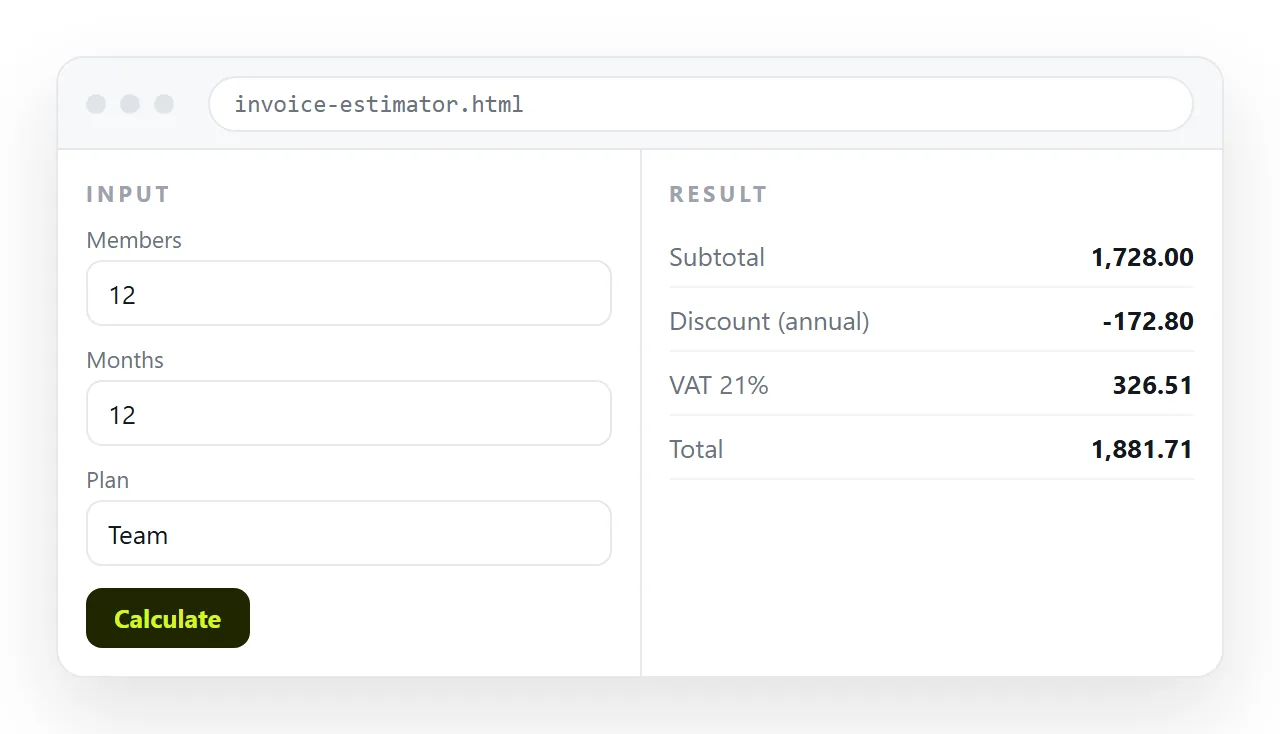
That covers more than it sounds. Calculators, quoting tools, checklists, converters, filtered tables and small trackers all fit. Anything that has to remember something for everyone does not.
What an AI HTML app builder produces
One file, containing the markup, a style block and a script. No build step, no dependencies to install, no server.
The absence of a server is the defining property. There is nowhere to keep a record, nowhere to check a password, and no shared state between two people who open the same page.
If the tool uses storage at all, it is browser storage on the device that ran it. Local storage explains the behaviour, and the summary is that it is private, local and erasable.
Where the boundary sits
| What you want | Single file | Needs more |
|---|---|---|
| A calculator or quoting tool | Yes | |
| A checklist for one person | Yes | |
| A filterable table of fixed data | Yes | |
| A chart of numbers you paste in | Yes | |
| A form that emails you the answer | A mail service | |
| A record two people can both edit | A shared store | |
| Anything behind a real login | Accounts on a server | |
| Data that survives a cleared browser | A server |
Most requests that feel blocked are in the left column and the asker did not realise. Most requests that fail are in the right column and someone assumed the file could hold data.
Describe the job, not the implementation
Generated tools go wrong most often because the request described a screen instead of a task.
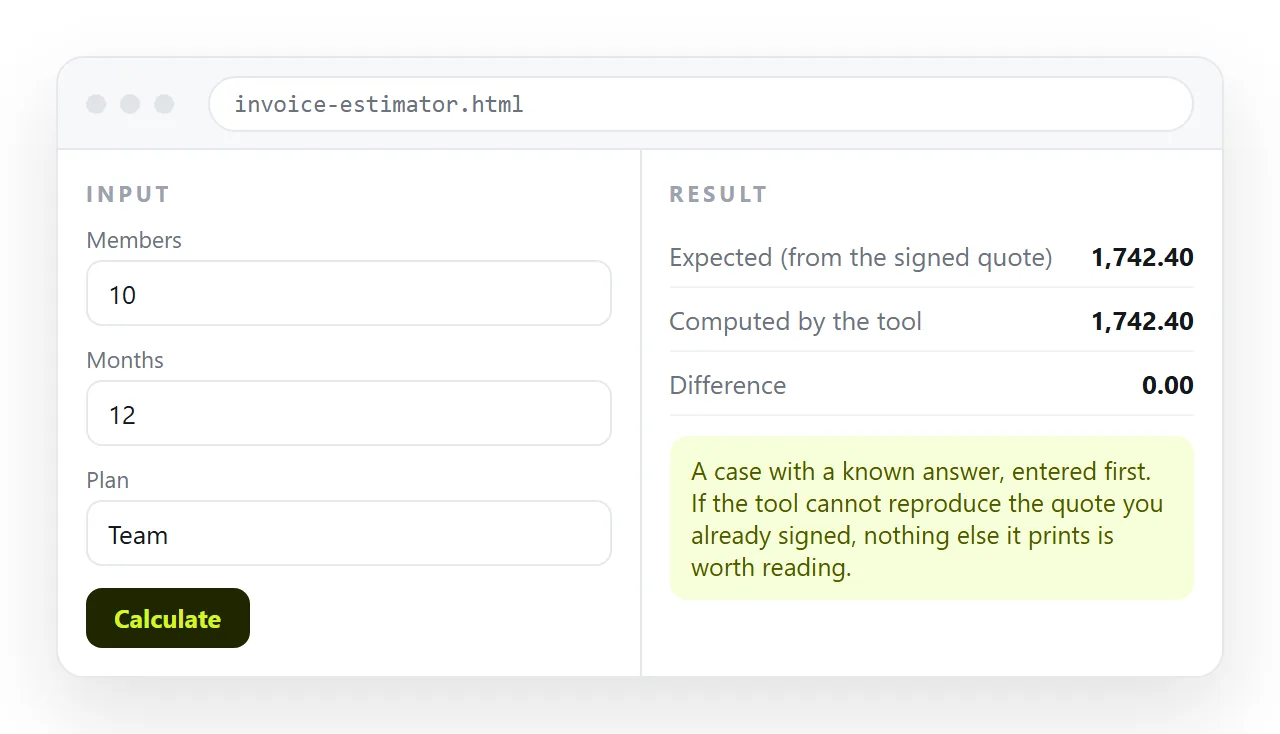
Say what goes in, what comes out, and what a correct answer looks like. Give one worked example with real numbers, including the awkward case, because that is what pins the arithmetic down.
State the constraints too: one self-contained HTML file, styles and script inside, no library loaded from elsewhere. Without that line you often get a page that depends on something loaded at run time.
Check the arithmetic before anyone else does
This is the step people skip, and it is the one that matters. A generated tool looks finished long before it is correct.
Run at least three cases through it by hand:
- A normal case you already know the answer to.
- A boundary case, such as zero, an empty field, or the largest value anyone would enter.
- A case that should be rejected, such as text where a number belongs.
Rounding deserves its own look. Currency handled with ordinary floating point arithmetic produces results that are correct to a computer and wrong on an invoice.
Check the wording of the results as well as the maths. A tool that returns a number with no unit, no currency symbol and no indication of the period it covers gets read wrongly at least once.
What to do about access
A password typed into the page is not protection, because anyone can read the source. Treat every single file tool as readable by whoever holds it.
The working form of access control is at the document level rather than inside the file. A share link that stays unlisted is not listed anywhere and works for whoever has it. Inviting named people is stricter.
An unlisted link is not a password either. Assume it can be forwarded, and keep anything genuinely sensitive out of the page.
Getting it to the people who need it
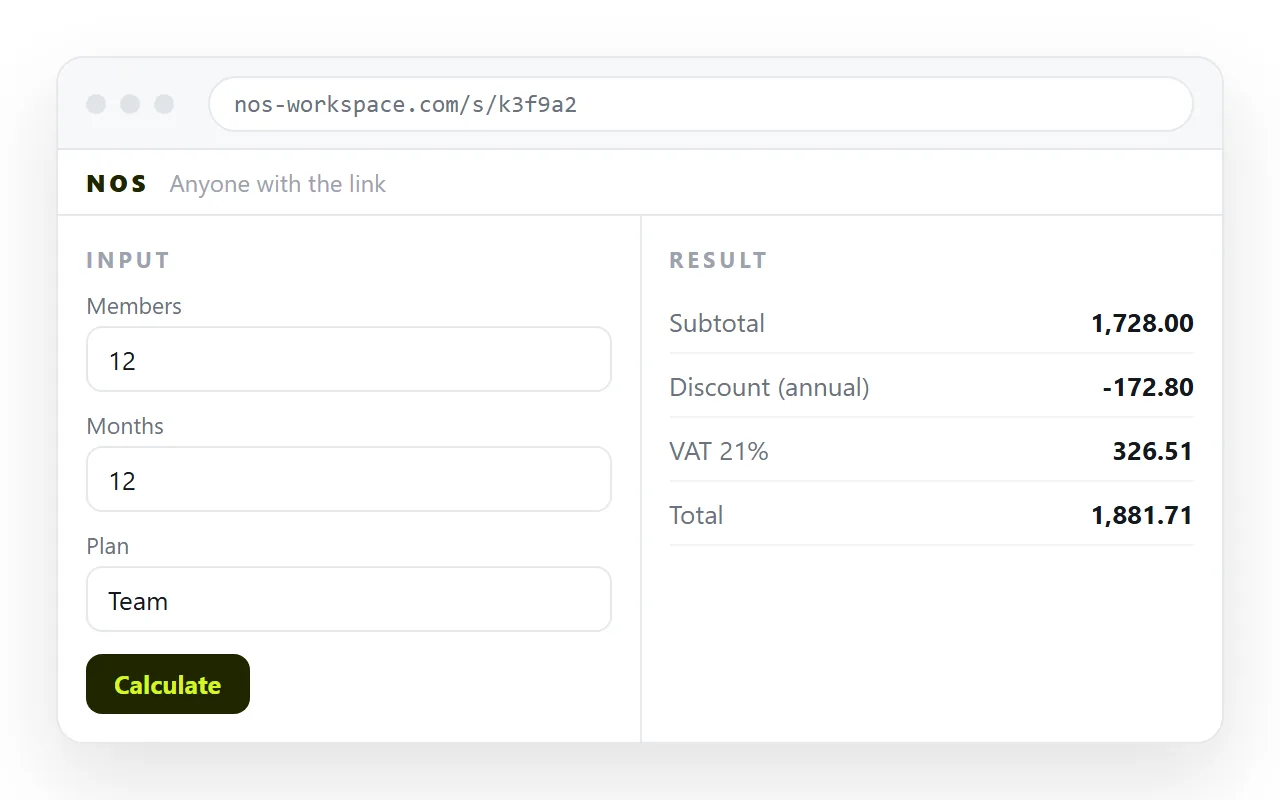
The file on your machine is not a deliverable. Attachments get stripped by mail gateways, desktops open .html in whatever owns the extension, and phones drop it into storage.
The route is short:
- Copy the complete file, from the doctype to the closing tag.
- Paste it into a NOS document, where it renders as a page of its own with the script running.
- Share, then Share link, then Create link. Unlisted by default, public if you tick Public on the web.
- Send the link.
Turning HTML into a link is that step alone. If the tool is a form and you need the answers back, form to link covers what happens to submissions.
Corrections without redistribution
The reason an address beats a file shows up on the first change, and there is always a first change. A rate moves, a label is wrong, a threshold was set a year ago.
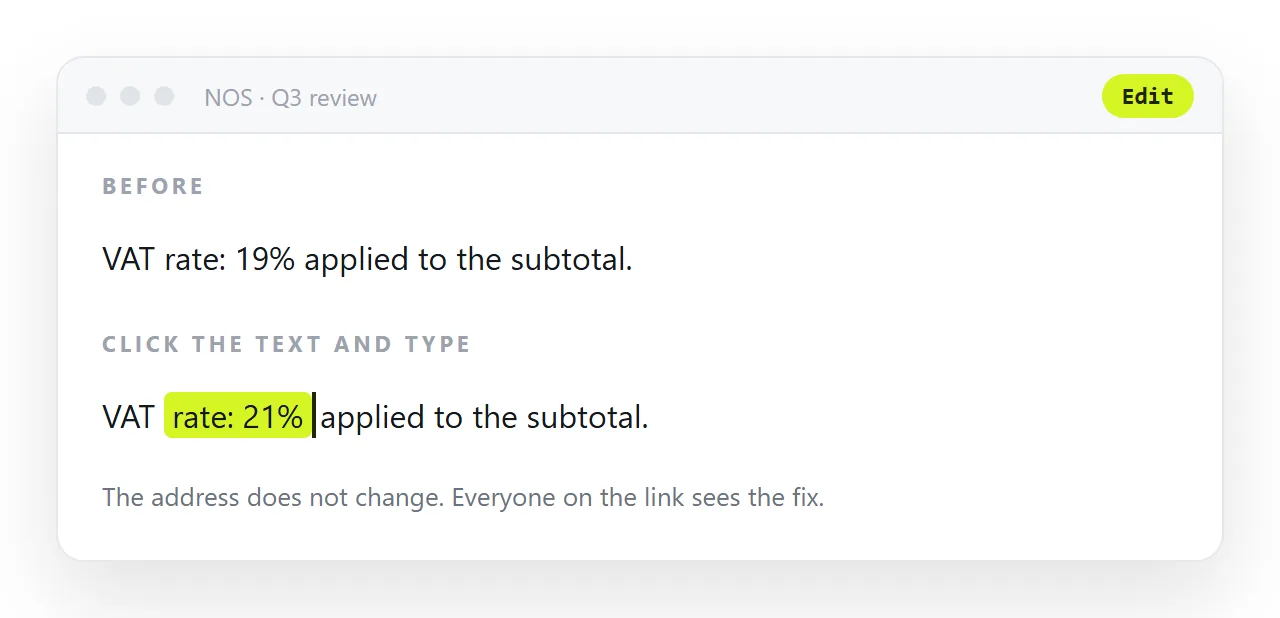
With the tool at a fixed address you edit it in place and everyone is on the corrected version at once. With files in circulation, you have no way of knowing who is still running the old one, and no way to tell them apart.
That difference is what makes the single file limitation survivable. The data still lives on each person's device, but the tool itself has one canonical copy, which is the part you actually need to control.
If the file started as an interface rather than a tool, the review checklist differs, and AI HTML UI generators covers it.