Can Gemini open HTML files? It reads them as text and answers about them, but it does not run them as a page, so what comes back is code, not a rendered screen.
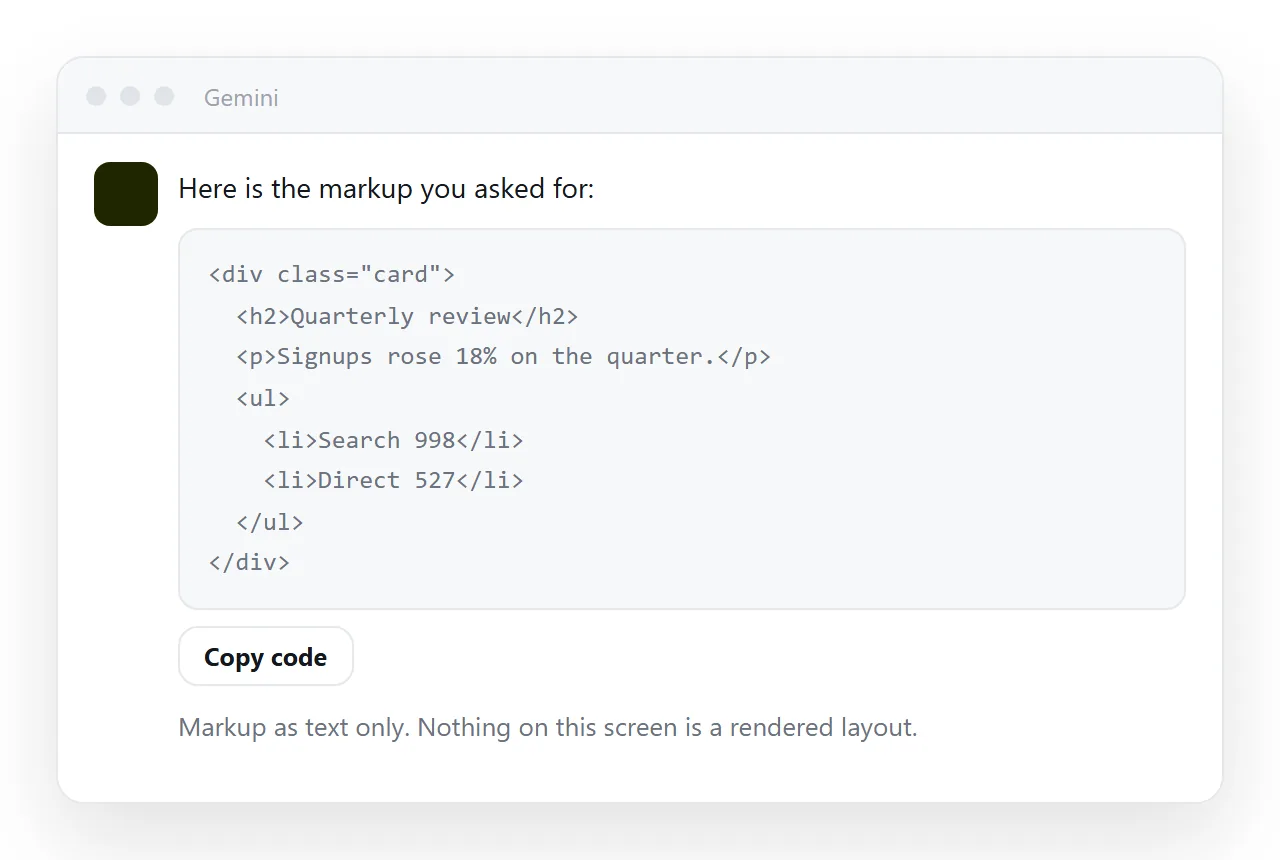
That distinction explains most of the confusion around this question. Reading markup and drawing a page are two different jobs, and a chat window is built for the first one.
This page covers what you do get back, why it looks that way, and where to put the same HTML when you want to see the page and hand it to someone.
Can Gemini open HTML files the way a browser does?
No, and the difference is worth being precise about, because it decides what you do next.
| What happens to the HTML | Chat assistant | Browser or renderer |
|---|---|---|
| Markup read as text | Yes | Yes |
| Explained, summarised, rewritten | Yes | No |
| Stylesheet applied, layout drawn | No | Yes |
| Scripts and charts run | No | Yes |
| Result has its own address | No | Yes, once it is served |
A chat assistant is a strong reader of markup. Ask what a table contains, why a section is hidden, or how to restructure the head of the document, and the answer is useful.
Ask to see the page and the reply is still text. The model can describe the layout it infers from the markup, but describing a layout and drawing one are not the same thing.
What you get back, in practice
Three kinds of reply, all of them text:
- The markup itself, repeated or cleaned up, with the parts you asked about changed.
- An explanation, naming the elements and what they are for.
- A description of the appearance, inferred from the markup rather than observed from a rendered page.
None of those is the page. Treat them as a draft of a file, and the next step becomes obvious: take the draft somewhere that renders it.
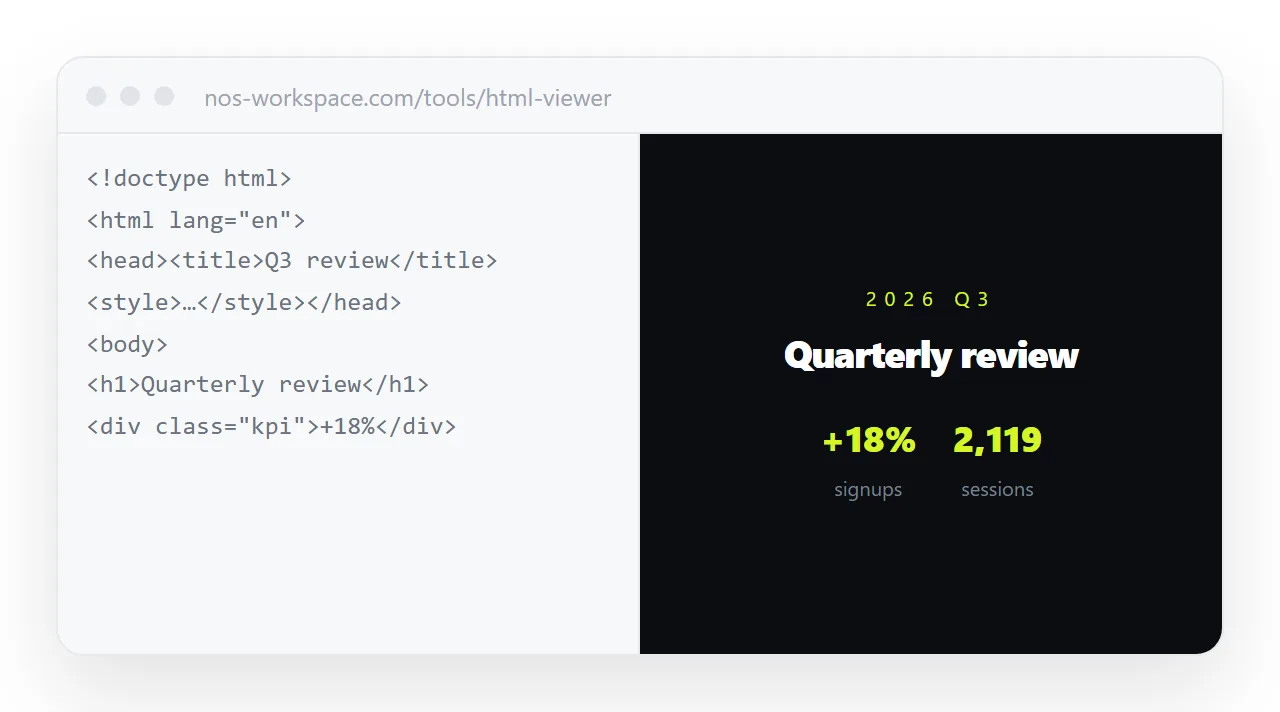
Where the rendered page actually appears
Any of these will draw the page. They differ in what you can do afterwards.
- A local browser window. Save the markup as
page.htmland open it. Fastest for one look, but the file lives on your machine and nobody else can reach it. - A browser based renderer. Paste the markup into the HTML viewer or drop the file into the HTML file opener. The page draws in a window that has never seen your project, which also tests whether it stands on its own.
- A document that renders HTML and has an address. Paste it into a NOS document. It renders exactly as written, dark theme, charts and scripts included, and the document has its own link.
The third option is the one to reach for when the page is going to somebody else. Turning HTML into a link is that step on its own.
Why the page looks broken after it renders
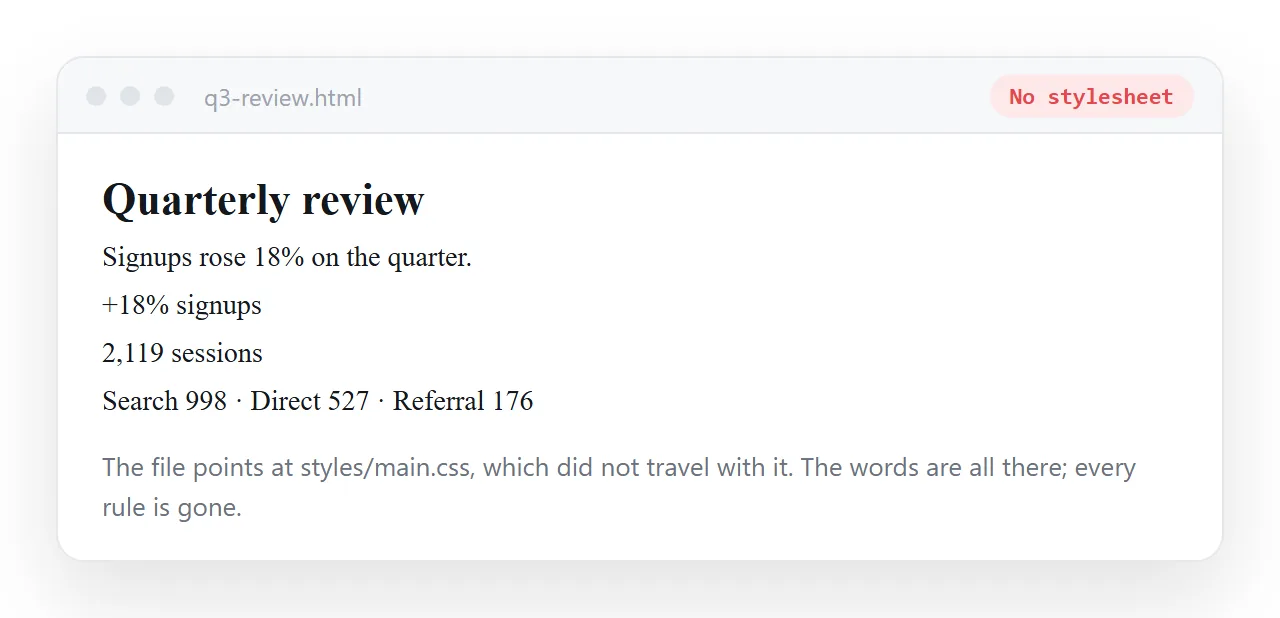
Rendering somewhere new is where missing pieces show up, and the cause is usually one of two things.
The copy was partial. A chat reply often arrives in blocks. You want the complete document, from <!DOCTYPE html> to the closing </html>, with nothing between blocks left behind.
The markup points at neighbours. A line like <link rel="stylesheet" href="style.css"> resolves against wherever the page is being served. Outside the original folder there is nothing at that path.
The fix is to fold the pieces in. Self-contained HTML covers inlining the styles and embedding the images. When AI generated HTML does not render covers the rest of the usual causes.
What to do with the code once it renders
The page is now visible to you. Two questions decide the next move.
| If you need to | Do this |
|---|---|
| Look at it once and move on | Render it in a viewer and close the tab |
| Keep it and come back to it | Save the file, or keep the document |
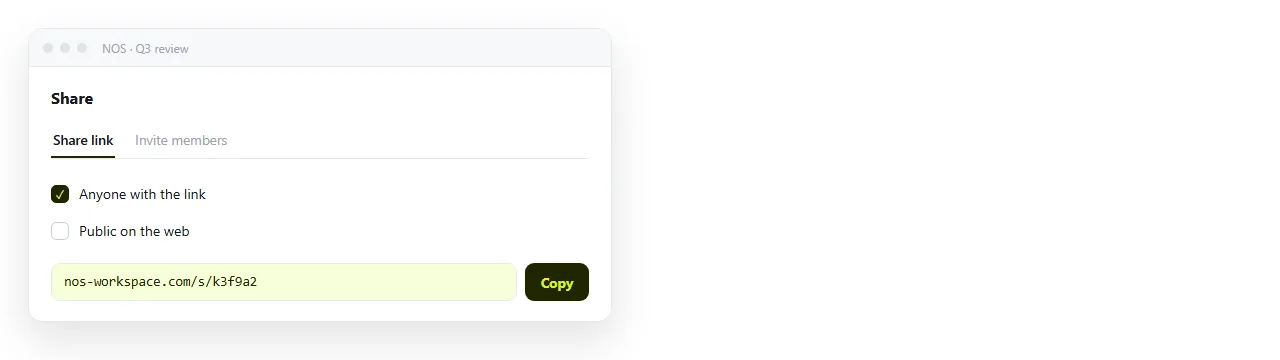
| Send it to somebody | Paste it into a document and send the link |
| Let someone else correct a figure | Paste it into a document, where the text is clickable |
| Have it found in search | Paste it, create the link, tick Public on the web |
The last two rows are where files run out of road. A file is a fixed copy, so every correction makes a second one, and readers have no way to tell which is current.
In a document, editing the content does not change the address. The link you sent last week resolves to the corrected page this week, and the words in it are editable without opening code.
The short version
Ask the chat to write and fix the markup, because that is what it is good at. Ask a renderer to show the page. Ask a document with an address to carry it to other people.
If the conversation itself is what you want to keep, that is a separate task, and saving a Gemini chat as HTML covers it. The free plan carries three documents, which is enough to try one real page end to end.