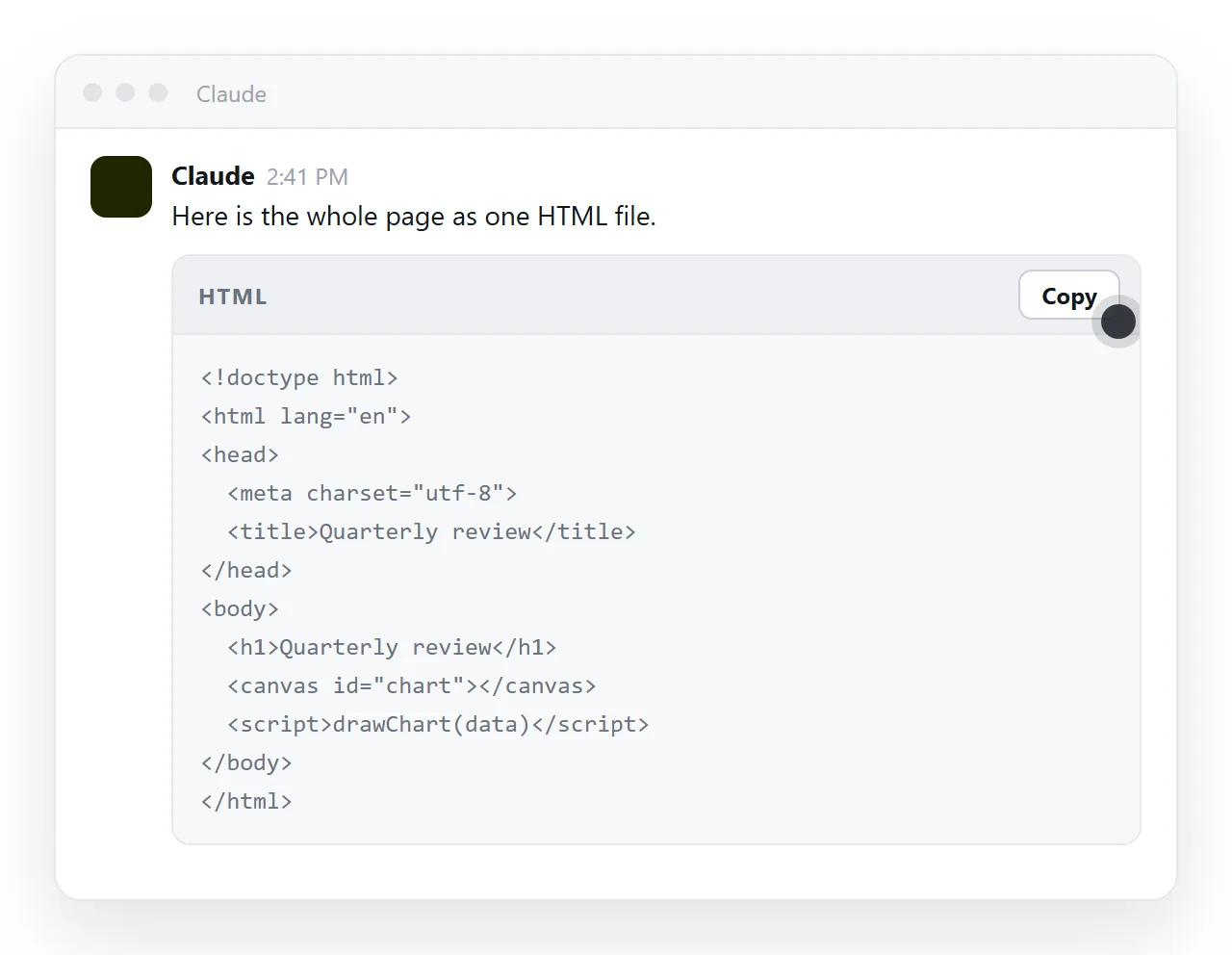
How to share HTML from Claude, in one move: copy the finished HTML out of the chat, paste it into a document that renders it, and send that document link.
Three routes are in common use. They differ on one point that decides everything else: whether the person opening your message lands on a working page, or on something they still have to open.
Below, the three are ranked by that test, followed by the steps for the route that ends in a live page.
The three routes, ranked by what the reader sees
| Route | What the reader lands on | Still editable afterwards |
|---|---|---|
| Paste the HTML into a document, send its link | A live page at its own address | Yes, by clicking the text |
Save a .html file, send the file |
A download, or source code in a preview pane | Only by editing the file and sending it again |
| Send the chat link | The conversation, with the code inside it | Not without returning to the chat |
That order holds for most audiences. A client, a manager or a group channel wants a page. Another developer may be perfectly happy with the file.
Route 1: paste the HTML into a document and send the link
This is the route that ends with the reader looking at the page rather than at a container for it.
- Copy the complete file. Use the copy control on the code block rather than selecting by hand. You want everything from
<!DOCTYPE html>down to the closing</html>. - Check it stands on its own. Drop it into the HTML file opener, a window that has never seen your chat. Styling and charts that survive there will survive for the reader.
- Paste it into a NOS document. The HTML renders exactly as written, dark theme, charts and scripts included, as a page of its own.
- Create the link. Share, then Share link, then Create link. The link is unlisted by default, so it works for whoever holds it without being listed anywhere. Tick Public on the web only when you want search engines to find it.
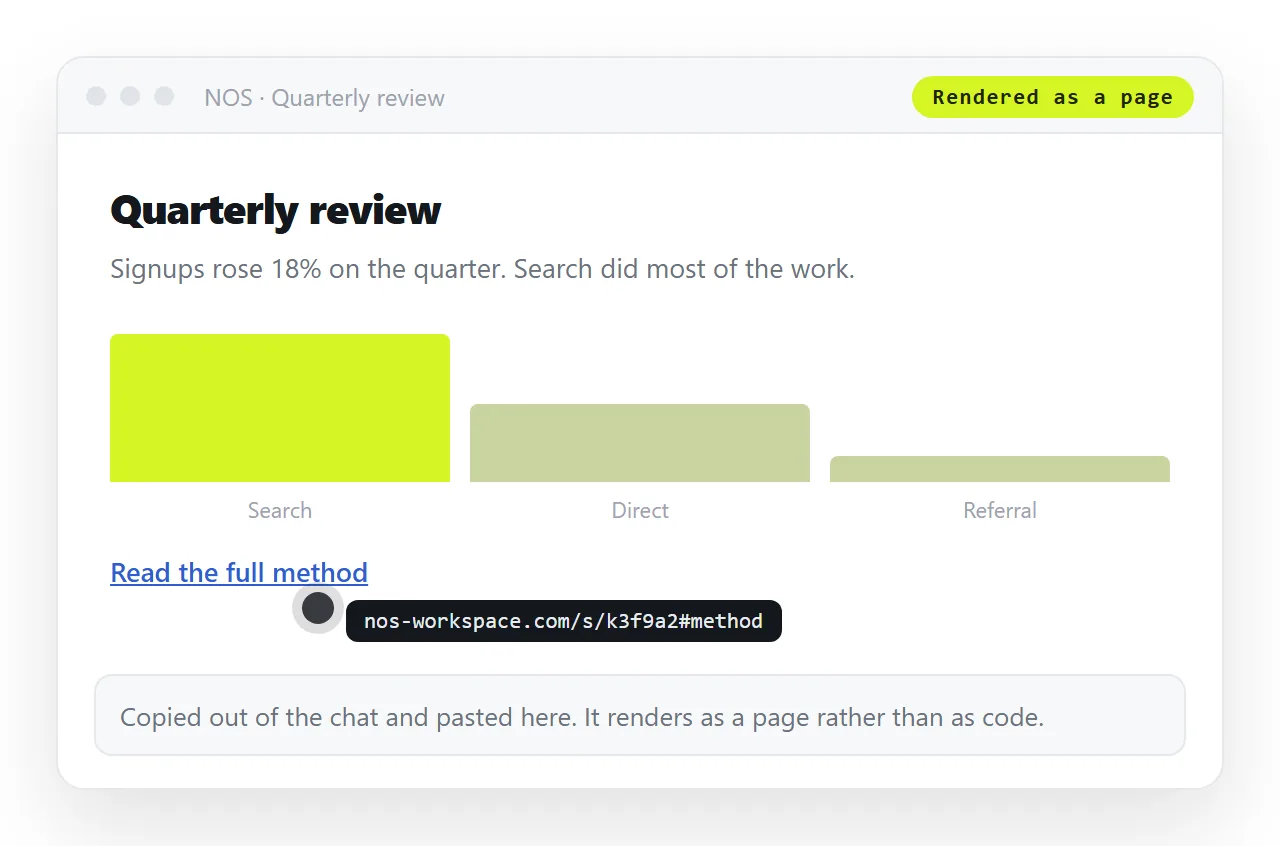
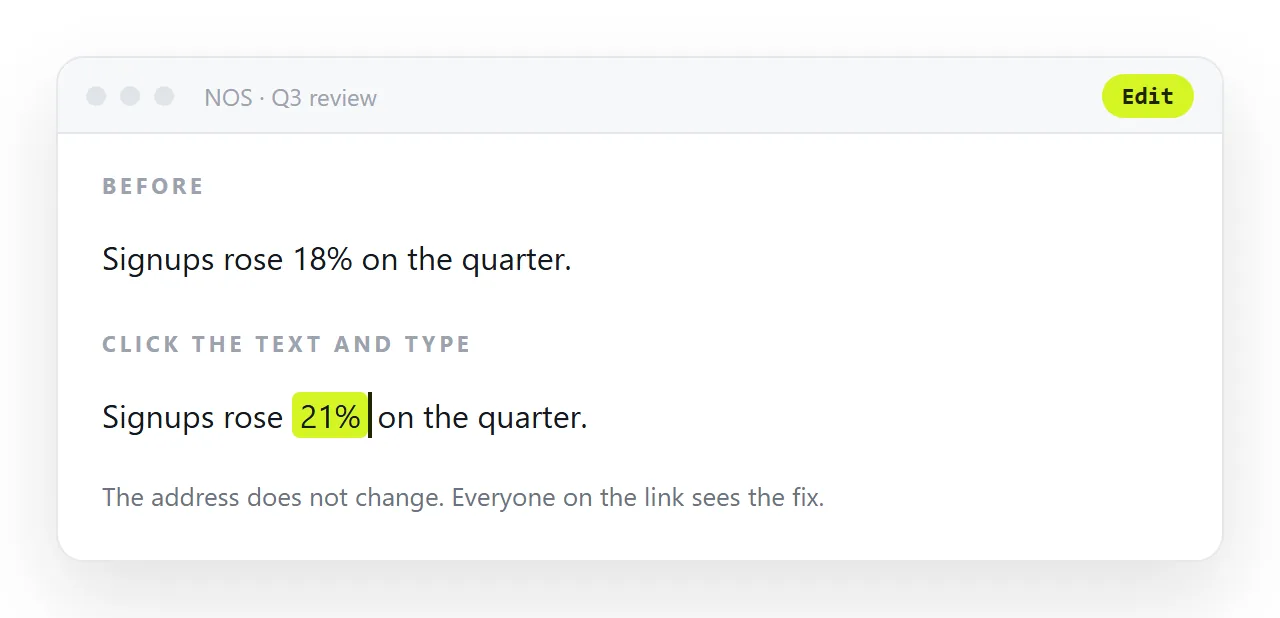
Editing the content later does not change the address, so the link you sent on Monday is still the current version on Friday. Turning HTML into a link is the same operation when the file is already in hand.
Route 2: save the HTML as a file
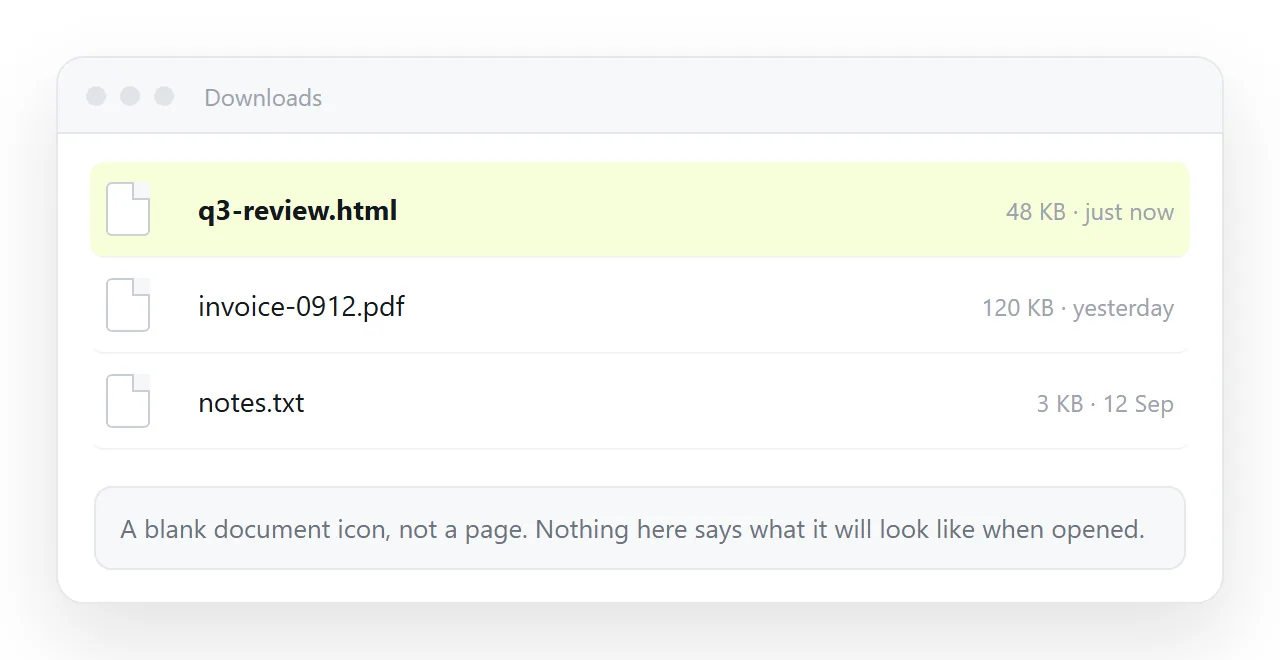
Save the code as report.html and you have something you can keep, version and open offline. That is worth having. It is also where most handoffs stall.
Company mail systems often remove .html attachments, because a page carrying a form and a script has the same shape as a fake sign-in page. Yours is hard to tell apart from one.
On a desktop the file opens in whatever program claims the extension, a browser if you are lucky and a code editor otherwise. On a phone it lands in storage and stops there.
If you do want the file, saving an artifact covers getting it out cleanly, and self-contained HTML covers folding images and styles inside so the page can travel alone.
Route 3: send the chat link
Sharing the conversation shows your prompts, the replies, and the code in between. For a colleague who wants to see how the page was produced, that is the right thing to send.
It is the wrong thing to send to someone who wants the page. They get a transcript to scroll, not a document of their own, and they cannot correct a figure without coming back to you.
Artifact to link sets out the difference between a shared conversation and a page that has its own address.
How to share HTML from Claude without resending it every time
The reason the link route wins is not the first send. It is the second one.
- A number changed. Click the text in the document and type the new number. The address stays where it was.
- Someone found a typo. Same move. No regeneration, no second attachment, no "use this one instead".
- The page needs another section. Paste the new block in. Everyone holding the old link sees it.
- Someone forwarded the link. An unlisted link is not a password. Where that matters, invite named people instead.
Compare that with the file route, where every correction produces a new copy and two versions circulate with nothing to tell them apart.
What to check before you send
Thirty seconds of checking removes most of the "it looks broken on my side" replies.
- Does it render outside the chat? If it only works inside the assistant preview panel, something in it depends on that panel.
- Is there a
<title>? It fills the browser tab and every chat preview card. An untitled page reads as spam. - Is the viewport line there?
<meta name="viewport" content="width=device-width,initial-scale=1">. Without it the page is unreadable on a phone. - Are images embedded or on full addresses? Folder paths will not travel.
- Is anything in it confidential? Decide between an unlisted link and named invitations before you paste.
Which route for which situation
| Situation | Route |
|---|---|
| A client or manager needs to read the page | Link to a rendered document |
| The numbers will change next week | Link to a rendered document |
| A developer wants the source | The .html file |
| Someone is asking how you built it | The chat link |
| It goes into a group channel | Link, with a title and preview tags |
The pattern is consistent. Send the file when the file is the deliverable. Send the chat when the process is the deliverable. In every other case, send an address.
The free plan carries three documents, which is enough to run one real page through this before you decide anything.