An ai generated website and hosting are two separate things: the chat gives you a file, and hosting is what gives that file an address other people can open.
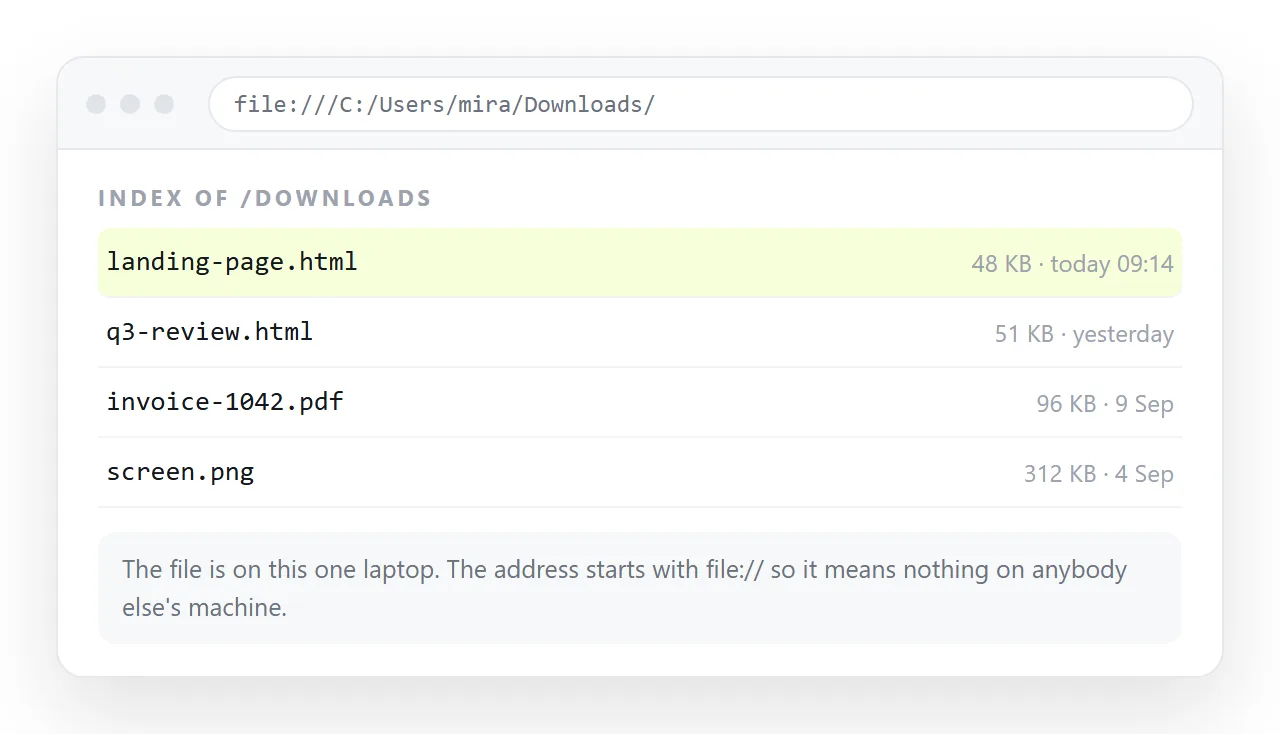
Everything below is about closing that gap. There are four routes, they differ mainly in how much work a correction costs, and for one generated page the cheapest one is a paste.
What AI generated website and hosting actually requires
Three requirements, and no more than three.
- Serve the file as a web page, not as a download. A host that hands the file over instead of rendering it produces a save dialog rather than a page.
- Keep the address stable while the content changes. If every correction produces a new address, you are re-sending links forever.
- Serve everything the page needs. A page that reaches for
styles.cssnext to it needs that file served too, or it needs the styling folded inside.
The third requirement is where most generated pages fail, because the assistant wrote folder paths for images it could not see. Self-contained HTML is the fix.
The four routes compared
| Route | Address in | Cost of a correction | Fits |
|---|---|---|---|
| Document that renders HTML | One paste | Click the text, edit in place | One page that keeps changing |
| Static file host | A deploy | Re-upload the file | A page that is finished |
| Git-based host | A repository plus a build | Commit, push, wait for the build | A real project with versions |
| Your own server | An afternoon | Whatever you built | You already run one |
Read the middle column first. It is the one that decides how the next six months feel, and it is the one people skip when choosing.
The short route, in four steps
- Copy the complete HTML. Start at
<!DOCTYPE html>and end at the closing tag. A partial copy renders as a fragment with no styling. - Check it in a clean window. The HTML file opener has never seen your folder, so what renders there is what a reader gets.
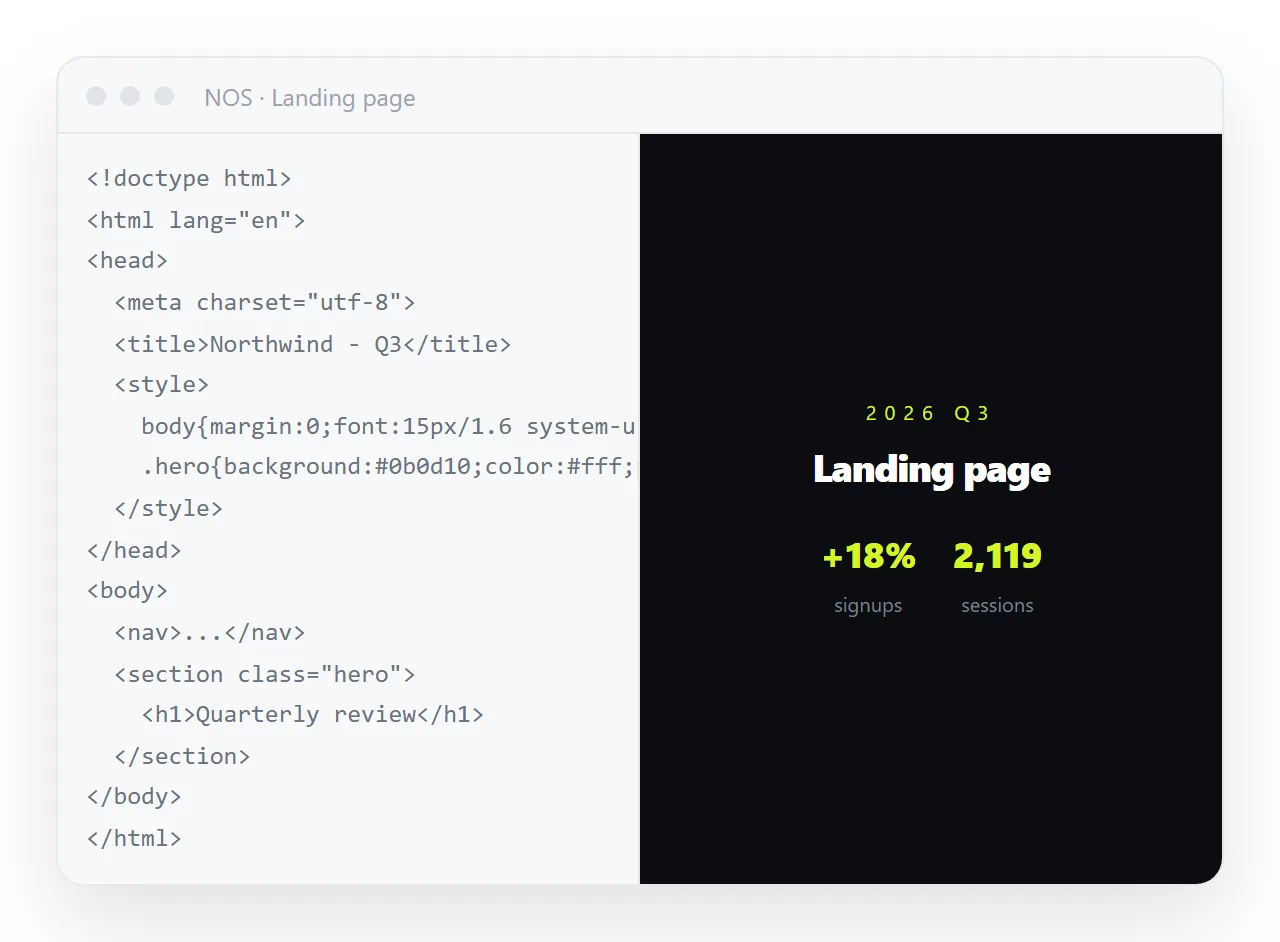
- Paste it into a NOS document. The markup renders exactly as written, dark theme, charts and scripts included, as a page of its own. This is the hosting step.
- Create the link. Share, then Share link, then Create link. Unlisted by default. Send that one line.
What changes when the content changes
This is the part worth thinking about before you pick a route, because generated pages are rarely finished on the first pass.
On a static host, the unit of work is the file. You open the HTML in an editor, change the number, upload it again, and hope you uploaded the right copy. Static host compared with a document sets the two side by side.
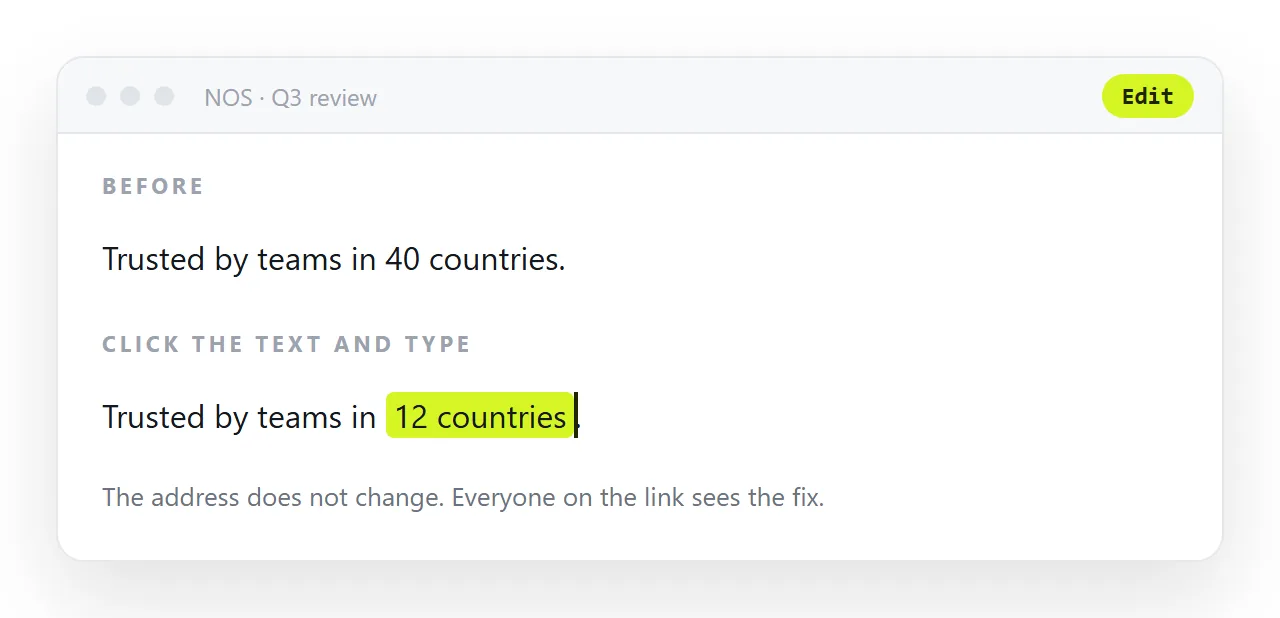
In a document, the unit of work is the sentence. You click the figure on the rendered page and type over it. The address does not move, so the link you sent last month still shows the current version.
That matters most for the pages assistants are best at producing: dashboards, reports, pricing sheets. All three have numbers that go stale. Examples of generated pages shows which shapes those are.
Before you host anything, check five lines
- Doctype present. Without it, browsers fall back to an older rendering mode and spacing shifts.
- A
<title>. It fills the browser tab and every chat preview card. - The viewport line.
<meta name="viewport" content="width=device-width,initial-scale=1">or the page arrives unreadable on a phone. - Images embedded or on full addresses. Folder paths do not travel.
- Fonts and libraries on reachable addresses. If they load from the chat environment only, they will not load for the reader.
Thirty seconds of checking here removes most of the "it looks broken on my screen" replies.
When hosting is the wrong question
Sometimes the page does not need an address at all.
If the content is final and the destination is a formal record or paper, export it. A PDF against a live page explains what you give up, which is every interactive part.
If the page is one chart and the audience is a chat channel, a rendered image is often enough, and it costs the reader nothing to view.
If the page is a form that has to collect answers, hosting the HTML is only half the job. The markup can be served anywhere; the answers need somewhere to go, and a generated page usually has no destination wired up.
Keeping the generated page under control afterwards
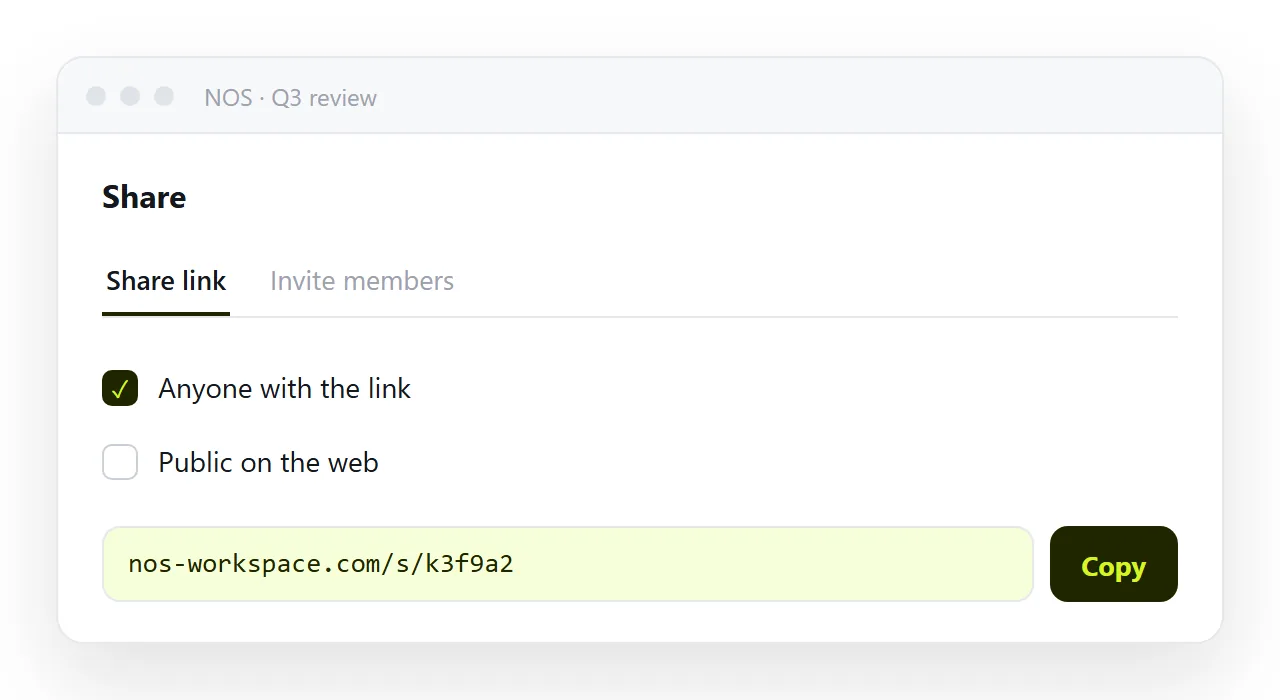
Two habits are worth forming. First, treat the address as the deliverable, not the file, so there is one current version rather than five copies in five inboxes.
Second, decide once whether the page should be findable. Unlisted is the right default for client work. Ticking Public on the web is a deliberate act for pages you want indexed.
Both habits are cheaper to start now than to retrofit after a generated page has been forwarded twelve times. Turning HTML into a link is where the address comes from.