Most ai generated websites examples fall into eight shapes, and all eight arrive as a single HTML file rather than a site.
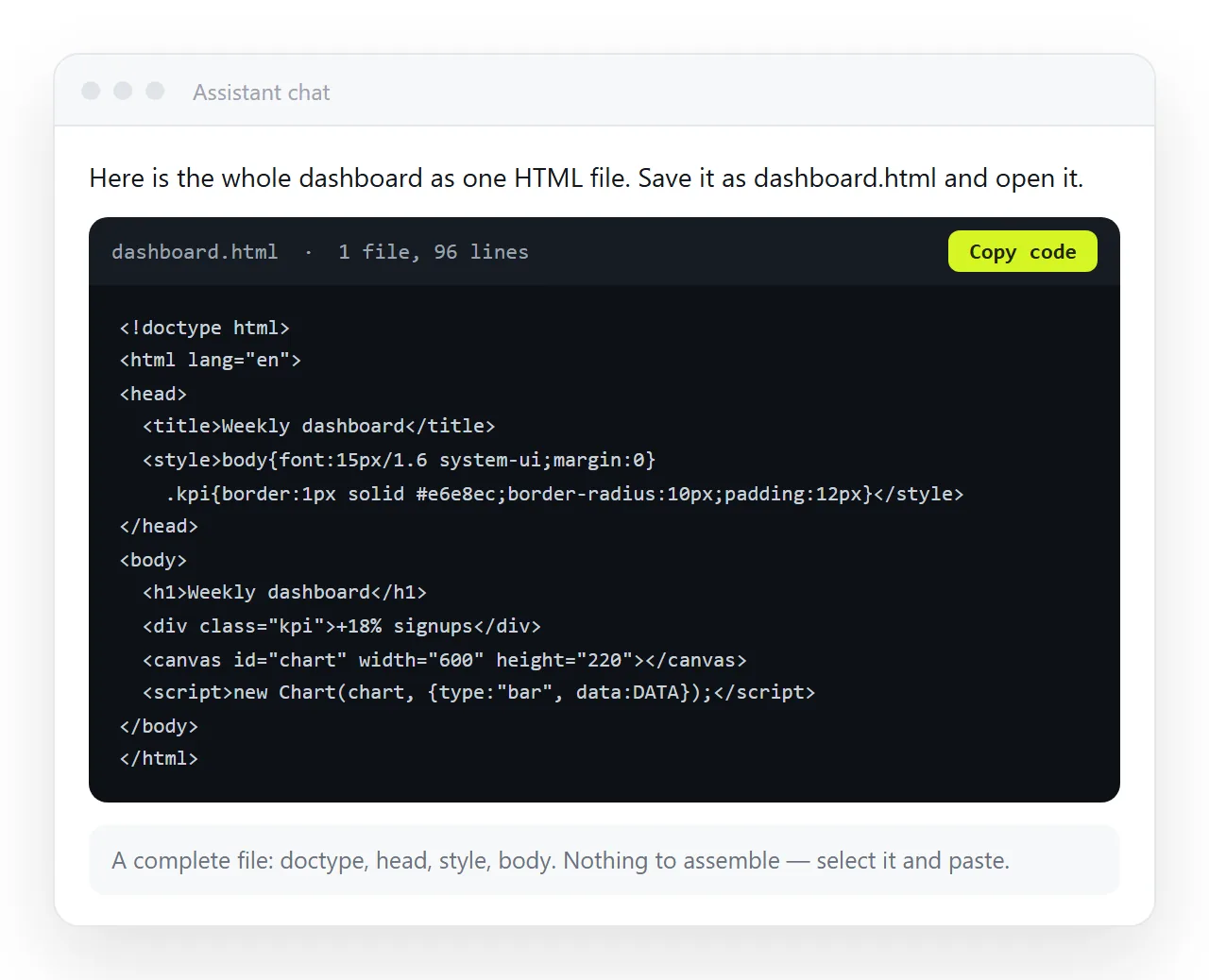
That distinction decides everything that follows. A file opens for you. A page at an address opens for everyone you send it to. The examples below are grouped by what the page has to do, with the part that usually breaks noted next to it.
The eight shapes, and what each is good for
| Example | What it contains | Where it breaks |
|---|---|---|
| Product one-pager | Hero, three sections, contact block | Images loaded from folder paths |
| Metrics dashboard | Cards, a chart library, a filter | Chart library loaded from a network address |
| Client report | Headings, tables, a summary box | Table overflow on a phone |
| Slide deck | Full-screen sections, arrow keys | Keyboard code that a viewer strips |
| Pricing sheet | Comparison table, toggle | Toggle script removed on export |
| Event invite | Date block, map link, reply button | Reply button with no destination |
| Calculator | Inputs, a formula, a result line | Values reset on reload |
| Portfolio page | Grid of thumbnails, lightbox | Large local image files |
Nothing on that list needs a build step, a framework or a repository. Each is one file, which is why assistants produce them reliably.
Walking through the AI generated websites examples
- Product one-pager. The most common request. Headline, feature grid, contact row. Ask for inline styling so nothing is loaded from outside the file.
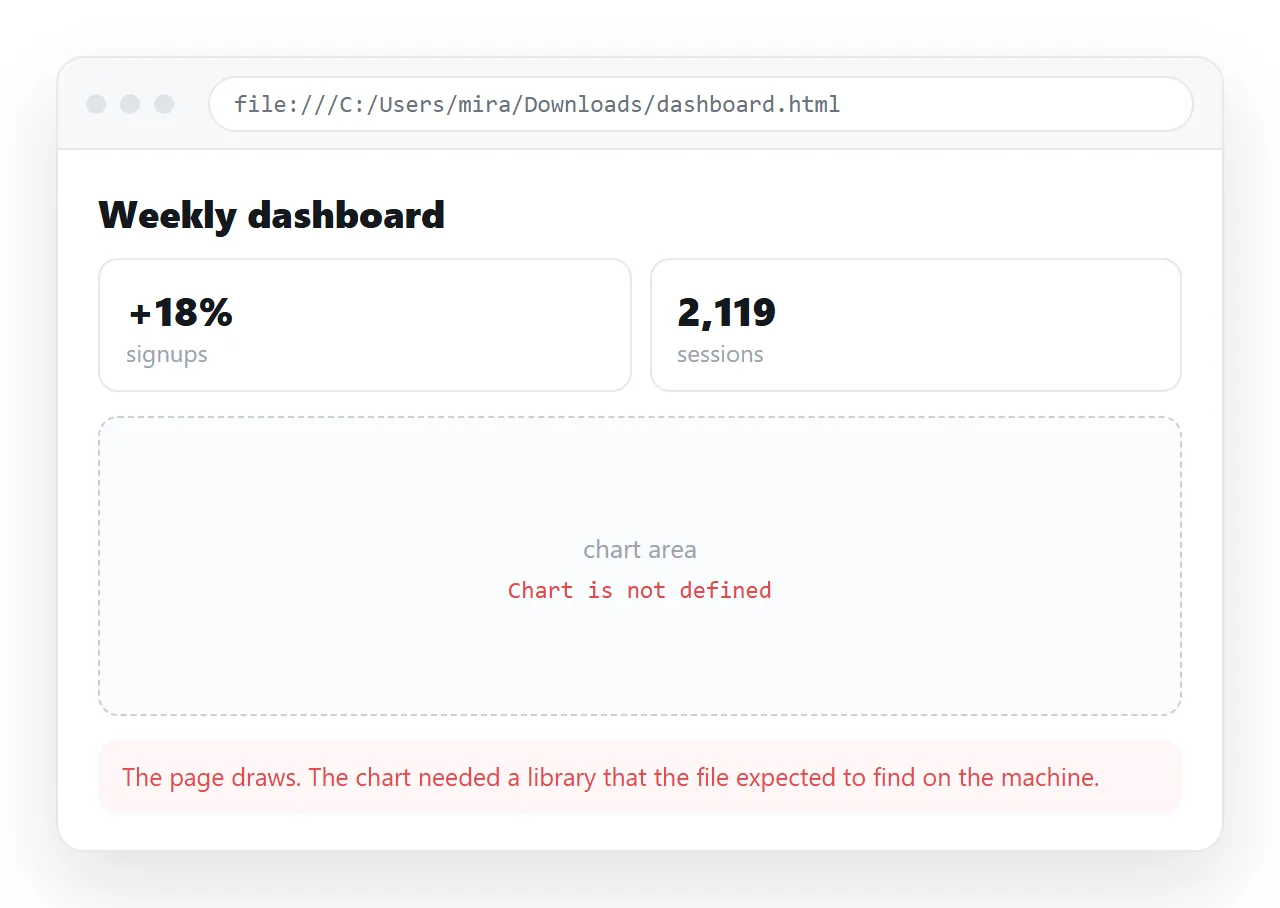
- Metrics dashboard. Number cards above a chart. The chart usually comes from a library the page fetches at load time, so it renders in preview and shows an empty box offline. Prompting for a dashboard is the wording that survives.
- Client report. Long form text with tables and a conclusion. This is the shape most worth keeping live rather than exporting, because the numbers change between drafts.
- Slide deck. Sections sized to the viewport with keyboard navigation. Works well in a browser and poorly as an attachment, since a viewer often removes the key handling.
- Pricing sheet. A comparison table with a monthly and yearly toggle. The table survives everywhere; the toggle needs scripts to run.
- Event invite. Date, place, a link to a map, a reply action. Straightforward to generate and the one people most often send as a file, which is where it fails.
- Calculator. Inputs and a result. Fine as a page, useless as a screenshot, since the point is that the reader types into it.
- Portfolio page. A thumbnail grid. The markup is small and the images are not, so this is the example most likely to arrive with broken pictures.
What the examples have in common
Three properties show up in nearly every generated page, and all three matter when you send it on.
One file. Markup, styling and script in the same document. That is what makes the output portable, and it is worth asking for explicitly.
Outside references. Fonts, chart libraries and icon sets are pulled from network addresses. They work while you have a connection and vanish when you do not.
Folder paths for images. The assistant writes something like images/cover.png because it cannot see your disk. Those paths do not travel with the file.
Open any example in the HTML file opener before you judge it. That window has never seen your project, so whatever renders there is what the reader gets.
Turning any of these examples into a link
The examples are only useful once somebody else can open them. The route is the same for all eight.
Copy the complete HTML out of the chat, from <!DOCTYPE html> to the closing tag. Paste it into a NOS document. It renders as a page of its own, dark theme, charts and scripts included.
Then take the address: Share, then Share link, then Create link. The link is unlisted by default, so it opens for whoever holds it without being listed anywhere. Tick Public on the web if the page should appear in search results.
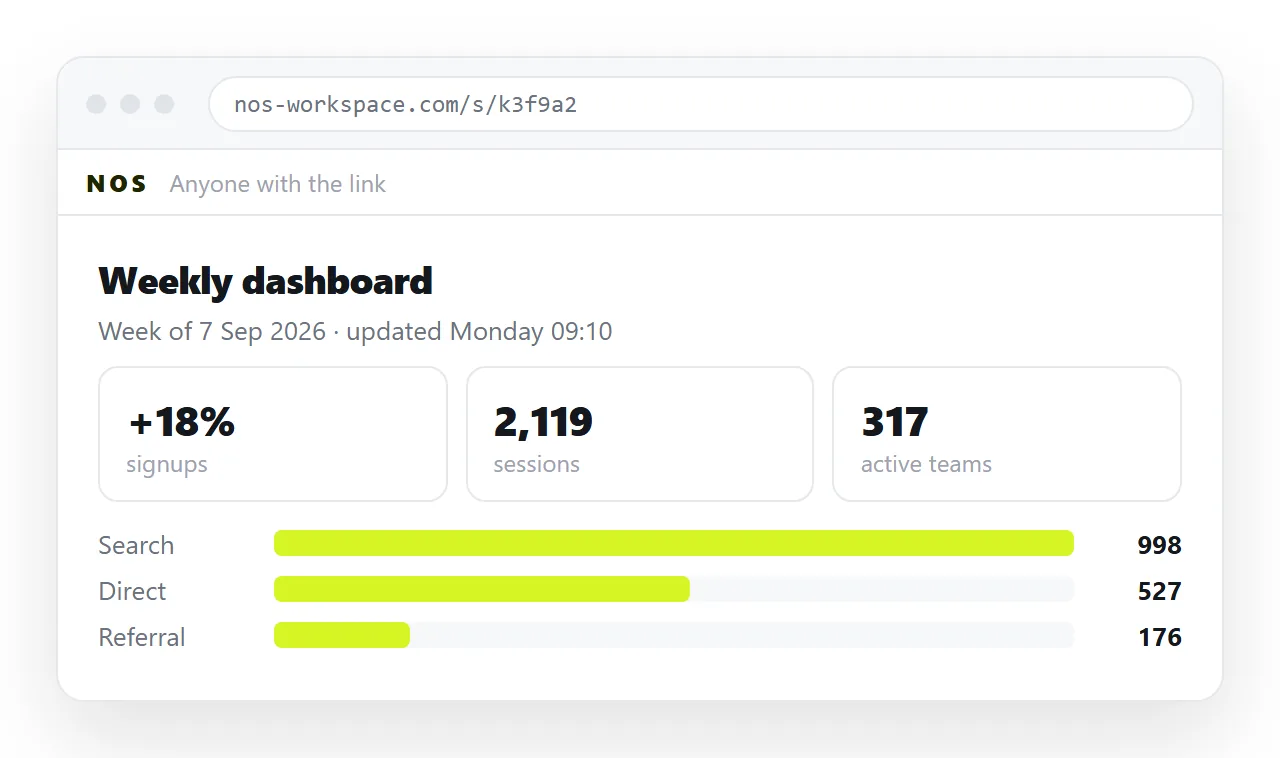
Editing afterwards does not move the address. Click a number in the rendered page, correct it, and the link you already sent is pointing at the corrected version. Turning HTML into a link is the same step in one screen.
Which examples deserve an address, and which do not
- Give an address to dashboards, reports, pricing sheets, calculators and invites. All five have content that changes, or behaviour that only exists in a browser.
- Export instead when the page is finished and the destination is paper or a formal record. A PDF freezes it on purpose, charts included.
- Rebuild rather than patch when the example is more than a few hundred lines and the fix touches structure. Regenerating with a sharper prompt is faster than reading the file.
Why the examples look different at the reader's end
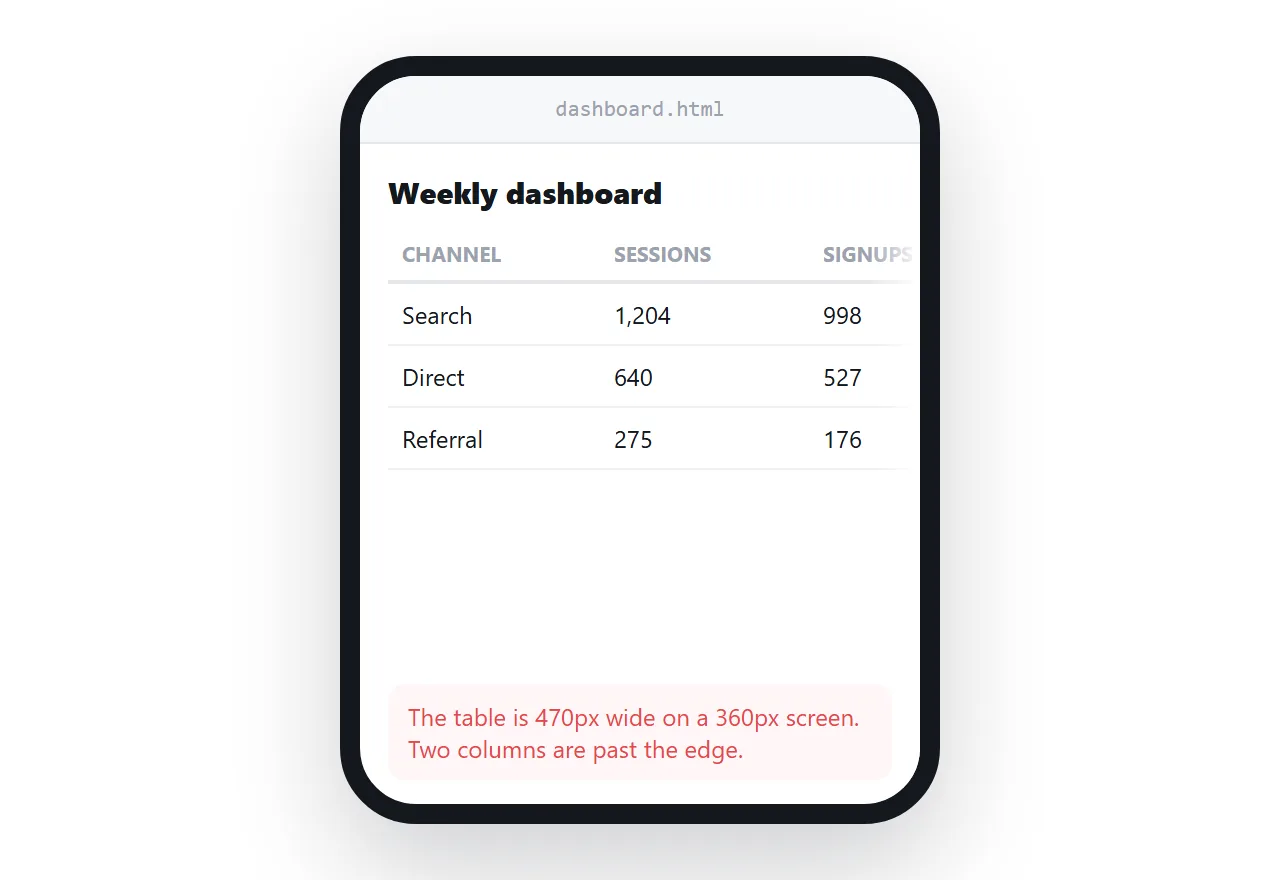
Two causes account for most complaints. The first is the missing viewport line, which makes a page render at desktop width on a phone and forces the reader to pinch and scroll sideways.
The second is styling that never arrived, because it lived in a separate file or a network font. Missing styles in AI HTML lists what to check in order.
Neither problem is visible from the chat window, because the preview has the same network access your browser had.
Judge the page from a clean window, then send the link rather than the file. Hosting an AI generated website covers what the address itself requires.