An AI html email signature generator hands you a block of markup, and whether it survives depends on three things: table layout, inline styles, and where the logo lives.
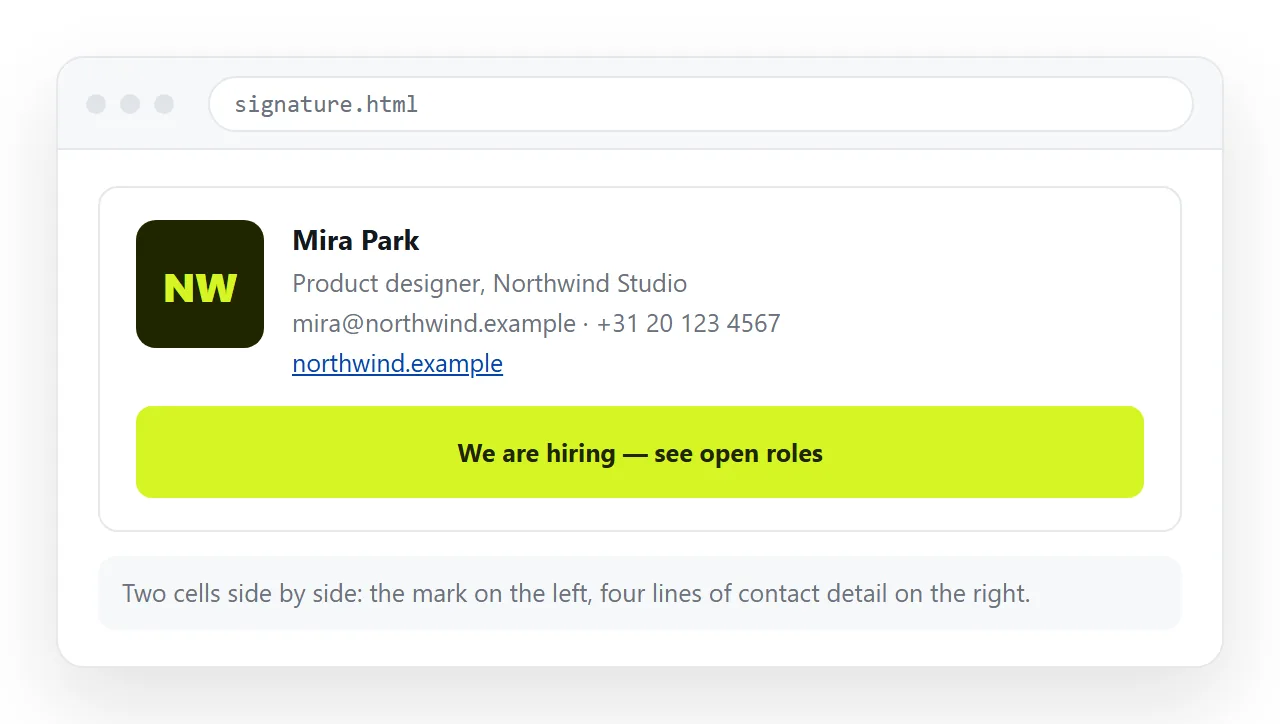
Everything else in the output is negotiable. Those three decide whether your recipients see a signature or a stack of unstyled lines with a broken image icon.
What an AI HTML email signature generator should produce
Ask without constraints and you get a small web page: a style block, flex layout, a web font, and an image referenced by filename.
Each of those fails somewhere. Style blocks are removed by some clients, flex layout is unreliable in Outlook on Windows, web fonts fall back, and a filename resolves to nothing once the markup leaves your folder.
State the constraints in the request:
- A table for layout, not flexbox or grid.
- All CSS inline on the elements.
- A system font stack, no web fonts.
- The logo referenced by full address, with alt text.
- Total width under 500 pixels.
- No scripts, no forms, no background images.
What belongs in a signature and what does not
| Element | Include | Why |
|---|---|---|
| Name, role, company | Yes | The reason the signature exists |
| One phone number | Yes | Two makes the reader choose |
| A logo image | Yes, if hosted | Blocked images leave alt text, so keep it short |
| Social icons | Sparingly | Each is another remote image that may not load |
| A booking or profile link | Yes | One line of text, always renders |
| Legal disclaimer | If required | Put it last and at a smaller size |
| Tracking pixels | No | Triggers image blocking and spam scoring |
| Animated images | No | Support varies and the first frame may be all anyone sees |
The pattern in the table is consistent. Text always arrives. Images arrive conditionally. Anything interactive does not arrive at all.
Length is the other thing generators get wrong. A signature appears on every message in a thread, so four lines that read cleanly on the tenth reply beat eight lines that read well once.
The logo is the part that breaks
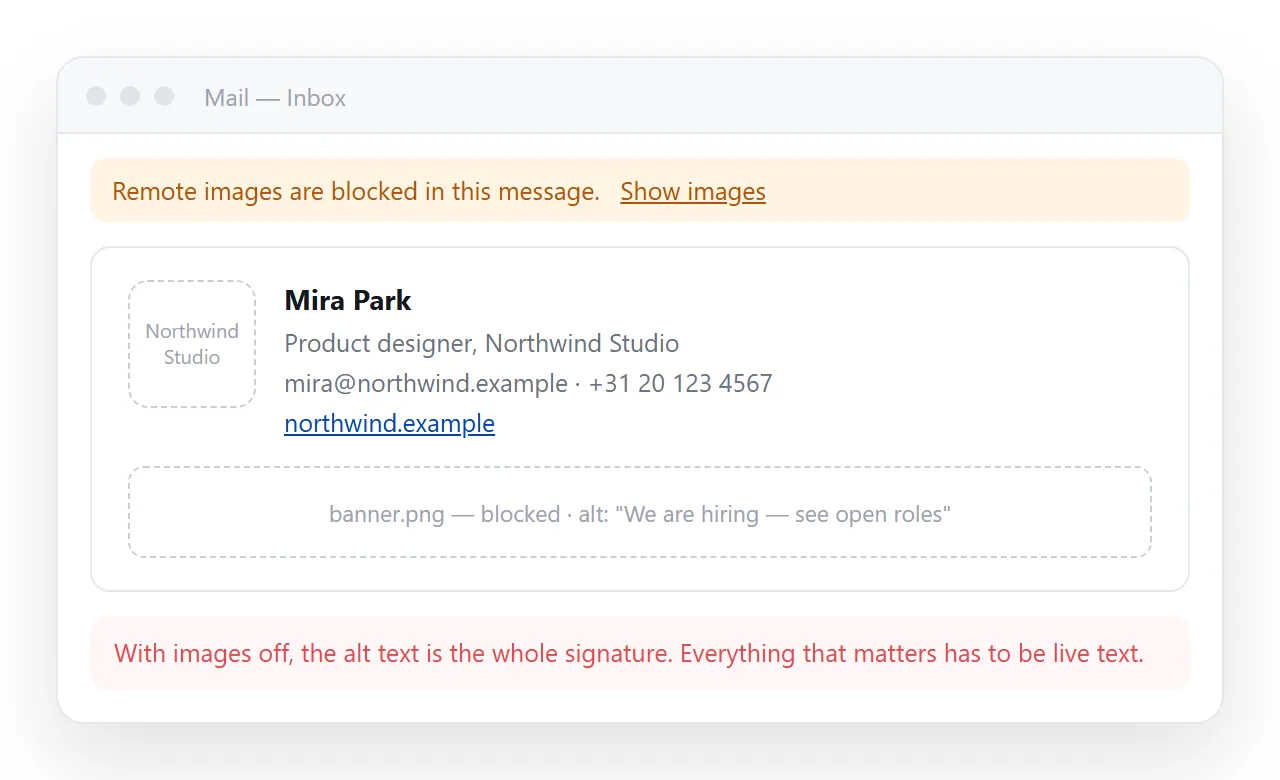
Two failure modes account for nearly every report of a missing logo.
Embedded as a data URI. Base64 images work well in a web page and unevenly in mail, and several clients will not draw them inside a signature at all.
Hosted somewhere private. A file in a shared drive with restricted access looks fine to you, because you are signed in. To the recipient it is a broken image.
The working form is an image at a public address, with sensible alt text so the blocked state still reads as a company name rather than a filename.
Keep the file small and set explicit width and height attributes, so the layout does not jump while the image loads or stay collapsed when it does not.
Pasting it into the client
This is where most people get stuck, and the answer differs by client.
Gmail's signature box takes formatted content rather than source. Render the markup in a browser window, select the rendered signature, copy it, and paste that. Pasting tags leaves you looking at tags.
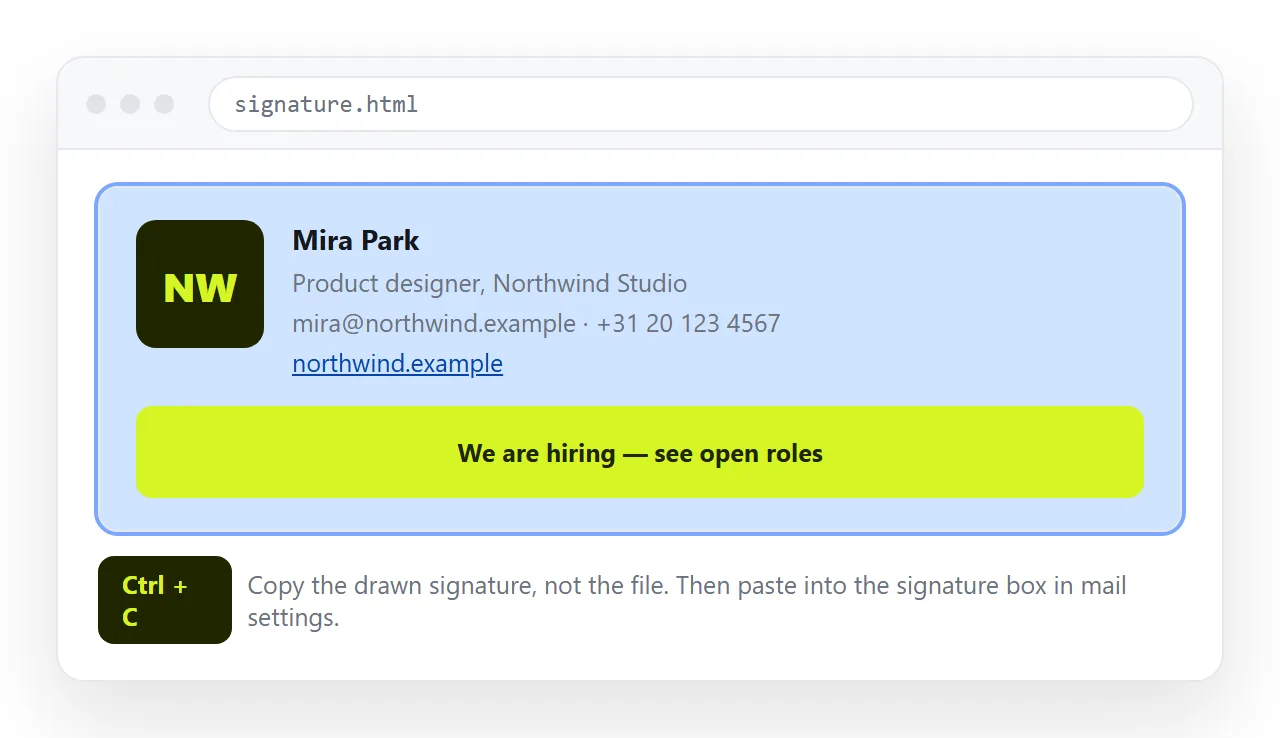
Outlook on the web behaves the same way. Outlook for Windows keeps signatures as files in your profile, which some people edit directly, and the same paste method works in its signature editor.
To render the markup for copying, open it in the HTML file opener. It draws the block from pasted source, which is all you need before selecting it.
Test it in three places
A signature is seen far more often in replies than in first messages, and reply chains treat it differently.
- A new message. The baseline. Everything should look as intended.
- A reply. Quoting can inherit colours and font sizes from the message above. Dark text on a quoted background is a common surprise.
- A phone. Check the width. A table wider than the screen forces horizontal scrolling for every message you send.
Run all three with images blocked as well as loaded. Inline CSS explains why the styles have to sit on the elements for any of this to hold.
One more check is worth the minute it takes. Forward the test message to a colleague on a different mail system and ask what they see, because the client you use is the one client you cannot judge.
When the signature is doing too much
Signatures grow. A product launch banner goes in, then an award badge, then a booking link, and the block becomes a small advertisement attached to every message.
If you need to point people at something substantial, point at a page rather than rebuilding it in the signature. One line of text and one link renders in every client, on every device, with images off.
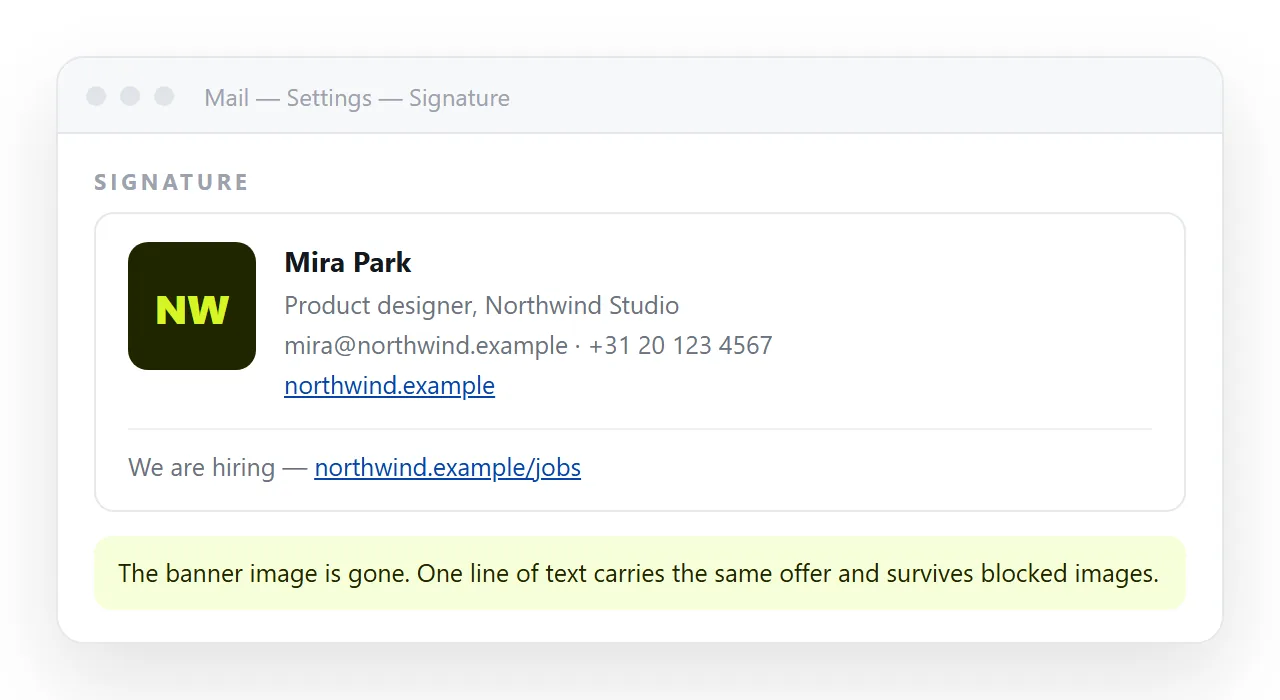
Put the page itself at an address with HTML to link, so updating the campaign never means editing the signature again. Email versus a link for documents covers the same tradeoff for message bodies.
For the message body rather than the signature, the constraints are similar but the room is larger. AI HTML email generators covers that case.