To save a Claude artifact so it is still useful next quarter, get the complete file out of the chat, give it a title, keep the prompt with it, and put it somewhere searchable by its contents.
The pattern is familiar: you build something genuinely useful in a conversation, close the tab, and three weeks later you need it again and remember roughly what you asked and nothing about where the thread went.
This guide covers why chat history is not storage, the four-step save, and the retrieval test that decides whether you rebuild the thing.
The pattern is familiar. You build something genuinely useful in a conversation, close the tab, and three weeks later you need it again. You remember roughly what you asked and nothing about where the thread went.
Why chat history is not storage
Three separate weaknesses, any one of which loses the page:
- Search is against the conversation, not the page. You can find "the chat where I mentioned invoices". You cannot find "the invoice template with the tax row", because the words that identify it are inside a code block among many.
- It depends on the thread surviving. Accounts get cleaned up, workspaces change, history gets pruned.
- There is no title. Threads are named by their opening line, which is rarely what the page turned out to be.
None of that matters for a throwaway. All of it matters for something you built once and will want repeatedly.
How to save a Claude artifact properly, in two minutes
1. Copy the complete file
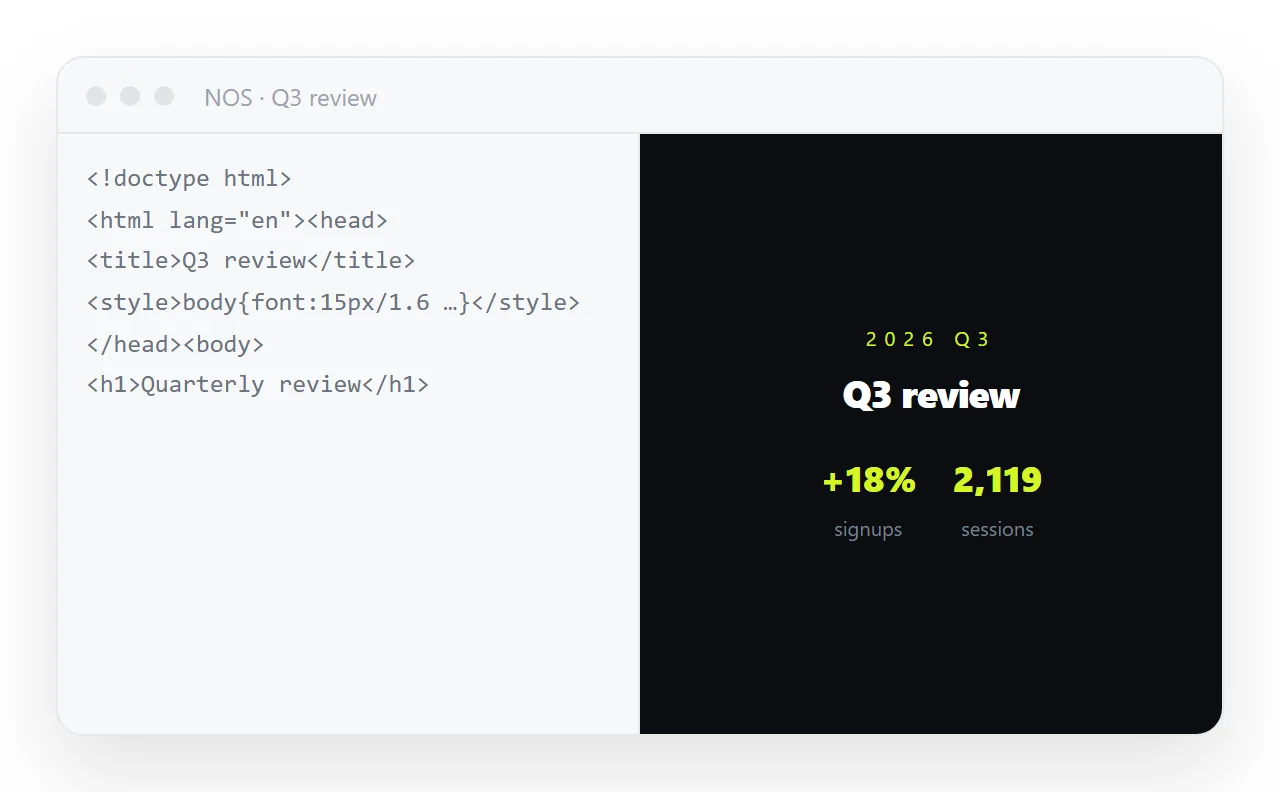
Switch to the code view and take the whole document — doctype to closing tag. A fragment is not worth saving because it will not render on its own.
2. Give it a real title, inside the file
<title>Client invoice template — includes tax row</title>
This is the line that makes it findable later. Untitled and Document are what assistants default to, and a folder of files all called Document is the same problem as chat history.
3. Put it where you already look for things
The test is not whether it is stored. It is whether you will find it. A file in a folder you never open is only marginally better than the chat.
4. Keep the prompt with it
<!--
Prompt used:
"Single-file HTML invoice. Line items, subtotal, 10% tax, total.
Right-aligned tabular numbers, print stylesheet. No libraries."
-->
An HTML comment at the top of the file, which renders as nothing. This is the highest-value two lines you can add, because next quarter you will want a quote rather than an invoice and the prompt gets you there in one step instead of five.
What "findable" actually requires
| Where you put it | Searchable by content | Has a title | Opens as a page | Survives a year |
|---|---|---|---|---|
| Chat history | Poorly | No | In the chat | Uncertain |
| A file on your laptop | Depends on the OS | If you named it | Yes | Until the laptop changes |
| A cloud drive | Sometimes, for HTML rarely | Yes | No | Yes |
| A static host | No | No | Yes | While you pay |
| A document that renders HTML | Yes | Yes | Yes | Yes |
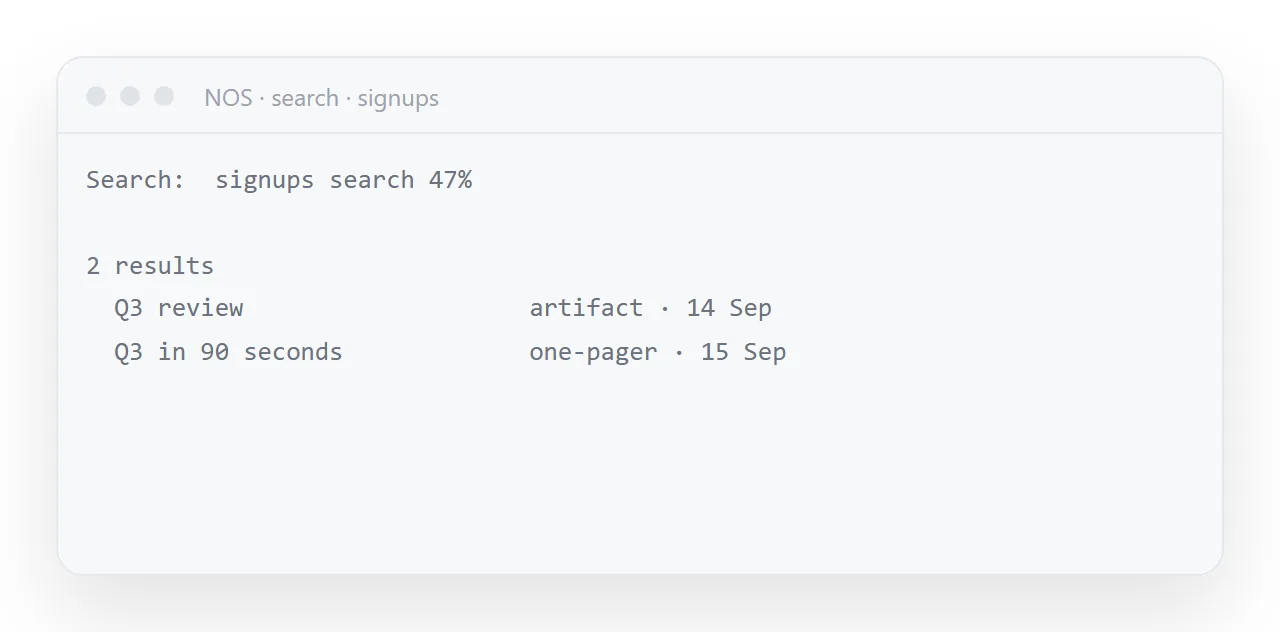
The column that decides it is the first one. Something you can find by typing a phrase that appears in the page is something you will still be using next year.
Where this leads
A page built in a chat has two futures. Either it is a one-off, in which case the chat is fine and this article does not apply. Or it becomes a thing you reach for — a report format, an invoice, a dashboard shape — and then it needs a title, a home, and to be searchable by its contents.
In NOS the pasted HTML is a document: it renders exactly as written, sits next to your written notes, and is found by searching the words inside it. It also has an address you can send, so "saved" and "shareable" are not two separate jobs.
And because the text stays clickable, next quarter's version is this one with the numbers typed over rather than a fresh trip through the conversation.
Published artifacts are not a filing system either
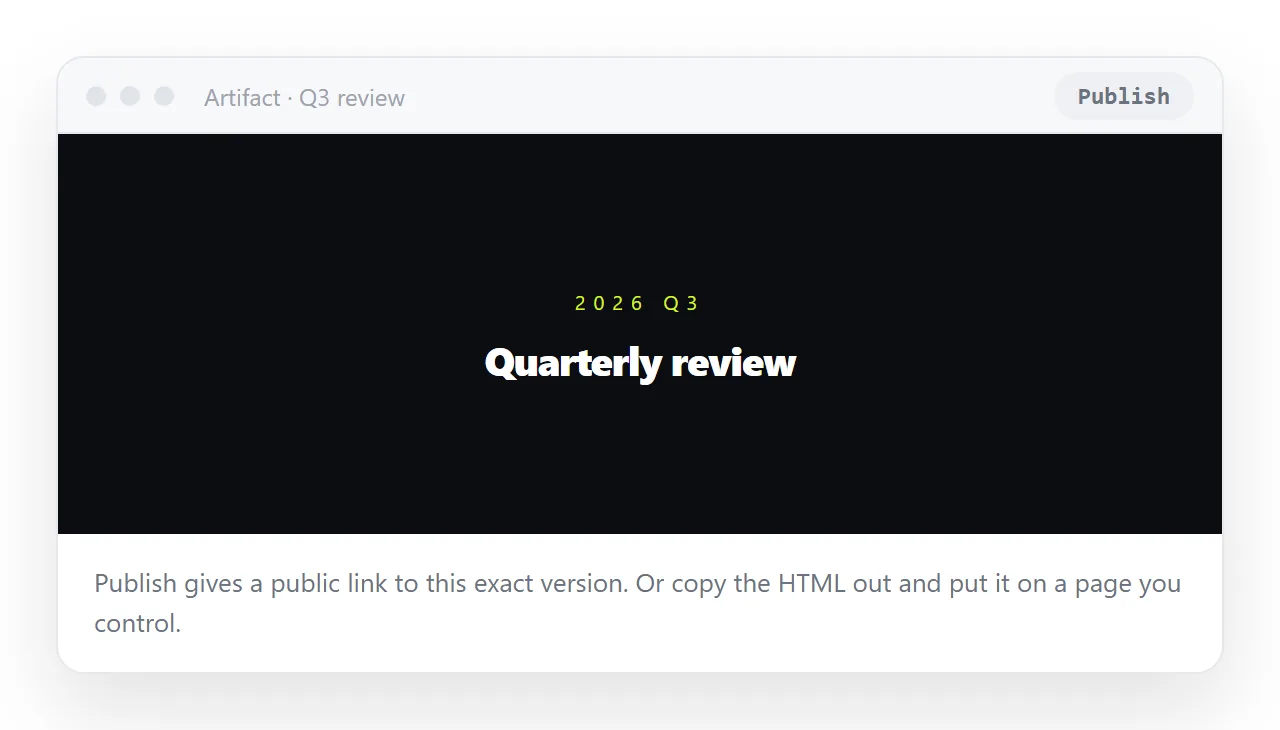
Claude can publish an artifact to a public link, and published artifacts appear in an Artifacts list in the sidebar.
That is better than a thread, and it is still a list of things you made in a chat tool, searchable by title only, fixed at the version you published, and living in an account rather than with your documents.
Use it to hand someone a quick look; save the file properly for anything you will reach for again. Sharing an artifact covers the two routes.
One habit worth forming
Save it the same day. The cost of copying the file and giving it a title is two minutes while the context is in your head. Three weeks later the cost is rebuilding it, because you no longer remember what you asked for — and the rebuilt version is never quite the one you liked.
Retrieval test
| Where you saved it | Can you find it by typing a phrase from the page |
|---|---|
| Chat history | Barely — search matches the conversation, not the code block |
A file called index.html |
No |
| A file with a descriptive name | Only if you remember the folder |
| A cloud drive | Sometimes, rarely for HTML |
| A static host | No |
| A searchable document store | Yes |
That single column is the whole test. Storage is easy; retrieval is what decides whether you rebuild the thing next quarter.
What to save alongside the file
Three things, none of which take more than a minute:
- A real
<title>, because it is what you will search for. - The prompt, as an HTML comment, so producing the next variant is one step — see reusing a template.
- The date, because in six months you will want to know how stale the figures are.
And if the page is something you will also send to people, give it an address now rather than later. Saved and shareable are the same action at that point.
Saving the artifact: 4 steps
- Copy the complete file out of the artifact. Switch the panel to Code and copy, or Download as .html from the dropdown next to Copy. Doctype to closing tag.
- Give it a real title and keep the prompt in a comment. A
<title>that says what it is, and the prompt as an HTML comment at the top of the file, so next quarter's variant is one step away. - Paste it into a NOS document. It renders exactly as written, sits next to your written notes, and is found by searching for any phrase inside it. Turning HTML into a link is this step.
- Send the same address when someone needs it. Saved and shareable are one action. Share, then Share link, then Create link.