To make an HTML template, keep the first good page, put every value in one place, and edit that place each period instead of asking the assistant again.
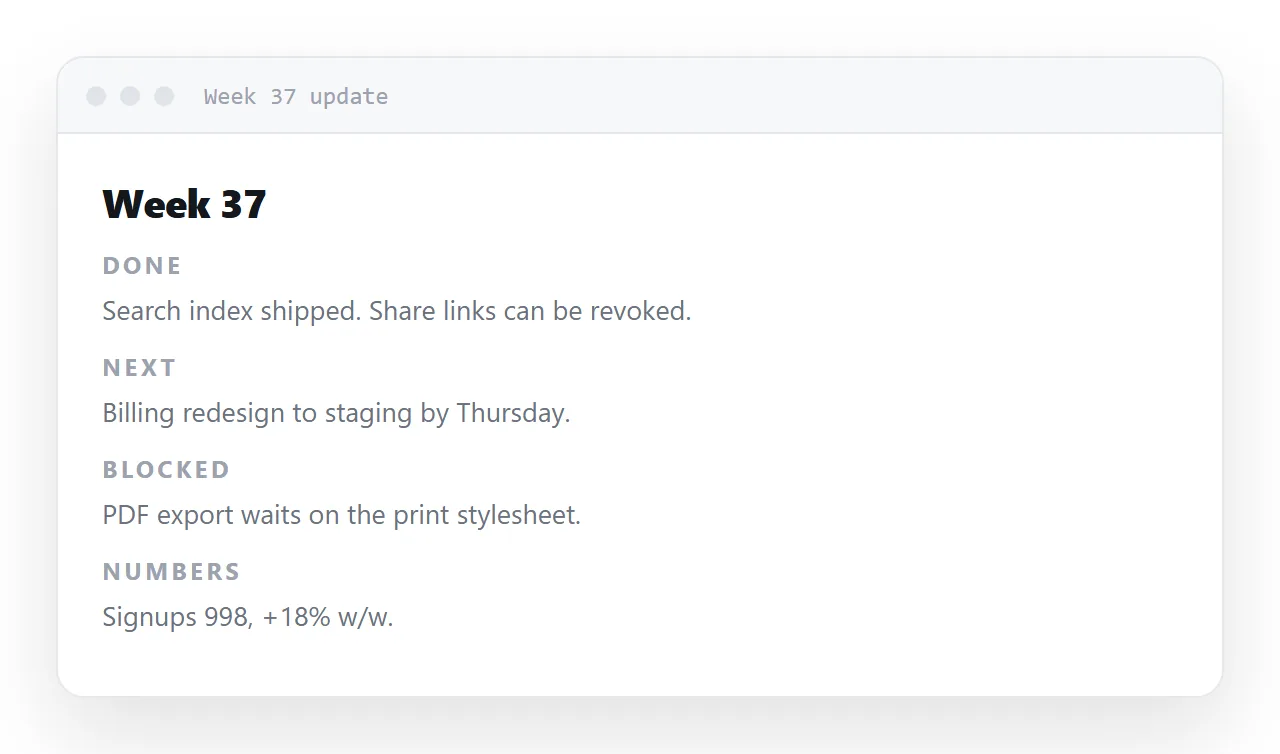
Generation is not deterministic, so regenerating the weekly report produces four layouts in four weeks, and readers relearn the page every Monday.
This guide covers what makes a page reusable, whether to keep one page updated or one page per period, where the template should live, and the four steps to turn a page you already have into a template.
The first week you generate a dashboard and it is good. The second week you generate another and it is good and different. By the fourth week your team has seen four layouts for the same report, which reads as carelessness even though every individual page was fine.
Generate once. Reuse after that.
What makes a page reusable as an HTML template
1. One place for the values
<script>
  var DATA = {
    asOf: '12 Sep 2026',
    period: 'week of 7 Sep',
    cards: [
      { label: 'Signups', value: '1,284', delta: '+12.4% vs last week' },
    ],
    rows: [
      { name: 'Search', value: 998 },
    ],
  };
</script>
The weekly update becomes editing one object. Numbers scattered through the markup mean hunting for each one, and missing one — which is how a report goes out with one figure from last week in it.
If the page you generated does not look like this, ask once: "move every figure into a single DATA object at the top of the script and render the markup from it". That is a structural change, which is exactly what assistants are good at.
2. No leftover invented numbers
Anything you did not supply was constructed. In a one-off that is a risk; in a template it is a trap, because a stale placeholder can survive months of weekly updates in a section nobody looks at closely.
Replace every figure or put obvious dashes in the template version.
3. The prompt recorded in the file
<!--
TEMPLATE — weekly overview
Prompt: "Single-file HTML dashboard, no libraries, KPI cards in an
auto-fit grid, bar rows from divs, every percentage with its base,
system fonts, tabular numbers, readable at 360px."
Update: edit DATA at the top of the script.
-->
An HTML comment renders as nothing and is the highest-value thing in the file. Next quarter you will want a monthly version, and the prompt gets you there in one step rather than five.
4. A title that says what it is
<title>Weekly overview — template</title>
This is what you will search for. Document and report-final-v3 are both unfindable six months later.
One page per period, or one page updated?
Two legitimate patterns, and the choice depends on whether old versions need their own address.
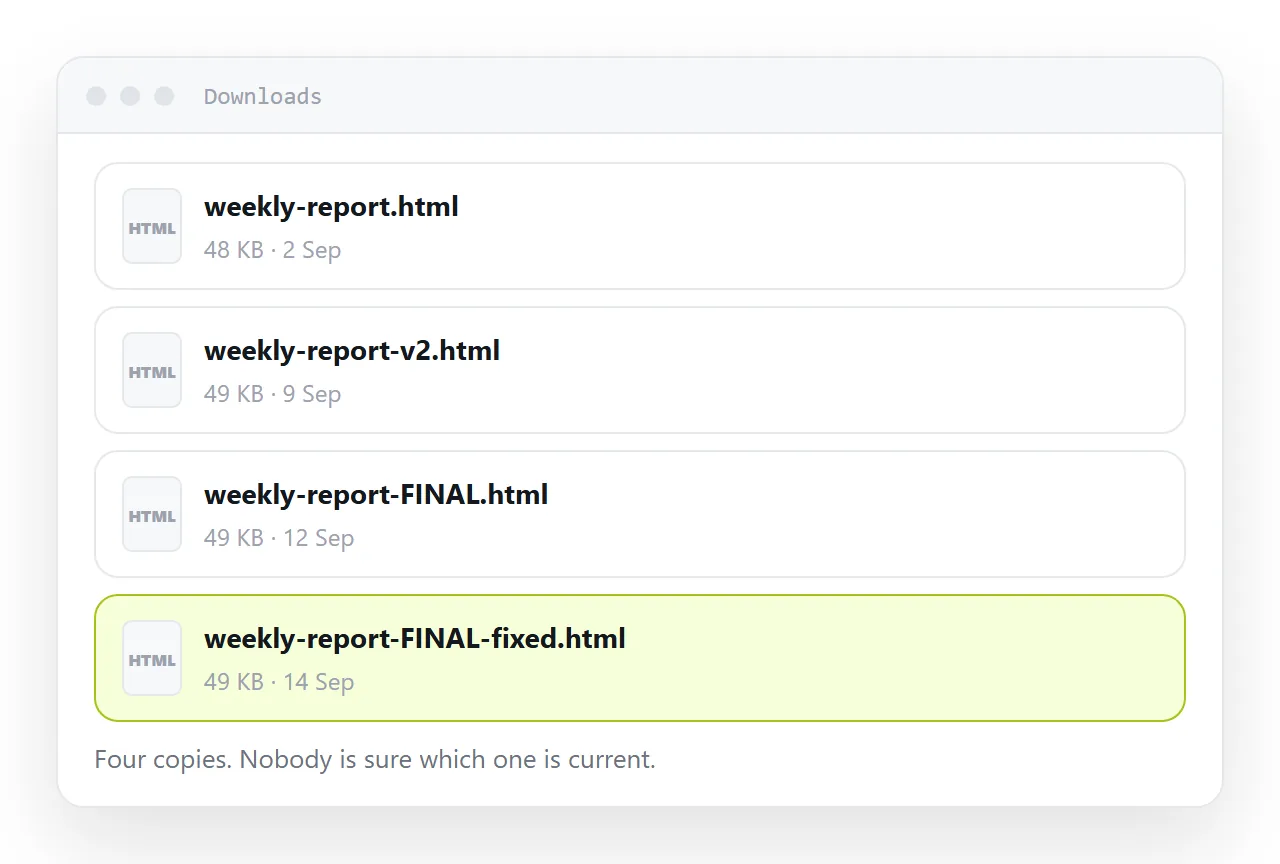
One page per period. Copy the template, fill in the values, publish. Each week has its own address, so a link sent in March still shows March. Good for client reports, where "what did you send me in March" has to be answerable by opening the March link.
One page updated in place. The same address always shows the current period, with the document's own history holding what came before. Good for internal dashboards, where the question is always "where are we now" and a channel tab or a bookmark should not need changing.
| Page per period | One page updated | |
|---|---|---|
| Old versions have their own link | Yes | No — held as history |
| Link to send | A new one each time | Always the same |
| Best for | Client deliverables | Internal dashboards |
| Number of pages after a year | 52 | 1 |
Where the template should live
The test is not storage, it is retrieval: will you find it by typing a phrase that appears in it. A file in a folder is findable if you remember the folder; chat history is barely findable at all.
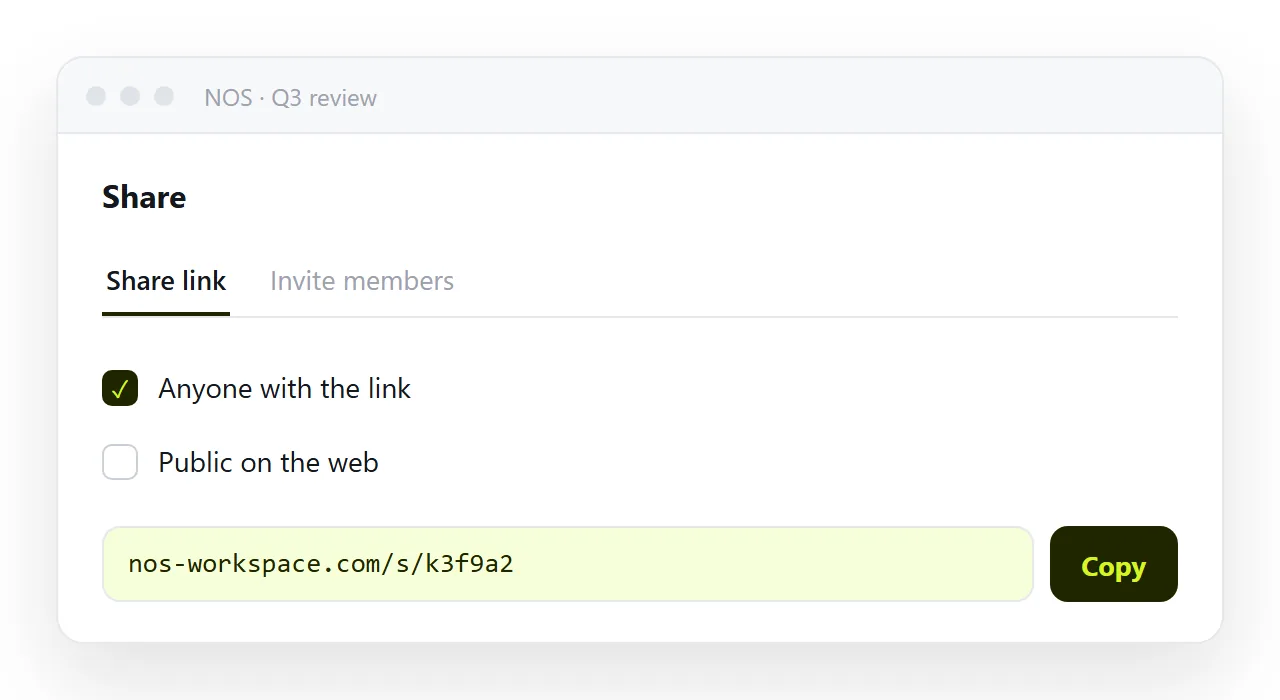
In NOS the template is a document — it renders exactly as written, sits next to your other documents, and is found by searching the words inside it. Duplicating it for this week is a copy, and the copy's text is clickable text, so filling in the figures is typing over them rather than editing markup.
Both patterns above work from there: duplicate for a page per period, or edit in place and let the document keep its revisions.
When the template needs to change
Structure changes are rare, and they are the moment to go back to the assistant: paste the template, describe the change, and ask for the complete file back with the DATA object intact.
Then check it in the viewer, compare it to the old one side by side, and replace the template only if the layout is what you asked for and nothing else moved. Treat that as a versioned event, not a weekly one.
Template readiness
| Criterion | Ready | Not ready |
|---|---|---|
| Changing values | All in one DATA object | Scattered through the markup |
| Placeholder figures | Replaced, or obvious dashes | Plausible invented numbers |
| The prompt | Recorded in a comment | Gone with the conversation |
| Title | Says what it is | Document |
| Dependencies | None | A library from another address |
| Mobile | Checked at 360px | Never narrowed |
A template failing any of the first three will cost more each week than starting again, which is why most "templates" quietly stop being used.
The two reuse patterns
One page per period — duplicate, fill in, publish. Each period keeps its own address, which is what client work needs.
One page updated in place — the address always shows the current period, with the document's history behind it. Right for internal dashboards, where a bookmark or a channel tab should not need changing.
Both are covered in weekly updates and client reports, which land on opposite sides of that choice for good reasons.
Sharing the template with the team
A template is more valuable when other people can use it without going through you. Keep the template page itself unlisted at its own address, and give colleagues the address plus the two-line instruction: copy it, change the DATA object.
In a shared workspace they can duplicate the document and edit the copy, and every report the team sends then looks like the same team wrote it.
Turning a generated page into a template: 4 steps
- Keep the first good page. The version you approved, copied out of the chat as a complete file. Do not ask for it again.
- Move every value into one
DATAobject. Ask the assistant to render the page from it, or do it once by hand for a small page. - Put the prompt and a real title in the file. An HTML comment at the top with the prompt that produced it; a
<title>that says what the page is. - Paste it into a NOS document and update it there. Share, then Share link, then Create link. Each period, type over the values. The address, the layout and the channel tab pointing at it do not change. Turning HTML into a link is this step.