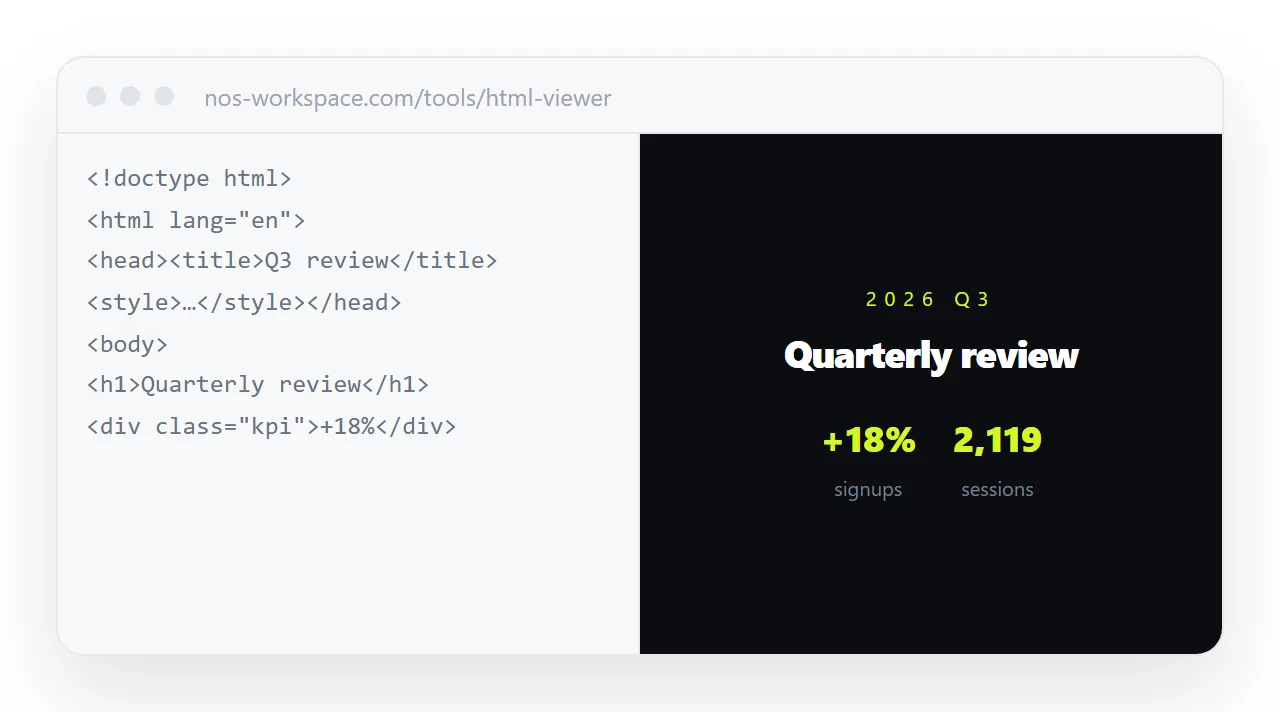
HTML not rendering in the browser feels like a total failure and is usually a single line. Press F12, open the Console, and read the first error only; everything after it is likely a consequence.
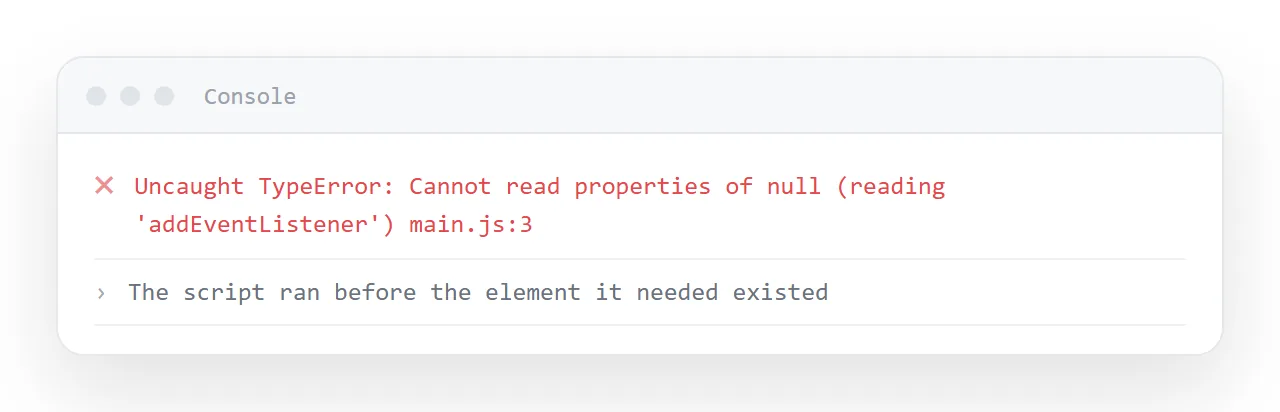
Five causes account for almost every blank page: a script that ran before the element it needed, a library that was expected and is not there, component code that was never compiled, an outside address that did not answer, and content that is present but invisible.
This guide shows how the first error separates them and the fix for each.
A blank page feels like a total failure and is usually a single line. Five causes, distinguishable in about thirty seconds.
HTML not rendering in the browser: start with the console
Press F12, open the Console tab, reload. Read the first error only — everything after it is likely a consequence.
| First error | Cause | Fix |
|---|---|---|
Cannot read properties of null |
Script runs before the element exists | Move the script to before </body> |
X is not defined |
A library was expected and is not there | Remove the dependency, or embed it |
Unexpected token '<' |
Component syntax, unbuilt | Ask for plain HTML |
Failed to load resource |
An outside address is unreachable | Make the page self-contained |
| Nothing at all | Content is present but invisible | See below |
Cause 1: the script ran too early
<head>
  <script>
    document.getElementById('chart').innerHTML = '...';
  </script>
</head>
getElementById returns null because the element has not been drawn yet, and the error stops the rest of the script — including everything that would have built the page. So the page is blank, not partly built.
Move the script to just before </body>. This is the single most common cause.
Cause 2: it is a fragment, not a document
If the file starts with <div> or with a <style> block, it is a piece of a page. Browsers try to render it and you get unstyled text or nothing.
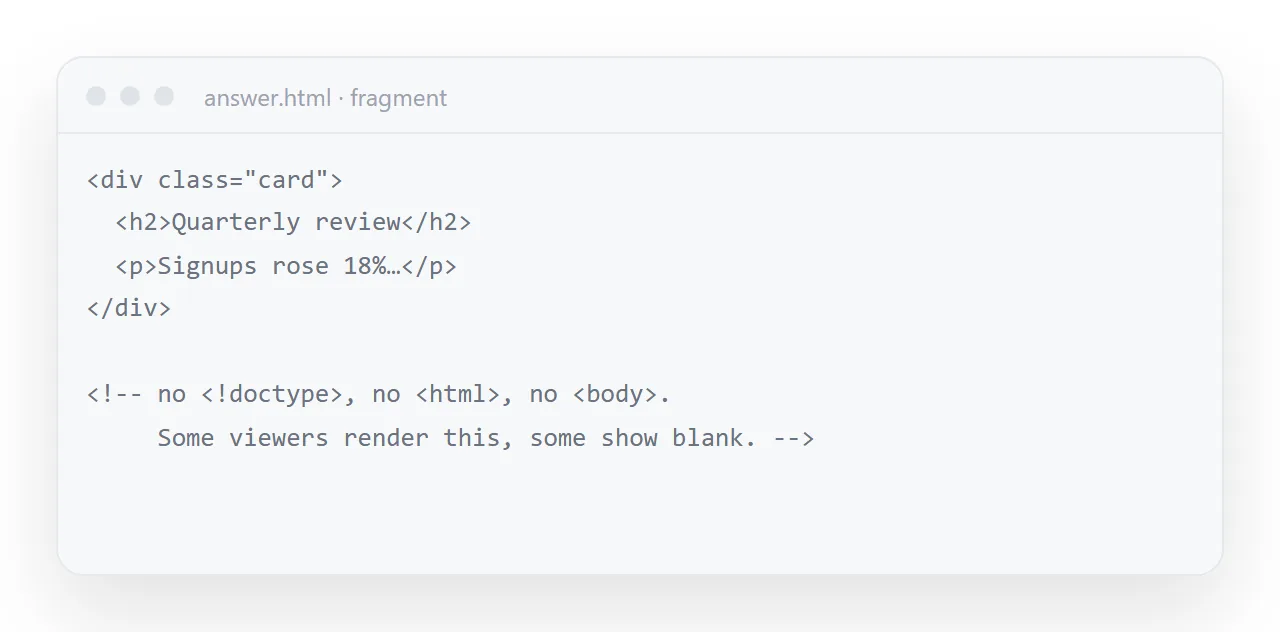
Ask again for the complete file: doctype, <html>, <head>, <body>. See the doctype for what its absence does.
Cause 3: it is component code
export default function Dashboard() {
  return <div className="grid">...</div>;
}
That is not HTML. It needs compiling before a browser can do anything with it, and the console reports Unexpected token '<'.
Ask explicitly: "plain HTML, CSS and vanilla JavaScript — no React, no build step".
Cause 4: a missing outside dependency
The page was written expecting a library at some address. Where that address is unreachable — offline, behind a restrictive network, or inside a sandboxed frame that blocks outside requests — the library never arrives and the first line that uses it throws.
Make the page self-contained, which is worth doing anyway.
Cause 5: nothing is wrong and nothing is visible
Console clean, markup fine, page white. Four things to check:
/* white on white */
body { color: #fff; background: #fff; }

/* container with no height */
.wrap { height: 0; }         /* or an empty flex child */

/* left over from development */
.panel { display: none; }

/* content pushed off screen */
.hero { position: absolute; left: -9999px; }
Right-click and choose Inspect. If the elements are in the tree with sensible sizes, it is a colour problem. If they are there with zero height, it is a layout problem.
Cause 6, on the server side: served as plain text
If the page renders locally and shows source code once published, the server is sending Content-Type: text/plain:
curl -sI "https://example.com/page.html" | grep -i content-type
Anything other than text/html is the whole problem. See MIME types and downloads instead of opening.
The order to try things when the first error is unclear
Move the script to just before </body> first; it is the most common cause and takes ten seconds. Then search the file for http and import and remove what you find. Then check the first line is <!DOCTYPE html>. Then inspect the elements.
Working down that list clears a blank page in under two minutes almost every time, and the order matters because each step can mask the next.
Checking before it matters
Paste the file into the HTML viewer the moment you copy it out of the chat. It renders in a sandboxed frame, so you find all of the above in the ten seconds after generating the page rather than after sending it to somebody.
Once it renders, publish it — in NOS the pasted HTML is served as a page with the correct content type, so the last cause on this list cannot happen.
A partly blank page is a different problem
If the header renders and a chart or a table does not, the page is not blank; one component failed.
The console still names it: the first error will point at the line inside the chart's script, and the fix is usually the same script-order problem in miniature, or a library the chart expected. Fix that one block and leave the rest alone.
Two things that look like a blank page and are not
A page that is entirely white for a second and then draws is waiting for a font or an outside stylesheet; make it self-contained and the wait goes away.
A page that is blank only inside a preview pane or an embed is being blocked from outside requests by the frame, not failing on its own; open it directly to confirm, then remove the outside request. The sandbox attribute explains what a restricted frame refuses.
Getting the page to render: 4 steps
- Read the first console error only. F12, Console, reload. The errors after the first are consequences of it.
- Match it to the cause.
Cannot read properties of null: the script ran early.X is not defined: a missing library.Unexpected token '<': component code.Failed to load resource: an unreachable address. - Apply the one-line fix. Move the script to before
</body>; remove or embed the library; ask for plain HTML; make the page self-contained. - If the console is clean, inspect the elements. Right-click, Inspect. Elements in the tree with zero height, or text the same colour as the background, are the cause. Then paste the working page into a NOS document and share it: Share, then Share link, then Create link.