An AI html game generator produces a single file that runs in a browser, and for small arcade style games it works. What is left over is the part that decides whether anyone else plays it.
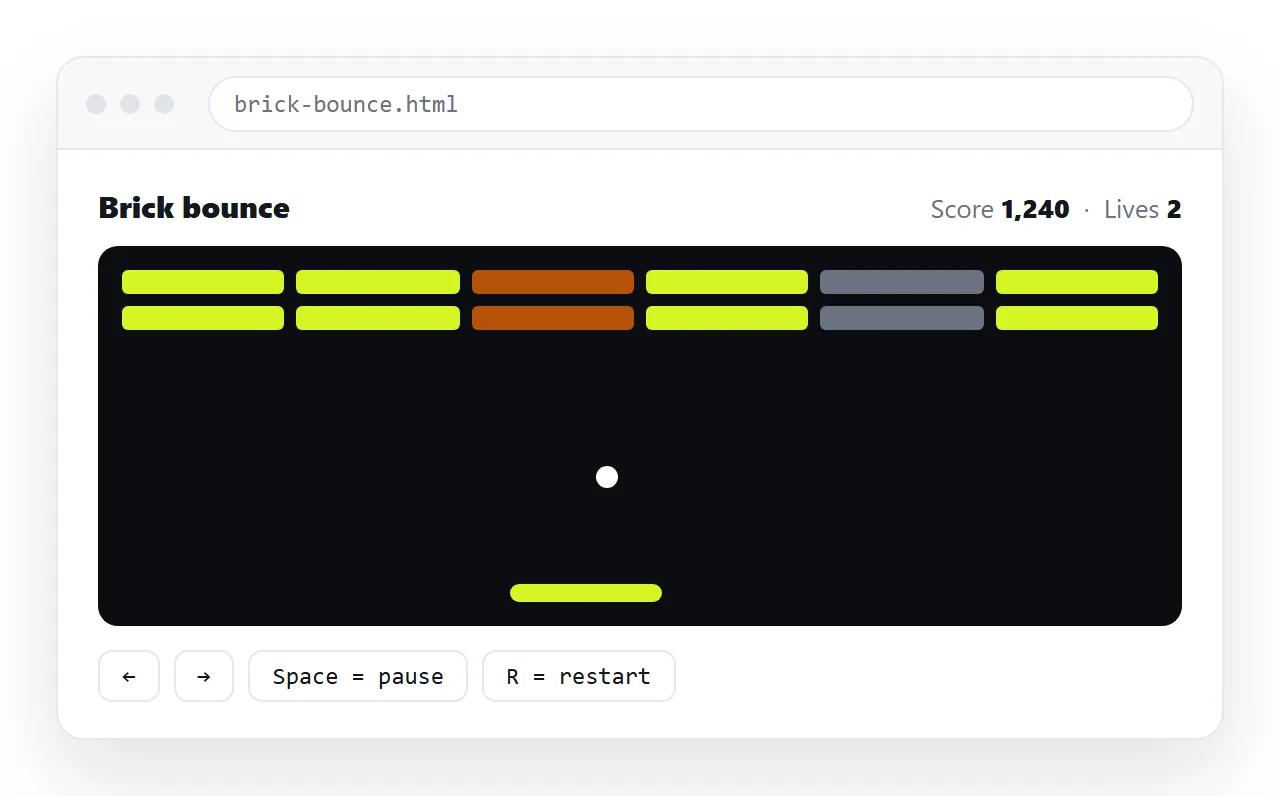
Four things reliably need attention: touch input, restarting after a loss, sound that starts without permission, and getting the file to an address.
What an AI HTML game generator produces
The usual output is one HTML file containing a canvas element, a style block and a script with a game loop.
That shape is a good fit for the request. It has no build step, no dependencies and no server, so it runs anywhere a browser does and nothing has to be installed.
The same shape sets the ceiling. There is no saving across devices, no shared scoreboard and no multiplayer, because none of those exist without something on the other end of a network.
What works and what does not
| Feature | In a single generated file | Why |
|---|---|---|
| Keyboard controls | Works on desktop | Default in most generated code |
| Touch controls | Only if requested | Must be written deliberately |
| Score during play | Works | Held in memory |
| High score across sessions | Per browser only | Browser storage is device local |
| Shared leaderboard | No | Needs a server |
| Sound effects | Works after a tap | Browsers block audio until the player interacts |
| Images and sprites | Works if embedded | Filename references break when the file moves |
| Saving a game in progress | Per browser only | Same limit as high scores |
The rows that surprise people are storage and sound. Both behave correctly and both look like faults if you were not expecting them.
The four things to ask for up front
Naming these in the first request costs one sentence each and saves a round of debugging.
- Touch controls. On screen buttons or swipe handling, in addition to the keyboard. Without this the game is desktop only.
- A visible state. Score, lives and a clear game over screen with a restart button. Generated games often end by stopping.
- Sound gated behind a tap. Audio that tries to start on load is blocked by the browser, and the failure is silent in every sense.
- Embedded graphics. Shapes drawn in code, or images embedded in the file. A reference to a filename works on your machine and nowhere else.
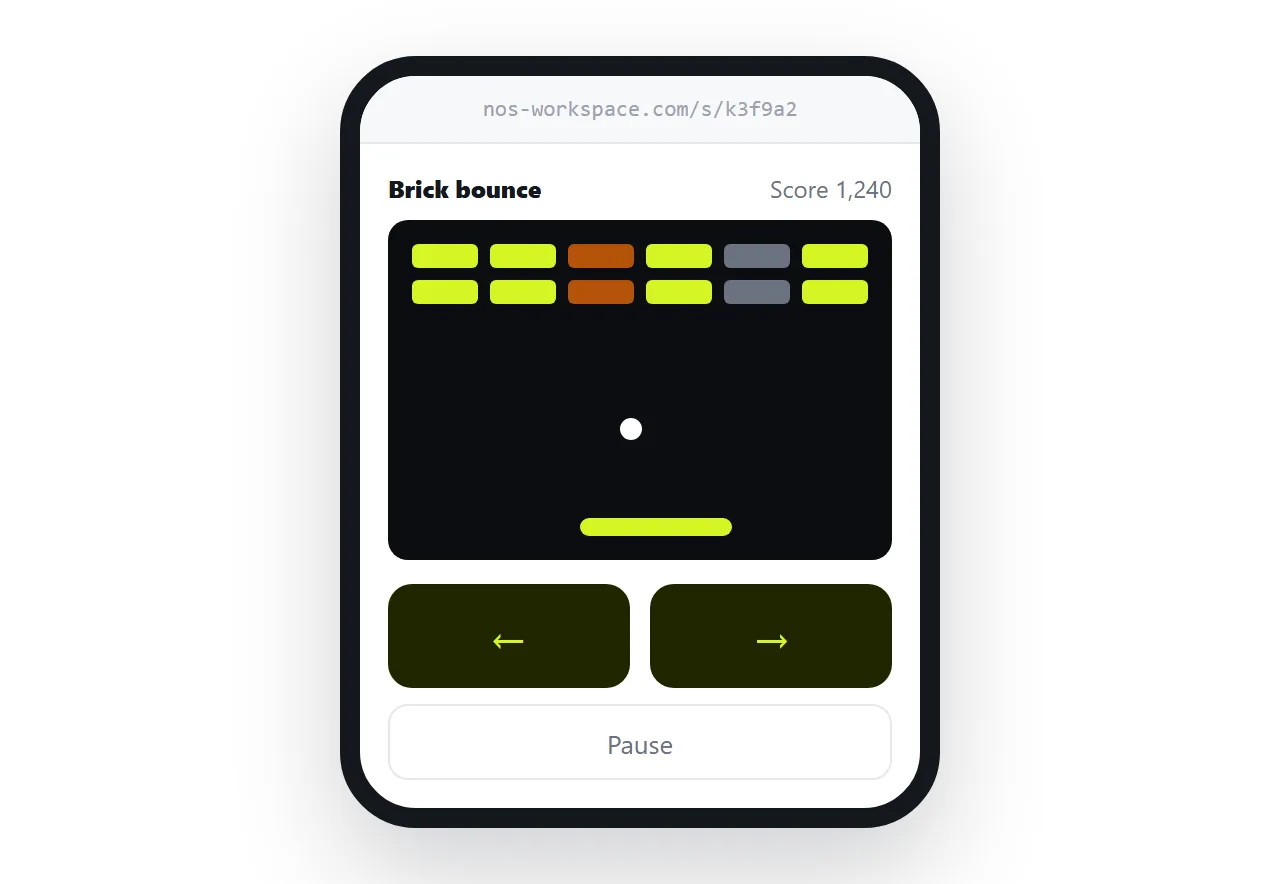
AI HTML mobile layout covers the wider version of the phone problem, which applies to the canvas size as much as to the controls.
Test it like a player, not like an author
Authors test the part they were working on. Players do the things nobody anticipated. Play a full round in the HTML file opener, a window with no knowledge of your folder.
Run through the whole cycle rather than the first minute:
- Lose on purpose, then restart. A game over screen with no way back is the most common gap.
- Resize the window mid-game. Fixed canvas sizes clip when the viewport is smaller than expected.
- Play once on a phone. Everything about input changes there.
- Reload the page. Anything you expected to persist either does or does not, and this is the moment you find out.
Where the score actually lives
A high score in a generated game is kept in browser storage on the device that played. That means it is private to that browser, gone when site data is cleared, and invisible to everyone else.
Local storage explains the mechanism. The consequence for a game is short: a leaderboard shared between players is not something a single file can do.
If comparing scores matters, the workable version is social rather than technical. Players screenshot their score, or you collect entries yourself and update the page.
Putting it where people can play it
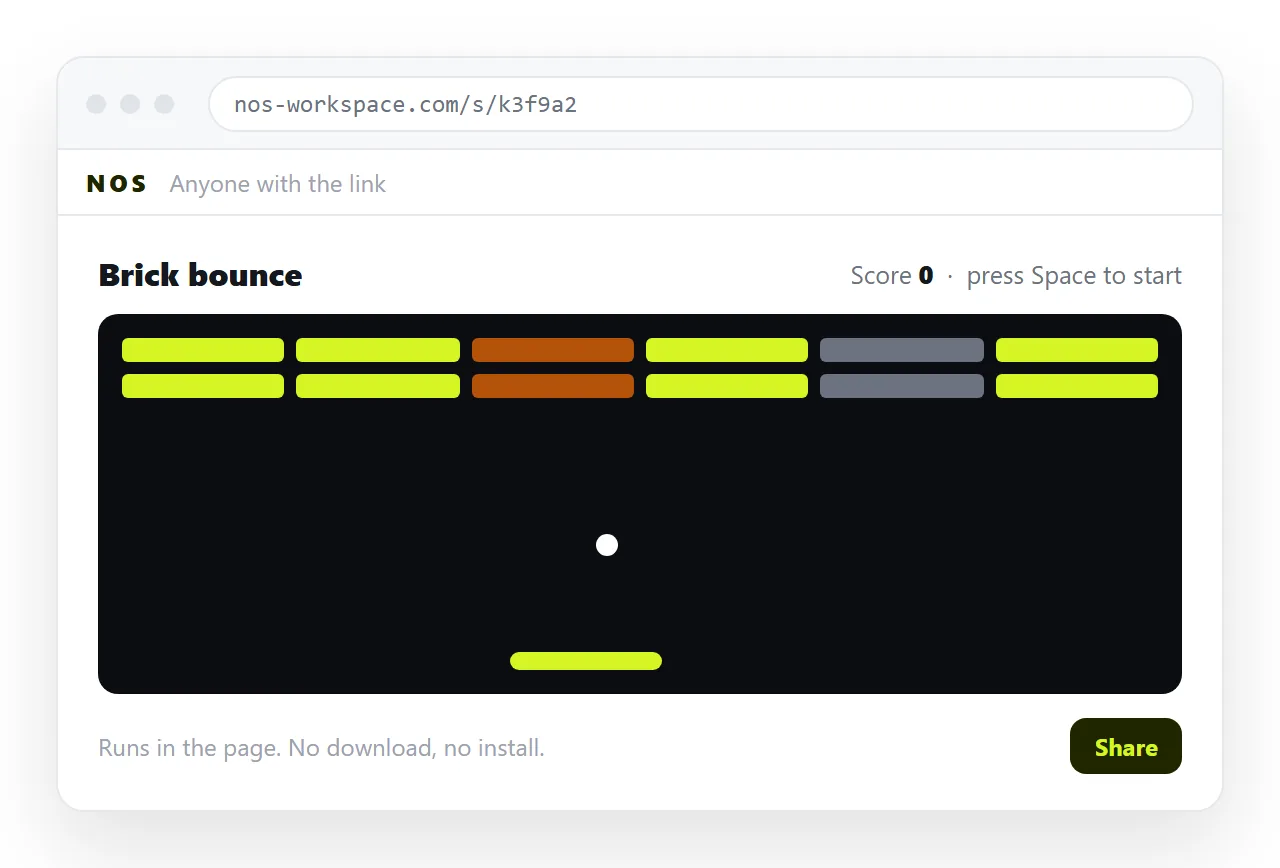
Sending the .html file is the route that fails. Mail gateways strip HTML attachments, desktops open the file in whatever owns the extension, and on a phone it lands in storage and stops.
A game nobody can open is not a game. Put it at an address instead:
- Copy the whole file, from the doctype to the closing tag.
- Paste it into a NOS document. It renders as a page of its own, scripts running.
- Share, then Share link, then Create link. Leave it unlisted for a private test, or tick Public on the web to let search engines find it.
- Send the link. Players click once and play.
Turning HTML into a link is that step on its own.
Changing it after people have played
The advantage of a fixed address shows up on the second version. Difficulty is always wrong on the first attempt, and the fastest way to find out is to watch someone play.
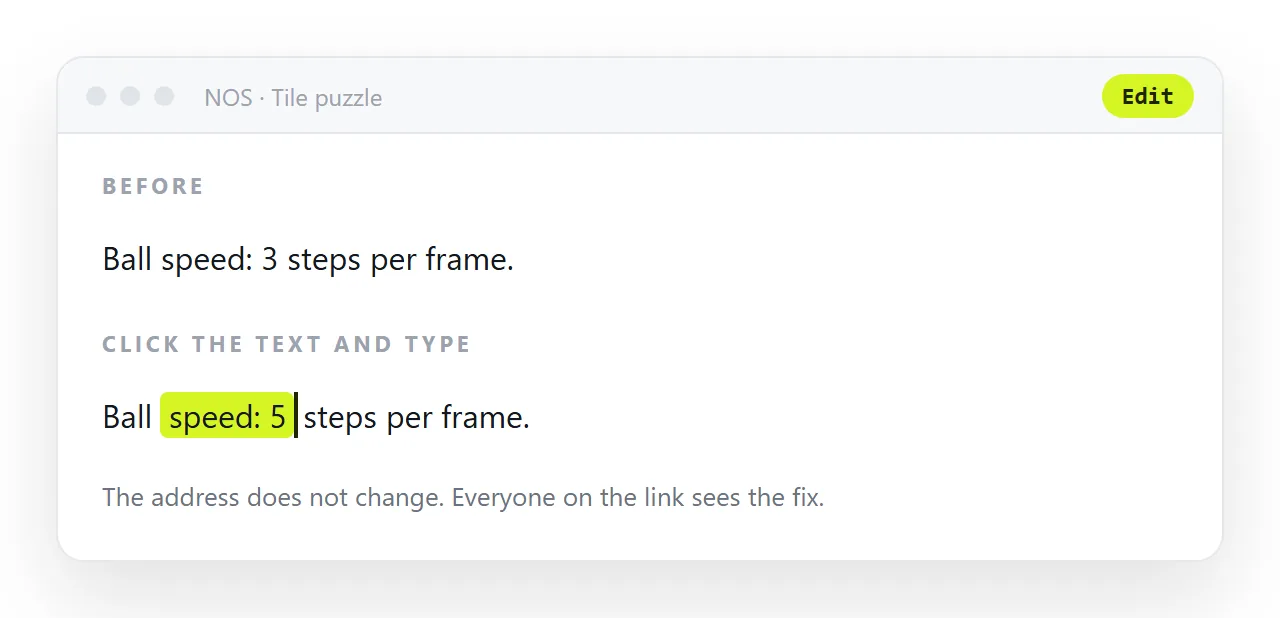
With the game at an address, you adjust the values, and the link you already sent serves the new version. Nobody is playing last week's build because they never downloaded anything.
If the file is growing beyond a game loop into something that stores real records, the constraints change, and AI HTML app builders covers that boundary.