Wiring an HTML form to email is the first thing most people try, and it is one of four receivers, not the only one. Marking up a form is twenty minutes.
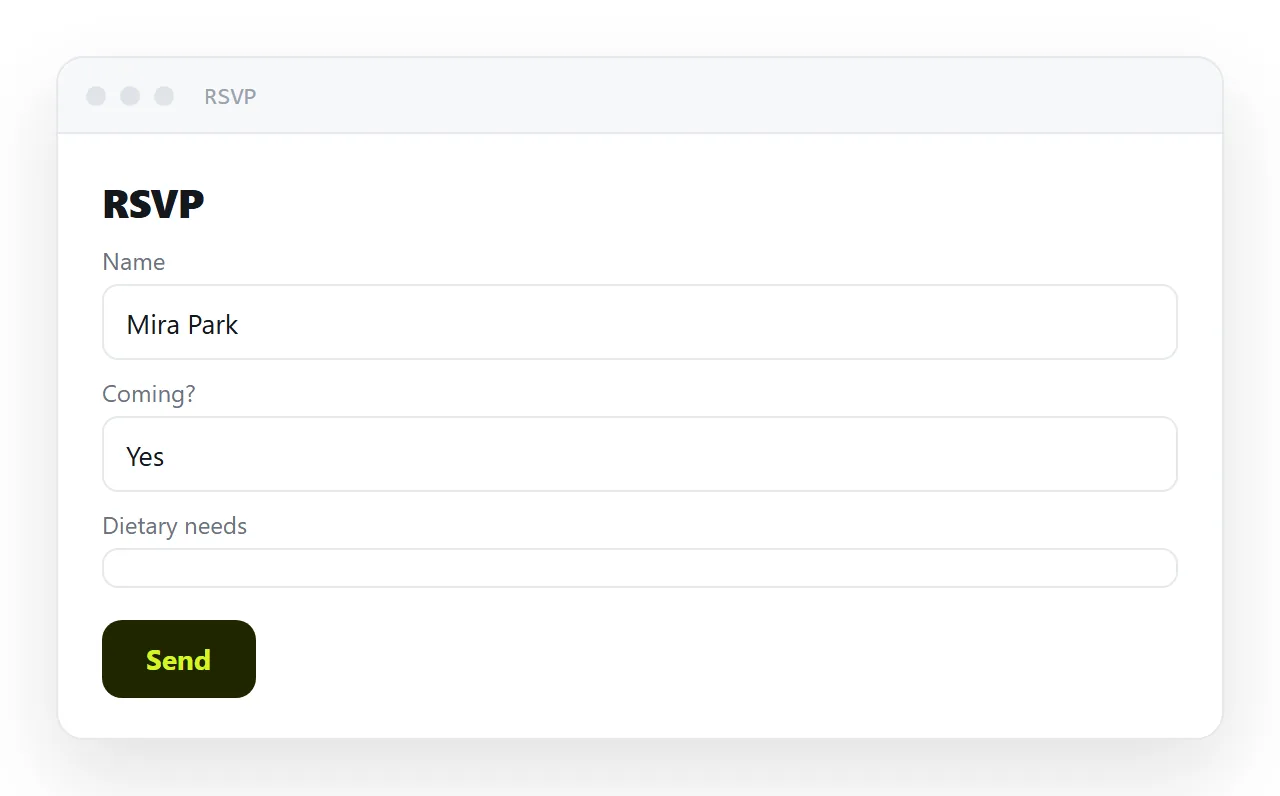
Then you press submit, the page reloads, and every answer has vanished, because a form is a request and a request needs a receiver.
This guide covers the four receivers and what each costs, why the mail-app route fails on most phones, the field details that decide whether the form gets completed, and the four steps to publish the form.
Marking up a form is twenty minutes. Then you press submit, the page reloads, and every answer has vanished — because a form is a request, and a request needs somewhere to go.
Why a page cannot receive its own submissions
A page is served to the reader's browser and runs there. Storing an answer means writing it down somewhere that persists, which requires a service on the receiving end. There is no arrangement of HTML that creates one.
So the only real question is which receiver you use.
HTML form to email, and the three other receivers
| Option | Collects reliably | Your work | Cost |
|---|---|---|---|
| Ask people to reply in the message | Yes | Tallying by hand | Fine under ~50 replies |
mailto: action |
Partly | None | Many people abandon |
| A hosted form service | Yes | Sign up, paste an address | The form may live on their page |
| Your own endpoint | Yes | Build and maintain it | You now own uptime and spam |
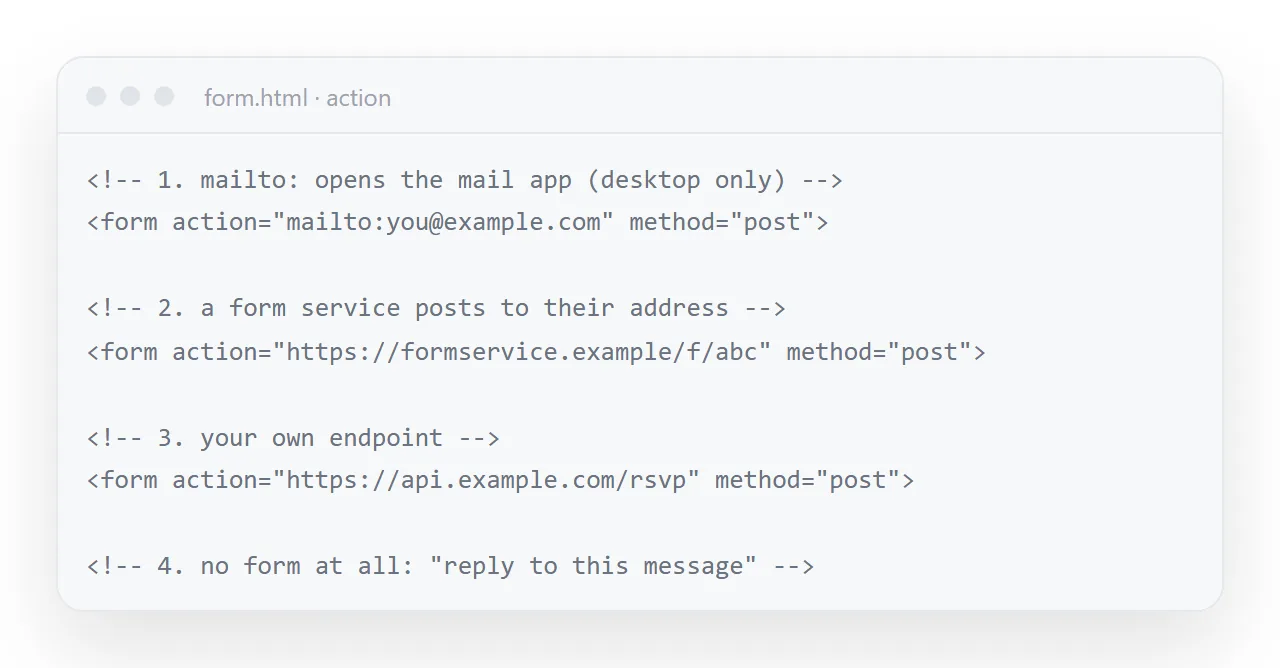
Replying in the message
Genuinely the right answer more often than people expect. For an invitation to thirty people or a poll among six colleagues, a form is more work than counting the replies — and every reply arrives whether or not the sender's browser cooperated.
The mailto: action
<form action="mailto:you@example.com" method="post" enctype="text/plain">
What happens: the reader's own mail application opens with the answers pre-filled, and they have to press send. On a desktop with a configured mail client that mostly works. On webmail, or on a phone, it often opens nothing at all — and a reader who sees nothing happen assumes the form is broken and leaves.
Use it only where losing some responses is acceptable.
A hosted form service
The least-work option that actually works. You get storage, email notifications, spam filtering and an export, and you maintain nothing.
Two shapes exist. An embed puts their form in a frame on your page — reliable, and you cannot restyle it. A posted form lets you keep your own markup and point the action at their address, which keeps your design. Prefer the second where it is offered.
Your own endpoint
<script>
  form.addEventListener('submit', async function (e) {
    e.preventDefault();
    var res = await fetch('https://api.example.com/replies', {
      method: 'POST',
      headers: { 'Content-Type': 'application/json' },
      body: JSON.stringify(Object.fromEntries(new FormData(form))),
    });
    status.textContent = res.ok ? 'Thanks — got it.' : 'Something went wrong. Try again?';
  });
</script>
Straightforward to write and not straightforward to own. Your endpoint must allow requests from the page's address — see CORS, which is the single most common reason a form that works locally fails once published. You also inherit spam, which arrives within days of any public form existing.
Details that decide whether the form gets completed
<label for="email">Email</label>
<input id="email" name="email" type="email" autocomplete="email" required
       inputmode="email" placeholder="you@example.com">
A real <label> with for. Tapping the label focuses the field, which on a phone roughly doubles the size of the target. Placeholder-only labels also disappear as soon as someone types, so they cannot check what they entered.
The right type. email, tel, url, number — each gives phone users the appropriate keyboard. A full alphabetic keyboard for a phone number is a small insult repeated on every field.
autocomplete. Lets the browser fill known values. Leaving it off means everyone types their own address again.
required, sparingly. Every required field is a reason to abandon. Require what you genuinely cannot proceed without.
Say what happens next. One line under the button — "we reply within two working days" — does more for completion than any amount of styling.
Two mistakes that lose answers quietly
Testing only on your own machine. A mailto: form works on the desktop with a mail app configured and fails on most phones, and you will not see the failure unless you test on one.
Forgetting the origin. Your own endpoint refuses the page until it allows requests from the page's address; the browser reports this in the console, not on screen, so the form looks fine and nothing arrives. CORS explains the header.
Publishing it
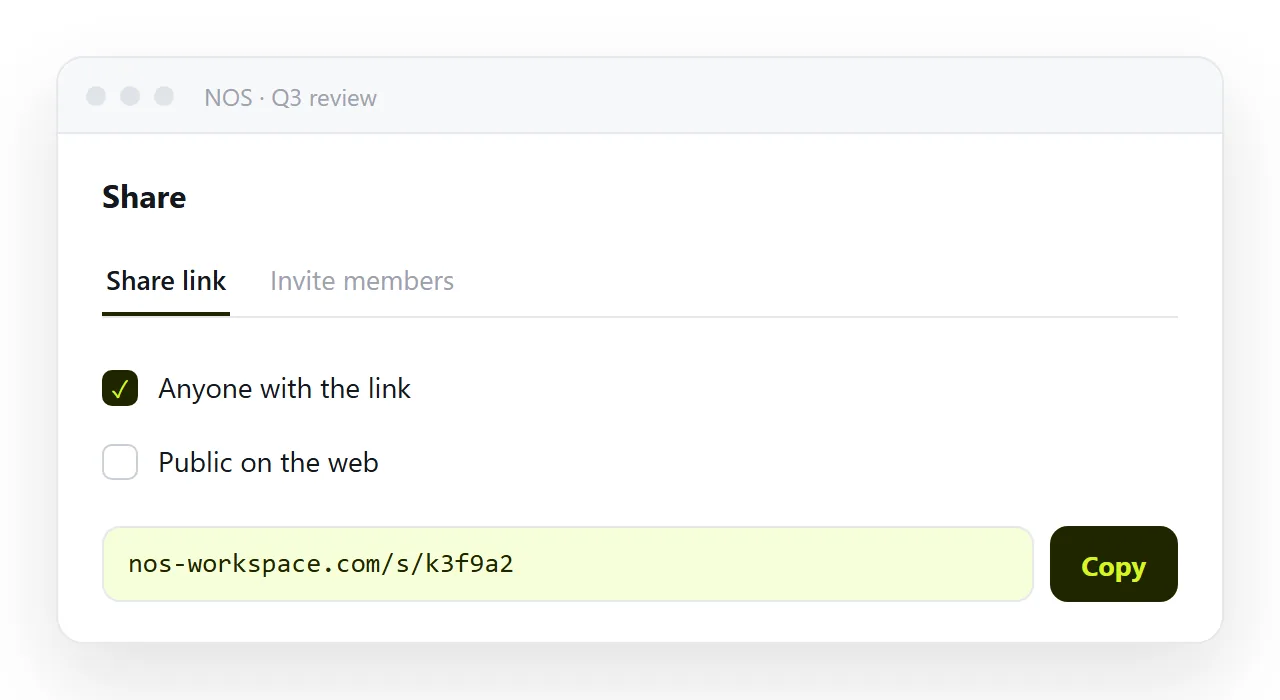
Put the page at an address so it opens on a phone and can be linked from a message. In NOS the pasted form HTML renders exactly as written, and the wording around it stays clickable text — so changing the deadline in the instructions does not mean touching the markup or redistributing anything.
What the reader sees after they press Send
The thank-you line is not decoration. A form that reloads the page, or does nothing visible, is a form the reader submits twice and then emails you about.
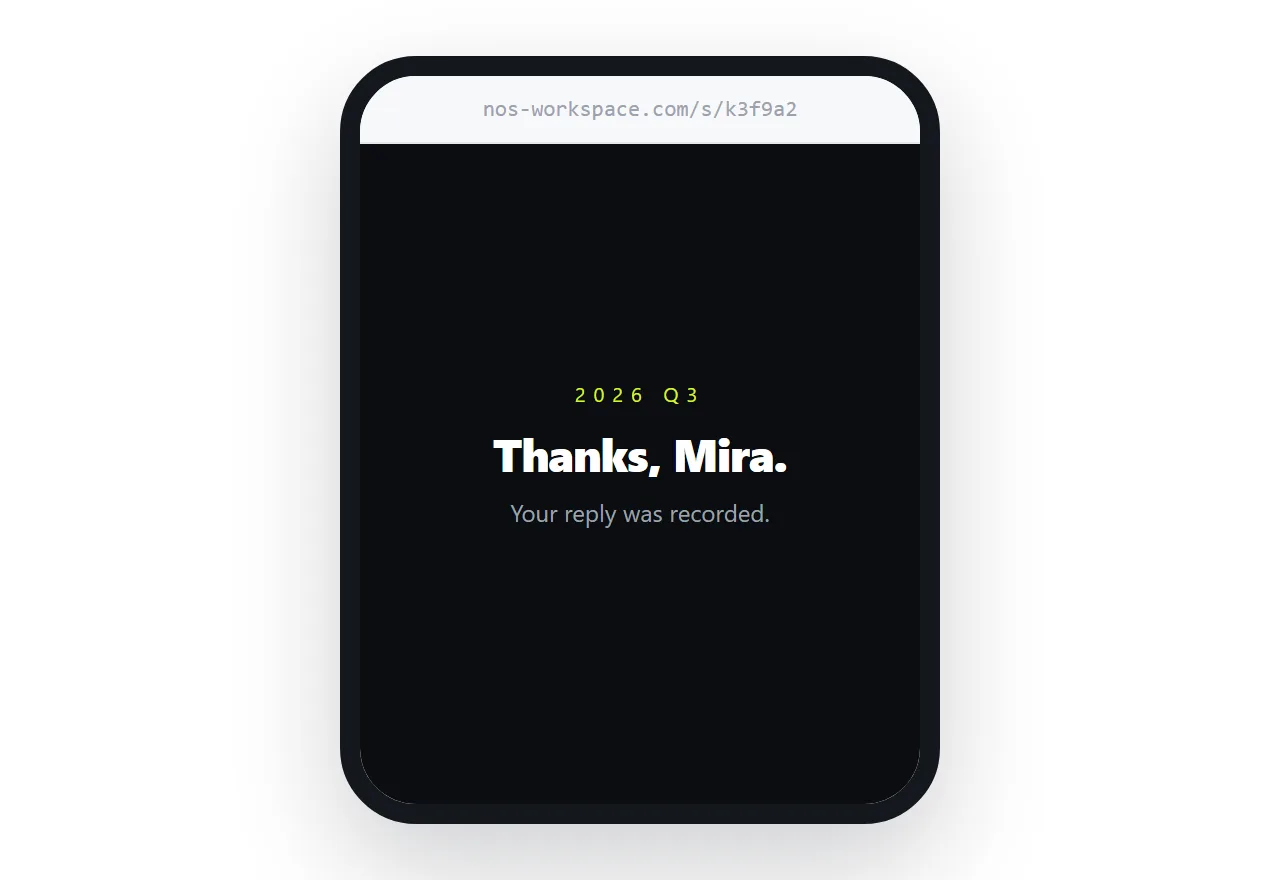
Replace the button's text with "Sending…" while the request is in flight, show one line of confirmation when it returns, and say what happens next in that line: "We reply within two working days", "Your seat is held until Friday".
For a form service, that line is the thing to customise before anything else.
Spam, and the quiet way to cut most of it
Any public form gets automated submissions within days. The cheapest defence is an extra field hidden with CSS that a person never fills in; if it arrives with a value, drop the submission. Form services do this for you, and add rate limits.
Do not add a puzzle for real readers to solve on a phone; it costs more completions than it saves.
Sharing the form as a link: 4 steps
- Pick the receiver first. Replies in the message for a dinner or a poll among six people. A form service for anything more, posting your own markup to their address so the design stays yours. Your own endpoint only if you want to own uptime and spam.
- Write the fields so they get completed. A real
<label>, the righttype,autocomplete,requiredonly where you cannot proceed without it, and one line under the button saying what happens next. - Paste the form into a NOS document and copy the share link. Share, then Share link, then Create link. It opens on a phone and can be linked from any message. Turning HTML into a link is this step.
- Send a test submission before sending the link. Fill it in from a phone, not your laptop. If the thank-you appears and the answer arrives where you expect, send the link.