An HTML email template is a self-contained HTML file written with nested tables and inline CSS, because mail clients read HTML far more narrowly than browsers do.
That one sentence explains nearly every rule below. The file looks like a web page from 2005, and that is deliberate.
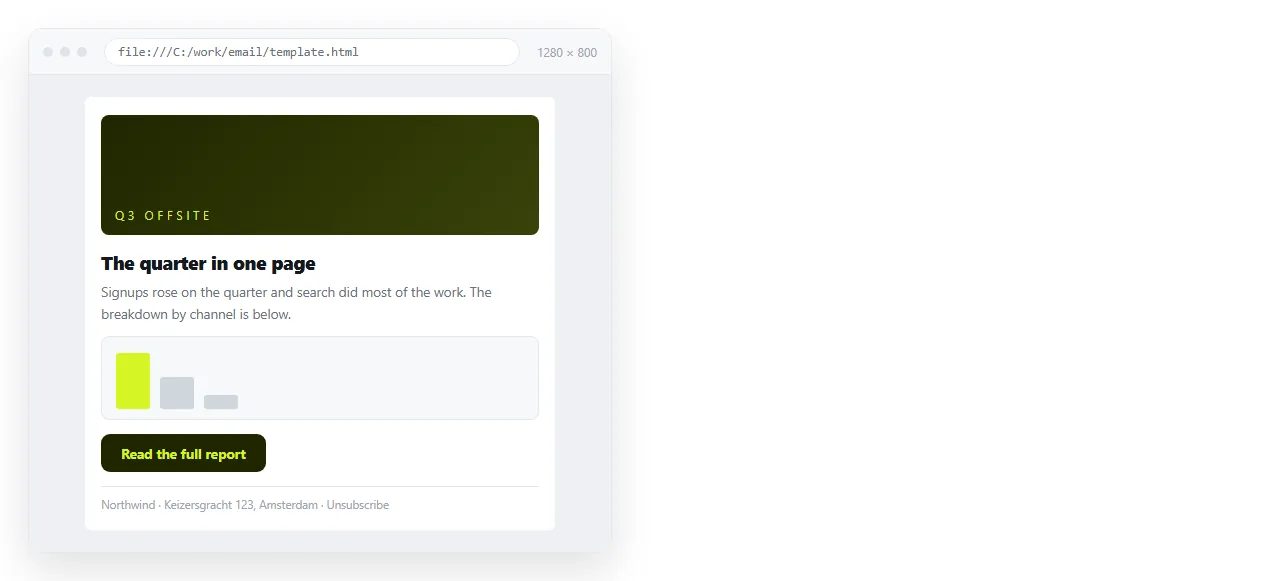
This guide covers what belongs in the file, which markup survives across clients, how to review the template before it goes out, and where to keep it so the next person finds the current version.
What is inside an HTML email template
A working template has four layers and very little else.
- A wrapper table at 100 percent width, carrying the page background colour.
- A container table at a fixed width, commonly 600 pixels, centred inside the wrapper.
- Row tables for the header, the text blocks, the image, the button and the footer.
- Inline
styleattributes on almost every element that needs styling.
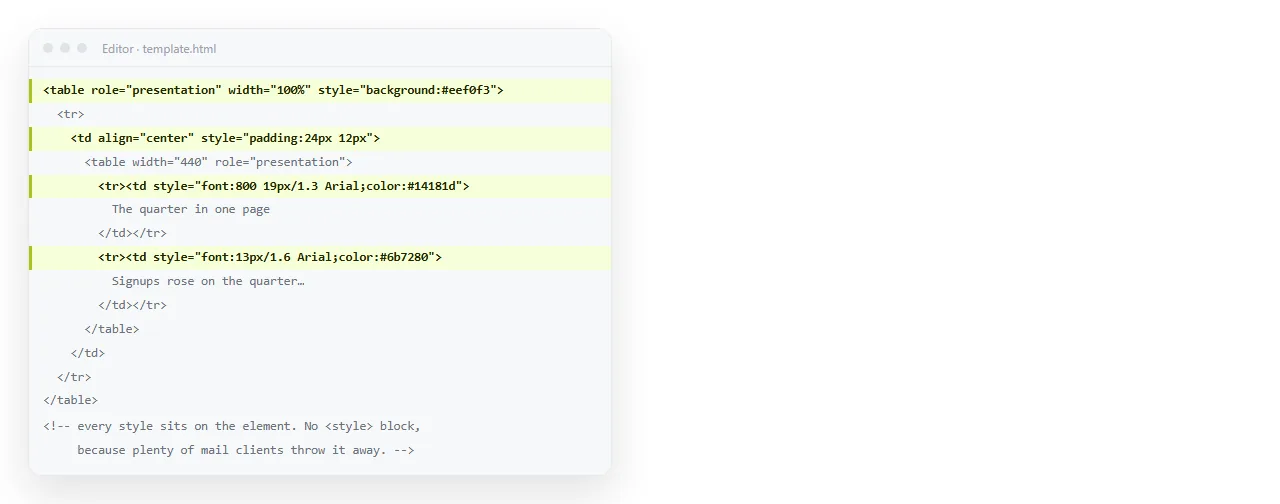
The nesting is the layout. There is no stylesheet doing the arranging, so each table cell states its own padding, alignment and colour.
Email HTML is not web HTML
The gap is wide enough that habits from web work actively cause bugs.
| On a web page | In an email template |
|---|---|
| Flexbox and grid | Nested tables |
| External stylesheet | style attribute on the element |
rem and vw units |
Pixels |
| Web fonts | A system font stack with fallbacks |
| Background images | A background colour, image treated as optional |
<script> |
Removed by every client |
<div> for structure |
<table>, <tr>, <td> |
Two facts drive most of the right column. Outlook on Windows renders mail through the Word engine rather than a browser engine. And several webmail clients rewrite or discard a <head> block before display.
A minimal template to start from
This is the smallest thing that behaves like a template rather than a stray HTML file.
<table width="100%" cellpadding="0" cellspacing="0" border="0"
       style="background:#f4f4f4;margin:0;padding:24px 0;">
  <tr>
    <td align="center">
      <table width="600" cellpadding="0" cellspacing="0" border="0"
             style="background:#ffffff;max-width:600px;">
        <tr>
          <td style="padding:24px;font-family:Arial,Helvetica,sans-serif;
                     font-size:16px;line-height:24px;color:#222222;">
            Body text goes here.
          </td>
        </tr>
      </table>
    </td>
  </tr>
</table>
Note the attributes that are not CSS. width, cellpadding, cellspacing and align are HTML attributes, and old clients honour them when they ignore the style.
Buttons, images and the footer
Three blocks account for most of the reported breakage.
Buttons. A styled <a> on its own often loses its background in Outlook. Put the colour and padding on a table cell and place the link inside it, so the coloured box exists even when the link styling is dropped.
Images. Use full https addresses, never a folder path. Set a width attribute as well as a style, and write real alt text, because many clients hide images until the reader allows them.
Footer. Bulk mail needs a sender identity and an unsubscribe link. Keep the font size readable rather than shrinking it to hide the block.
Making it readable on a phone
Most mail is opened on a phone, so the single column case is the main case.
- Keep the container at
max-width:600pxand let it shrink below that. - Set
font-sizeat 16 pixels for body text. Small type gets zoomed and reflowed. - Give tap targets generous cell padding rather than a tight border.
- Add a
<meta name="viewport" content="width=device-width,initial-scale=1">line, which some clients honour. - Avoid side by side columns unless you accept that they may stack unpredictably.
Review the template as a page, not as a file
The template has to be checked twice, and the first check is the one people skip.
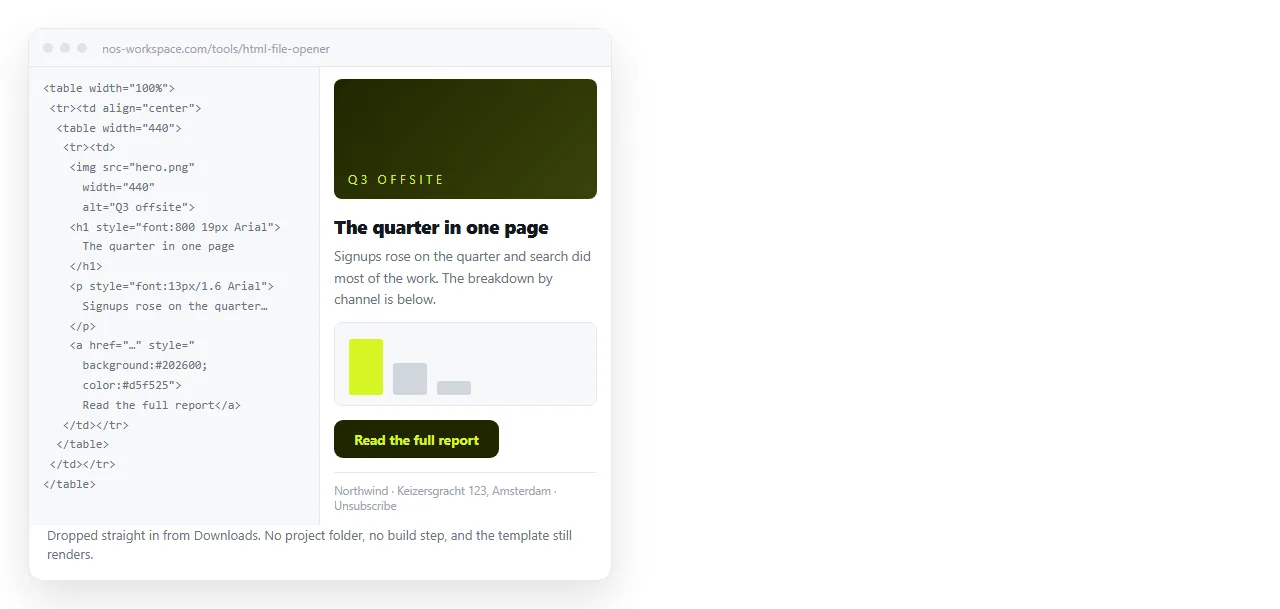
First, confirm the file stands on its own. Open it in the HTML file opener, which has never seen your project folder.
If an image disappears there, it was reaching for a neighbouring file and will disappear for readers too. Images not showing covers the usual causes.
Second, send real test messages to the clients your readers use. No preview replaces that.
Where the template lives between sends
A template that lives in one person's downloads folder gets copied, edited and forked until nobody knows which file is current.
Paste the HTML into a NOS document instead. It renders as a page of its own at its own address, and the address holds while you edit. Marketing copies the markup from there, and the reviewer opens a link rather than an attachment.
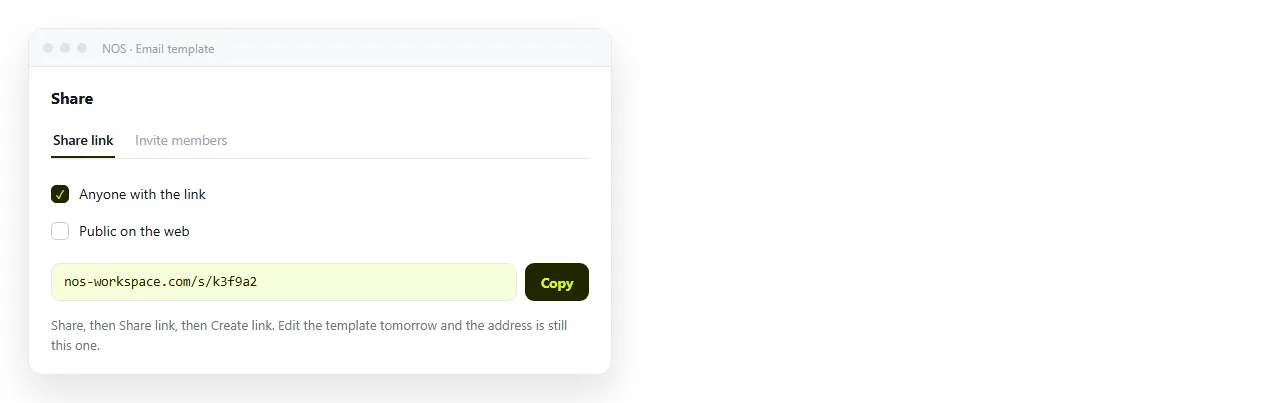
That matters for approval rounds. Sending the .html file for review runs into the same attachment problems as any other HTML file, and mail gateways are especially suspicious of a file that contains a form.
Where each format belongs
| Job | What you hand over |
|---|---|
| Sending to a list | The markup, pasted into the sending tool |
| Approval by a manager | A link to the rendered page |
| Design review with comments | A link to the rendered page |
| Archiving what was sent | A link, one document per campaign |
| Developer handover | The markup, plus a link showing the intended result |
The same file plays both roles. The sending tool needs the source, and everyone else needs a page they can open on a phone.
Related pieces
If the template is a recurring send rather than a one off, HTML email newsletter covers issue structure and the clipping limit.
For the block at the bottom of every reply, see HTML email signature. For the styling rules themselves, inline CSS explains why the style attribute wins here.