An HTML email signature is a small table based HTML block with inline styles and hosted images, appended to every message you send.
It is the most reproduced HTML most companies own. One signature gets quoted into reply chains for months, so the markup has to degrade quietly when a client strips something.
What belongs in an HTML email signature
Keep it to the parts that do work. Every extra row is another thing to break in a quoted reply.
- Name and job title.
- Company name, and a logo if you have one.
- One phone number, not three.
- One link, usually the company site.
- A legal or confidentiality line only if your organisation requires it.
Skip social icon rows unless someone actually measures clicks on them. They are the first thing to look broken when images are blocked.
The markup
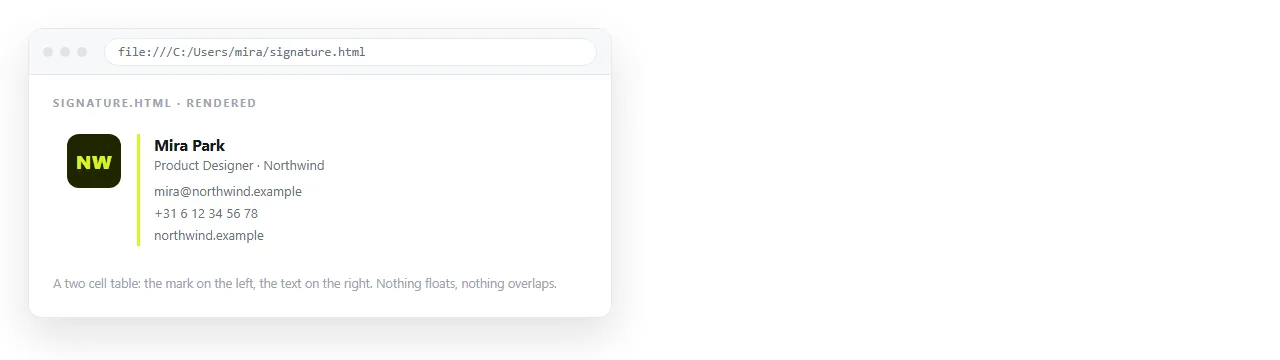
A signature is a one row table. Left cell for the logo, right cell for the text, or a single column if there is no logo.
<table cellpadding="0" cellspacing="0" border="0"
       style="border-collapse:collapse;font-family:Arial,Helvetica,sans-serif;">
  <tr>
    <td style="padding-right:16px;vertical-align:top;">
      <img src="https://example.com/logo.png" width="64" height="64"
           alt="Example Ltd" style="display:block;border:0;">
    </td>
    <td style="vertical-align:top;font-size:14px;line-height:20px;color:#222222;">
      <strong>Jae Park</strong><br>
      Operations Lead, Example Ltd<br>
      <a href="tel:+8225550100" style="color:#222222;text-decoration:none;">
        +82 2 5550 0100</a><br>
      <a href="https://example.com" style="color:#1a5fd0;">example.com</a>
    </td>
  </tr>
</table>
Three details carry most of the reliability. display:block on the image removes the gap under it. border:0 stops older clients drawing a blue box around a linked logo. And the styles sit on the element, because a stylesheet in the head will not survive.
Images have to be hosted
This is the single most common failure. A logo referenced as images/logo.png exists on your machine and nowhere else.
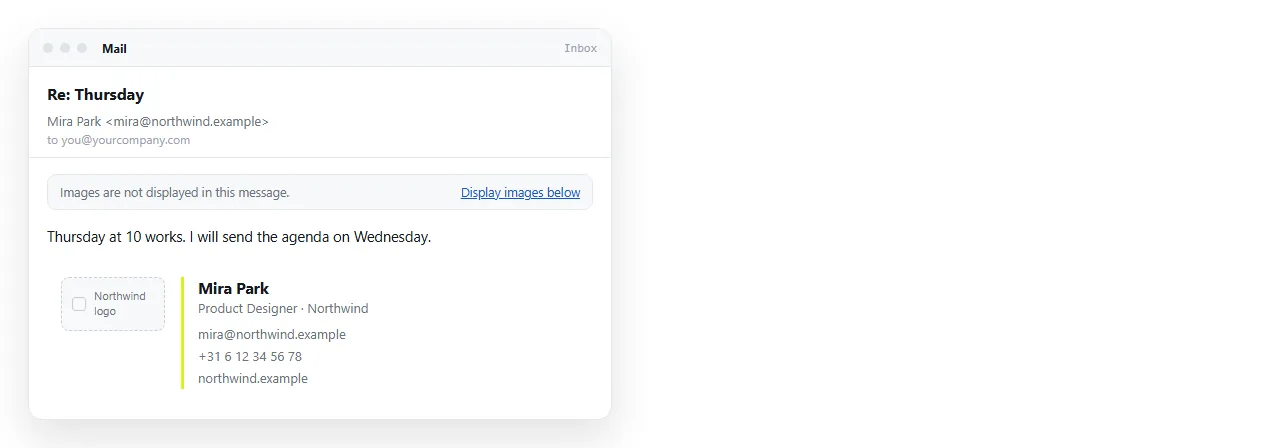
Put it on a full https address. Give it width and height attributes as well as the style, so the layout does not jump while it loads. Write real alt text, because plenty of recipients see the alt text and nothing else.
Never put your name or phone number inside the image. If images are blocked, your contact details are gone.
Installing it
The install path differs by client, and neither of the main two accepts a raw HTML paste in the obvious way.
| Client | How the signature goes in |
|---|---|
| Gmail | Render in a browser, select, copy, paste the rendered block into Settings |
| Classic Outlook for Windows | Edit the .htm signature file in the Microsoft Signatures folder under your roaming profile |
| Outlook on the web | Paste the rendered block into the signature editor |
| Apple Mail | Paste the rendered block, then replace the file in the Mail signatures folder if it strips styling |
| Most mobile apps | Plain text only. Keep a short text fallback ready |
The recurring trick is the same. You need the signature rendered somewhere first, so you can select and copy the result rather than the markup.
Where to render it for copying
You need a page that shows the signature as it will appear, at an address you can open on any machine you are setting up.
Paste the markup into a NOS document. It renders as a page of its own, and the share link opens on a colleague's laptop without them having a copy of the file. From there they select the block and paste it into their client.
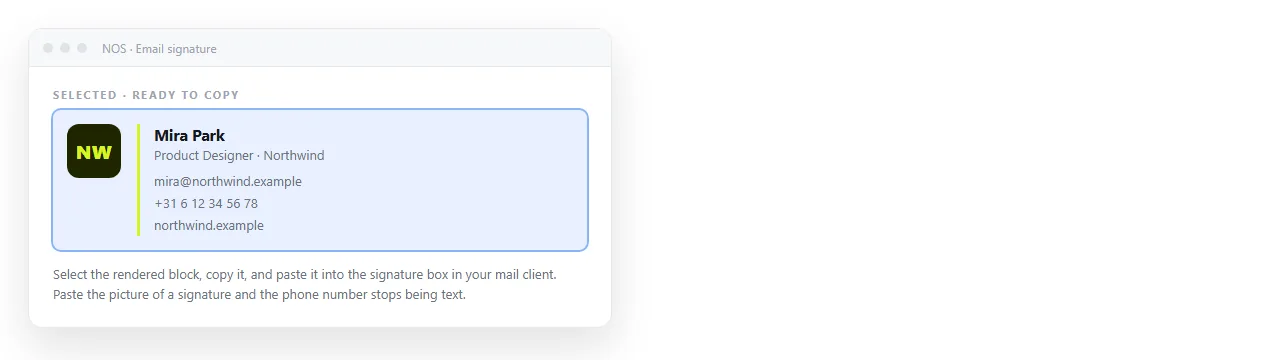
Keep the markup in the same document, in a code block below the rendered version. One document holds both the thing to copy and the thing to edit.
One version for the team
Signatures drift. Somebody changes the logo, somebody else keeps an old phone number, and within a year there are five variants in circulation.
A single document at a fixed address fixes most of that:
- The rendered signature at the top, ready to select and copy.
- The markup below it, with obvious placeholders for name, title and phone.
- A short note on which client needs which install path.
- The address unchanged when the logo or the phone number changes.
When something updates, you edit the document. The link that was sent to new starters in January still points at the current version.
How it behaves in a reply chain
A signature is written once and reproduced hundreds of times, and the reproduction is where it degrades.
Clients quote the previous message by wrapping it, sometimes stripping attributes as they go. Nested tables survive this better than divs with margins, which is the practical reason the table markup persists.
Test it properly. Send yourself a message, reply to it, then reply to the reply. If the block is still aligned after three rounds, it will hold in real threads.
A plain text fallback
Mobile clients and plain text recipients drop the whole block. Write four lines that carry the same information and keep them in the same document.
Jae Park
Operations Lead, Example Ltd
+82 2 5550 0100
example.com
That is not a compromise. For many recipients it is what they were going to see anyway.
Keep it small
A signature is quoted into every reply, and long chains stack them. Two practical limits:
- One image, reasonably compressed. A large logo multiplied across a thread adds up, and a bulky signature eats into the size budget if you ever paste it into a campaign.
- No scripts, no tracking pixels, no embedded fonts. Mail clients remove the first two, and the third rarely arrives.
If you want the block generated rather than hand written, HTML email signature generator covers what those tools produce and what to check before you trust the output. For the wider markup rules that a signature shares with campaigns, see HTML email template.