An HTML email newsletter is a table based email template with three additions: a repeating story block, a size budget, and a web version of the same issue at a permanent address.
Everything else is the same markup discipline as any HTML email template. Tables for layout, styles inline, no scripts.
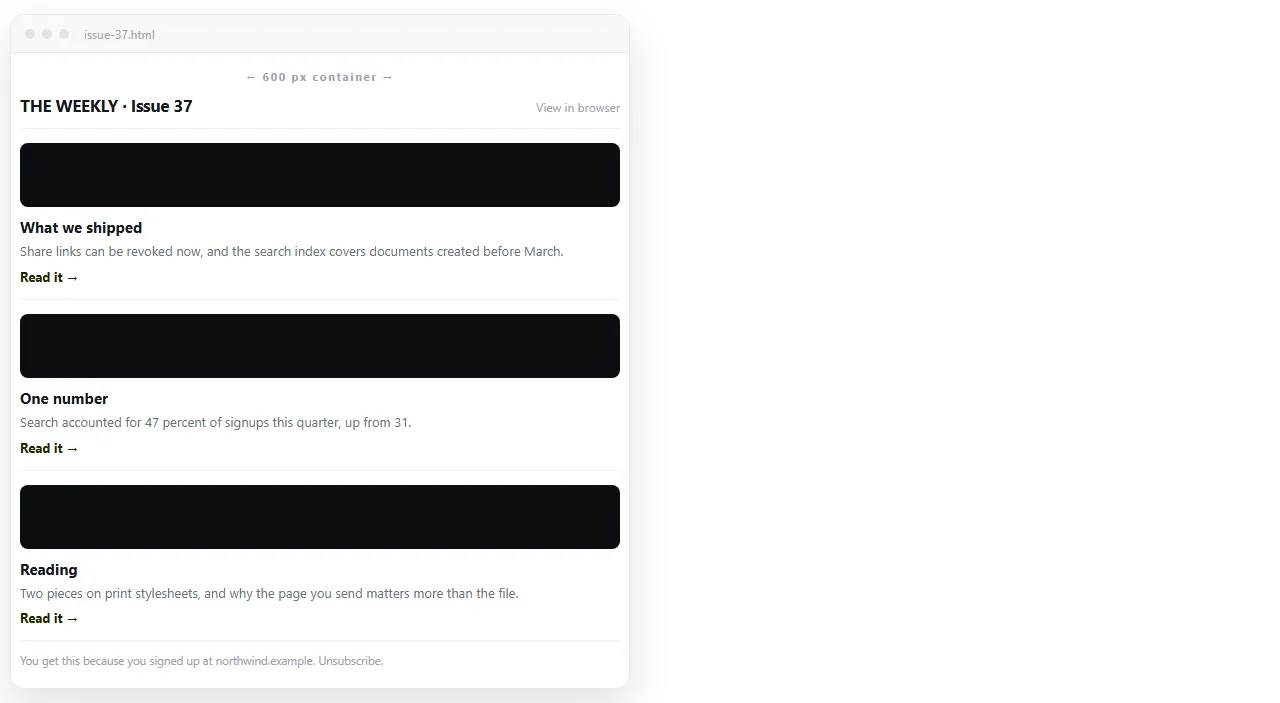
The shell of an HTML email newsletter
An issue has four fixed regions and one repeating one.
- Preheader. The short line clients show next to the subject. Hide it visually, but write it, because otherwise clients grab the first words of your header.
- Header. Issue name, issue number or date, and a view in browser link.
- Story blocks. The repeating unit, covered below.
- Footer. Sender identity, why the reader is receiving this, and the unsubscribe link.
Keeping these separate means you can drop or reorder stories without touching the shell.
The story block
Build one and copy it. A block is a table with its own padding, so the spacing travels with it.
<table width="100%" cellpadding="0" cellspacing="0" border="0">
  <tr>
    <td style="padding:20px 24px;font-family:Arial,Helvetica,sans-serif;">
      <div style="font-size:18px;line-height:26px;color:#111111;">
        Story headline
      </div>
      <div style="font-size:15px;line-height:23px;color:#444444;padding-top:8px;">
        Two or three lines of summary, then the link out.
      </div>
      <a href="https://example.com/story"
         style="font-size:15px;color:#1a5fd0;">Read the full piece</a>
    </td>
  </tr>
</table>
Resist putting the whole article in the mail. The summary plus a link keeps the issue small and moves the reading to a page that can hold images and charts.
The size budget
Gmail clips a message once the HTML passes roughly 102 KB, replacing the tail with a View entire message link. Two things break when that happens.
The footer disappears from view, which means the unsubscribe link and any tracking near the bottom go unseen. And the reader loses the last stories entirely unless they click.
Three habits keep you under it:
- Link out rather than pasting long text.
- Strip editor generated markup, repeated comments and unused attributes.
- Keep images on full
httpsaddresses rather than embedding them as data URIs, which inflate the HTML.
| Habit | Effect on size | Effect on rendering |
|---|---|---|
| Full article text in the mail | Large increase | Risk of clipping |
| Summary plus link | Small | Safe |
Images as https URLs |
None | May be blocked until allowed |
| Images as base64 data URIs | Large increase | Some clients drop them anyway |
| Comments and unused classes left in | Moderate | None, but wasted budget |
Images with the blocking case in mind
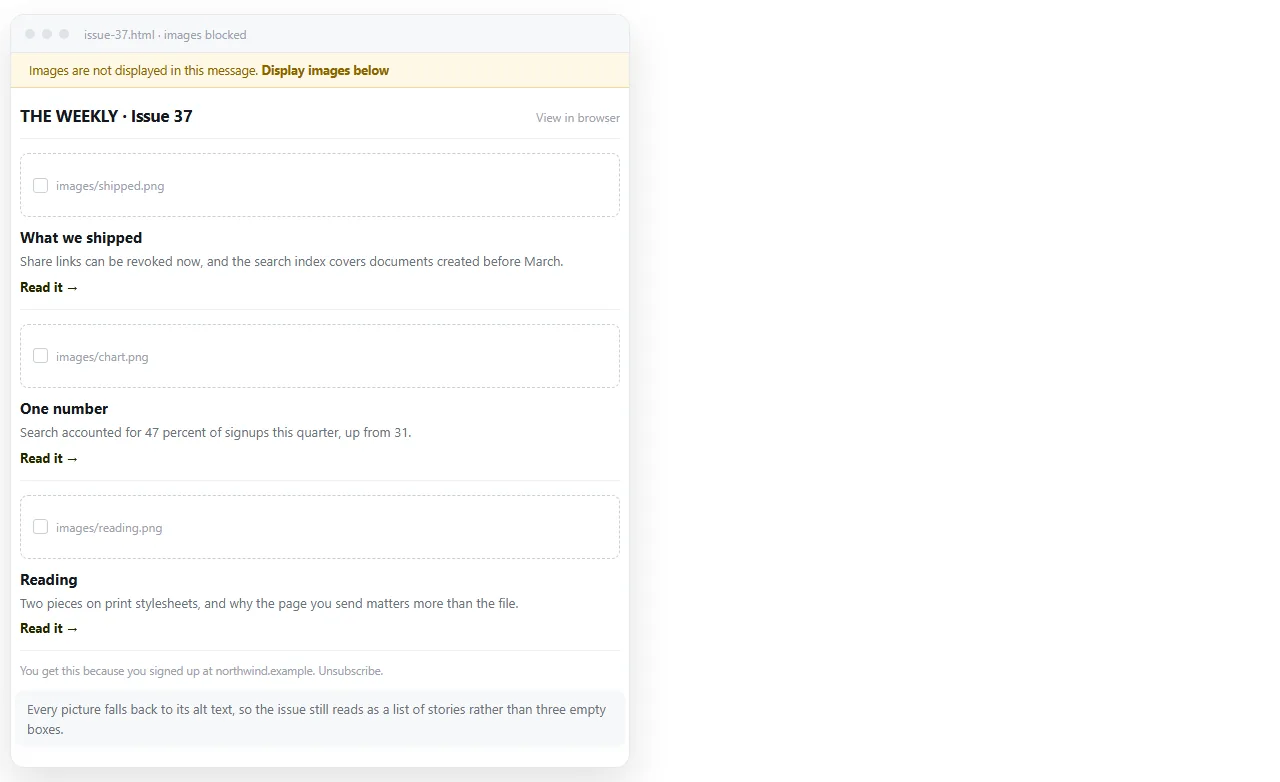
Many clients hide images until the reader asks for them, so design for the state where none of them load.
Give every image real alt text and a width attribute. Never put the headline inside the image. If the issue reads as blank boxes with no words, the block state is your default state.
The web version is not optional
Every issue should exist as a page at its own address, and that page is what the view in browser link points at.
Readers use it when the layout breaks, when images are blocked, and when they want to forward the issue to somebody who is not on the list. Forwarding a mail loses formatting; forwarding a link does not.
Paste the issue HTML into a NOS document and it renders as a page of its own. Create the share link, and put that address in the header of the issue before sending.
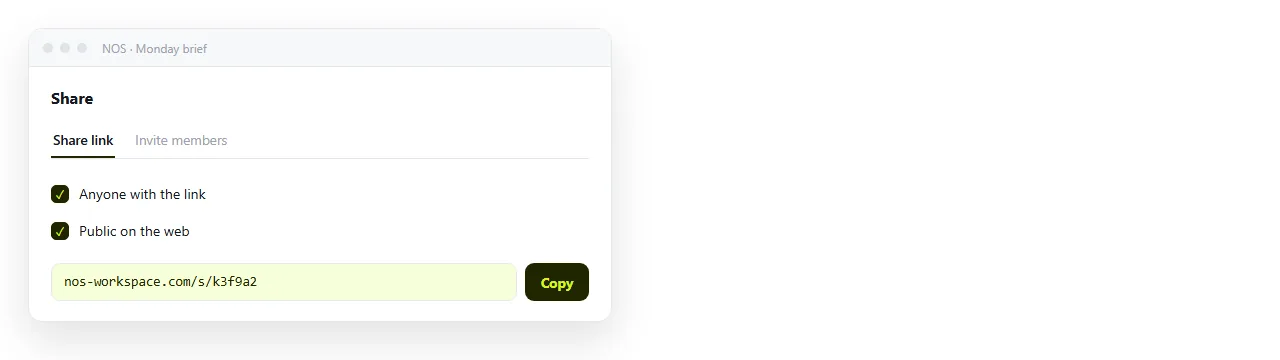
Leave the link unlisted for an internal newsletter. Tick Public on the web if the archive should turn up in search.
Review before the send
Two passes, in this order.
Does it stand alone? Open the file in the HTML file opener. It has never seen your folder, so anything that disappears there will disappear for readers.
Does it survive the clients? Send real tests. Preview tools approximate; the actual client is the only proof. Outlook on Windows deserves its own pass, covered in HTML newsletter in Outlook.
Approval rounds without attachments
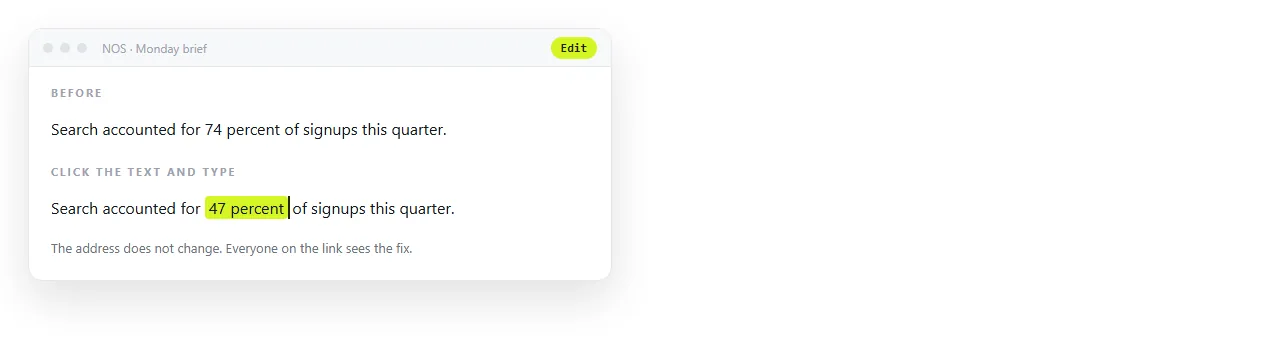
Sending the .html file round for sign off runs into the usual attachment problems. Gateways filter it, phones cannot open it, and every copy is frozen at the moment you sent it.
A link avoids all three. Reviewers open the current issue on whatever device they have, and a late correction does not mean a second email with a corrected file.
Building an archive people can use
Once each issue has an address, the archive is a list of links rather than a folder of files. That is worth keeping deliberately.
- One document per issue, named with the issue date.
- The current issue's link stable from the moment you create it.
- A short index document that lists the issues in reverse order.
Teams that send an internal newsletter often find the archive becomes the more used artefact, because it is searchable and it opens on a phone. HTML for weekly updates covers that internal case in more detail.
Extras that often show up in issues
Countdown blocks are common in launch and event issues, and they behave differently in mail than on a page.
A script based timer will not run in a mail client. The usual approach is a served image that renders the remaining time when the message is opened. HTML countdown timer for email covers that distinction.
Buttons, footers and the rest follow the template rules. Keep the clickable area inside a padded table cell with a background colour, and write inline CSS on the cell rather than a class.