An HTML changelog as a page has one reader: someone checking whether the thing they wanted has happened, or whether the bug that affected them is fixed.
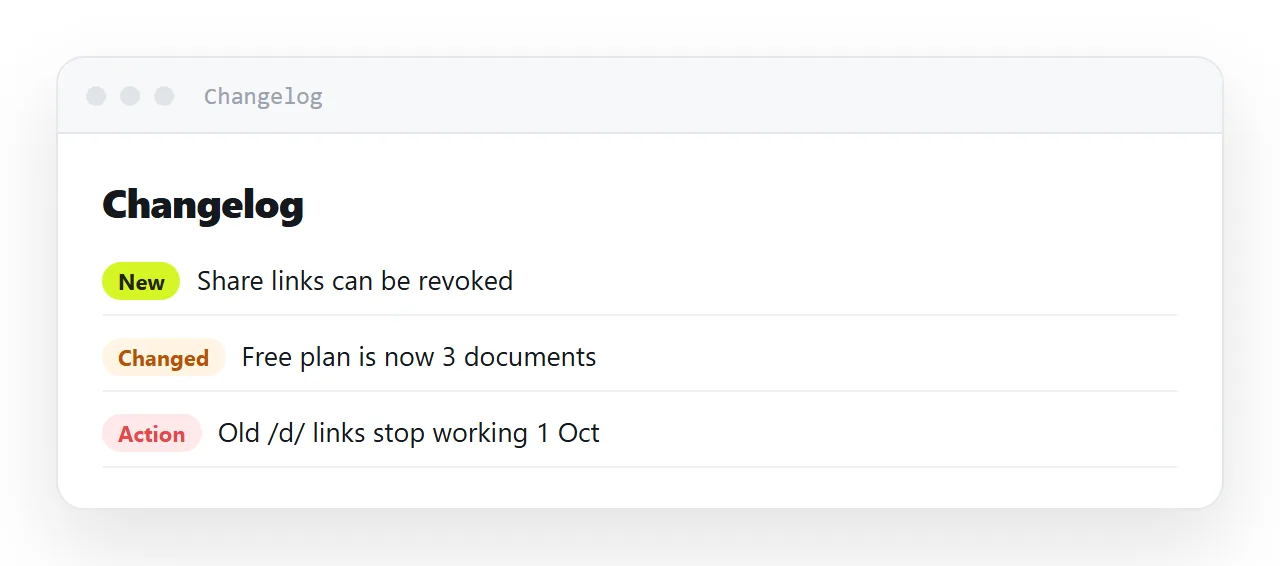
Almost every changelog is written for a different reader, the team, from the commit messages, and the customer learns nothing they can act on.
This guide covers writing from the customer's side, the three categories, newest first on one page, marking what needs action, why an empty month is information, and the four steps to set the changelog up at one address.
A changelog has one reader: someone checking whether the thing they wanted has happened, or whether the bug that affected them is fixed. Almost every changelog is written for a different reader — the team.
The HTML changelog: write from the customer's side
<!-- from the commit log -->
<li>Refactored share token resolution and added Firestore index</li>

<!-- from the reader's side -->
<li>Shared links now open in under a second, including on the first visit.</li>
The first tells a customer nothing they can act on. The second tells them whether to try again.
The test for every entry: could a reader tell whether this affects them? If not, it belongs in release notes for the team, not here.
The three categories
<h3>New</h3>       <!-- they can now do something they could not -->
<h3>Better</h3>    <!-- something they already did now works better -->
<h3>Fixed</h3>     <!-- something that was broken -->
Three headings, in that order. Drop any that is empty rather than writing filler under it.
"Fixed" is the section customers read most closely, and the one most often thinned out because a long list of fixes feels like an admission. It is the opposite — it is evidence that reports get acted on.
Structure
<article id="2026-09-12">
  <h2><a href="#2026-09-12">12 September 2026</a></h2>

  <h3>New</h3>
  <ul>
    <li>Pages can be duplicated, which makes a weekly report a two-click job.</li>
  </ul>

  <h3>Fixed</h3>
  <ul>
    <li>A pasted table with merged cells no longer loses its header row.</li>
  </ul>
</article>
Each entry has an id and a self-link. That is what lets support reply "fixed on the 12th — see [link]", which is the most common thing a changelog is actually used for. Without anchors, the answer is "it is in the changelog somewhere".
Newest first, one page
/changelog
One address, never changing, newest at the top. Readers are asking "what changed since I last looked", which is a reverse-chronological question.
Do not split by version unless your customers think in versions. Most do not; they think in dates.
Say when something needs action
<li>
  <strong>Action needed:</strong> API keys created before August stop working on 1 November.
  Regenerate yours in Settings.
</li>
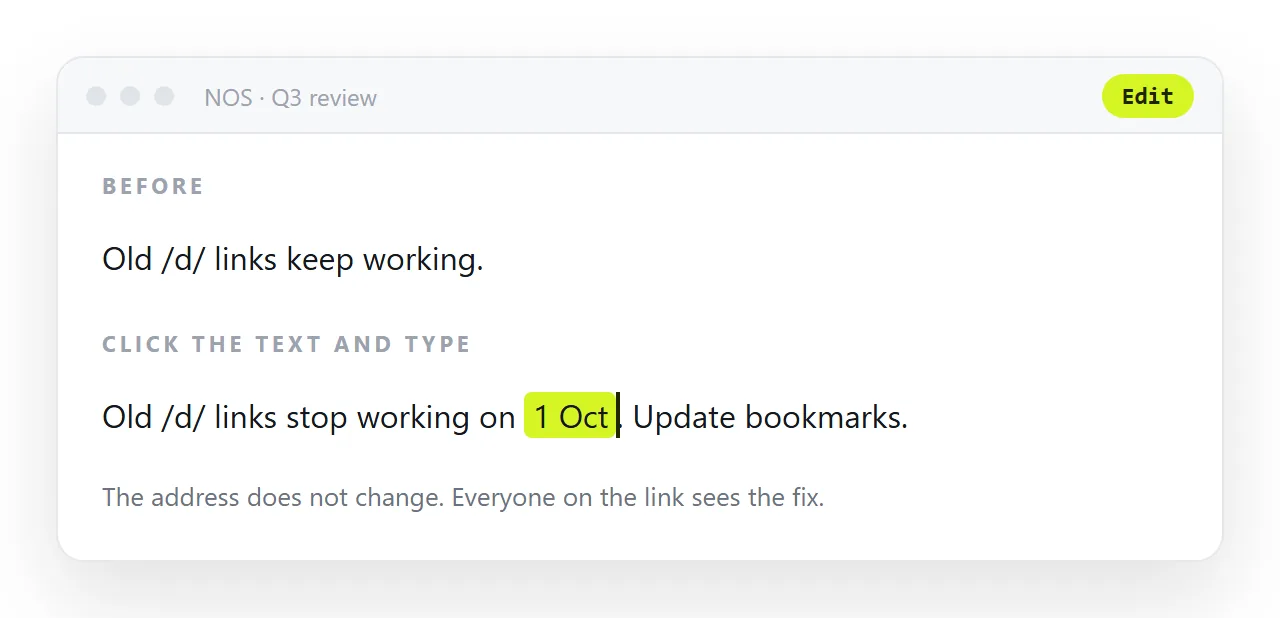
Mark these clearly and put them at the top of the entry. A breaking change buried among improvements will be missed, and then it is your support queue.
An empty month is information
<article id="2026-08">
  <h2>August 2026</h2>
  <p>Nothing customer-visible. We spent the month on the storage migration
     that makes the faster shared links above possible.</p>
</article>
Better than a gap. A gap reads as abandonment; a one-line explanation reads as a team that was busy. And it is honest, which is the whole currency of a changelog.
What to leave out
Internal refactoring, unless it produced something the reader notices. Then describe the thing they notice.
Dependency updates. Nobody outside the team is checking.
Marketing language. "We are thrilled to announce" in a changelog is out of register — this is a document people scan for facts.
Version numbers as headings, unless customers use them.
Linking the changelog from where the question is asked
The customer asking "is this fixed" is in a support thread, a help page, or the app. Put the changelog address in all three, and answer the question with the entry's anchor rather than a sentence.
When the same fix is asked about ten times, ten replies contain the same link, and the changelog becomes the place people check before asking.
Why one page at one address
A changelog is linked from support replies, release emails, and documentation, and those links have to keep working for years. One address, appended to, is the only shape that supports that.
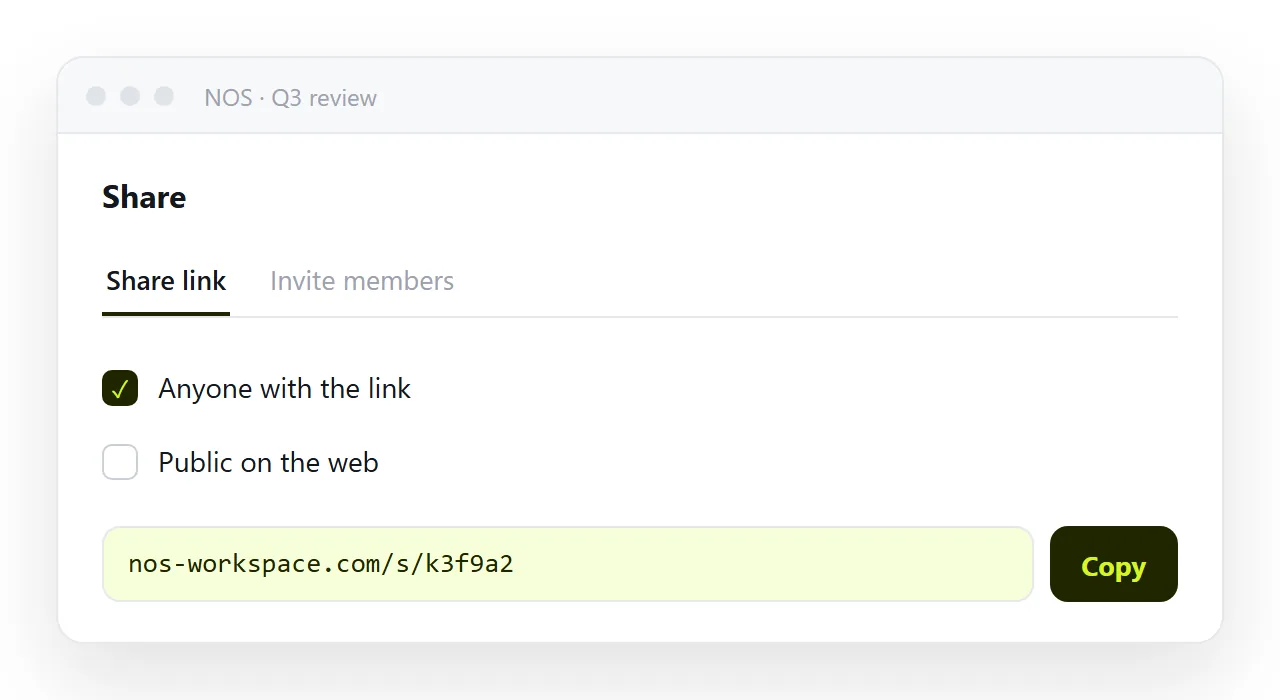
In NOS the changelog is a document at a fixed address whose text is clickable text — adding this week's entry is typing at the top, and every anchored link ever sent still resolves to the right entry.
Entry quality test
| Entry | Passes | Why |
|---|---|---|
| "Refactored the share token resolver" | No | Nothing a reader can act on |
| "Shared links now open in under a second" | Yes | States the change they will notice |
| "Fixed a bug in the table parser" | No | Which bug, affecting what |
| "A pasted table with merged cells keeps its header row" | Yes | Specific and recognisable |
| "Various improvements and fixes" | No | Says nothing at all |
| "Nothing customer-visible this month" | Yes | Honest, and better than a gap |
The test is always the same: could a reader tell whether this affects them.
Where it sits with your other updates
A changelog is the customer-facing record. A weekly update is the internal one, and a roadmap is the forward-looking one. Keeping them separate matters — a changelog that includes plans will be read as commitments, and a roadmap that includes shipped work stops being a plan.
One address each, appended to. Every link ever sent into a support reply keeps resolving.
Versions, dates, or both
Customers think in dates; developers think in versions. Head each entry with the date, put the version number in small type beside it if you have one, and never make the reader translate.
A customer who asks "was that fixed before my renewal on the 10th" needs the date; the version is for the support engineer checking which build they are on.
Setting up the changelog: 4 steps
- Write each entry as what changed for the reader. Not the commit. "Revoke a share link: open Share, choose Revoke" tells the reader what they can now do.
- Use three categories and mark action needed. New, improved, fixed, and a red action needed tag with a date for anything the reader must do themselves.
- Give every dated entry an anchor. A heading
idper date, so support can send a customer straight to the fix that concerns them. - Paste it into a NOS document and keep the address forever. Share, then Share link, then Create link. Newest first, added to in place, and the address in the app footer never changes. Turning HTML into a link is this step.