Converting a PDF to HTML with CSS gives you a stylesheet full of coordinates, not a layout. That distinction decides everything about what you can do with the output.
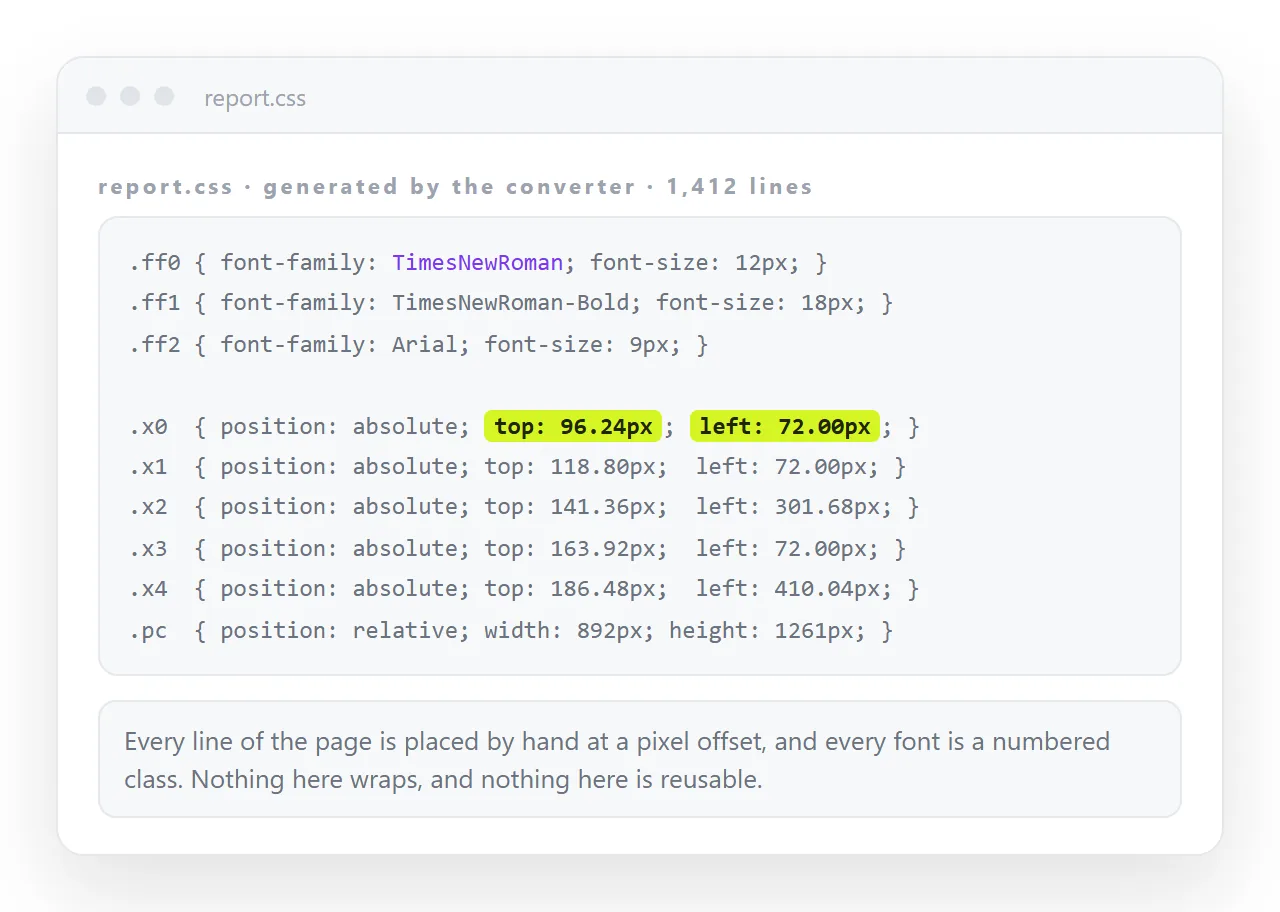
A converter reads the PDF and finds text runs at positions. It has no way to know that two runs form a paragraph, so it writes one positioned element per run and a class holding the position.
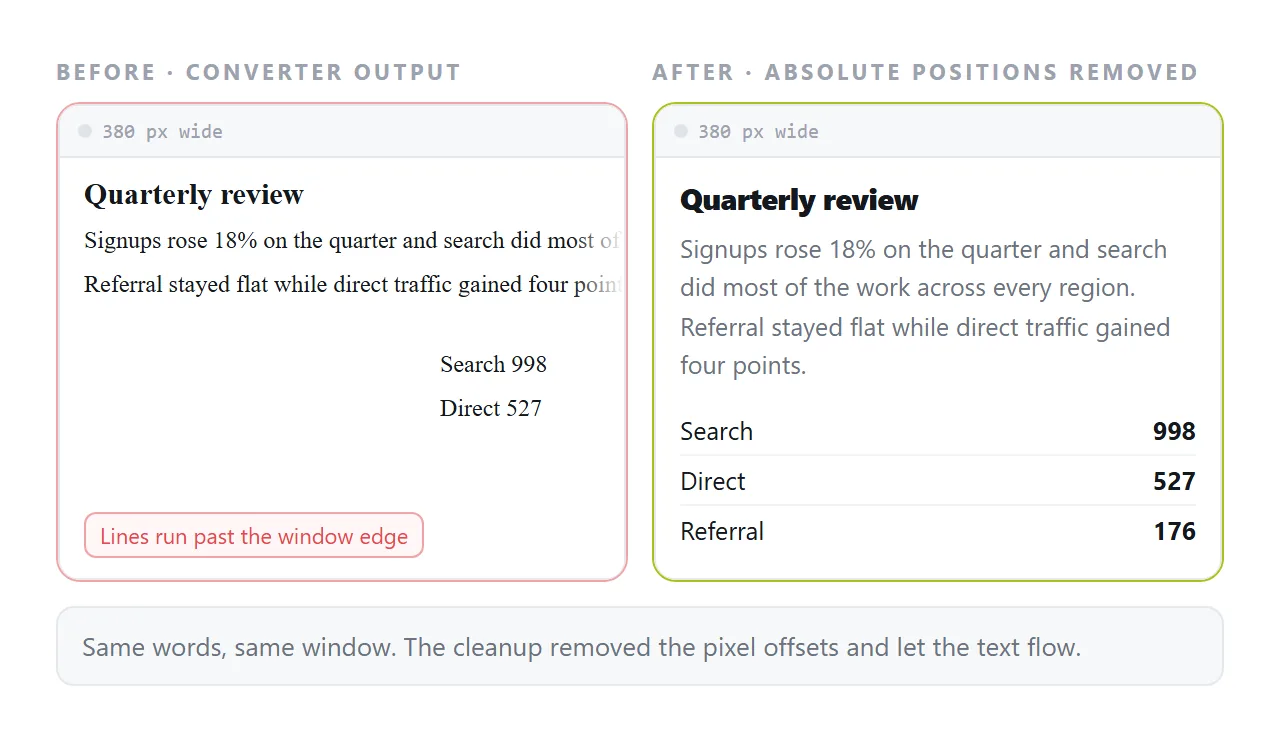
Rendered at the original width, it matches the PDF closely. Rendered at any other width, nothing moves, because nothing was ever laid out.
PDF to HTML with CSS: what the generated stylesheet holds
| Rule type | What it holds | Keep it |
|---|---|---|
| Page container | Fixed width and height per PDF page | Only for a visual archive |
| Positioned text classes | position: absolute, top, left |
No, if you want reflow |
| Font classes | Family, size, colour, numbered | Yes, after consolidating |
| Background images | One per page, the page picture | Usually no |
| Word spacing fixes | Per run letter spacing | No |
The pattern looks like this.
.ft07 { font-size: 11px; font-family: Times; color: #000; }
#page1-div { position: relative; width: 892px; height: 1263px; }
.p07 { position: absolute; top: 412px; left: 96px; white-space: nowrap; }
Three things are worth reading out of that. The page is a fixed box in pixels. Every run is absolutely placed. And white-space: nowrap guarantees no line will ever wrap, which is the reflow problem stated directly in CSS.
Producing it
Poppler's pdftohtml is the usual command line route and the flags decide what you get.
pdftohtml -c -s -noframes -zoom 1.5 report.pdf out.html
-cproduces the complex output with the positioning CSS. Without it you get plain text runs and no layout at all.-sputs every page into one document rather than one file per page.-noframesdrops the frameset wrapper older versions emit.-zoomsets the scale, which affects the pixel coordinates and the extracted image resolution.
Flags vary by build, so check pdftohtml -h against the version you have. Converting PDF to HTML covers the other routes and when to use each.
Decide which output you want
There are two honest destinations and they need opposite treatment.
A visual archive. The page should look like the printed original. Keep the positioning, keep the page containers, accept that it will not work on a phone. Minimal work.
A readable page. The text should reflow and be searchable. Delete the positioning entirely and rebuild the structure. Significant work, and the only route that produces something usable on a phone.
Trying to get both out of one file is where people spend a day and finish with neither.
Making it reflow
If you chose the readable page, the cleanup has a fixed shape.
- Strip the positioning. Remove every
position: absolute, everytop, everyleft, and everywhite-space: nowrap. - Remove the fixed page boxes. They impose the printed page size on a medium that has no pages.
- Merge the runs. Consecutive runs on the same line belong in one paragraph element.
- Restore structure. Large font runs are headings. Runs starting with a bullet glyph are list items. Convert them.
- Consolidate the font classes. Twenty numbered classes usually collapse to three or four real ones.
body { max-width: 72ch; margin: 2rem auto; line-height: 1.6; }
h2 { font-size: 1.4rem; margin-top: 2.5rem; }
p { margin: 0 0 1rem; }
table { border-collapse: collapse; width: 100%; }
That is the whole stylesheet a converted document usually needs, replacing several hundred generated lines.
The font question
Fonts embedded in a PDF are subset for that file and are not usable as web fonts. The converter records the name and the browser substitutes.
That means a document set in a licensed serif will render in whatever serif the reader has. Line lengths shift and the page looks subtly different on every machine.
Choose the substitute yourself. Name a web font you have the right to use, or set a short font stack that behaves predictably. Web fonts covers loading one, and fonts not loading covers the usual failure.
Images and the extracted files
A converter writes the page images and any extracted pictures into a folder beside the HTML. The markup references them by relative path.
Move the HTML file on its own and every picture disappears. This is the same trap as any other multi file export.
Embed them, or keep the folder together. Self-contained HTML covers folding the pictures into the file, and inline CSS covers doing the same with the stylesheet.
Sharing the result
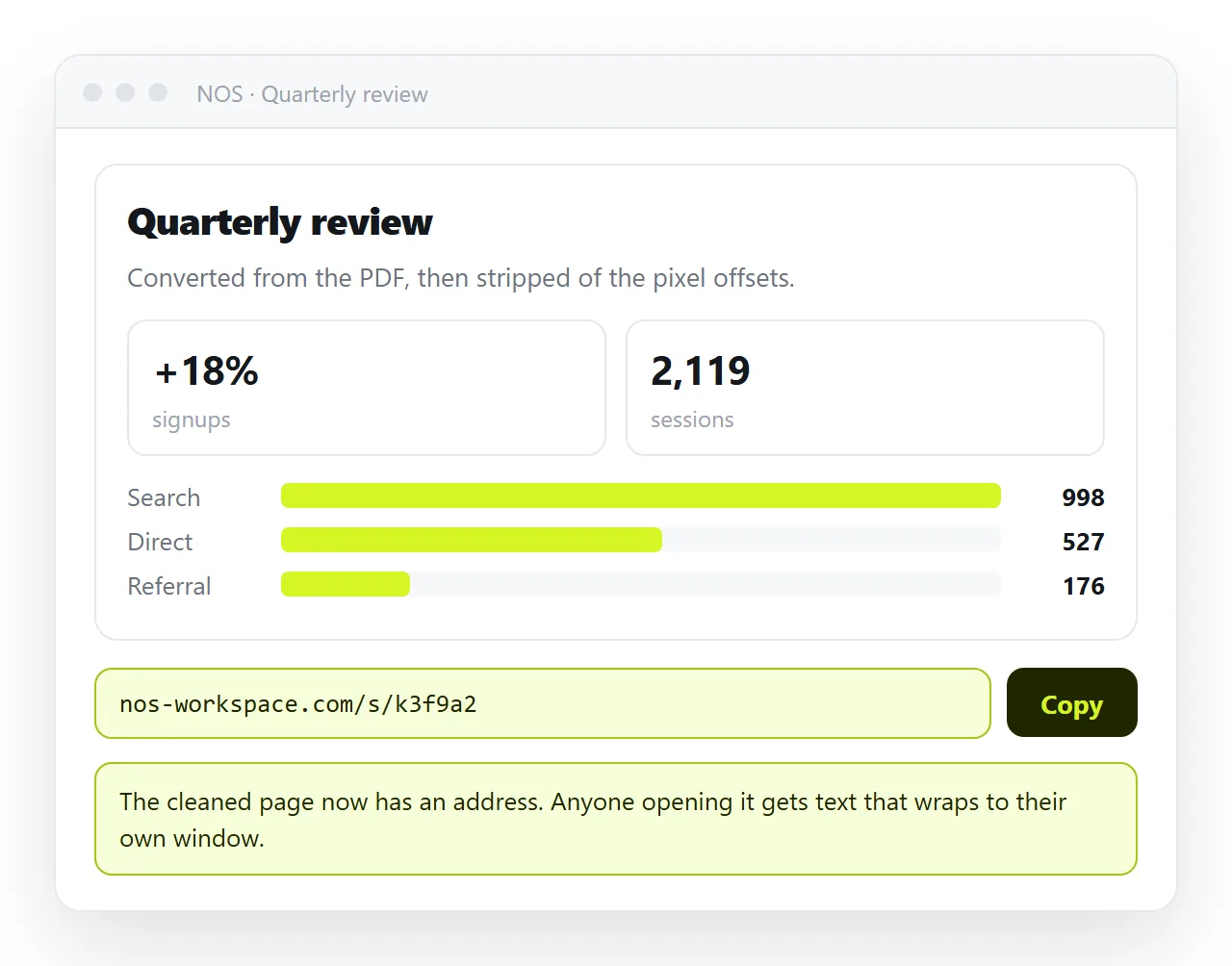
Once the file is self-contained, it still needs somewhere to live. A converted document sitting in a folder has no address.
Paste the HTML into a NOS document and it renders as written, stylesheet included. Share, then Share link, then Create link gives it an address that does not move when you fix the next conversion error.
That matters here more than usual, because converted documents always have a second round of corrections. Editing the page beats re-running the converter and sending a second file.