Google Fonts not working in HTML is one of the most common ways a page arrives looking broken: the typography that looked deliberate on your machine collapses into a default serif on everyone else's.

There are four causes, and three of them are the same shape, the font is somewhere the page cannot reach.
This guide shows how to tell which one you have from the browser console, the fix for each, and the two reliable ways to make type survive being sent.
A page whose typography collapses on someone else's machine is one of the most common ways an HTML file arrives looking broken. The cause is nearly always the same shape: the font is somewhere the page cannot reach.
Google Fonts not working in HTML: the four causes
1. You named a font that only you have
body { font-family: "Helvetica Neue Condensed", sans-serif; }
font-family is a request, not an instruction. If the named font is not installed on the reader's machine and not downloaded by the page, the browser moves to the next name in the list. It does not warn anybody — the page just quietly looks generic.
Designers hit this constantly, because their machines have hundreds of fonts installed that nobody else has.
2. The font file is referenced by folder path
@font-face {
  font-family: "Mine";
  src: url("fonts/mine.woff2") format("woff2");
}
That says "a folder called fonts, sitting right next to this file". Send the HTML on its own and the font is gone. This is the same relative-path problem that makes images disappear.
3. The font is loaded from a service the reader cannot reach
A page pulling its font from a public font service works right up until it is opened somewhere with no network, or inside a frame restricted from loading outside resources, or behind a network that blocks that service. Then it falls back.
4. The font is being requested over the wrong scheme
A page served over https that requests a font over http will have that request blocked as mixed content. The font never arrives and nothing visible explains why.
Which fix for which case
| Cause | Fix | Cost |
|---|---|---|
| Font only on your machine | Name a system font stack instead | None |
| Folder path | Embed the font, or use a full https:// address |
Size, or a dependency |
| Service unreachable | Embed the font | Size |
| Wrong scheme | Use https:// |
None |
The system font stack
If the page is a working document rather than a branded artefact, this is almost always the right answer:
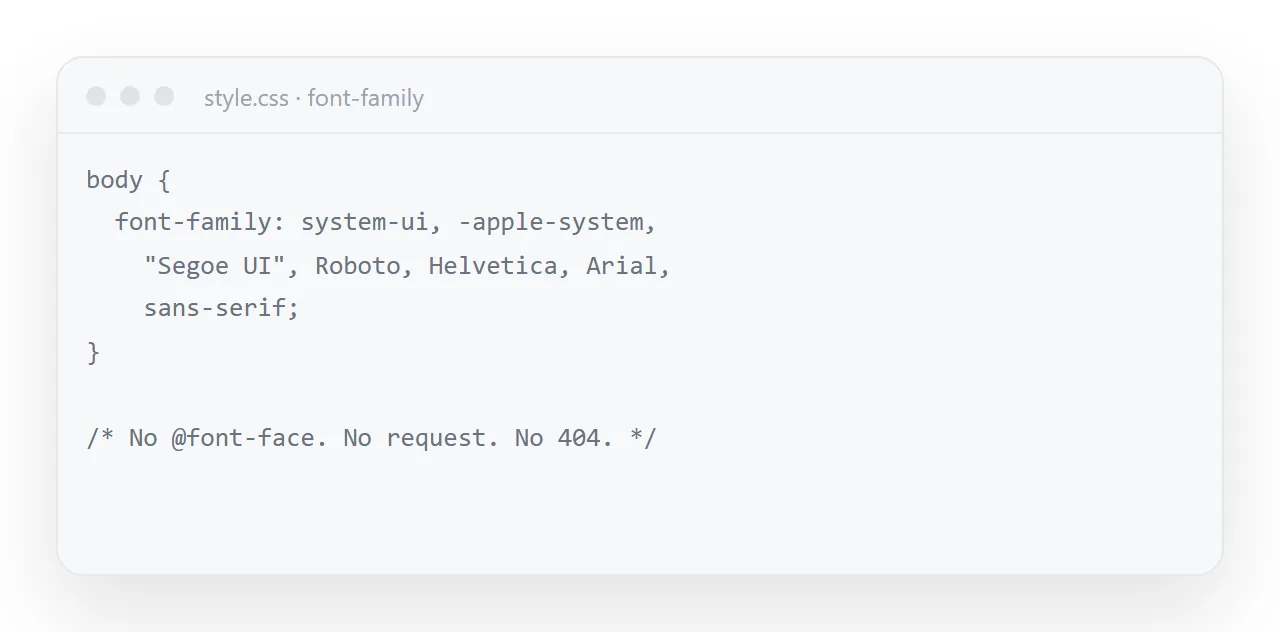
body {
  font-family: -apple-system, "Segoe UI", Roboto, "Helvetica Neue", Arial, sans-serif;
}
Every machine matches one of those on the first or second try. No download, no delay, no failure mode. It also looks native — the page uses the same typeface as the rest of the reader's system, which most people read as quality rather than as absence of design.
Embedding a font properly
When you genuinely need a specific typeface in a file that must work anywhere:
@font-face {
  font-family: "Mine";
  src: url("data:font/woff2;base64,d09GMgABAAAA...") format("woff2");
  font-weight: 400;
  font-display: swap;
}
Three points. Use woff2 — it is the most compressed format and is supported everywhere that matters. Embed only the weights you actually use; four weights of one family is a large addition to a file for no visible benefit.
And keep font-display: swap, which draws text in a fallback immediately and swaps when the font is ready. Without it, browsers may hide the text entirely while waiting, which reads as a broken page.
Checking before you send
Open the page in a browser window that has never seen your project folder — the file opener works for this. If the typography survives there, it will survive for your reader. If it falls back, you have found the problem before they did.
When the page is a document rather than a file
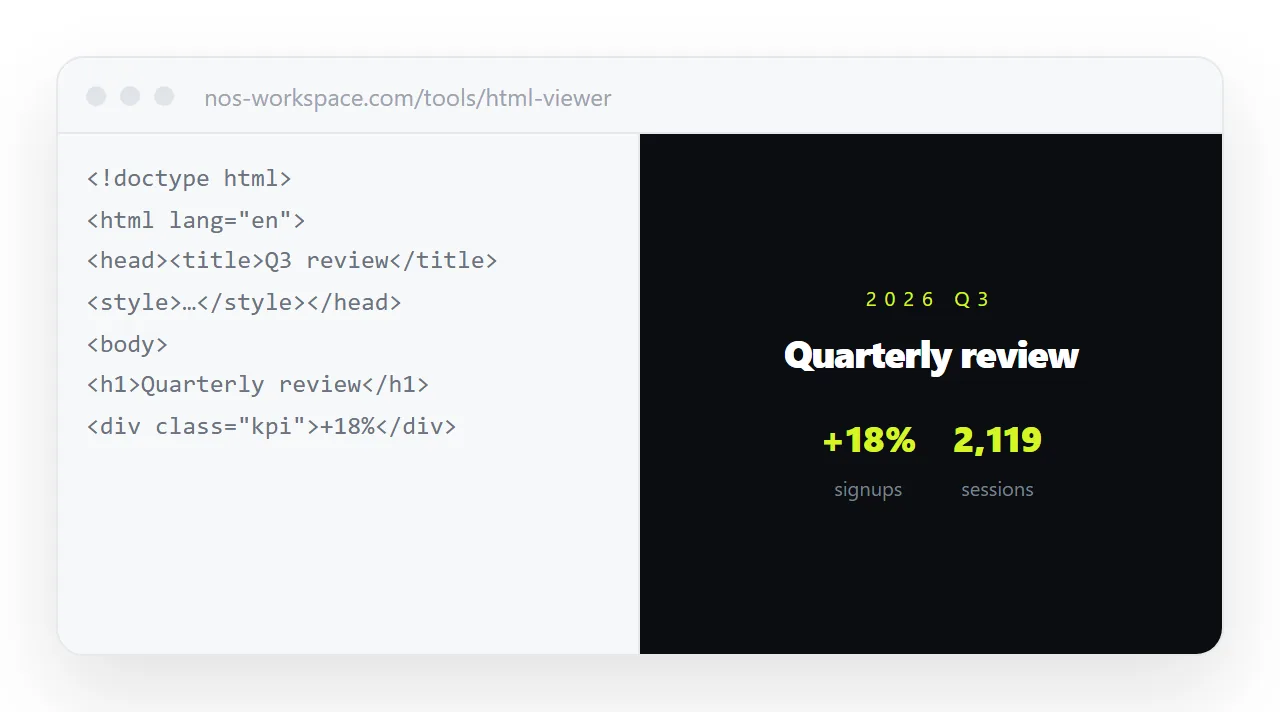
Most of this effort exists because the page has to survive being sent as a file. If the page instead lives at an address, the font question becomes ordinary web serving: the font sits next to the page, both are fetched over https, and nothing has to be embedded.
In NOS pasted HTML renders exactly as written, and the page is served rather than handed over — so a font referenced by a full address simply loads, for everyone, on every device.
Three mistakes that keep a font from loading even when the file is there
The family name does not match. The name in font-family has to be exactly the name declared in @font-face, and a font file can declare any name its author chose. "Inter" and "Inter Variable" are two different requests. Open the Computed pane in the element inspector, look at Rendered Fonts, and it tells you which family actually drew the text.
Only one weight was embedded. If the page uses bold headings and only the regular weight is in the file, the browser draws a synthetic bold that looks smudged, or falls back for the headings alone. Embed each weight the page uses, and declare each with its own font-weight.
The format is old. A .ttf or .otf embedded as base64 is three to four times the size of the same font as woff2, and a very large data URI slows the whole page. Convert once to woff2 and keep only that.
When the page is served rather than sent
Most of this effort exists because the page has to survive being sent as a file.
If the page lives at an address instead, the font question becomes ordinary web serving: a font on a full https:// address loads for everyone, and nothing has to be embedded.
In NOS the pasted HTML renders exactly as written and is served rather than handed over, so a font referenced by a full address simply appears, on every device.
How to fix fonts not loading: 4 steps
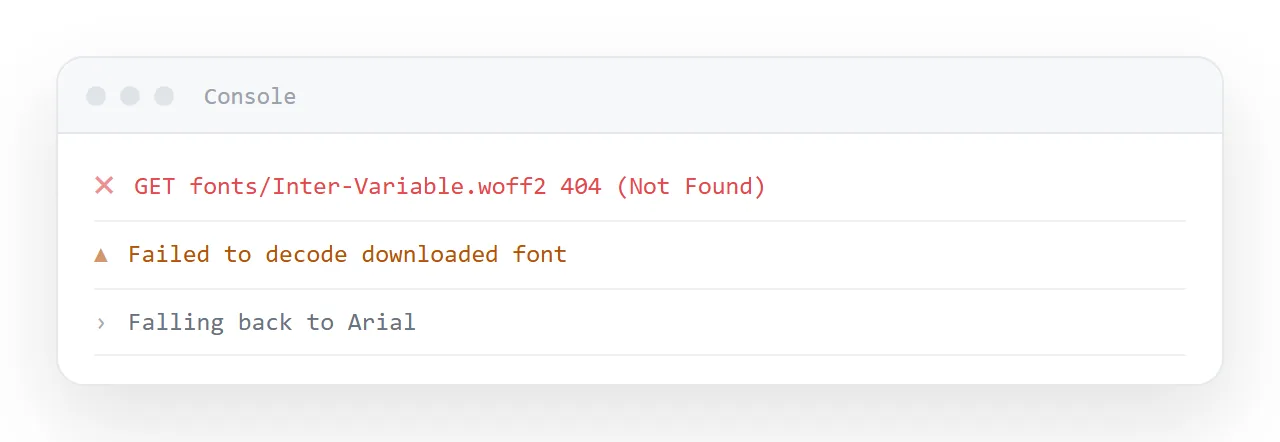
- Open the console. Press F12, choose Console or Network, and reload. A failed font request is listed with the full address the browser asked for: a
file:///…/fonts/path means the file did not travel, anhttp://address on anhttpspage means mixed content, no request at all means the name is not installed and nothing was ever asked for. - Decide whether the page needs that typeface. A weekly report, a checklist, a dashboard: none of them do. Switch to the system font stack above and the problem is gone with nothing to download.
- If it does, embed the font. Convert it to woff2, encode it as base64 into the
@font-facerule inside the file, and include only the weights the page uses. Web fonts covers the conversion. - Check in a fresh window. Open the file in the HTML file opener, which has never seen your project folder. If the typography survives there, it survives for the reader.