To make text not highlightable in HTML, set user-select: none on the element in CSS.
.no-select {
  -webkit-user-select: none; /* older Safari */
  user-select: none;
}
Selection stops for that element and everything nested inside it. Dragging across it produces no highlight, and a double click selects nothing.
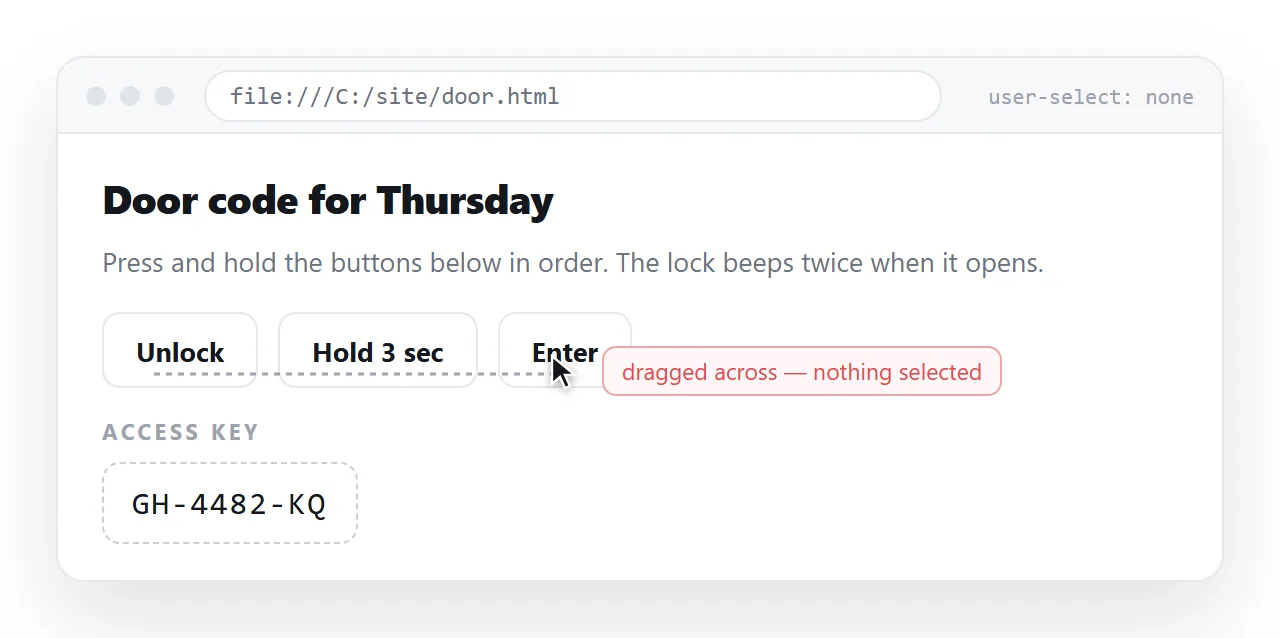
The prefixed line is still worth keeping for older Safari and for iOS. Firefox and Chrome have supported the unprefixed property for years.
Where making text not highlightable belongs
The property earns its place on interface furniture, where an accidental highlight looks like a glitch.
| Element | Turn selection off | Why |
|---|---|---|
| Buttons and toolbar labels | Yes | Double-clicking a button should not highlight its text |
| Drag handles | Yes | Dragging otherwise selects the label instead of moving the item |
| Tab labels and menu items | Yes | Repeated clicking selects text by accident |
| Icons and decorative glyphs | Yes | Nothing there is worth copying |
| Body paragraphs | No | Readers select text on purpose |
| Code blocks, addresses, IDs | No | Copying is the entire point |
The line is simple. If someone might want to copy it, leave selection alone.
A page-wide user-select: none on body is the version that generates complaints, and it is also the one most often reached for.
Scoping it properly
Disable it where it is needed, not globally, and re-enable it where content lives.
.toolbar, .tabs, .btn {
  -webkit-user-select: none;
  user-select: none;
}

.toolbar .filename {
  user-select: text; /* the one part worth copying */
}
user-select: text puts selection back on a child of a blocked parent, which is the cleanest way to carve out an exception.
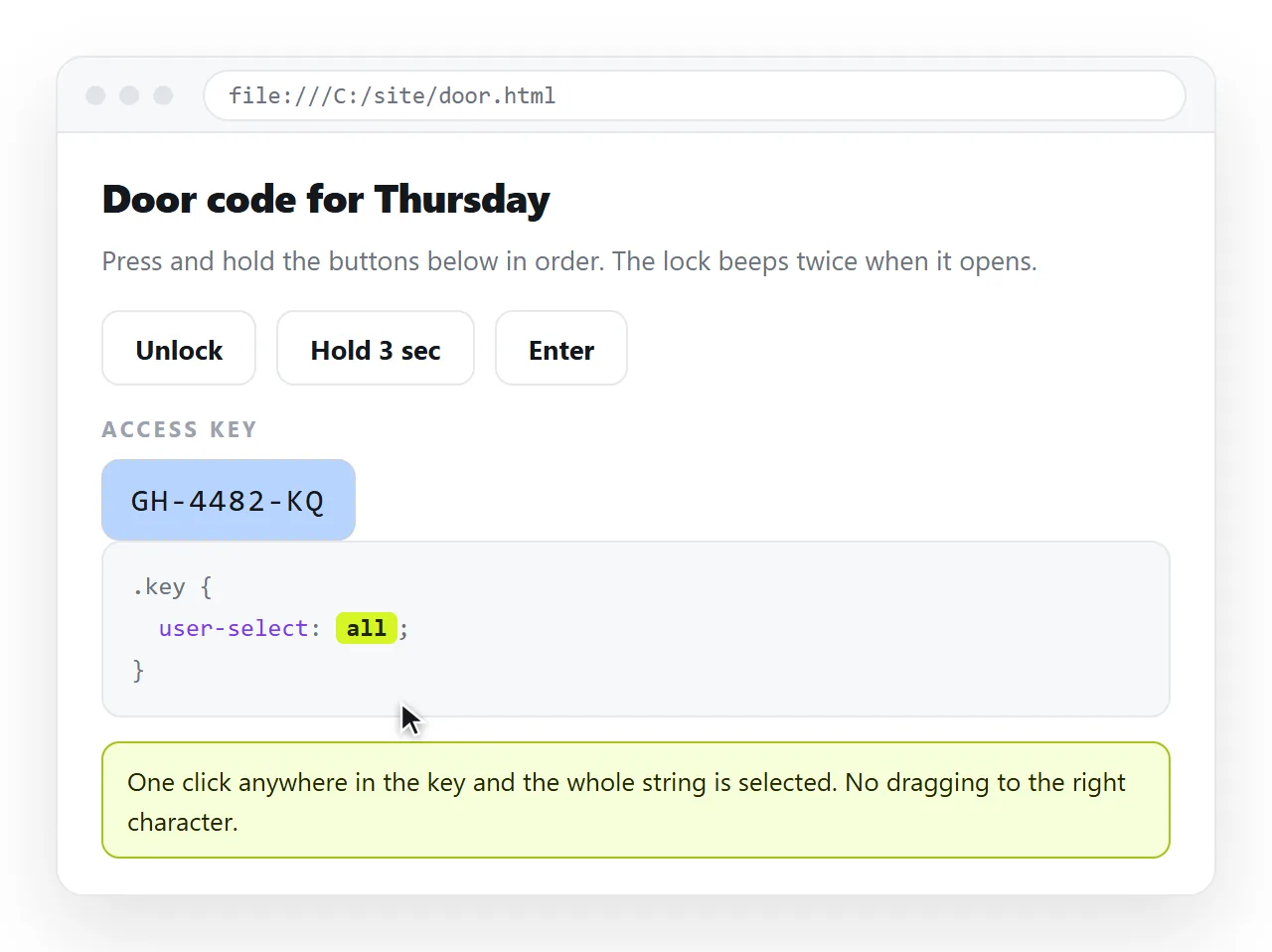
Two related values are worth knowing. user-select: all selects the whole element with a single click, which suits a licence key or a short identifier. user-select: contain keeps a selection started inside an element from spilling out of it.
It is not protection
This is the part that matters most, because the property is usually found while looking for a way to stop content being taken.
The page was delivered to the reader before any CSS ran. Every route below still works:
- View source, or the developer tools, which show the text as markup.
- Disabling CSS, or reader mode, which drops your rules entirely.
- Printing to PDF, which produces selectable text again.
- A screenshot, followed by any text recognition tool.
- Fetching the URL directly, with no browser involved at all.
Blocking the right-click menu or listening for copy events adds friction for ordinary readers and stops nobody who is deliberate. It also breaks legitimate uses: translation tools, speech readers, and dictionary lookups.
If the content genuinely must not be seen by certain people, the control belongs at the address, not in the stylesheet. Password protecting a page covers what is and is not achievable there.
Styling the highlight instead
Often the real complaint is that the default highlight looks wrong against a dark page, not that selection exists.
::selection {
  background: #2563eb;
  color: #ffffff;
}
Only a small set of properties apply to ::selection: colour, background colour, text decoration and shadow. Layout properties are ignored.
Keep the contrast strong. A highlight the same tone as the background makes selected text harder to read than unselected text, which is a worse outcome than the default.
The things people combine it with
Selection blocking rarely arrives alone. It usually appears alongside three other measures, and each has the same problem.
Blocking the context menu. A contextmenu handler that calls preventDefault removes right-click for everyone, including the people using it to open a link in a new tab or to run a spell check.
Cancelling copy events. A copy listener can clear the clipboard or substitute your own text. Readers who use the clipboard for accessibility tools lose that, and anyone with the developer tools open is unaffected.
Blocking keyboard shortcuts. Watching for Ctrl and S or Ctrl and U catches nothing, because the browser menus offer the same commands and the network tab offers the file directly.
All three are visible to the reader as the site fighting them, which is a stronger impression than whatever the content said. The measured position is to disable selection where it improves the interface and leave the rest alone.
Checking it in a clean window
Selection behaviour depends on the stylesheet actually arriving, so test the file away from your own folder.
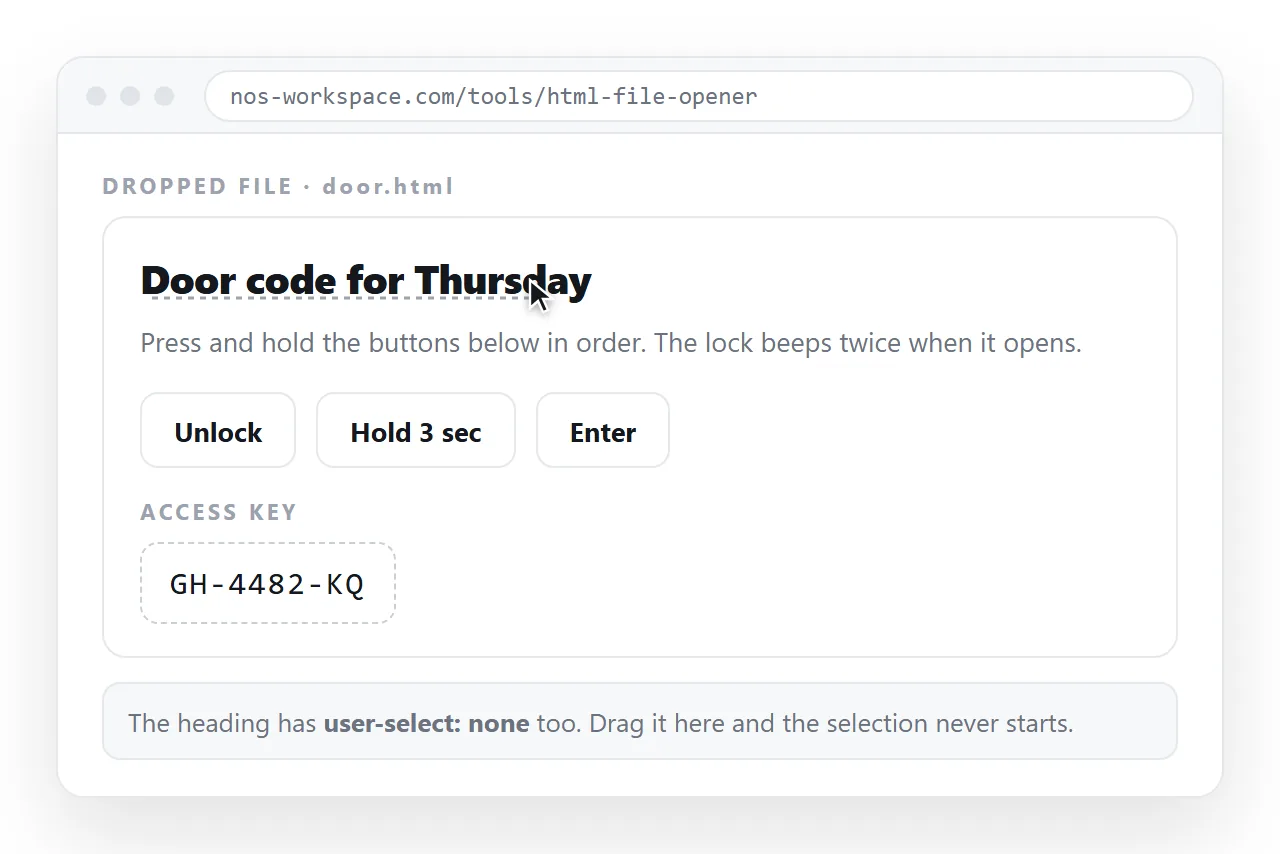
Open it in the HTML file opener and try three things: drag across the blocked element, drag across a paragraph, and double-click a button label.
If selection works everywhere, the CSS is in an external file that did not travel. Put the rules in a <style> block or use inline styles so they stay with the page.
Sending the page to someone
The .html file itself is the least reliable way to deliver any of this. It gets filtered by mail gateways, opens in a code editor on some desktops, and on a phone it usually lands in storage and stops.
Paste the HTML into a NOS document instead. It renders as written, CSS included, at its own address. Share, then Share link, then Create link.
The address survives edits, so re-scoping a selection rule next week does not mean sending a second file. If what you actually wanted was a fixed image rather than live text, an image of the page is the more honest answer.