contenteditable in HTML is the attribute that turns any element into a text field the moment it is clicked: <td contenteditable="true"> and the cell takes typing. No library, no framework, every browser.
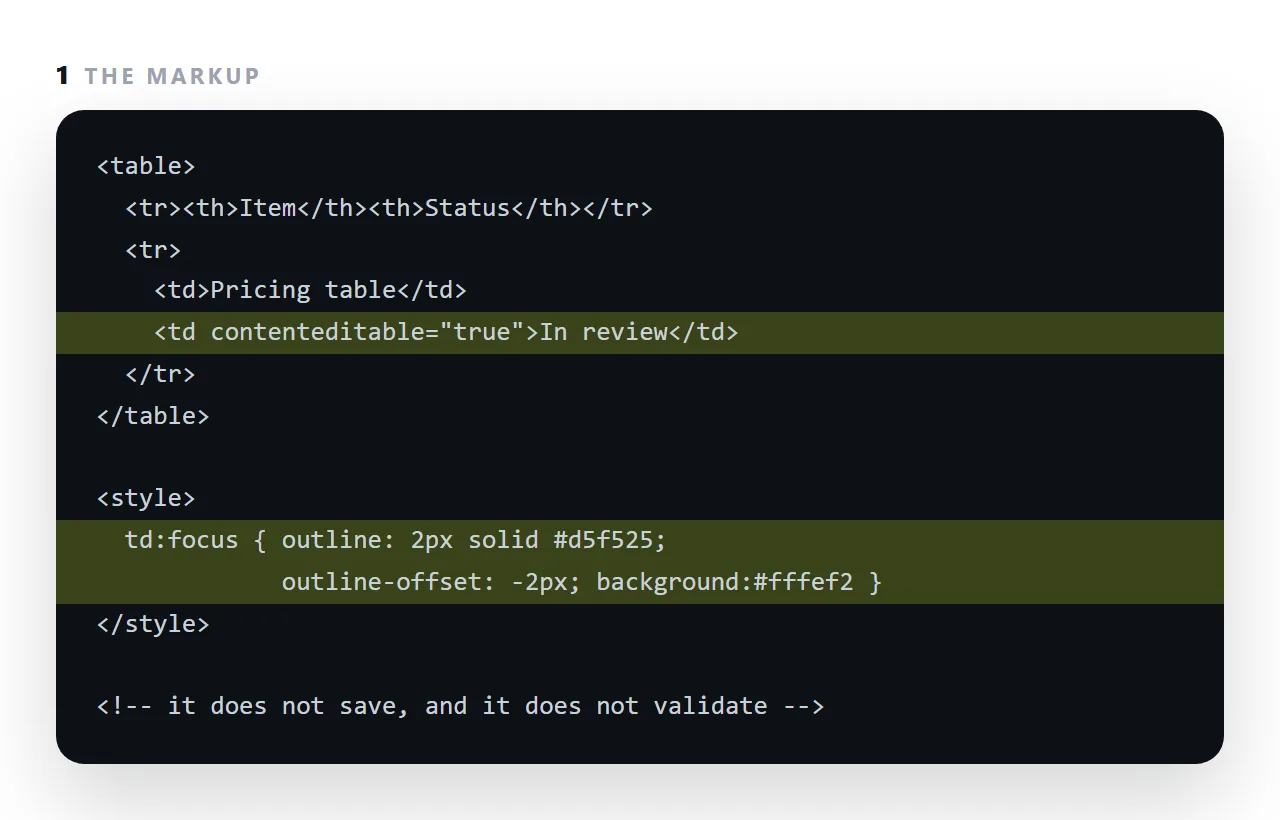
It is the least-known useful attribute in HTML, and it comes with three things it does not do: it does not save, it does not validate, and it gives no visual hint that it exists.
This guide covers the three, the focus style that makes it discoverable, the empty-element trap, paste handling, and why a full document editor should not be built from it alone.
<td contenteditable="true">In review</td>
That cell can now be clicked and typed into. The browser provides the caret, selection, undo, and spell-check. No library, no script, no framework.
It works on anything — a heading, a paragraph, a table cell, a whole document:
<h1 contenteditable="true">Click me and type</h1>
And from the console, on an entire page:
document.body.contentEditable = true
Useful for trying wording out on a page you are reviewing.
The three things contenteditable does not do
1. It does not save
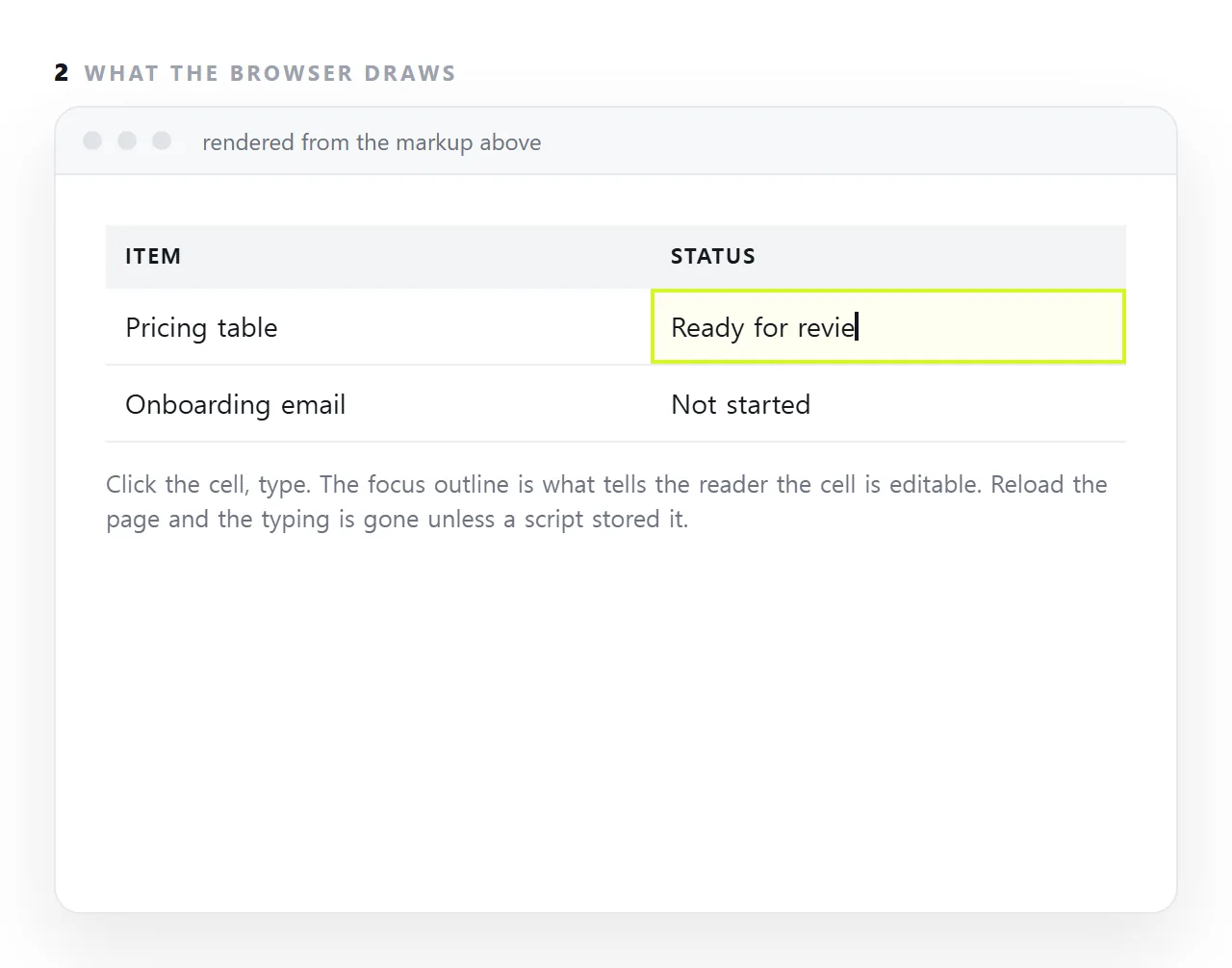
Reload and the edits are gone. Saving means reading the content out and storing it:
<script>
  var cell = document.querySelector('[contenteditable]');
  cell.addEventListener('input', function () {
    try { localStorage.setItem('note', cell.textContent); } catch (e) {}
  });
</script>
The try is required, not defensive. Local storage throws in private browsing and inside sandboxed frames, and an unguarded exception halts the rest of your script.
And local storage belongs to one browser on one machine — so a file sent to four people produces four divergent copies. That limit is the whole reason a shared table needs one address rather than a better file.
2. It does not validate
A cell that should hold a date will accept "next Tuesday-ish". If the value matters, check it:
<script>
  cell.addEventListener('blur', function () {
    var ok = /^\d{4}-\d{2}-\d{2}$/.test(cell.textContent.trim());
    cell.style.background = ok ? '' : '#fff1f1';
  });
</script>
3. It does not restrict what gets pasted
A paste inserts HTML, so pasting from a word processor brings fonts, colours and inline styles into your page. Strip it:
<script>
  cell.addEventListener('paste', function (e) {
    e.preventDefault();
    var text = (e.clipboardData || window.clipboardData).getData('text/plain');
    document.execCommand('insertText', false, text);
  });
</script>
Make it visible
The most common mistake is having no focus style. Clicking a cell then produces no visible change, and nobody discovers the element is editable at all:
[contenteditable]:focus {
  outline: 2px solid #d5f525;
  outline-offset: -2px;
  background: #fcffe8;
}
Two additions worth making for anything non-obvious:
<td contenteditable="true" role="textbox" aria-label="Status">In review</td>
role="textbox" and a label are what make it announced as an editable field rather than as text. See aria-label.
Empty-element trap
An empty editable element collapses to zero height and becomes unclickable. Give it a floor:
[contenteditable]:empty::before {
  content: attr(data-placeholder);
  color: #a1a1aa;
}
[contenteditable] { min-height: 1.4em; }
Where it is the right tool
Single values: table cells, headings, labels, short notes. There the browser's built-in behaviour is all you need and the code is one attribute.
Where it is the wrong tool is a full document editor. Selection handling, undo grouping and paste normalisation differ between browsers in ways that take months to reconcile — which is why editors are built on libraries that spend their lives on exactly that problem.
In NOS the rendered page's text is editable and stored, so the correction one person makes is the page everybody sees. That is the part contenteditable alone cannot provide — see editing generated HTML without code.
What you have to build yourself
| Behaviour | Provided by the browser | You provide |
|---|---|---|
| Caret, selection, undo | Yes | |
| Spell check | Yes | |
| Typing, deleting | Yes | |
| Saving | Storage, with a try |
|
| Validation | A blur handler |
|
| Plain-text paste | A paste handler |
|
| A visible focus state | One CSS rule | |
| An accessible name | role and a label |
The first three are why the attribute is worth using at all — reimplementing a caret is a project. The bottom five are each a few lines, and skipping the focus state is the one that makes the feature undiscoverable.
Reading the value back out
<script>
  var text = el.textContent;   // plain text, no markup
  var html = el.innerHTML;     // markup, including anything pasted
</script>
Use textContent unless you specifically want markup. innerHTML on an editable element returns whatever the browser produced — which varies between browsers for the same typing, and includes any styling that survived a paste.
If you are storing the value anywhere it will be rendered again, textContent also removes the question of what happens when someone pastes a script tag.
Three contenteditable mistakes that cost the most
No focus style. The attribute works, and nobody knows. Clicking the cell changes nothing visible, so readers assume it is plain text. One :focus rule with an outline fixes it.
Trusting the typed value. A cell meant to hold a date will hold "next week-ish". If the value feeds a calculation, parse it and guard against the empty or non-numeric case, or use an input element where a real field is needed.
Assuming edits are shared. They are not. Each browser keeps its own copy at best, so the table sent to four people becomes four tables. If the rows are shared, the page has to live at one address where the edit lands on the same document for everyone.
Where contenteditable is the right tool, and where it is not
Right: a table cell, a caption, a figure in a card, any short piece of text where clicking and typing is the natural gesture. Wrong: a whole document editor.
Browsers disagree on what pressing Enter or pasting produces inside a large editable region, and every serious editor is built on top of the attribute with a great deal of correction code, not on the attribute alone.
Use it for cells and lines; use a real editor for documents.
Using contenteditable: 4 steps
- Add the attribute to the element.
contenteditable="true"on a cell, a heading, a paragraph. - Add a visible focus style. An outline on
:focus. Without it, nobody discovers the element is editable, and the feature might as well not exist. - Decide where the text goes. Local storage for one person on one machine; a page at one address for more than one, which is what the editable table builder sets up.
- Handle paste and emptiness. Strip formatting on paste so a copied heading does not arrive as a heading, and keep a minimum height so an emptied cell can still be clicked.