To edit HTML without coding, you need a way to change the words on the page that does not go through the assistant and does not go through the markup.
Asking the chat to fix one date returns a page with a different layout, because assistants rewrite rather than patch. Opening the file works for whoever can read markup, which is usually not the person who noticed the error.
This guide covers why those two routes fail, the three ways to edit text directly, and the four steps to get a page where the next correction is a click.
The page is approved. Then the client's name turns out to be spelled wrong. That is a five-second change, and the usual routes make it expensive.
Why going back to the chat is the wrong move
Assistants do not patch, they rewrite. Ask for one word to change and you get a newly generated page — which means:
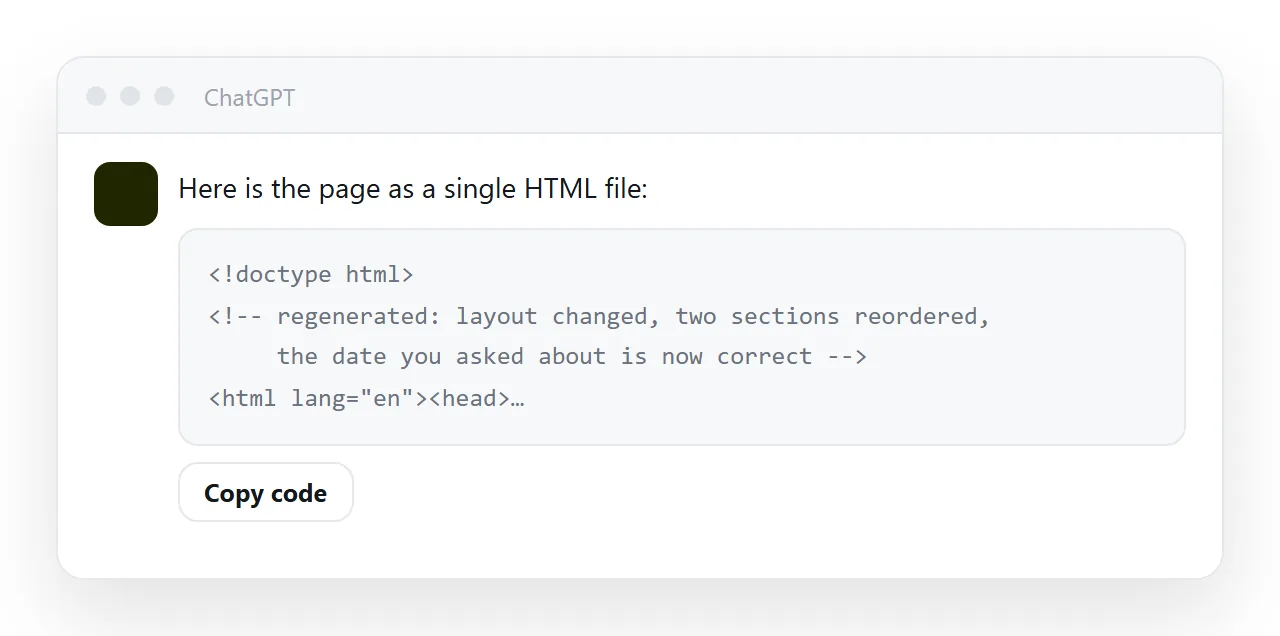
- Spacing and ordering shift, because generation is not deterministic.
- Details you had fixed by hand are gone, because the new page does not know about them.
- Occasionally the layout is simply different, and you have lost the version everyone liked.
So a five-second correction becomes: request, wait, re-read the whole page, find what else moved, fix that too. And the more times you go round, the further the page drifts from the one you approved.
Why editing the markup is not much better
Opening the file in an editor and finding the word works, if you are comfortable in markup. Two problems in practice.
First, the person who noticed the error usually is not that person. So the correction goes through you, by message, and takes a day.
Second, a wrong click in markup breaks the page in a way that is not obvious until someone opens it — a deleted closing tag, a quote removed. A text change should not carry that risk.
To edit HTML without coding: the three ways to change text directly
1. In-browser, temporarily
document.body.contentEditable = true
Paste that in the browser console and the whole page becomes typeable. Useful for trying wording out and showing someone what a change would read like.
Nothing is saved. Reload and it is gone. Treat it as a sketch, not an edit.
2. A file with editable cells
Adding contenteditable="true" to elements makes them permanently editable for whoever opens the file. That works, and the limit is where the edits go: nowhere, or at best into that one browser's local storage — so four recipients end up with four divergent copies. See contenteditable.
3. A page whose text is editable and stored
The version that actually solves it. The page renders as written, and the rendered text is editable text: click the wrong word, type the right one, and that is the saved page for everybody.
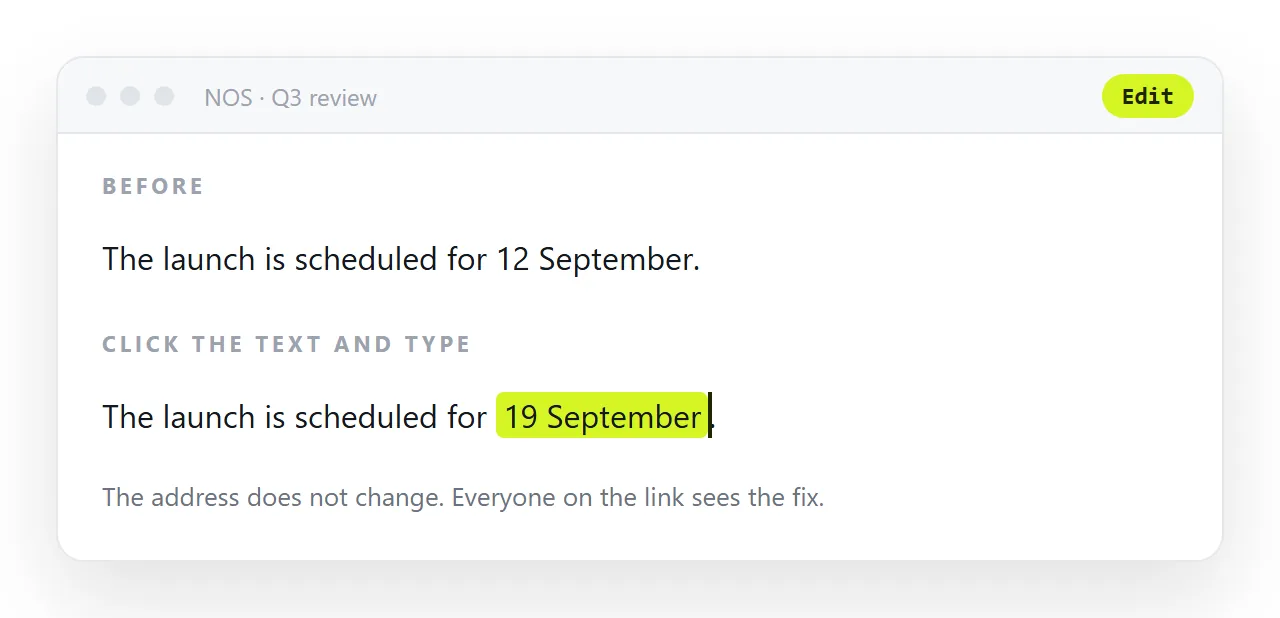
This is what NOS does with pasted HTML. The markup is untouched — nothing reformatted, nothing rearranged — but the words inside it are words you can click. The layout cannot drift, because nothing regenerated. And the address stays the same, so anyone already holding the link is reading the correction.
What stays editable and what does not
Text is editable by clicking: headings, paragraphs, table cells, labels, the numbers in a card. Structure is not: adding a column, moving a section, changing the grid. That split is the right one.
Structural changes are rare and belong in the markup or in a new generation; wording changes are constant and belong to whoever owns the words. A page that makes the constant thing easy and the rare thing possible is the page that stays correct.
Why "who can edit it" is the real question
| Route | Change one word | Layout risk | Who can do it |
|---|---|---|---|
| Back to the chat | 5 minutes | High — page regenerates | Whoever owns the conversation |
| Edit the markup | 2 minutes | Medium — one wrong keystroke | Whoever reads markup |
| Browser console | Seconds | None | Anyone, but nothing is saved |
| Editable page text | Seconds | None | Anyone you invited |
The last row is the only one where the person who spotted the error is the person who fixes it. Every other row routes the correction through a bottleneck, and corrections that queue tend not to happen.
When regenerating is right
Structural change. "Make it two columns", "add a section for costs", "turn the table into cards" — that is a rewrite, and asking is faster than doing it by hand.
The distinction worth holding: ask for structure, type for wording. Going back to the conversation for a typo is how a page you were happy with becomes a page you have to re-approve.
What the in-browser trick is good for
Right-click the page, choose Inspect, and you can type into any text on the page; the browser will even let you turn on editing for the whole document with one command in the console.
The change is real on your screen and gone on reload, which makes it useless for a correction and useful for one thing: trying a wording before committing to it.
See how the headline reads with the new number, then make the change somewhere it is kept.
Numbers in tables and cards
A table cell or a card value is text like anything else, so the same click-and-type works for the figures on a dashboard, with one caveat: if the page computes something from that number, a total or a percentage, the computed value will not follow a typed change.
For a page like that, the number belongs in the DATA object and the update is made there; reusing a page as a template covers the pattern.
Getting to a page you can edit by clicking: 4 steps
- Get the approved version out of the chat. Copy the complete HTML of the version you liked, before asking for anything else.
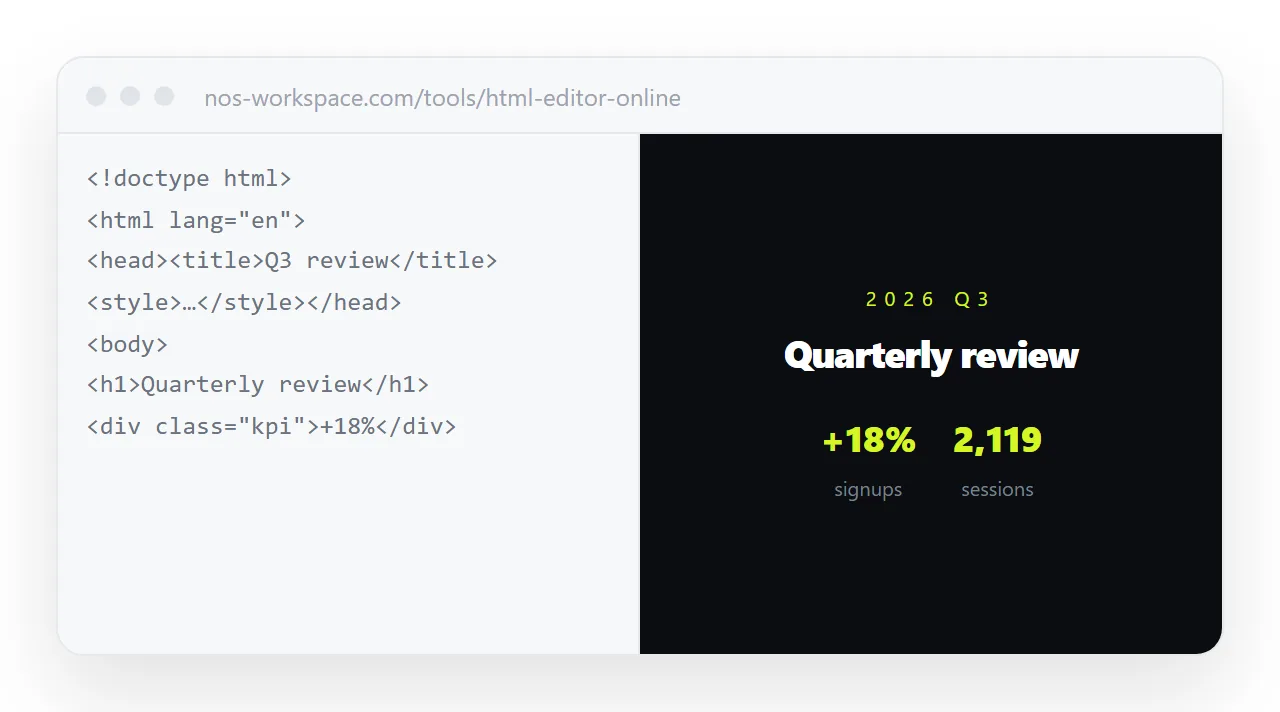
- Paste it into a NOS document. It renders exactly as written, nothing reformatted, and every word on it is clickable text. Turning HTML into a link is this step.
- Make the change by clicking the text. Click the date, type the new one. The layout, the markup and the address stay as they were.
- Share the link and let others correct it too. Share, then Share link, then Create link. The colleague who spots the wrong figure fixes the figure; nobody waits for the one person who can read markup.