An HTML link to a PDF is an ordinary anchor whose href is the address of the file.
<a href="/files/q3-report.pdf">Q3 report (PDF, 1.2 MB)</a>
Nothing about PDF needs special markup. What varies is what the browser does when the link is clicked, and that is decided by the download attribute and by the headers the server sends.
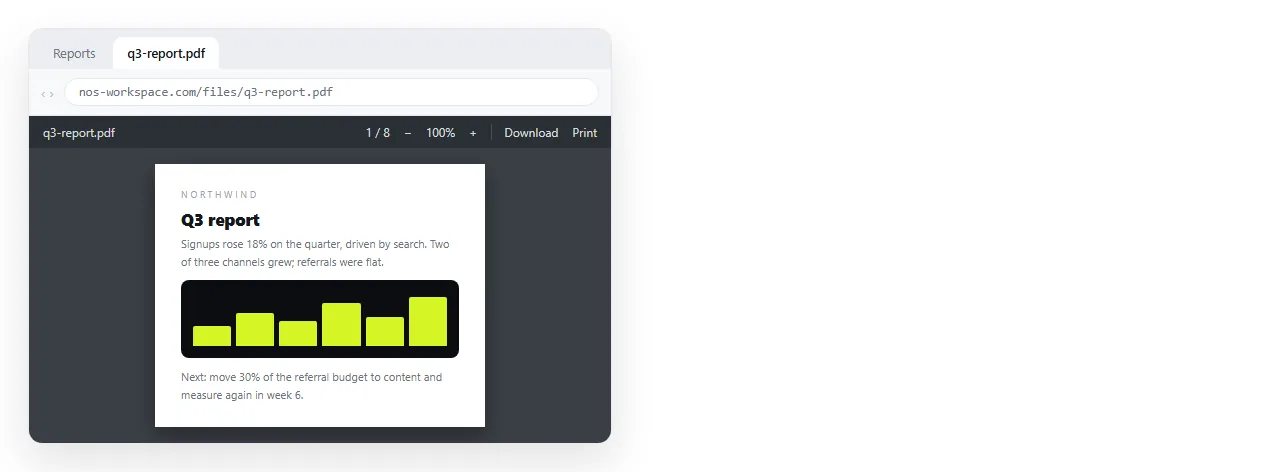
Open in the viewer, or save to disk
| What you write | What happens | Use it when |
|---|---|---|
href="report.pdf" |
Opens in the browser's PDF viewer | The reader wants to read it now |
href="report.pdf" download |
Saves to the downloads folder | The file is meant to be filed or printed |
download="Q3-Report.pdf" |
Saves under that name | Your stored filename is a hash or an id |
target="_blank" rel="noopener" |
Opens in a new tab | The reader should keep your page open |
The download attribute only applies to files served from the same origin as the page. A PDF on someone else's domain ignores it and opens normally, which is a browser security rule and not something you can configure away from the HTML side.
When the server overrides you
A server can send a Content-Disposition: attachment header, and that forces a download whatever the link says. Storage services often do this by default.
The reverse also happens. If the server sends the wrong MIME type, the browser may download a PDF that you wanted opened, or display it as text. The correct type is application/pdf.
If a link behaves differently on two hosts with the same markup, the headers are the difference. The HTML is not the variable.
The link that only works on your machine
This is the most common broken PDF link, and it looks fine while you are testing.
<a href="C:\Users\you\Documents\report.pdf">Report</a>
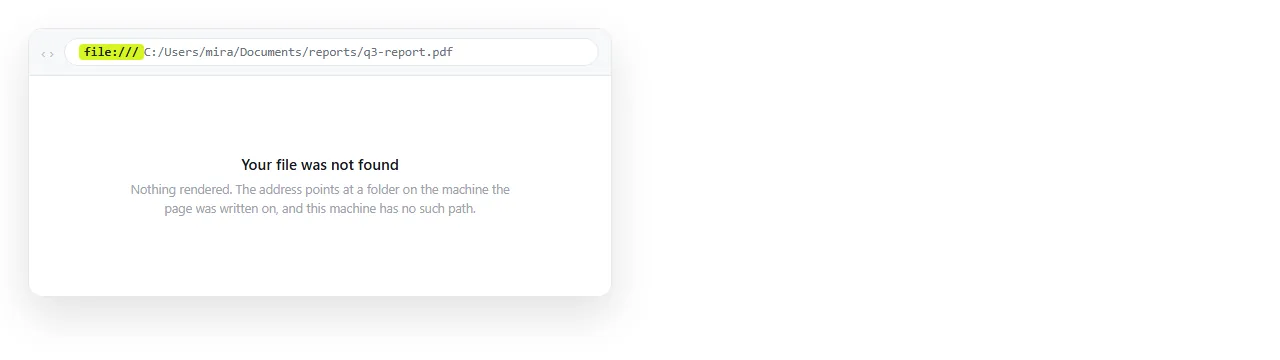
That path exists on exactly one computer. Everyone else clicks it and nothing happens, or the browser blocks it outright.
Modern browsers refuse to follow a file: link from a page loaded over the web, deliberately. The file protocol explains what that boundary is and why it is not adjustable. Linking to a local file covers the cases where it does still work.
The fix is always the same. Put the PDF at a web address and point at that address.
Relative and absolute paths
If the PDF sits next to the page, a relative path is fine and survives moving the whole folder:
<a href="files/handbook.pdf">Handbook</a>
If the page itself might be copied elsewhere, or pasted into a document, use the full address instead. Relative and absolute paths sets out which one travels.
The rule of thumb: relative paths break the moment the page moves without its neighbours. That happens more often than people expect, because pasting HTML somewhere is a form of moving it.
Opening at a page, a search or a zoom level
Browser PDF viewers accept parameters after the hash:
<a href="/files/manual.pdf#page=12">Section 4 starts on page 12</a>
<a href="/files/manual.pdf#search=refund">Find refund</a>
<a href="/files/manual.pdf#zoom=150">Open at 150%</a>
These are viewer conventions, not HTML. Desktop Chrome, Edge and Firefox generally honour #page=. Support for #search= is patchier, and a reader whose system opens PDFs in a separate application gets page one.
Treat them as a convenience. Also name the page number in the link text, so the instruction survives when the parameter does not.
Telling the reader what they are clicking
Three small things, and they cut most of the follow up questions.
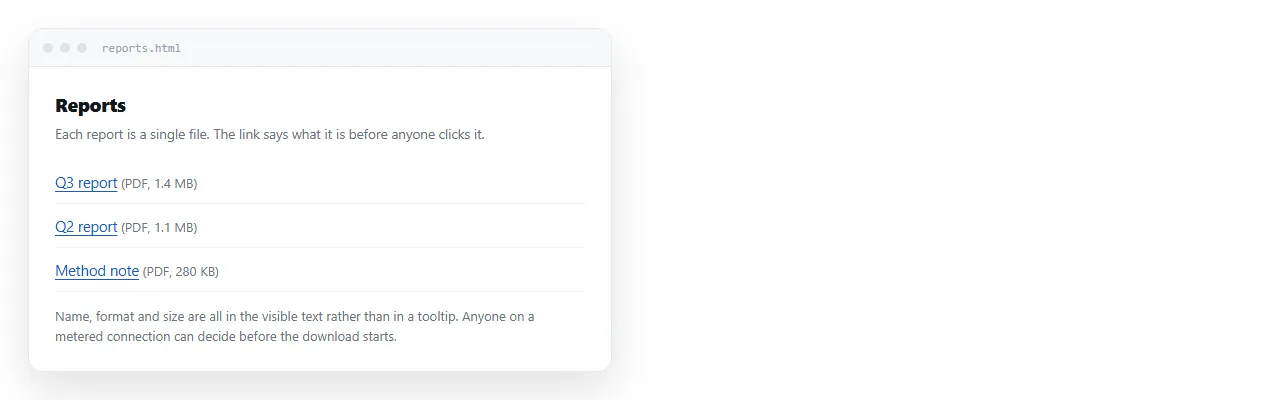
- Say it is a PDF in the link text. On a phone, an unexpected PDF is a download and a context switch.
- Give the file size. A 40 MB file on mobile data deserves a warning.
- Do not write "click here". The link text is what a screen reader announces out of context, so it has to name the document. An aria-label covers the cases where the visible text cannot do that.
PDF or a page at an address
Linking to a PDF is the right answer less often than people assume, so it is worth a moment before you export.
A PDF is fixed. That is the point of it, and it is exactly what you want for a signed contract, an invoice, or anything destined for paper or an archive.
It is the wrong shape for a weekly report. Every correction is a new file, and now two versions are circulating with no way for the reader to tell which is current.
A page at a stable address does not have that problem. The numbers can change underneath the same link, and charts, tabs and sortable tables keep working. PDF against an HTML page compares the two properly.
If you already have the HTML, turning it into a link is a paste. In a NOS document the pasted HTML renders as written, the document has its own address, and editing the content does not move that address.
You can keep both. Link the live page for reading, and offer the PDF alongside it for the people who need to file something.
A PDF link that holds up
<a href="https://example.com/files/q3-report.pdf"
   target="_blank" rel="noopener">
  Q3 report (PDF, 1.2 MB)
</a>
Four decisions are visible in those three lines.
- A full address, so the link survives the page being copied elsewhere.
- A new tab, so the reader does not lose the page they were on.
rel="noopener", which is standard practice whenevertarget="_blank"is used.- A label that names the document, its format and its weight.
Test it once from a private window. That catches the case where the file only opens because you are signed in to the storage service and nobody else is.
Sharing an HTML file covers how the page reaches the reader in the first place.