An HTML form without an action attribute submits to the address of the page it is already on.
The browser does not report an error and does not refuse. It takes the current document URL, attaches the fields, and loads it again.
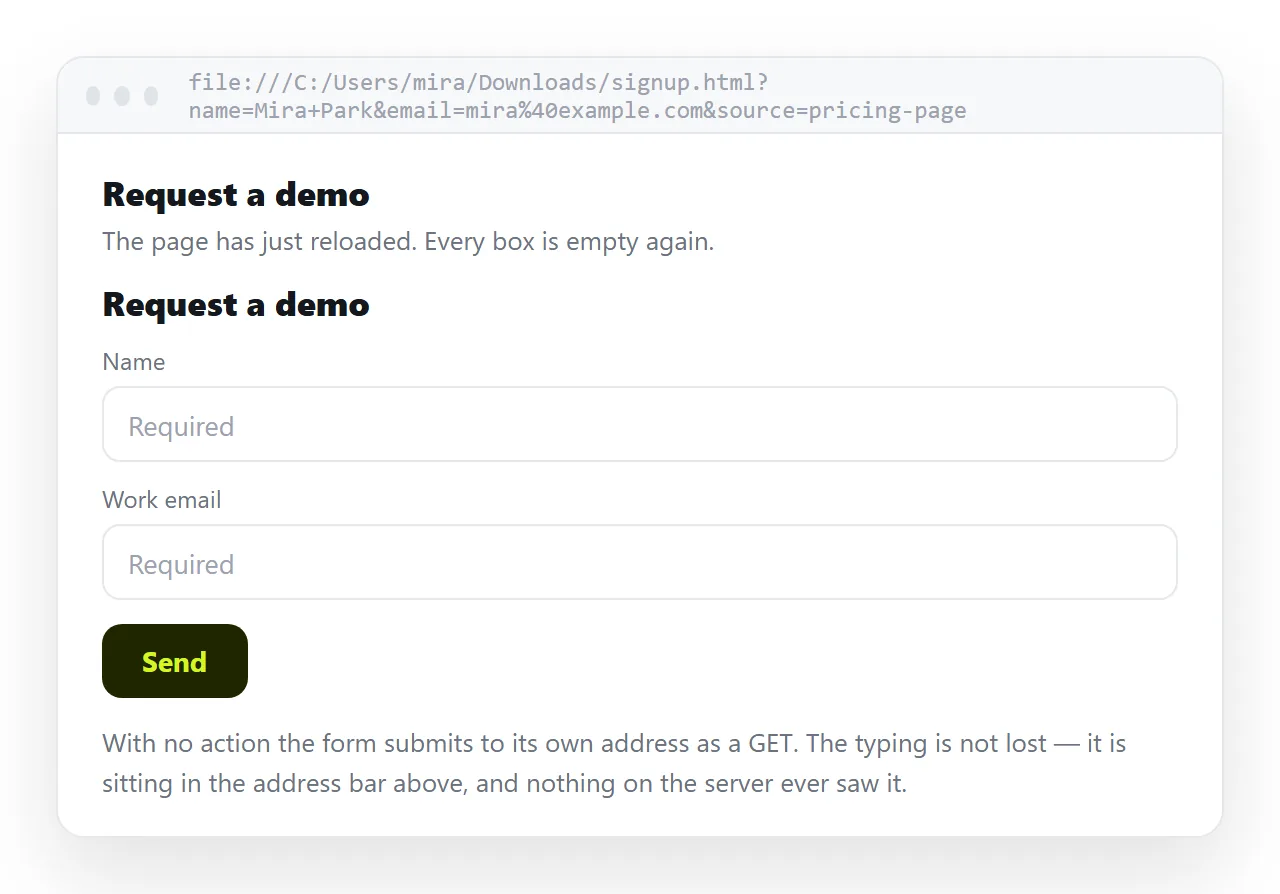
What you see next depends entirely on the method. That is the part people miss when a form appears to swallow everything typed into it.
What each method does
| Markup | Where the data goes | What you see |
|---|---|---|
<form> with no method |
Current URL, as a query string | Values in the address bar |
<form method="get"> |
Current URL, as a query string | Values in the address bar |
<form method="post"> |
Current URL, in the request body | Page reloads, fields look empty |
<form action=""> |
Current URL | Same as no action at all |
<form onsubmit="..."> |
Wherever your script sends it | Nothing reloads, if you cancel the event |
The third row is the one that generates support questions. The data was sent. Nothing on the other end was listening, so it was thrown away.
Why the default is the current page
The HTML specification says a missing or empty action resolves against the document's own address. This predates single page apps and was the normal way to write a form that posted back to the script that rendered it.
A PHP or Rails page that both draws the form and handles the submission needs no action attribute at all. Leaving it out keeps the form working when the page moves to a new path.
<form method="get">
  <input name="q" placeholder="Search">
  <button>Go</button>
</form>
Submit that on /notes and you land on /notes?q=whatever. Nothing else is required.
When leaving the action out is correct
Three cases where it is the right choice rather than an oversight.
- Self-posting server pages. The same route renders the form and reads the submission. An explicit action would only repeat the current path.
- Filter and search forms using GET. The query string becomes the state of the page. The reader can bookmark the filtered view or send it to someone else.
- Forms handled entirely in JavaScript. The action is never used because the submit event is cancelled before the browser gets to it.
The fourth case, a static HTML file with a POST form and no backend, is not one of them. That form looks finished and does nothing.
Stopping the reload
If the page should stay put, cancel the submit event.
<form id="signup">
  <input name="email" type="email" required>
  <button>Subscribe</button>
</form>
<script>
  document.getElementById('signup').addEventListener('submit', function (e) {
    e.preventDefault();
    const data = new FormData(e.target);
    console.log(Object.fromEntries(data));
  });
</script>
FormData collects every named field, including hidden fields, without you listing them one by one.
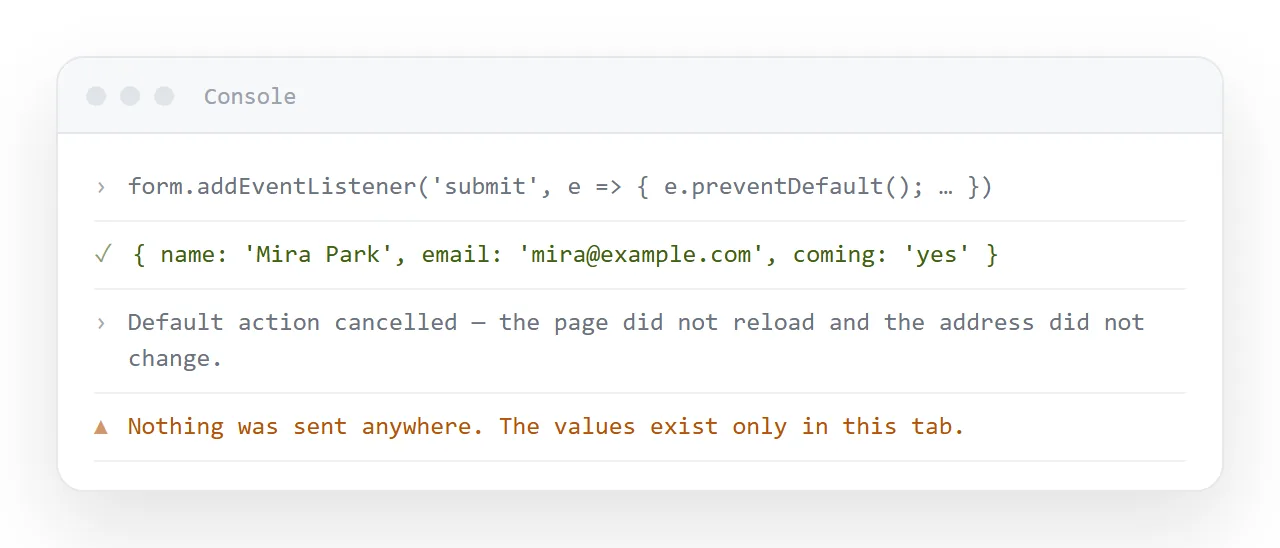
Two details worth keeping. Fields without a name attribute are never collected, by the browser or by FormData. And preventDefault stops the navigation but not the validation, so required still blocks an empty field.
Where the data actually needs to go
A form is a delivery mechanism with nothing at the far end until you supply one. The realistic options for a page you wrote by hand:
- A form endpoint service. You paste a URL into the action and receive submissions by email or in a dashboard.
- A spreadsheet. Sending form data to Google Sheets covers the Apps Script route, which needs no server.
mailto:. Technically works, opens the reader's mail client, and produces unreadable output. Treat it as a last resort.- Your own API. A
fetchcall inside the cancelled submit handler.
Choose one before you ship the page. A form that silently discards input is worse than no form, because the person filling it in believes they are done.
Reading the values back off the URL. With GET, the submission leaves everything in the query string, which you can read without a server at all.
const params = new URLSearchParams(location.search);
document.getElementById('out').textContent = params.get('q') || '';
This is the pattern behind self-filtering pages. The form submits to itself, the browser reloads with the values attached, and a few lines of script rebuild the view from the address.
It has a useful property: the filtered state is now a URL. Someone can bookmark it, or paste it to a colleague, and the page comes back the same way.
It also has a limit. Query strings are visible in browser history, in server logs, and in referrer headers, so nothing sensitive belongs in a GET form.
Testing the form before you send it
Open the file somewhere that has never seen your project, so nothing local is propping it up.
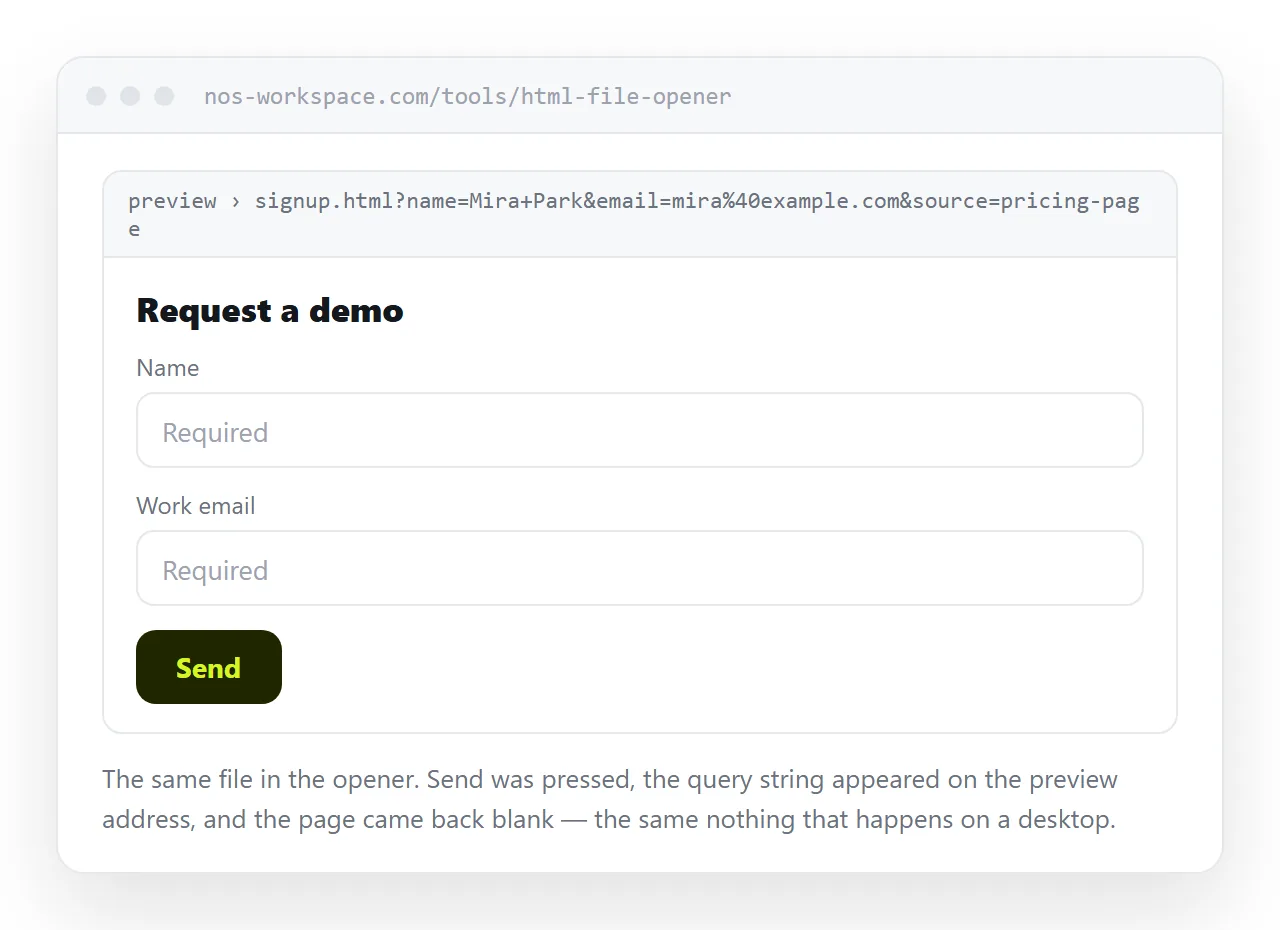
Paste it into the HTML file opener and submit it. With GET you will see the values in the address. With POST you will see the page reload and the inputs clear, which confirms the browser sent it and nobody answered.
If the fields come back empty when you expected them in the URL, the usual cause is a missing name on the input, not the missing action.
Sharing a page that contains a form
An .html file with a form in it is one of the most reliably blocked attachments there is. Mail gateways treat a form plus a script as the standard shape of a fake sign-in page, and yours is indistinguishable from one.
Give the page an address instead. Paste the HTML into a NOS document and it renders as written, form included, at its own URL. Share, then Share link, then Create link, and send that.
The link survives edits. Change the field labels by clicking the text and the address stays the same, so you never resend. Turning a form into a link covers the case where the form is the whole point of the page.