An HTML form hidden field is an <input type="hidden">: a named value that is submitted with the form but never drawn on the page.
<input type="hidden" name="source" value="pricing-page">
It has no box, no label, and no place in the tab order. The browser sends it exactly as it sends a text box.
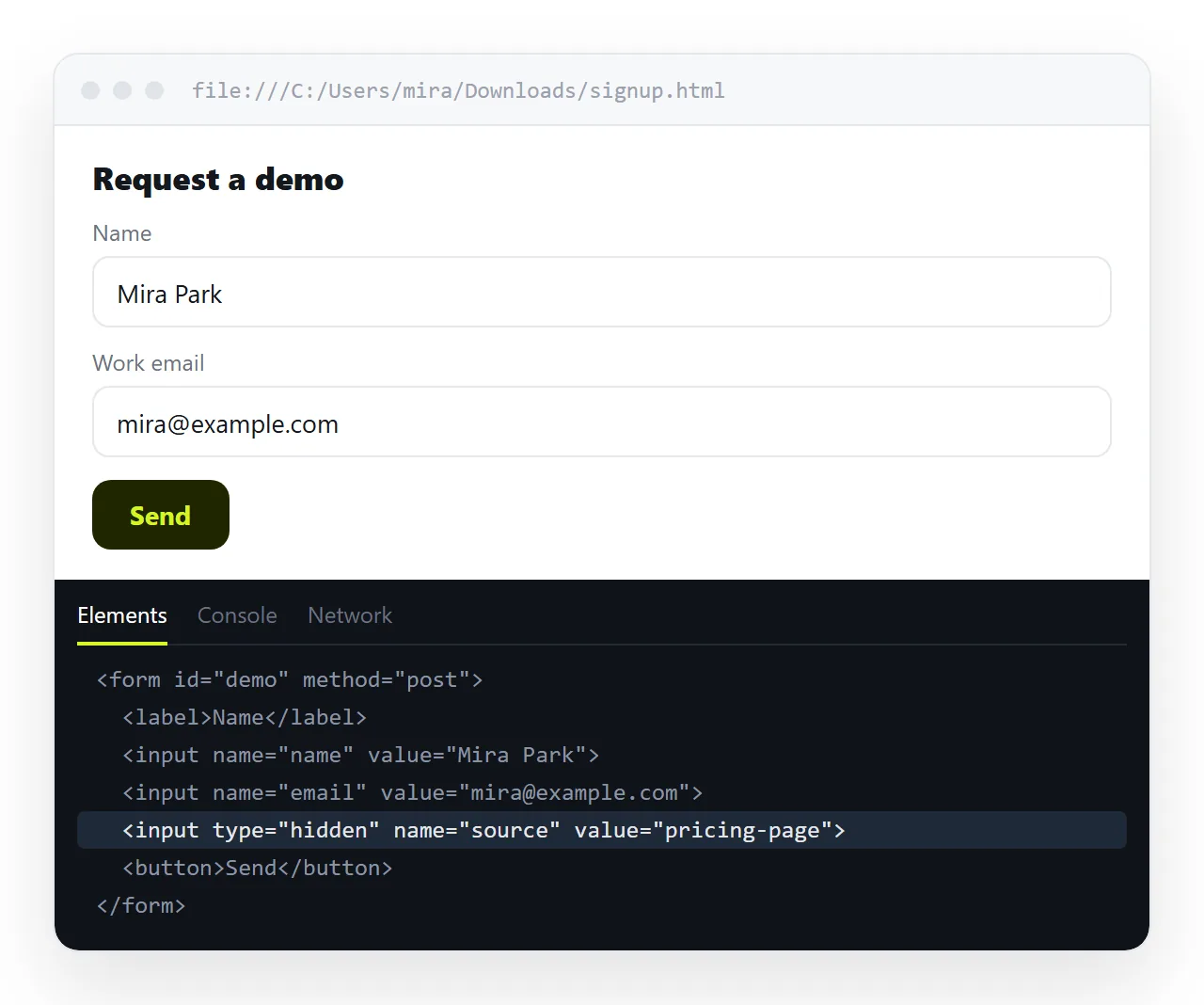
That last sentence is the whole subject. A hidden field is hidden from the reader's eyes and from nothing else.
What it is actually used for
The recurring pattern is context: something the page knows and the reader does not need to type.
| Use | Example value | Why it is hidden |
|---|---|---|
| Source tracking | pricing-page |
The reader has no reason to fill it in |
| Record identifier | order_4812 |
Tells the handler which row to update |
| Form routing | support |
One endpoint, several forms |
| CSRF token | server-generated string | Must be present, must not be typed |
| Step state | step=2 |
Carries progress through a multi-page form |
| Honeypot | empty on purpose | Filled in only by bots |
The identifier row is the common one. An edit form loads a record, shows the editable parts, and carries the record id along in a hidden input so the handler knows what it is saving.
Why it is not a security feature
The value lives in the HTML the browser downloaded. Anyone can read it, change it, and submit the changed version.
<!-- Do not do this -->
<input type="hidden" name="price" value="19.00">
<input type="hidden" name="role" value="user">
Both of those are editable in the developer tools in about four seconds. A price sent from the browser is a suggestion, not a fact.
The rule is short. Anything the reader must not control has to be decided on the server, from the session, after the submission arrives.
A CSRF token is the apparent exception and is not one. Its safety comes from being unguessable and checked server-side, not from being invisible.
Hidden field versus a field hidden with CSS
These look similar and behave differently, and the difference produces a specific bug.
type="hidden"is excluded from constraint validation. Marking itrequireddoes nothing.- A text input with
display:noneis still a real form control. If it isrequiredand empty, the browser blocks submission and tries to focus a field nobody can see.
The symptom is a submit button that appears dead with no message. If that is happening, look for a required control inside a collapsed section before you look anywhere else.
Use type="hidden" when the field is structural. Use CSS only when the field is genuinely meant to become visible later.
Reading hidden fields back
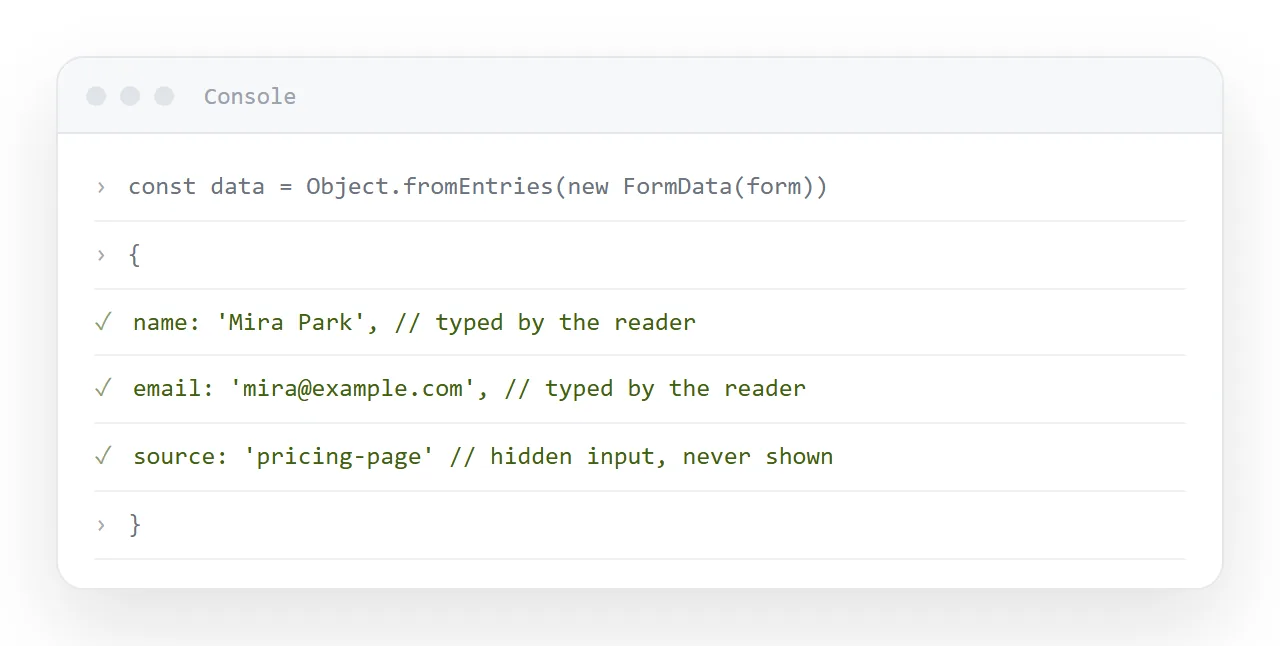
They arrive with everything else. FormData collects them without being told:
const data = new FormData(document.querySelector('form'));
console.log(Object.fromEntries(data));
// { source: 'pricing-page', name: 'Hana', email: 'hana@example.com' }
Setting one from a script is the same as any other input:
document.querySelector('input[name="source"]').value = location.pathname;
That pattern lets a single form template record which page it was embedded on, which is worth having before you start routing submissions into a spreadsheet.
The honeypot variation
A field that is supposed to stay empty is a cheap filter against automated submissions. Bots fill in everything they find.
<div aria-hidden="true" style="position:absolute;left:-9999px">
  <label>Leave this empty
    <input type="text" name="website" tabindex="-1" autocomplete="off">
  </label>
</div>
This one is deliberately not type="hidden", because some bots skip hidden inputs. It is pushed off-screen instead and kept out of the tab order.
aria-hidden keeps it away from screen readers, and turning off autocomplete stops a browser helpfully filling it in, for the same reason as in other fields that should not be completed automatically.
On the receiving end, discard any submission where website has a value.
The alternatives worth considering first
A hidden field is not the only way to carry context, and sometimes it is the wrong one.
The URL. A value in the query string does the same job and is visible, shareable and bookmarkable. Good for a campaign source, bad for anything you would rather not see in a server log.
The session. Anything the server already knows about the signed-in person should come from the session on arrival, never from a field the browser sends.
A data attribute. If the value is only used by your own script and never submitted, data- on the form element keeps it out of the payload entirely.
Separate endpoints. Instead of a hidden form_type field, post to two different URLs. The routing is then a fact of the request rather than a claim inside it.
Reach for a hidden input when the value genuinely has to make the round trip and the reader has no business typing it.
A checklist before the form goes out.
- Every hidden field has a
name. Without one it is never submitted. - No price, role, permission or user id that the server could work out itself.
- The value is validated on arrival, with the same suspicion as a text box.
- Tokens are generated per session, not hard-coded into the file.
- The names mean something in your data.
hidden1will be a problem in three months.
Sending the form to the people who fill it in
A finished form page is usually the point at which the practical problem starts. An .html file with a form and a script in it is the shape mail gateways are trained to strip, so the attachment quietly never arrives.
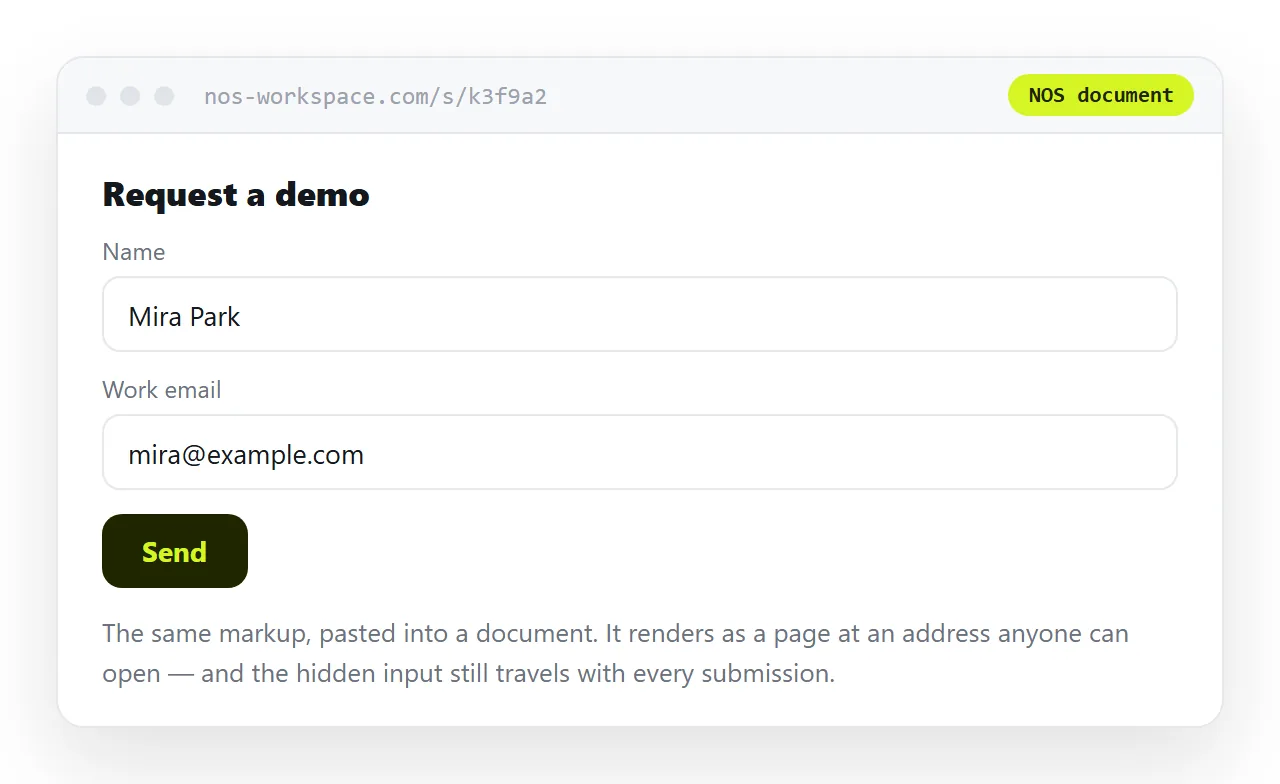
Paste the HTML into a NOS document instead. It renders as written, hidden fields intact, at an address you can send in one line. Share, then Share link, then Create link.
Because the address does not change when the content does, you can add a field or fix a label later and the link already points at the new version. Turning a form into a link covers that route end to end.