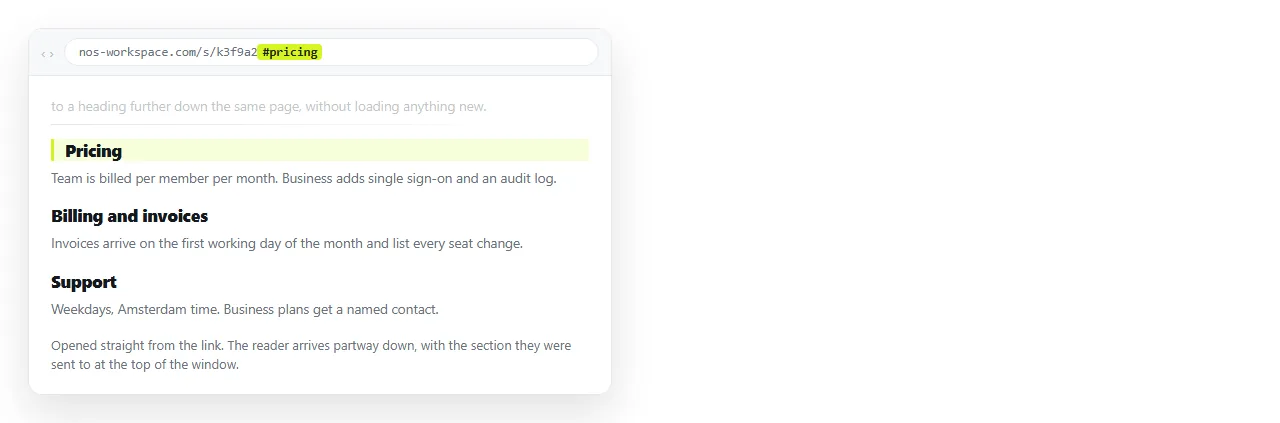
To write an HTML link to a section of a page, put an id on that section and point the link at the page address with a hash and the id on the end.
<a href="/handbook#refunds">Refund policy</a>

<!-- on the handbook page -->
<section id="refunds"> ... </section>
The browser loads the page, finds the element with that id, and scrolls it into view. From a different page, from a chat message, or from the same document, the rule is identical.
Same page, other page, other site
| Where the link lives | What to write | Notes |
|---|---|---|
| The same document | #refunds |
Hash only. No path needed |
| Another page, same site | /handbook#refunds |
Path then hash |
| Another site | https://example.com/handbook#refunds |
Full address then hash |
| A page you do not control, no ids | ...#:~:text=refund%20window |
Text fragment, see below |
| A chat message or email | The full address with the hash | Same string, no HTML needed |
The hash always goes last, after any query string. ?tab=costs#refunds is correct; the reverse is not.
Choosing the id
Section links get pasted into tickets, saved in bookmarks and quoted in email. That makes an id a small public commitment.
Name it after the content, not the position. #refunds survives a reorder. #section-4 stops meaning anything the moment someone inserts a section above it.
Keep ids lowercase and hyphenated. Hashes are case sensitive, and a capital letter that only appears in one of the two places is a link that silently does nothing.
- One id per document. Duplicates mean the second element is unreachable.
- No spaces. A space ends the attribute value and the id becomes the first word.
- Do not rename an id once you have shared it. Add a second element with the old id if you must move things.
When you do not own the page
Check the source first. Many publishing systems add an id to every heading so that their own contents list works, and those ids are usable by anyone.
Open the page, look at the heading in the element inspector, and if you see id="something", you have a section link already.
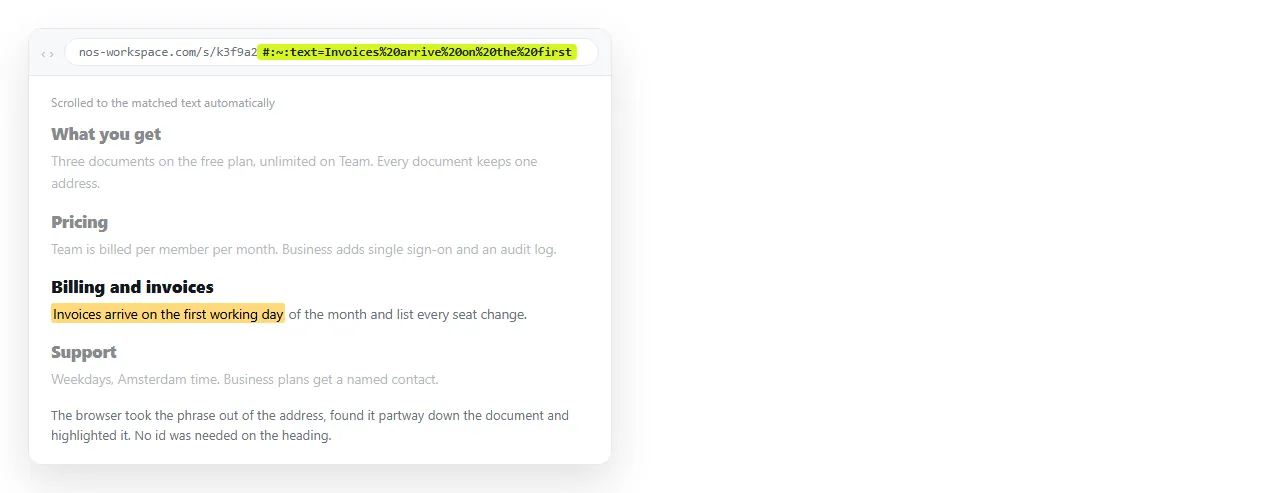
If there are no ids, browsers based on Chromium support text fragments, which find a phrase instead of an element:
https://example.com/handbook#:~:text=refund%20window
That syntax is a hash, a colon, a tilde, another colon, then text= and the words, percent encoded. The browser scrolls to the first match and highlights it.
Two limits worth knowing before you rely on it. Support is not universal, so some readers land at the top of the page instead. And it matches the live text, so an edit to the page breaks the link with no warning.
Why sections break after loading
The single most common failure is the section not existing yet when the browser goes looking for it.
Collapsed content. An accordion panel that is closed usually has its contents in the document but hidden, which works. A panel that only builds its contents on click does not.
Lazy loading. Anything fetched after the first render arrives too late. The browser checked once, found nothing, and does not check again.
Tabs. Only the active tab is in the page. A link into an inactive tab resolves to nothing.
If you control the page, the fix is to open the relevant panel when a hash is present. If you do not, the section link is not going to be dependable and a plain page link plus a sentence of instruction is more honest.
A fixed header eats the target
The browser scrolls the element to the very top of the viewport. A sticky bar already occupies that space, so the reader arrives looking at the paragraph after the heading.
:target { scroll-margin-top: 80px; }
Set the value to the real height of the bar. Apply it to :target or to the headings themselves, whichever is easier to maintain.
This is worth checking before you send a section link to a group, because it looks like the link went to the wrong place.
Section links only exist if the page has an address
A hash needs something in front of it. A document sitting in a folder, or attached to an email, has no address to hang one on, so there is nothing to send.
That is the practical reason to turn the HTML into a link before you start deep linking into it. Once the page is served at a URL, every heading with an id becomes quotable.
In a NOS document the pasted HTML renders as written, so ids you already wrote keep working. The document has its own address.
Editing the content does not move that address, so a section link you sent last month still lands in the right place.
Practical uses
- Answering a question with a link, not a paragraph. Point at the exact clause rather than the whole handbook.
- Long client reports. Send the summary link to executives and the methodology link to the team reviewing it.
- Runbooks. Each step gets an id, so an alert can link straight at the step.
- Contents lists. The in-page version of the same mechanic, covered in linking to an anchor on the same page.
Navigation links usually read better without decoration, and removing the underline shows the declaration for that.
Checking a section link before you send it
Four checks, and they take under a minute.
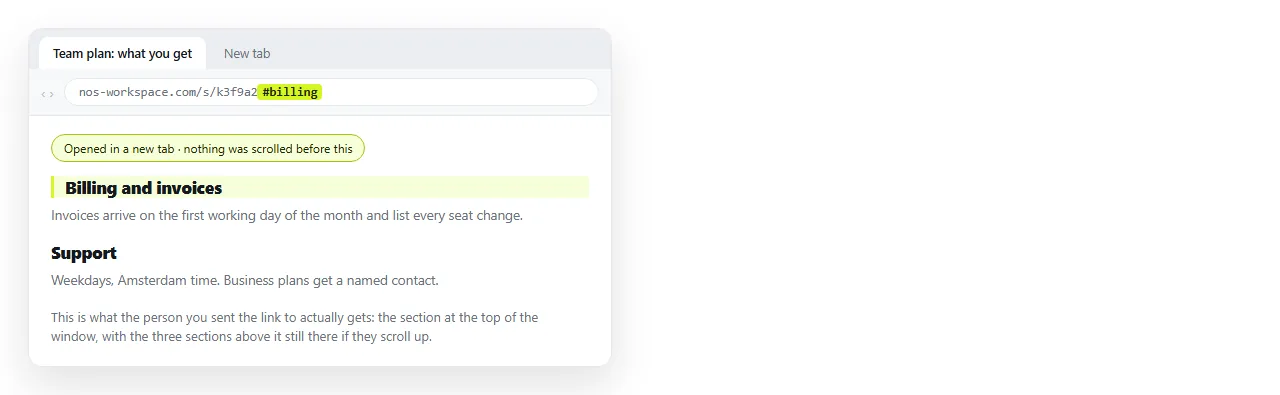
- Open it in a tab that is not already on the page. Being on the page already hides the loading order problems.
- Check the id exists, exactly. Search the source for the string after the hash, including case.
- Watch where the reader lands. A fixed header will cover the heading unless
scroll-margin-topis set. - Try it on a phone. Narrow layouts often collapse sections into panels that are empty until tapped.
For the surrounding question of how the page gets to the reader at all, sharing an HTML file ranks the routes.